
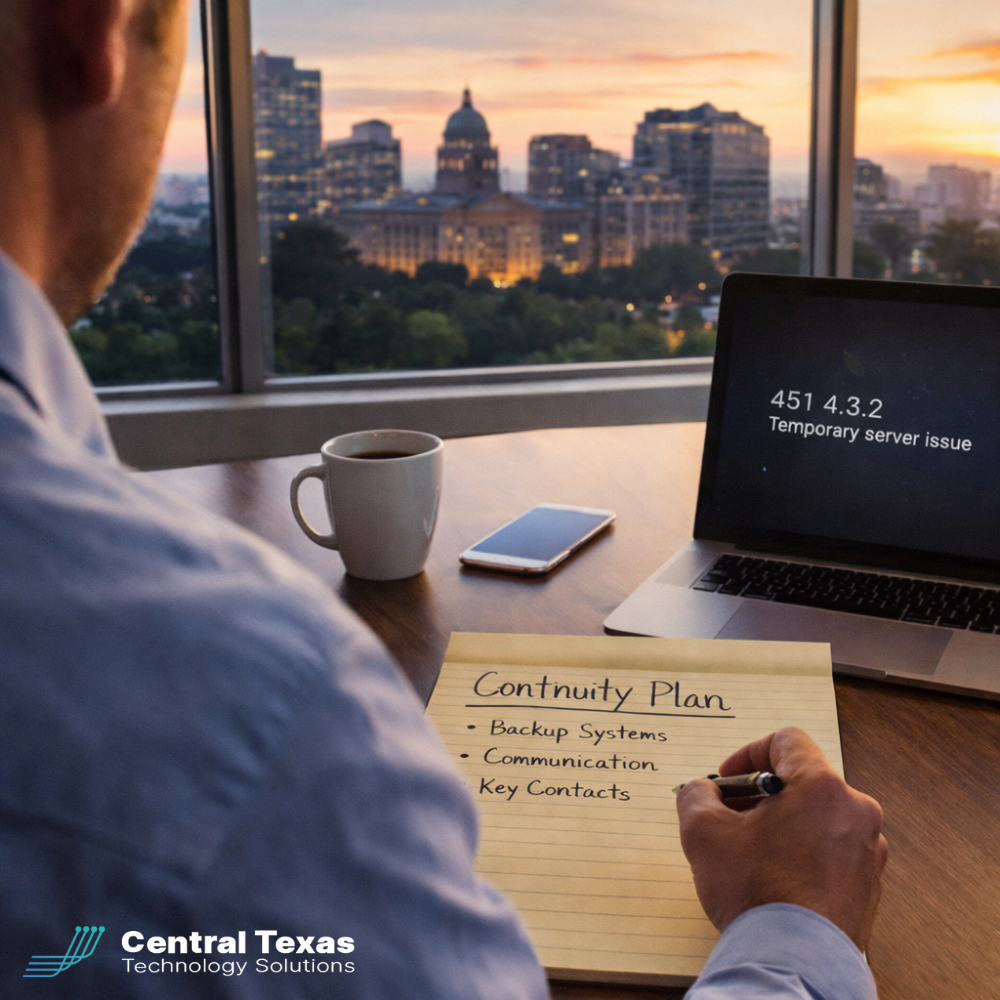
 On January 22, thousands of businesses across North America experienced something most leaders rarely plan for. Microsoft 365 went down. Email failed. Teams meetings vanished. Files stored in SharePoint and OneDrive became inaccessible.
For more than eight hours, organizations that rely on Microsoft’s cloud ecosystem were effectively stuck. Employees stared at error messages instead of inboxes. Customers waited for replies that never came. IT administrators struggled to even access Microsoft’s own status tools.
This was not a cyberattack or a regional power outage. It was a reminder that even the largest technology providers experience failure.
For business owners in Austin and across Central Texas, the takeaway is clear. Cloud tools are essential, but cloud dependency without planning is a risk.
The Real Stakes of Ignoring Outage Planning
When systems go offline, the cost adds up fast.
Lost productivity hits immediately as employees cannot communicate or access files. Customer experience suffers when messages go unanswered. Sales conversations stall. Internal decision-making slows to a crawl.
More damaging is the reputational impact. Clients and partners rarely care why email was down. They only remember that responses were delayed and promises were missed.
Many organizations assume that cloud platforms eliminate downtime risk. In reality, they shift responsibility. Vendors manage infrastructure, but businesses remain accountable for continuity.
Without a plan, leaders are left reacting instead of leading.
Why Central Texas Businesses Need a Trusted IT Guide
This is where the difference between tools and strategy becomes clear.
At CTTS, we help businesses across Austin, Georgetown, Round Rock, and surrounding communities think beyond licenses and platforms. Our role is to guide leaders through risk planning, not just technology selection.
When outages happen, prepared organizations already know:
-
How teams will communicate if email fails
-
Which systems are truly mission-critical
-
Who is responsible for decision-making during disruptions
-
How quickly normal operations can resume
Technology should support growth, not introduce uncertainty.
Five CEO-Level Best Practices to Reduce Cloud Outage Risk
-
Define critical systems clearly
Know which tools must stay available for your business to function and which can tolerate short interruptions. -
Build alternate communication paths
Have documented options for internal and external communication if email or collaboration platforms go offline. -
Document business continuity processes
Clear, simple procedures prevent confusion when systems are unavailable. -
Monitor vendor health proactively
Outages rarely happen without warning signs. Active monitoring allows faster response and clearer communication. -
Partner with an IT team that plans ahead
Reactive support fixes problems after they occur. Strategic IT planning reduces the impact before issues escalate.
What Business Continuity Looks Like Done Right
Prepared businesses do not panic when platforms fail. Teams know what to do. Leaders communicate confidently. Customers receive updates instead of silence.
Most importantly, operations continue.
This is not about abandoning the cloud. It is about using it wisely and backing it with thoughtful planning.
Schedule a Free Strategy Session with CTTS
If this recent outage raised questions about your own preparedness, that’s a good thing.
CTTS helps Central Texas businesses turn uncertainty into confidence through clear planning and proactive IT strategy.
Schedule a free strategy session with CTTS and learn how to protect your business when the unexpected happens.
FAQs
Does cloud technology eliminate downtime risk?
No. It reduces certain risks but introduces dependency risks that must be planned for.
Is this specific to Microsoft outages?
No. Any major cloud provider can experience disruptions. The lesson applies across platforms.
How do I know if my business is prepared?
If you cannot clearly explain how your team would operate during an extended outage, it is time for a review.
Contact CTTS today for IT support and managed services in Austin, TX. Let us handle your IT so you can focus on growing your business. Visit CTTSonline.com or call us at (512) 388-5559 to get started!