 Win VIP Access to Two Step Inn Georgetown.
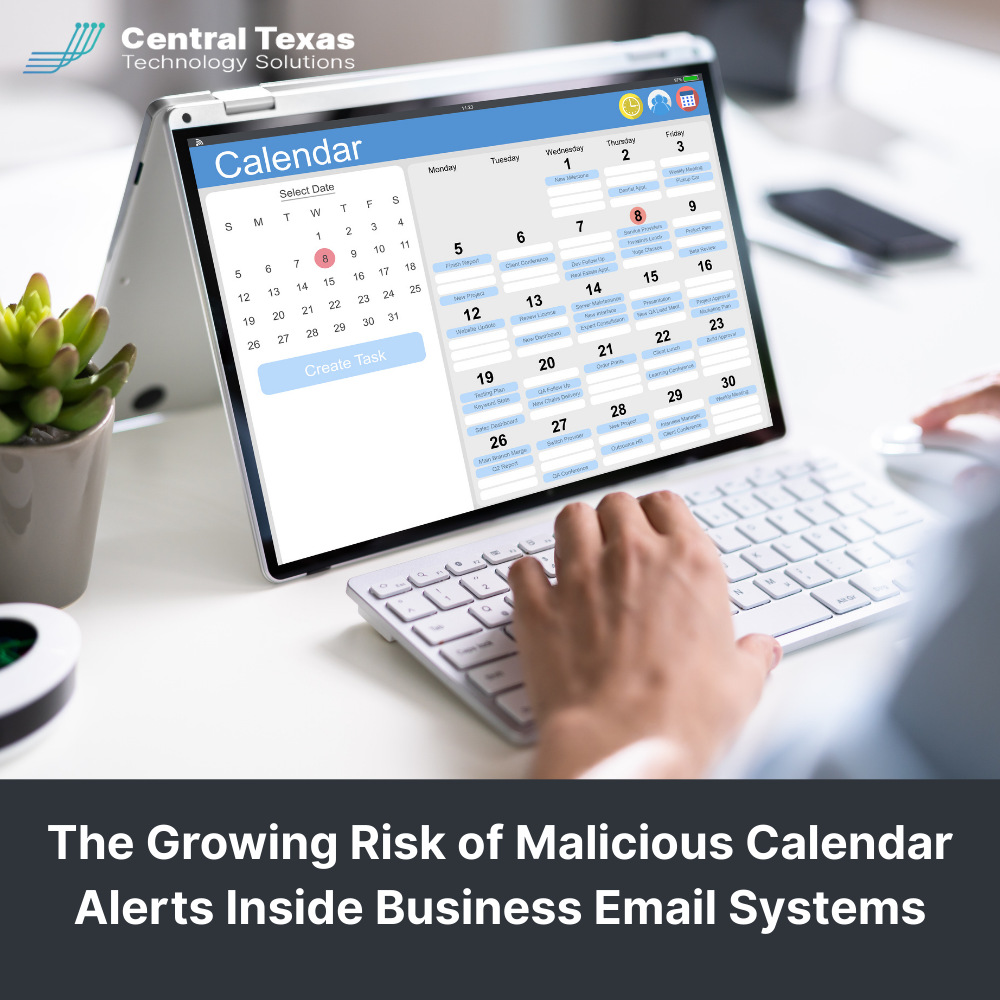
 Your digital calendar quietly runs your workday. It tells you where to be, who you are meeting, and what deadlines matter most. For business leaders, calendars are trusted without a second thought.
That trust is exactly what cybercriminals are exploiting.
Malicious Calendar Alerts are becoming a growing threat inside business email systems, especially for organizations that rely heavily on Microsoft Outlook, Google Workspace, or Apple Calendar. These attacks do not start with a suspicious email. They appear directly inside your calendar, often without anyone clicking Accept.
For businesses in Austin, Round Rock, Georgetown, and Cedar Park across Healthcare, Legal, Professional Services, Construction, Manufacturing, and Nonprofits, this threat deserves serious attention.
How Malicious Calendar Alerts Enter Business Email Systems
Most calendar platforms allow users to subscribe to external calendars. This feature is useful for tracking industry events, company holidays, marketing schedules, or shared project timelines.
Here is where the risk begins.
If a company or organization that owns one of those external calendars lets its domain expire, cybercriminals can purchase that domain and take over the calendar feed. Every user who subscribed continues receiving events, but now those events are controlled by an attacker.
Instead of legitimate reminders, the calendar starts delivering messages that look like urgent alerts or official notices.
Common examples include:
- Fake account security warnings
- Payment or billing alerts
- Software update notifications
- Meeting invites with malicious links
Because these events arrive through a trusted calendar subscription, they often bypass traditional spam filters and security tools.
Why Malicious Calendar Alerts Are So Effective
Malicious Calendar Alerts work because they blend into normal workflows. Employees are conditioned to trust calendar notifications. They assume events are safe, especially when they appear automatically.
These alerts often include:
- Urgent or alarming language
- Links disguised as legitimate services
- Notifications scheduled outside normal business hours
- Branding that looks almost correct but slightly off
Once clicked, those links can lead to phishing pages, credential theft, or malware downloads. In regulated industries like Healthcare and Legal, a single compromised account can lead to compliance violations, data exposure, and costly downtime.
Warning Signs Your Business May Be Exposed
Malicious Calendar Alerts often go unnoticed at first. Encourage your team to watch for red flags such as:
- Calendar entries from unknown or forgotten subscriptions
- Requests for login credentials or payment details
- Events that reference services your company does not use
- Invitations that include shortened or mismatched links
If something feels unusual, it probably is.
How Businesses Can Reduce the Risk of Malicious Calendar Alerts
Protecting your organization does not require panic, but it does require planning. Strong calendar hygiene should be part of your broader cybersecurity strategy.
Key steps include:
- Reviewing and removing outdated calendar subscriptions
- Disabling automatic calendar additions where possible
- Separating external calendars from internal business schedules
- Including Malicious Calendar Alerts in security awareness training
- Enabling advanced link scanning for calendar invitations
For growing organizations in Construction, Manufacturing, and Nonprofits, these steps help reduce a threat that often flies under the radar.
Why CTTS Is the Right Guide for This Threat
Cybersecurity threats rarely arrive in obvious ways anymore. Malicious Calendar Alerts are just one example of how attackers adapt faster than outdated security strategies.
CTTS helps Central Texas businesses stay ahead by identifying hidden risks inside everyday tools like email and calendars. We work with business leaders across Austin and surrounding communities to strengthen security, educate teams, and build systems that scale safely.
When you partner with CTTS, you gain:
- Proactive threat monitoring
- Employee security training tailored to real-world attacks
- Strategic guidance aligned with your industry and growth goals
You do not have to catch every threat on your own. You just need the right guide.
Schedule a free Cybersecurity Strategy Session with CTTS today!
Frequently Asked Questions
What are Malicious Calendar Alerts?
Malicious Calendar Alerts are fake or harmful events delivered through calendar subscriptions that can include phishing links, fake security warnings, or malware notifications.
Can Malicious Calendar Alerts bypass email security tools?
Yes. Because these alerts often come through trusted calendar subscriptions, they may not be flagged by traditional email spam or phishing filters.
How can my business prevent calendar based attacks?
Prevention includes reviewing subscriptions, limiting automatic calendar additions, training employees, and working with an IT partner like CTTS to monitor and secure collaboration tools.
Contact CTTS today for IT support and managed services in Austin, TX. Let us handle your IT so you can focus on growing your business. Visit CTTSonline.com or call us at (512) 388-5559 to get started!