
 Most cyberattacks do not begin with sophisticated hacking tools. They begin with something small. A USB drive left in a parking lot. A QR code stuck to a flyer at a coffee shop. A free phone charging station at the airport. In 2026, the cybersecurity companies Austin businesses trust are spending less time chasing exotic threats and more time helping clients see the everyday traps their teams walk past every day. Curiosity, urgency, and convenience are doing the heavy lifting for attackers, and most well meaning employees do not know it.
What Is at Stake When You Overlook the Small Stuff
The threat landscape has shifted hard toward attacks that exploit human behavior rather than software bugs. Microsoft reported a 146% rise in QR code phishing in the first quarter of 2026 alone, with more than 8 billion phishing threats analyzed in that window. Europol's 2026 report flagged QR code phishing, often called quishing, as the fastest rising payment fraud vector in Europe, and the same trend is playing out in U.S. small business inboxes.
Why is this so effective? Because the malicious URL lives inside an image, it slips past most email security filters that only parse text. Then the attack lands on a personal phone, which sits outside your corporate security perimeter. Research from KnowBe4 and NordVPN found that 73% of users scan QR codes without verifying where the link goes. That is the attack. There is no malware payload at the start, just a trust assumption.
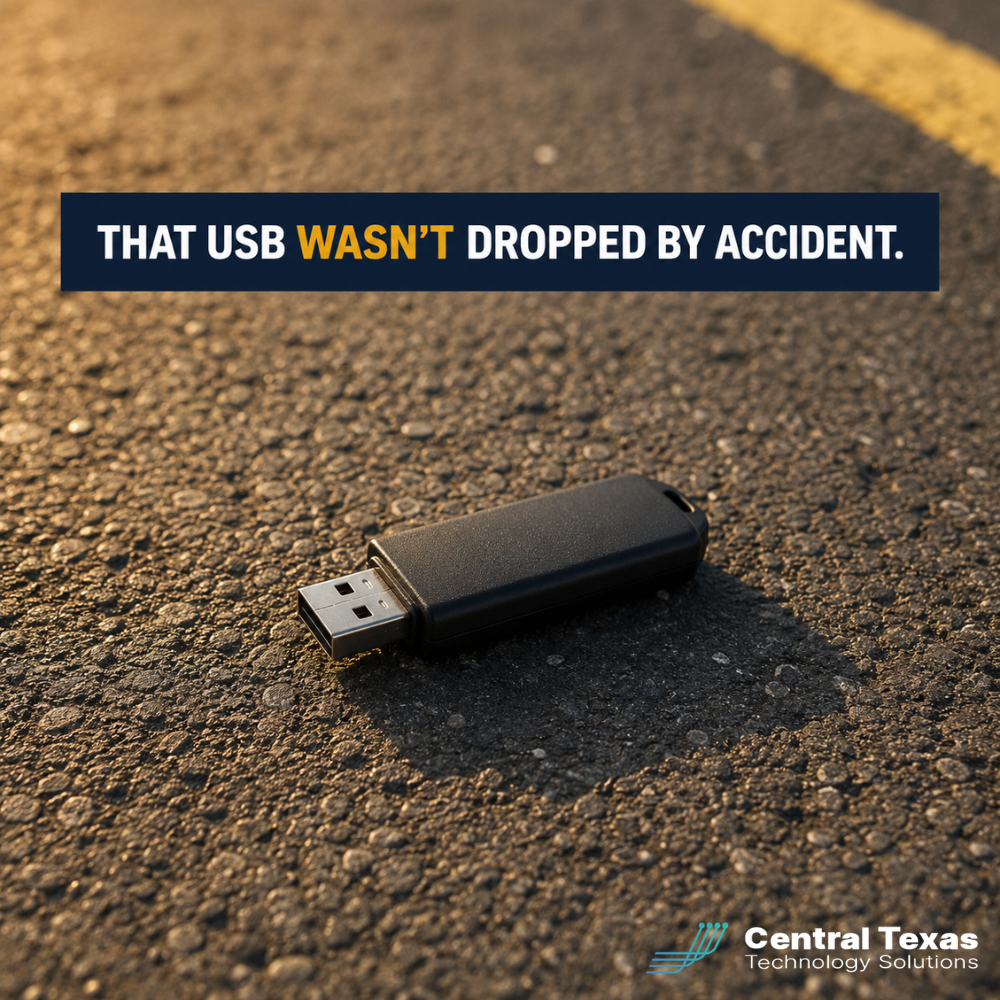
USB based attacks are different but no less practical. Baiting, the practice of leaving an infected USB stick in a public place for someone to find and plug in, has been a documented small business attack vector for years and remains active in 2026 social engineering reports. The fact that it sounds old fashioned is exactly why it still works. Employees who would never click a suspicious link will happily plug a found drive into a work laptop to figure out who it belongs to.
Public USB charging stations get more headlines than real incidents, but the principle is real. The TSA issued a fresh warning ahead of the 2026 summer travel season about fake USB charging ports and Wi-Fi honeypots in airports. The exact mechanism varies. The lesson does not. Public infrastructure that connects to your device is something an attacker can stand up and walk away from.
Why Central Texas Businesses Face These Cyber Traps
Central Texas business owners feel this pressure in three specific ways. First, your teams travel. Sales leaders, executives, healthcare professionals, and consultants moving between Austin Bergstrom International Airport, downtown Austin offices, and client sites in San Marcos and Round Rock are exactly the population these traps target. Tired travelers reach for whatever charger is on the wall.
Second, your business runs on mobile. Most Central Texas companies in the 25 to 250 employee range now do meaningful business through phones, including approving invoices, scanning shared drive links, and authenticating into Microsoft 365. That puts more high value action on a device most security stacks barely cover. Quishing is built for that gap.
Third, your trust networks are local. A QR code at a coffee shop in Buda or a flyer pinned at a New Braunfels community board feels safe because the surroundings feel safe. Attackers count on that comfort. Many of the social engineering attempts hitting Central Texas businesses now blend a familiar local detail with a global attack tool.
How CTTS Helps Central Texas Businesses Close the Easy Doors
CTTS works with Central Texas businesses to build a layered defense that does not depend on any one employee making the right call in the moment. We start with a real audit of how your team uses email, mobile, and Microsoft 365, then identify the everyday traps your current setup leaves open.
From there, we put practical controls in place. We configure endpoint protection to block unauthorized USB devices on company laptops. We tune email filtering to catch the image based phishing attempts that ride in QR codes. We implement conditional access in Microsoft 365 so a stolen password is not enough to get into your tenant. And we run security awareness training that actually covers what employees are seeing in 2026, not the same five year old phishing examples.
We also help leadership think about the policy side. What is the company stance on found USB drives? What is the rule for scanning QR codes on travel? What is the expectation for charging a personal phone on a client site? These are small choices that prevent expensive incidents, and they are the kind of choices the cybersecurity companies Austin business leaders rely on should be helping you make.
Best Practices Cybersecurity Companies Austin Businesses Trust Recommend in 2026
These are the standards we recommend every Central Texas business owner adopt this year. They are not technical. They are decisions a CEO or CFO can make and communicate in a single team meeting.
Treat Every QR Code as Untrusted by Default
When a team member scans a QR code, the destination URL should appear in a banner before the page loads. Both iOS and Android show this preview. Train your team to read it every time and stop if anything looks off.
If the URL is shortened, unfamiliar, or asks for a Microsoft 365 login, the answer is no. This single habit defeats the majority of quishing attempts before they reach a credential harvest page.
Skip Public USB Charging and Bring Your Own Power
The simplest defense against any USB based airport or hotel attack is to never plug your device into someone else's port. Buy a portable battery pack for every traveling employee. Use the wall outlet with your own charging brick.
If a USB port is the only option, use a USB data blocker, sometimes called a charge only adapter. The rule is simple. If you do not own it, do not connect to it.
Never Plug In a Found USB Drive
A USB drive left in a parking lot, a lobby, or a conference room should be treated as evidence, not as a curiosity. If it belongs to someone, the right move is to hand it to facilities or IT unopened.
We can examine drives in an isolated environment when there is a real reason to. Plugging an unknown drive into a work laptop, even a locked one, can be enough to trigger an attack on modern systems.
Refresh Security Awareness Training Quarterly
Most security awareness programs were written before quishing and modern social engineering existed. If your team has not seen training that mentions QR codes, AI generated voice cloning, and prompt bombing in the last six months, it is out of date.
Quarterly refreshers focused on real, current attack patterns close the gap between what attackers are actually doing and what employees are watching for.
Move Toward Phishing Resistant Authentication
Multi factor authentication is no longer enough on its own. Real time MFA proxying, the technique most quishing kits use, defeats text and app based codes. Phishing resistant methods, including hardware security keys and passkeys, raise the bar significantly.
Most Central Texas businesses can begin rolling these out for executives and finance teams immediately, then expand from there.
Take the Next Step
If you do not know whether your team has been trained on QR code phishing, or whether your laptops can stop an unknown USB drive, the right next step is a conversation. We will sit down with you, look at what you have in place, and tell you where the easy doors are still open.
Visit CTTSonline.com or schedule a free strategy session with CTTS. Central Texas businesses trust us because we reduce their risk and help them keep more of their money.
Frequently Asked Questions
Are QR code phishing attacks really a serious threat for small businesses in 2026?
Yes. Microsoft saw a 146% rise in QR code phishing in just the first quarter of 2026, and Palo Alto Unit 42 averages more than 11,000 malicious QR detections per day. Quishing is especially dangerous for small businesses because the attack lands on a personal phone, where most company security tools have no visibility. The right defenses include training, mobile aware email filtering, and phishing resistant authentication for Microsoft 365.
Is juice jacking at public USB charging ports a real risk or media hype?
Both can be true. Confirmed real world juice jacking incidents are rare, and the FCC has acknowledged it has not documented a wave of attacks at public chargers. At the same time, the TSA issued a fresh 2026 warning about fake USB ports and Wi-Fi honeypots in airports, and malicious USB cables sold online are a documented threat. The practical answer is simple. Charge from a wall outlet with your own brick, carry a portable battery, and treat any unknown USB connection as untrusted.
How often should we run security awareness training for our Central Texas team?
For most Central Texas businesses, we recommend a short refresher every quarter rather than a single annual session. Attackers change tactics constantly, and the lessons that mattered last year are not the lessons that matter today. A quarterly cadence keeps content fresh, builds muscle memory, and gives leadership a regular checkpoint on which teams or individuals need additional support.
Contact CTTS today for IT support and managed services in Austin, TX. Let us handle your IT so you can focus on growing your business. Visit CTTSonline.com or call us at (512) 388-5559 to get started!