
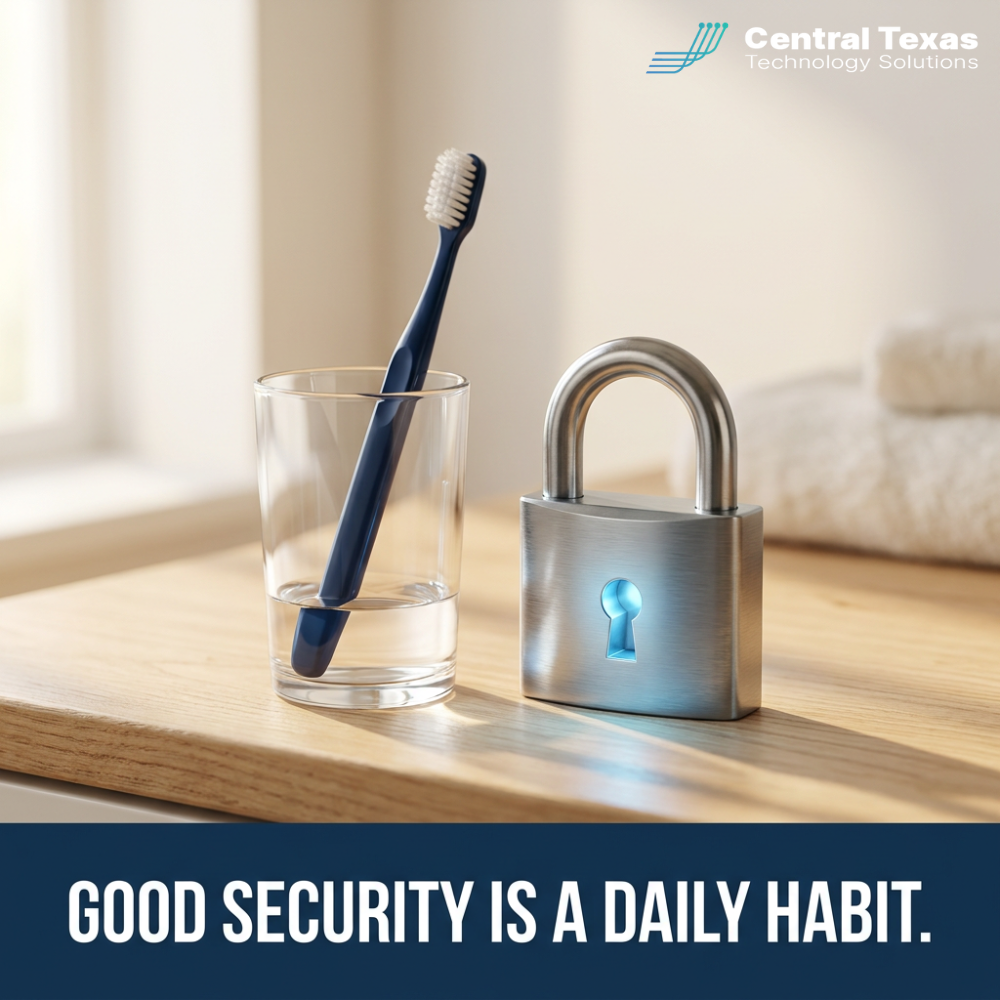
 Most people brush their teeth every day. Not because they expect a dental emergency, but because small daily habits prevent bigger problems later. In 2026, the same is true for protecting your business: the moment most owners start typing cybersecurity companies near me into Google is right after something went wrong, when the cheapest fixes were the daily habits that never got built.
What Is at Stake
Good cybersecurity is not just firewalls, antivirus software, and a security team working behind the scenes. It is also the everyday habits your people practice with email, passwords, phones, and online services. Those habits seem small in the moment, but they often determine whether an attack against your business succeeds or fails.
The numbers back this up year after year. The majority of breaches involve a human element: a convincing email that got a rushed click, a password reused from a personal account that showed up in someone else's breach, an update postponed until next week for months. Attackers know this, which is why they spend far more effort on your people than on your perimeter.
For a small business, the consequences are not abstract. A single compromised mailbox can lead to wire fraud, client data exposure, and notification obligations under Texas law. Days of downtime land on a payroll that does not pause. And the reputational cost of telling clients their information leaked through a preventable click lingers long after systems are restored. Compare that to the cost of the prevention: minutes a day and a little consistency.
Why Central Texas Businesses Face This Challenge
The businesses we serve across Central Texas run lean. In a 30 person firm, everyone wears three hats, email volume is heavy, and speed is the culture. That is precisely the environment where hygiene slips: the bookkeeper approving invoices at 4:55 PM, the project manager answering email from a phone in a parking lot in Bastrop, the new hire in Round Rock who has not been told what a lookalike domain is.
Growth makes it harder. Companies along the I-35 corridor are hiring, and every new employee arrives with their own password habits, their own devices, and no knowledge of your expectations. Without a deliberate routine, your security culture is just the average of whatever habits people brought with them.
And unlike the big enterprises in Austin, most local firms do not have a security team watching for the slip. The habits are not a nice extra layer here. For a 25 to 250 person business, the habits are a meaningful part of the defense.
How CTTS Stands Out Among Cybersecurity Companies Near Me
CTTS exists to reduce your risk and help you keep more of your money, and cyber hygiene is one of the highest return places we do it. Technology comes first: we put the safety net in place, including email filtering, endpoint protection, MFA, and patching, so that one bad click does not automatically become a bad month.
Then we work on the habits. We run short, regular security awareness training built for busy teams, not hour-long annual lectures everyone forgets. We send realistic phishing simulations so people practice the pause before the stakes are real. And we make reporting easy and blame-free, because the fastest way to contain an incident is an employee who says something five minutes after the click instead of five days.
Finally, we measure. You see which habits are sticking, who needs a refresher, and how your team's resilience trends over time. That turns culture, which usually feels fuzzy, into something you can actually manage.
Five Daily Cyber Hygiene Habits Every Team Should Practice in 2026
These are the habits we coach into every client team. None of them require technical skill. All of them require consistency.
Pause Before You Click
Almost every successful phishing attack depends on speed: an urgent invoice, a boss who needs gift cards now, a package that could not be delivered. The habit is a three second pause. Check the sender's actual address, hover over the link, and ask whether the request makes sense before acting on it.
Train the pause especially around money and credentials. Any email that asks for a payment change, a login, or sensitive data earns a verification step through a known channel, like calling the vendor at the number you already have. That one habit alone has saved our clients six figure losses.
Use a Password Manager and MFA Everywhere
Password reuse is how a breach at some unrelated website becomes a breach at your company. A password manager removes the memory burden so every account gets a unique, strong password, and your team only protects one vault.
Pair it with multifactor authentication on every account that offers it, starting with email, banking, and Microsoft 365. Where possible, move to phishing resistant options like passkeys. MFA approval requests you did not initiate are themselves a habit trigger: deny and report, never approve to make the buzzing stop.
Install Updates When Asked, Not Eventually
Updates are not interruptions. They are patches for holes attackers are actively scanning for, often within days of disclosure. The habit is simple: when a device or application asks to update, let it, ideally at the end of the day rather than never.
In a managed environment we automate most of this, but personal phones and home machines that touch company email still rely on the individual. Make restart your machine a normal Friday ritual, not an annual event.
Lock Devices and Keep Work Separate
A laptop left open at a coffee shop in San Marcos or a phone without a passcode is an unlocked door to company data. Lock screens, short auto-lock timers, and passcodes on every device are table stakes, and they take seconds.
Keep work accounts and personal accounts separate. Personal browsing, personal app trials, and personal email on the same profile that holds client data widens the blast radius of every mistake. The boundary is a habit, and leaders model it first.
Report Fast, Without Fear
The most valuable security habit in any company is the quick, honest report: I clicked something, this looks wrong, my phone is asking for MFA approvals I did not request. Speed of reporting is the difference between an incident and a disaster.
That habit only survives in a culture without blame. If the last person who reported a click got humiliated, your next incident will be reported late or never. Praise the report, fix the problem, and fold the lesson into next month's training.
Take the Next Step
You cannot out-buy bad habits, and you do not need to. If you want a partner who builds both the safety net and the daily routine, CTTS works with businesses across Central Texas to make security automatic, measured, and drama free.
Schedule a free strategy session with CTTS, and we will show you where your habits stand today.
Frequently Asked Questions
What is cyber hygiene and why does it matter for a small business?
Cyber hygiene is the set of routine practices that keep your accounts, devices, and data safe: pausing before clicking, using unique passwords with MFA, installing updates promptly, locking devices, and reporting anything suspicious quickly. It matters because most successful attacks on small businesses exploit a human habit, not a sophisticated technical flaw. Tools catch much of the bad traffic, but the daily habits of your team decide what happens with the messages and moments that get through.
How do I get employees to actually follow security habits?
Make the habits small, specific, and frequent rather than delivering one long annual training. Short monthly lessons, realistic phishing practice, and visible leadership example outperform policy documents every time. Remove friction where you can: a password manager makes good password behavior easier than bad behavior. Most importantly, keep reporting blame free, because employees who fear embarrassment will hide the exact mistakes you most need to hear about quickly.
How should I choose among the cybersecurity companies near me?
Look for a partner who talks about your people and processes, not just products. Ask how they train teams, how they measure improvement, what their response time commitments are, and whether they understand the compliance obligations of your industry. Local presence matters too: a Central Texas provider understands the regional business community and can be in your office when it counts. CTTS offers a free strategy session so you can evaluate the fit before committing anything.
Contact CTTS today for IT support and managed services in Austin, TX. Let us handle your IT so you can focus on growing your business. Visit CTTSonline.com or call us at (512) 388-5559 to get started!