
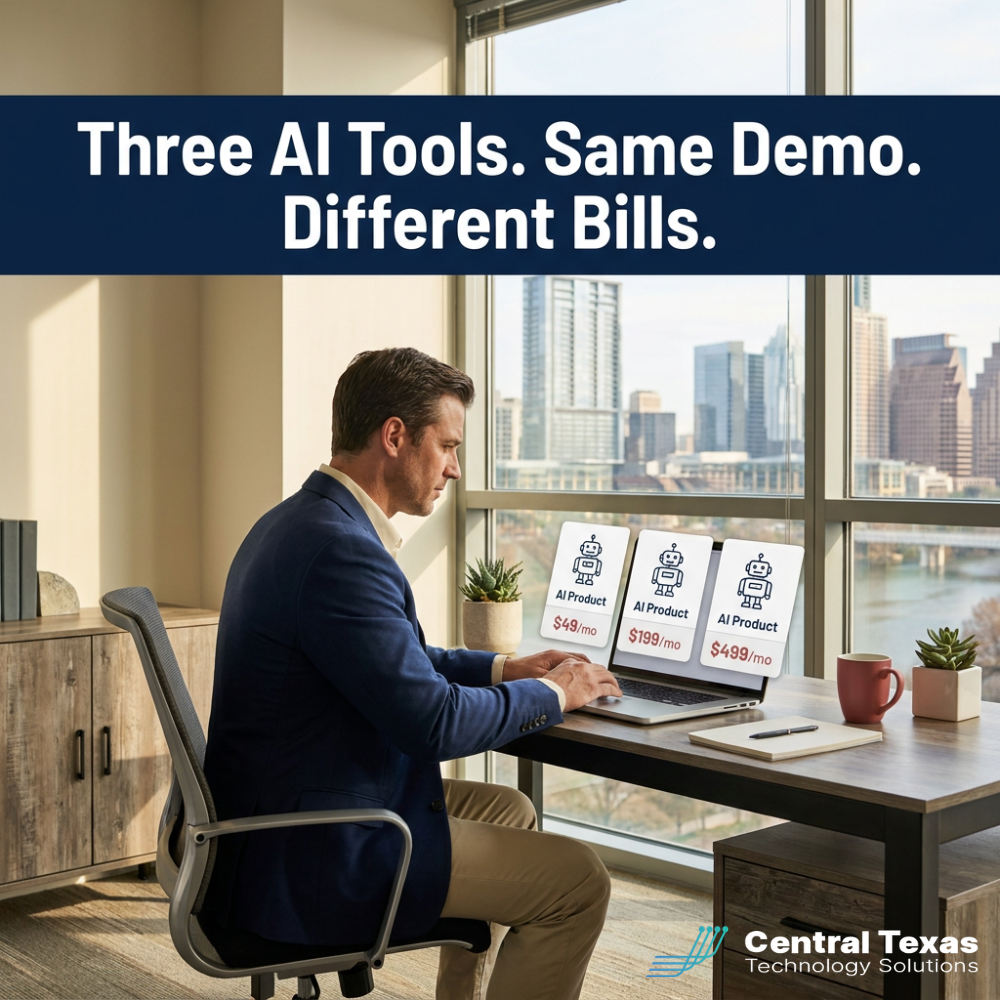
 If you are a Central Texas business owner trying to choose between AI agents vs chatbots and AI assistants in 2026, the confusion is not your fault. Vendors use the three terms almost interchangeably, often to describe the same product with three different price tags. The real question is not which one sounds smartest in a demo. It is which one moves the work your business already pays for.
What AI Agents vs Chatbots Means for Central Texas Businesses in 2026
The three terms describe three different jobs. An AI assistant helps a person do their work faster: Microsoft 365 Copilot drafting an email, ChatGPT generating a first-pass proposal, GitHub Copilot suggesting code. A human is always in the loop, reviewing the output before it ships. A chatbot answers bounded questions on your website, in Microsoft Teams, or inside an app. It is good at frequently asked questions, status lookups, and simple intake. It is not good at judgment calls. An AI agent completes multi-step tasks across multiple systems with minimal supervision. It can book a meeting, reconcile an invoice, open and route a service ticket, or pull data from three systems and post a weekly report. The agent is the most powerful of the three. It is also the most expensive to get wrong.
For most Central Texas businesses in 2026, the stakes are practical. The right AI tool returns hours every week without introducing new compliance, data privacy, or vendor lock-in risk. The wrong tool pays a monthly subscription for a feature your team does not use, or exposes client data to a model whose training and retention policy nobody read. CTTS sees both outcomes weekly. The deciding factor is whether someone matched the tool to the actual job before the contract was signed.
Why Central Texas Businesses Are Confused About AI Tools in 2026
Three forces created the confusion. The first is vendor language. Microsoft, Google, Salesforce, and dozens of smaller players have renamed and rebundled their AI products at least twice in the last 18 months. A Copilot in 2024 was an assistant. A Copilot in 2026 might be an assistant, a chatbot, or an agent depending on which SKU you bought. Owners in Austin and Round Rock describe the same moment. The demo looked great. The invoice was twice what they expected.
The second is the demo itself. Assistants, chatbots, and agents all show off the same way in a sales call. Someone types a question. Words stream back. Everyone nods. The real differences surface in week three, when the chatbot cannot answer a moderately complex customer question, or the agent commits an action nobody approved, or the assistant produces a beautiful draft of something nobody needed.
The third is cost model variance. Assistants are usually priced per seat per month. Chatbots are often priced per conversation. Agents are priced per task, per token, or per API call. Three identical-looking products can have three very different bills at the end of the quarter. For owners in Georgetown and San Marcos running on tight budgets, that surprise is the most common reason an AI pilot gets quietly killed in month four.
How CTTS Handles AI Agents vs Chatbots vs Assistants for Central Texas Businesses
When clients ask CTTS about AI, the first conversation is a workflow audit, not a product pitch. We sit down with the operations leader and identify the three or four tasks that consume the most time each week. We map who does the work today, what the inputs and outputs are, and what error tolerance the task allows. Only after that conversation do we discuss whether an assistant, a chatbot, or an agent fits.
The audit also surfaces the data exposure question that vendor demos skip. Where does the prompt go? Does the vendor train on your inputs? Can your team's Microsoft 365 data leave the tenant? Are there CMMC, HIPAA, or TRAIGA constraints that limit which models you can use? CTTS handles those answers in plain language so the leadership team can decide with confidence.
"Most AI buying mistakes come from picking a product before defining the job. We start with the workflow, not the tool. That single discipline cuts our clients' AI spend by 30 to 50 percent and doubles the adoption rate of what we keep." — Josh Wilmoth, President and CEO of CTTS
From there, every CTTS AI engagement follows a three-step pilot model. A 30 day proof with one workflow and one success metric. A 60 day expansion with a second workflow and a measured cost review. A 90 day governance handoff that documents the policy, the prompts, and the people who own the tool. The result is AI that earns its seat, not AI that decorates your invoice.
How to Choose the Best AI Tool for Your Central Texas Business in 2026
The best AI tool for a Central Texas business in 2026 is the one that fits a specific job, not the one with the loudest marketing. Seven criteria separate the right choice from the costly one.
- Identify the specific job to be done before picking the tool. The job determines whether you need an assistant, a chatbot, or an agent.
- Confirm the data exposure model. Know exactly where your prompts go and whether the vendor trains on your inputs.
- Verify the cost model. Per seat, per conversation, per task, and per token bills behave very differently at scale.
- Check vendor lifecycle. Many AI startups pitching today will not exist or will be acquired by the end of 2027.
- Require a measurable success metric in every pilot. Hours saved per week, ticket deflection rate, draft acceptance rate, or revenue per rep.
- Run governance through your existing compliance frameworks. HIPAA, CMMC, TRAIGA, and your own data classification policy.
- Plan offboarding before you commit. Confirm how you export prompts, data, and trained context if you switch tools next year.
A Practical AI Adoption Plan for Central Texas Businesses
Start With One Workflow, Not a Strategy
Most AI projects fail because they start as a strategy memo and never reach a working pilot. The opposite move works better. Pick one task that is repeated weekly, costs at least an hour of staff time, and has clear inputs and outputs. Drafting client status emails. Categorizing inbound support tickets. Generating first drafts of meeting notes.
A one-workflow start gives you something measurable in 30 days and an honest conversation about whether the tool was worth the spend. It also keeps risk small while your team learns the new posture. CTTS runs every AI engagement this way because we have watched too many businesses commit to a platform before proving the underlying use case.
Pilot for 30 Days With a Clear Success Metric
The pilot answers one question. Did this AI tool save the person doing the work enough time, with enough quality, to justify the monthly cost? Pick the metric before you start. Hours returned per week. Output quality scored against a baseline. Volume of work completed.
At day 15, do a mid-pilot review with the user, not the executive sponsor. The person actually using the tool will tell you in five minutes whether it earned its keep. At day 30, you either expand or kill it. There is no third option. The businesses that drift past day 30 without a decision are the ones whose AI spend balloons quietly through 2026 and shows up as a five-figure renewal line nobody can defend.
Add Governance Before You Scale
Once a pilot succeeds, document the rules before rolling out wider. Which data can flow through the tool. Which roles can access it. How prompts and outputs are retained. Which compliance frameworks apply.
This step is where Texas TRAIGA and federal CMMC requirements enter the conversation for many Central Texas clients. CTTS builds an AI use policy template into every engagement so the policy exists before the second workflow goes live. A policy you write after a problem is just a postmortem with letterhead.
Compare the Three Categories Side by Side
| AI Assistant | Chatbot | AI Agent | |
|---|---|---|---|
| What it does | Helps a person work faster | Answers bounded questions in one channel | Completes multi-step tasks across systems |
| Who supervises | Human reviews every output | Light human moderation | Minimal supervision with audit trail |
| Best when | Knowledge work, drafting, summarizing | Website FAQ, internal helpdesk, simple intake | Workflow automation across multiple systems |
| Typical cost model | Per user per month | Per conversation or flat monthly | Per task, per token, or per API call |
| Example products | Microsoft 365 Copilot, ChatGPT Enterprise | Microsoft Teams bots, Intercom Fin | Salesforce Agentforce, custom agents on Anthropic or OpenAI APIs |
Take the Next Step
AI is no longer optional for Central Texas businesses that want to keep up in 2026. The choice that matters is which AI tool fits which workflow, and how to govern the rollout before it gets expensive. CTTS helps owners and CFOs in Austin, Round Rock, Georgetown, and across Central Texas make that choice with real data, not vendor enthusiasm.
Schedule a free strategy session with CTTS today. We will walk through your top time-consuming workflows, model the right tool for each, and show you what a 30 day pilot looks like with a measurable success metric. The audit is yours to keep, no obligation.
Frequently Asked Questions About AI Agents, Chatbots, and Assistants
What is the difference between an AI agent and a chatbot?
An AI agent completes multi-step tasks across multiple systems with minimal human supervision, such as booking meetings, reconciling invoices, or routing service tickets. A chatbot answers bounded questions in a single channel, like your website or a Microsoft Teams channel, and does not act on other systems. Agents are more powerful and more expensive to deploy safely. Chatbots are easier to launch but limited in scope. The right choice depends on whether the work needs judgment and action or just a fast answer.
How much does AI cost for a small business in 2026?
Costs vary widely by tool and use case. Microsoft 365 Copilot runs around 30 dollars per user per month for assistant-style work. Customer-facing chatbots typically cost 200 to 2,000 dollars per month depending on conversation volume. AI agents range from a few hundred dollars per month for off-the-shelf options to tens of thousands per month for tailored deployments. The honest answer is that the price of the tool matters less than the value of the workflow it improves. CTTS prices AI engagements around the business outcome rather than the seat count.
Is it safe to use ChatGPT or Microsoft Copilot with company data?
It is safe only when the deployment model is the enterprise or business tier with documented data handling. Free and personal versions of most AI tools use your inputs to train future models. Enterprise editions of Microsoft 365 Copilot, ChatGPT Enterprise, Claude for Work, and similar tools provide tenant isolation and explicit no-training commitments. CTTS reviews every AI tool a client adopts against HIPAA, CMMC, TRAIGA, and the client's own data classification policy before rollout. Free-tier AI for business data is the single most common shadow-AI risk we find in Central Texas client audits.
Should I build a custom AI agent or use one off the shelf?
Start off the shelf. The off-the-shelf option proves whether the workflow benefits from AI at all, at a fraction of the cost of a custom build. Only move to a custom agent when the off-the-shelf tool has hit a clear ceiling on accuracy, integration, or volume, and the cost of the build is justified by a documented return. CTTS has watched several Austin businesses spend six figures building custom AI agents to solve problems an existing 30 dollar per month tool would have handled. Custom is the right answer eventually for many businesses. It is almost never the right first move.
What is the first AI tool a Central Texas business should adopt?
For most businesses, Microsoft 365 Copilot is the highest-ROI first AI tool because it sits inside the Word, Excel, Outlook, and Teams workflows your team already uses. Adoption is fast and data handling stays inside the existing Microsoft 365 tenant. The second tool is usually a customer-facing chatbot for the website or a service-desk assistant for internal helpdesk. AI agents come after both of those have proven their value. CTTS recommends this sequence for clients in Austin, Georgetown, and across Central Texas because it stacks predictable wins before the harder governance work begins.
Contact CTTS today for IT support and managed services in Austin, TX. Let us handle your IT so you can focus on growing your business. Visit CTTSonline.com or call us at (512) 388-5559 to get started!