
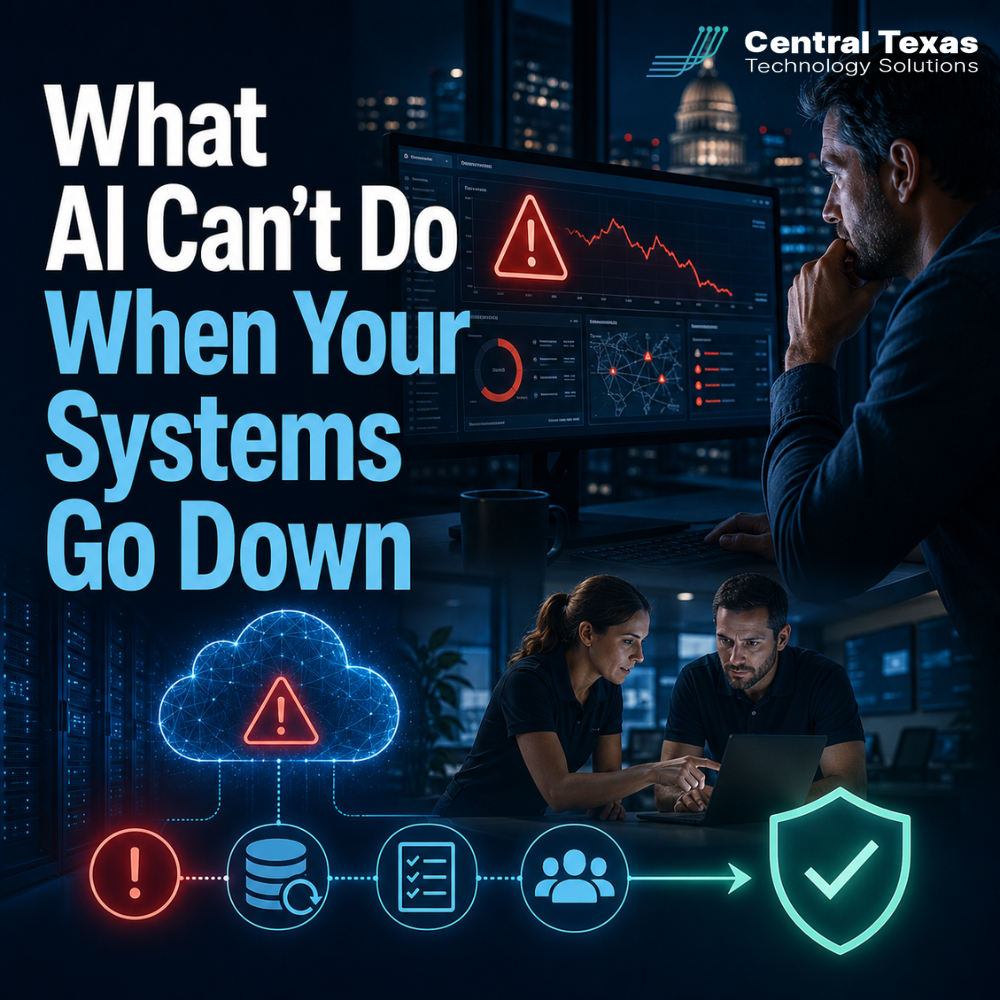
It is 4 a.m., and an alert wakes you up. A critical system is down.
The AI monitoring platform your company invested in detected the problem quickly. It identified unusual activity, triggered an alert, and notified the right people.
The technology worked exactly as expected.
Now comes the harder question: What happens next?
AI can help businesses detect problems faster, but it cannot guarantee that your data can be restored, rebuild a failed server, or get employees back to work. That depends on the recovery systems, documentation, and processes you put in place before the alert arrives.
AI Monitoring Can Detect Problems, but It Cannot Recover Your Business
Modern monitoring tools are excellent at identifying trouble. They can detect unusual network activity, failed hardware, suspicious login attempts, and backup errors much faster than a person could.
That visibility is valuable, but detection and recovery are not the same thing.
Think of AI monitoring like a fire alarm. The alarm can warn you that there is danger, but it cannot extinguish the fire, protect your property, or guide your entire recovery process.
It gives you time to respond. What happens with that time depends on your preparation.
When a server fails or ransomware locks important files, your monitoring platform may tell you exactly what happened. It cannot automatically eliminate the financial impact of downtime, restore customer confidence, or prevent your employees from sitting idle.
For businesses in Austin, Georgetown, Round Rock, and Cedar Park, the real measure of preparedness is not how quickly an alert appears. It is how quickly the business can recover after receiving it.
The Cost of Downtime Starts Growing Immediately
When a critical system goes down, the impact can spread through the business quickly.
Employees may lose access to email, shared files, accounting software, scheduling systems, or customer records. Calls may go unanswered. Production may stop. Deadlines may be missed.
The consequences look different across industries:
- A healthcare organization may lose access to patient information or scheduling tools.
- A legal firm may be unable to retrieve case files or meet a filing deadline.
- A professional services company may lose billable hours.
- A construction company may struggle to coordinate crews, vendors, and job schedules.
- A manufacturing business may experience production delays.
- A nonprofit may lose access to donor, volunteer, or program data.
AI can alert each of these organizations to a problem. It cannot decide which systems should be restored first or how the business should continue operating while recovery is underway.
Those decisions must be made before an emergency.
A Tested Recovery Plan Is Your Real Safety Net
Disruptions are inevitable. Hardware fails. Employees make mistakes. Software updates create conflicts. Cybercriminals continue to look for weaknesses.
Businesses that recover quickly are not always the ones with the most expensive tools. They are usually the ones that have tested what will happen when something fails.
Imagine two businesses experience similar cyberattacks on the same day.
The first company spends hours trying to determine who is responsible, where the backups are stored, and whether those backups are usable. Employees wait for instructions while leadership tries to make decisions under pressure.
The second company follows a documented recovery plan. Team members know their responsibilities. Critical systems are prioritized. Backups have already been tested. Communication procedures are clear.
One business is inventing a response. The other is executing a plan.
That difference can turn a three-day disruption into a recovery that takes only a few hours.
Your Backup Is Only Useful If It Can Be Restored
Many businesses assume they are protected because they have backups.
That assumption can create a dangerous false sense of security.
A backup may be incomplete, corrupted, outdated, misconfigured, or inaccessible during a cyberattack. Some companies discover these problems only after they urgently need to restore data.
A successful backup notification does not always mean a successful recovery is possible.
A reliable recovery strategy should answer several practical questions:
- What data and systems are being backed up?
- How frequently are backups completed?
- Where are backup copies stored?
- Are backups protected from ransomware?
- How long would a full restoration take?
- When was the last successful recovery test?
- Who is responsible for starting and managing the recovery process?
The only dependable way to know whether a backup works is to test a restoration.
CTTS helps businesses verify that backups are complete, secure, and recoverable. We also help identify gaps before they become expensive emergencies.
Your Team Needs a Plan, Not Just Technology
Technology is only one part of recovery.
Your employees, leadership team, IT provider, and vendors need to understand what happens when a critical system becomes unavailable. A recovery plan should clearly define responsibilities, priorities, communication steps, and decision-making authority.
Ask these questions before the next outage:
- When did we last test our backups?
- Did the restoration process actually work?
- How long would it take to restore our most important systems?
- Does everyone understand their role during an outage?
- How will employees communicate if email and messaging systems are unavailable?
- Which customers, vendors, or partners need to be notified?
- Can employees continue working while systems are restored?
- How much downtime can the business realistically tolerate?
If the answers are unclear, your recovery plan is probably not ready.
A written plan that has never been tested is still based on assumptions. A tested plan is based on evidence.
CTTS Helps Businesses Prepare for What Happens After the Alert
AI monitoring is an important part of a strong IT strategy, but monitoring alone does not create business continuity.
CTTS works with Central Texas businesses to test backups, validate recovery processes, document responsibilities, and identify weaknesses before they cause extended downtime.
Our approach is proactive. We do not wait for a major failure to discover whether your recovery systems work.
We help businesses:
- Identify their most critical systems and data
- Establish realistic recovery priorities
- Test backups and restoration processes
- Document recovery procedures
- Clarify team and vendor responsibilities
- Reduce confusion during an incident
- Improve recovery speed and business continuity
The goal is not simply to respond to problems. It is to help your business continue operating with as little disruption as possible.
You May Not Be as Prepared as You Think
Most businesses intend to test their recovery plans, but the test keeps getting postponed.
Systems are working today. Employees are busy. Other projects feel more urgent.
That is exactly why recovery problems often remain hidden.
The good news is that improving your recovery readiness does not always require a massive technology overhaul. It often begins with reviewing what is already in place, testing whether it works, and fixing the gaps.
A smarter alarm is valuable, but only when your business is ready for what happens after it sounds.
Schedule a discovery call with CTTS. We will review your current recovery strategy, identify what has and has not been tested, and give you a clear picture of where your business stands.
When that 4 a.m. alert arrives, you should be executing a proven plan, not creating one during the crisis.
Frequently Asked Questions
Can AI automatically recover a failed business system?
AI can automate certain technical actions, such as restarting a service or escalating an alert, but full recovery usually requires tested backups, documented procedures, technical expertise, and business decisions. AI cannot guarantee that data is recoverable or determine every operational priority during a complex outage.
How often should a business test its backups?
Backup systems should be monitored continuously, and restoration tests should be performed regularly. The appropriate schedule depends on the importance of the data, compliance requirements, and how quickly information changes. Critical systems may need more frequent testing than archived or lower-priority data.
What should be included in a disaster recovery plan?
A disaster recovery plan should identify critical systems, recovery priorities, backup locations, responsible team members, communication procedures, vendor contacts, and expected recovery times. It should also explain how employees will continue working during an outage. Most importantly, the plan should be tested and updated regularly.
Contact CTTS today for IT support and managed services in Austin, TX. Let us handle your IT so you can focus on growing your business. Visit CTTSonline.com or call us at (512) 388-5559 to get started!