
Healthcare practices across Central Texas are asked to prove who is logging in more often than ever in 2026, and attackers know it. If you are searching for IT support Cedar Park practices can rely on, start with one uncomfortable question: what happens when a stranger sends your front desk manager thirty login approvals in a row? The answer separates a protected practice from one that is a single tired tap away from a very bad week.
Quick Answer: MFA fatigue is when an attacker who already has a stolen password floods an employee with sign in approval prompts until someone taps Approve just to make them stop. The fix is phishing resistant sign in, such as passkeys or number matching, plus a clear rule that unexpected prompts are reported, never approved.
Key Takeaways
- A password alone no longer protects patient records, and basic push approval is not much better when staff are tired or rushed.
- MFA fatigue works because it targets human patience, not software flaws.
- Passkeys and number matching remove the accidental approval, which is the whole point.
- Older sign in methods must be switched off, or attackers simply use the weakest door that is still open.
- A one sentence staff rule, backed by fast IT support, stops most of these attempts before they matter.
Why One Tired Tap on a Phone Can Open Your Patient Records
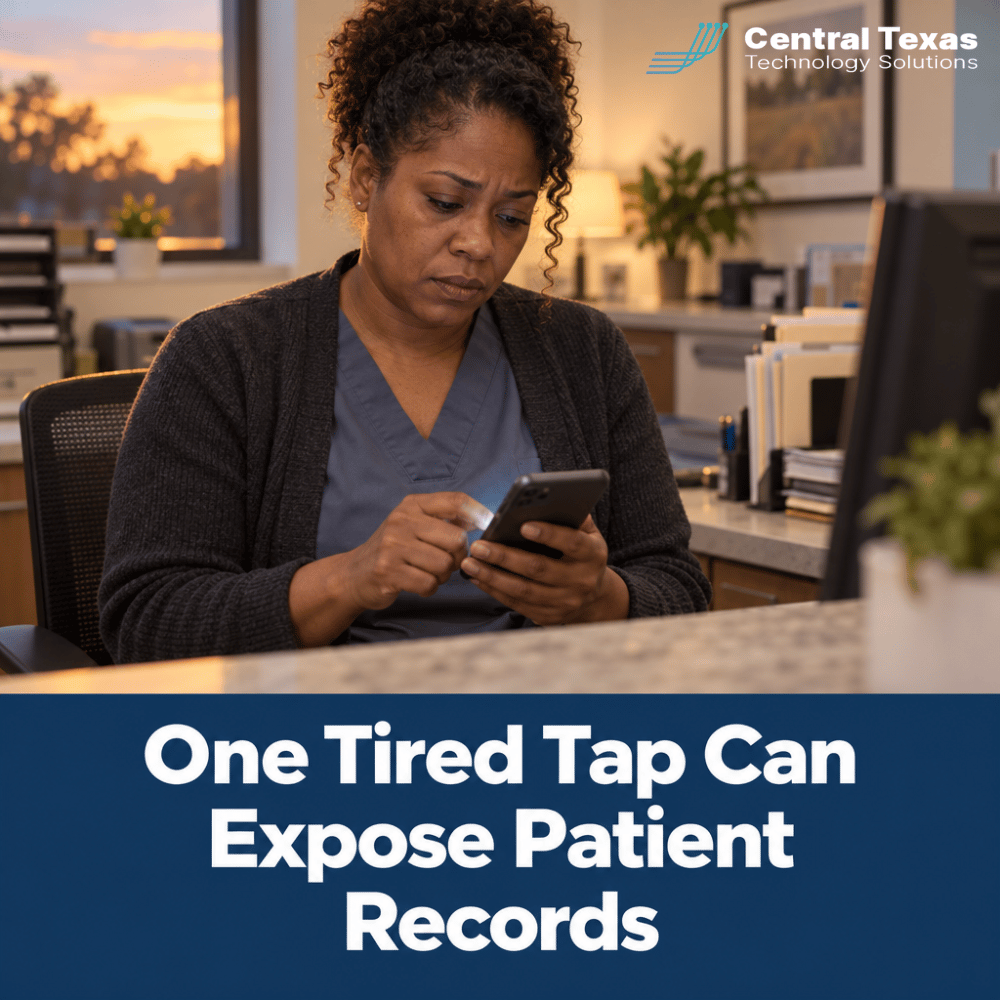
Picture a practice manager at home on a Tuesday evening. Her phone buzzes with a login approval she never requested. Then it buzzes again. Ten minutes and twenty prompts later, she is tired, the kids need dinner, and she taps Approve so the noise will stop.
That single tap is the entire attack. The criminal already had her password, probably from an old breach or a convincing fake login page. The approval prompt was the last locked door, and she opened it herself.
For a healthcare practice, the fallout reaches well past an inconvenient afternoon. A stranger inside a mailbox can read patient messages, reset other passwords, and send convincing requests to your billing staff. Even a contained incident forces uncomfortable conversations with patients about whether their information is safe with you.
Protecting patient information is also part of the HIPAA Security Rule, which expects reasonable access controls on systems that hold it. A sign in process that can be defeated by annoying someone is hard to defend as reasonable.
There is also a cost that never shows up on an invoice. When a practice loses a day to a compromised account, appointments slip, staff work from paper, and patients start wondering about the next visit. Owners tell us the hardest part is not the cleanup bill. It is the loss of calm.
What Cedar Park, Round Rock, and Georgetown Practices Are Up Against
Growth is good news for Central Texas medical, dental, and therapy practices, and it is also a magnet for attackers. New patients bring new staff, new software, and new accounts, often added faster than anyone reviews them. A busy clinic in Cedar Park or a growing specialty office in Round Rock rarely has a person whose full time job is watching sign in activity.
Many practices in Georgetown and across the region run lean. The office manager doubles as the IT contact, and the front desk shares a workstation across shifts. Those are exactly the conditions where a flood of prompts gets answered by whoever is nearest to the phone.
Attackers do not care that your practice is small. They care that your accounts are valuable and your team is human. Healthcare data sells, and a compromised mailbox is a doorway into everything connected to it.
IT Support Cedar Park Practices Can Count On to End Approval Fatigue
You should not have to become a security expert to keep your patients safe. That is the job of your IT partner. CTTS has served Central Texas since 2002, and our local team answers in 3 rings, because a strange login prompt at 4:45 on a Friday cannot wait for a callback tomorrow.
For organizations with 10 to 250 employees, we build sign in protection into Complete Care Coverage, our fully managed offering, so it is monitored and maintained instead of set up once and forgotten. Practices with their own internal IT person can add the same tools through Co-Managed IT.
In practice, ending approval fatigue means four steps. We move staff to sign in methods that cannot be approved by accident. We turn off the legacy options that attackers fall back on. We watch for unusual sign in patterns, such as a burst of failed attempts from another state. And we make reporting a strange prompt a normal, thank you worthy habit.
Stronger sign in is not only a technology project, it is a habit project. The practices that do this well treat it like hand washing: simple, repeated, and nobody feels embarrassed to remind a coworker. We encourage owners to say out loud that reporting a strange prompt is always welcome, even if it turns out to be nothing. A team that is afraid of looking foolish will stay quiet, and quiet is what attackers are counting on.
Timing matters too. Attackers often send prompts late in the evening, on weekends, or right before a holiday, when people are distracted and IT feels far away. That is why monitoring and a reachable local team matter as much as the tools themselves.
A Practical MFA Checklist for a Busy Medical Office
What Is MFA Fatigue and Why Does It Work?
MFA fatigue is a social engineering attack that abuses approval prompts by sending so many that a person eventually accepts one. It works because it aims at patience instead of technology. Everyone has a breaking point, especially during a busy clinic day.
Are Passkeys Better Than Text Message Codes?
Yes, for most practices passkeys are stronger. A passkey is tied to your device and the real website, so there is no code to be tricked into reading aloud and no prompt to approve by accident. Text message codes can be intercepted or talked out of a person, which is why they are a stepping stone, not a destination.
How Do We Roll This Out Without Slowing the Front Desk?
Start with the accounts that matter most, then expand in short waves. Administrators, billing staff, and anyone with access to patient records go first. Done well, passkeys make sign in faster, because a fingerprint or face check replaces typing a password and waiting for a code.
What Should Staff Do When an Unexpected Prompt Appears?
Staff should deny it, tell IT right away, and change nothing else until IT replies. We give practices a single sentence to remember: if you did not just try to sign in, do not approve, and call us. A prompt you did not ask for is information, and the faster IT hears about it, the faster the account is locked down.
Here is a short checklist to review with your team this month:
- Every account with patient or billing access uses phishing resistant sign in.
- Number matching is on wherever passkeys are not yet possible.
- Legacy sign in methods that bypass modern protections are disabled.
- Staff know the one sentence rule and who to call.
- Someone reviews unusual sign in alerts the same day they appear.
For a plain language overview of why phishing resistant sign in matters, the federal cybersecurity agency publishes helpful guidance.
Get Ahead of Account Takeover Before the Next Late Night Prompt
Your team works hard to care for patients, and your technology should protect that work quietly in the background. A practice that fixes sign in security now spends its time on patients instead of recovering a hijacked mailbox. If you want to know how your current setup would hold up when the prompts start, we can walk through it together in plain English.
Schedule a free strategy session with CTTS today!
Healthcare MFA and Account Security Questions
Does MFA still protect us if attackers can send endless prompts?
Basic push approval alone can be worn down by repeated prompts. MFA is still far better than a password by itself, but it should be upgraded to number matching or passkeys so one careless tap is not enough.
Will passkeys work for a small practice with shared computers?
Yes, with the right setup. Shared front desk workstations can use hardware security keys or per person sign in, so each team member proves who they are without sharing credentials. We design this around how your office actually operates.
How quickly can a practice move to stronger sign in?
Most practices can protect their highest risk accounts within a few weeks and finish the rest in short waves. The timeline depends on your software and staff size, and we plan it so patient care is never interrupted.
Contact CTTS today for IT support and managed services in Austin, TX. Let us handle your IT so you can focus on growing your business. Visit CTTSonline.com or call us at (512) 388-5559 to get started!