
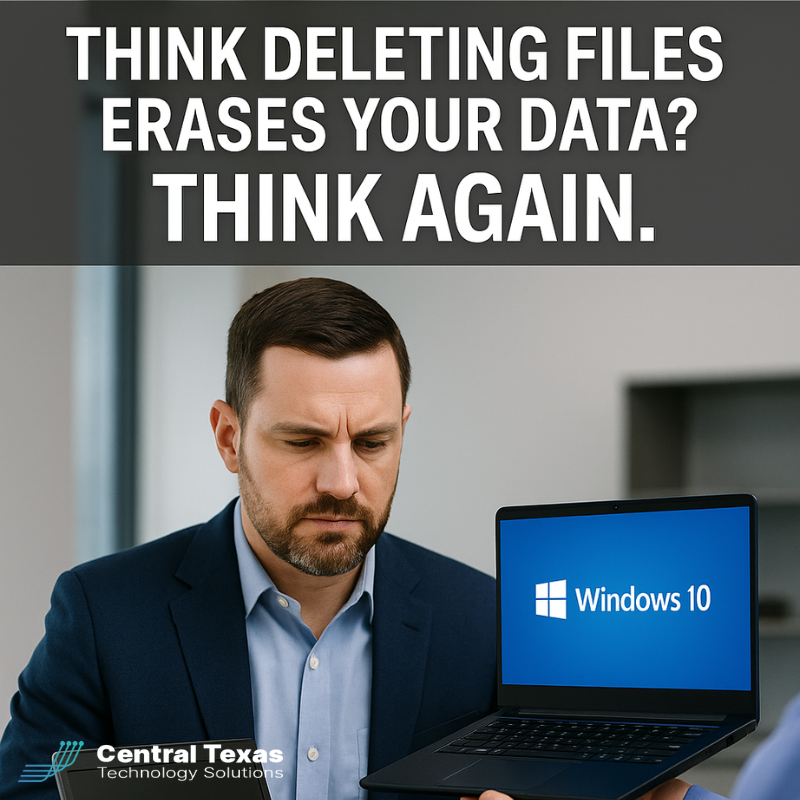
 Windows 10 support officially ends on October 14, 2025. For many businesses in Austin and across Central Texas, this means a wave of upgrades to Windows 11 is already underway. But while the new systems are faster, more secure, and better aligned with modern business needs, there’s a risk lurking in the old hardware: what happens to the sensitive data stored inside?
Why Ignoring Disposal is Risky
Most business leaders focus on the excitement of new technology but overlook the liability of old equipment. Here’s what’s at stake if computers aren’t disposed of properly:
-
Data Breach Risk: Simply deleting files or reformatting doesn’t erase data. Cybercriminals and competitors can still access it.
-
Regulatory Exposure: Industries subject to HIPAA, CMMC, or other compliance frameworks face penalties if data isn’t properly destroyed.
-
Environmental Damage: Computers contain lead, mercury, and other toxins that pollute soil and water when dumped in landfills.
-
Reputation Loss: A single mishandled device can undo years of client trust.
CTTS: Your Trusted Partner in Data-Safe Disposal
At CTTS, we treat IT asset disposal as seriously as cybersecurity. Our proven process meets Department of Defense (DoD) standards for data destruction, ensuring your old drives are rendered unrecoverable. Beyond security, we partner with certified recyclers to keep e-waste out of Texas landfills.
When you work with us, you get more than a disposal service. You gain a local partner committed to protecting your business, your data, and your community.
Best Practices for Responsible Computer Disposal
If you’re a CEO or business owner preparing for Windows 11 upgrades, here are five steps to keep in mind:
-
Plan Ahead: Don’t wait until the new machines are installed—decide on a disposal strategy before deployment.
-
Verify Data Destruction Standards: Look for processes aligned with DoD standards, not just “wipe and hope.”
-
Track Your Assets: Maintain a record of every computer decommissioned for compliance and audit purposes.
-
Use Certified Recyclers: Protect the environment by working with partners that prevent e-waste from entering landfills.
-
Partner with a Local Expert: A Central Texas IT partner like CTTS ensures your disposal process is secure, compliant, and worry-free.
Ready for the Next Step?
Upgrading your business technology shouldn’t create new risks. With CTTS, you can be confident that your old equipment is handled securely and responsibly.
Schedule a free strategy session with CTTS today and turn your Windows 10 transition into a win for your business and the environment.
FAQ
1. Can’t I just delete my files before recycling a computer?
No. Deleting files or reformatting a drive doesn’t fully erase data—it can often be recovered with free software tools.
2. How does CTTS destroy data?
We use a DoD-compliant process that overwrites or physically destroys drives, making data unrecoverable.
3. What happens to the old hardware?
After data destruction, we recycle hardware through certified partners to ensure environmentally responsible disposal.
Contact CTTS today for IT support and managed services in Austin, TX. Let us handle your IT so you can focus on growing your business. Visit CTTSonline.com or call us at (512) 388-5559 to get started!