
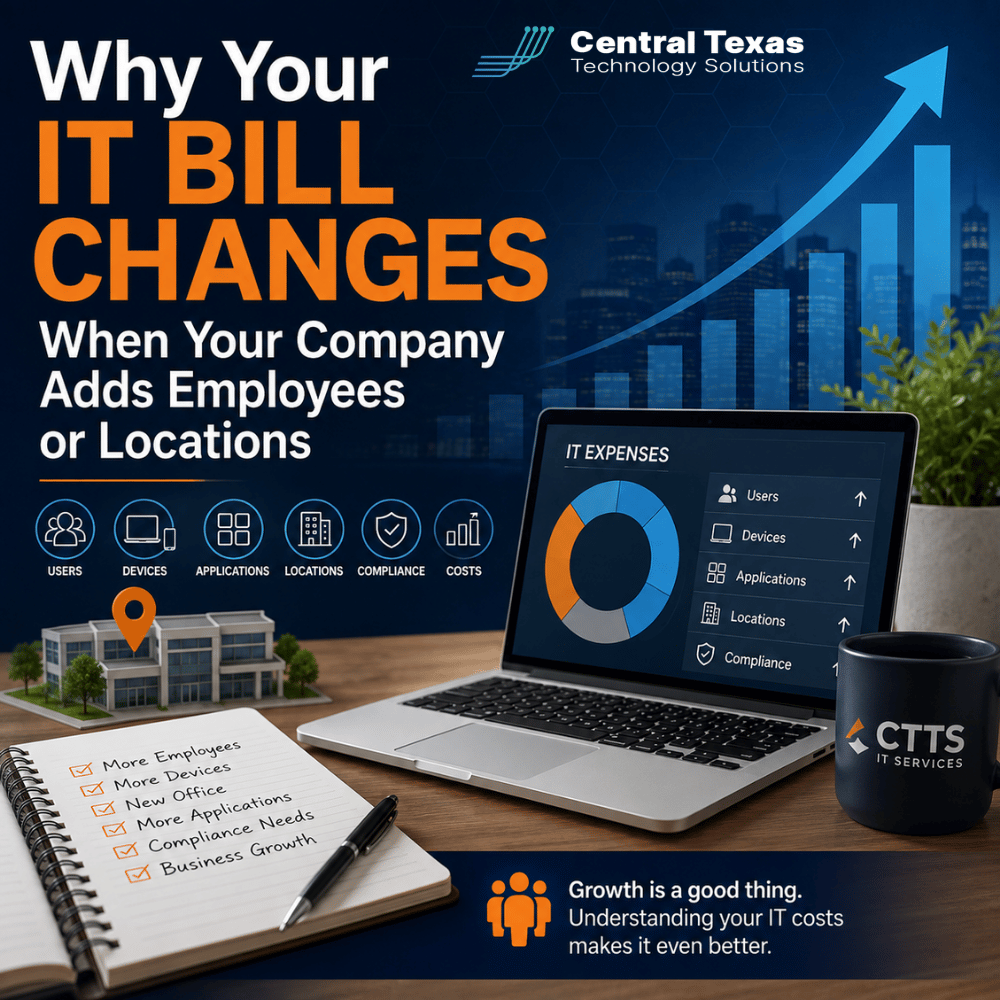
Your company adds five employees, opens a second office, or rolls out a new application. Then the monthly IT invoice changes.
For business leaders, that increase can sometimes feel disconnected from the growth that caused it. After all, adding an employee does not seem like it should dramatically change the technology behind the business.
But managed IT services pricing is usually tied to the number of people, devices, systems, locations, and security responsibilities an IT provider must manage. As your company grows, the technology environment becomes larger and often more complex.
Understanding what drives those changes makes it easier to budget for growth and evaluate whether your IT costs still make sense.
Why Managed IT Services Pricing Often Changes as You Grow
A good managed IT agreement is designed around the environment being supported. When that environment changes, the scope of the IT provider's responsibility changes with it.
Growth may involve more:
- Employees who need accounts and support
- Computers, tablets, and mobile devices
- Microsoft 365 or other software licenses
- Network equipment
- Security tools
- Data that must be protected
- Vendors and applications that must be managed
- Offices that need connectivity and support
- Compliance responsibilities
That is why comparing managed IT services pricing based only on employee count can be misleading.
Two companies with 50 employees can have completely different IT environments. A 50-person professional services firm operating from one Austin office may be much simpler to manage than a 50-person construction company with multiple job sites, mobile employees, specialized applications, and devices spread across Central Texas.
The price should reflect the work and risk involved, not simply a headcount.
How Adding Employees Affects Your IT Bill
A new employee usually creates several technology requirements before that person can become productive.
They may need:
- A computer
- Microsoft 365 licensing
- File access
- Multifactor authentication
- Endpoint security
- Backup protection
- Remote access
- Application permissions
- Help desk support
The IT provider also needs to configure the employee correctly, document their access, secure the device, and eventually handle changes when that person moves into another role or leaves the company.
Adding ten employees therefore means more than supporting ten additional people. It can mean managing ten new identities, ten endpoints, dozens of new permissions, additional software licenses, and a larger security footprint.
For healthcare organizations and legal firms, access requirements may also need tighter controls because employees could work with sensitive patient or client information. Professional services firms and nonprofits may have similar concerns involving financial records, donor information, intellectual property, or confidential customer data.
A proactive IT provider accounts for those responsibilities instead of waiting until problems appear.
Why More Devices Can Increase Managed IT Costs
Employee growth and device growth are not always the same thing.
One employee might use a desktop in the office, a company laptop while traveling, and a smartphone that connects to company email. Manufacturing environments may include workstations on the production floor. Construction companies may use tablets in the field. Executives may access business systems from several devices.
Every managed device can require some combination of:
- Security monitoring
- Software updates
- Antivirus or endpoint protection
- Device management
- Backup
- Configuration standards
- Technical support
More devices also create more opportunities for something to go wrong.
This is one reason CTTS looks beyond employee count when helping Central Texas businesses plan their technology budgets. The goal is to understand what actually needs to be managed and protected.
How Opening Another Office Changes IT Support Requirements
Opening a location in Georgetown, Cedar Park, Taylor, or another Central Texas community introduces another layer of infrastructure.
A new office may need:
- Internet service
- Firewalls and network equipment
- Wi-Fi
- Cabling
- Phones
- Printers
- Security cameras or access systems
- Workstations
- Backup connectivity
- Remote monitoring
Someone also needs to determine how the new location will securely communicate with your existing systems.
If your headquarters is in Austin and you open a second office, the project should not begin with buying equipment. It should begin by understanding how employees will work, which applications they need, where data will live, and what could stop the office from operating.
Planning those details early can prevent expensive changes after the lease is signed or employees have already moved in.
There may also be one-time project costs associated with an office opening in addition to changes in monthly managed services pricing. A transparent IT provider should distinguish between the two.
Applications and Compliance Can Change the Price Too
Not every technology expense is driven by users or devices.
Adding a major business application can increase the amount of infrastructure and support required. A new accounting platform, document management system, manufacturing application, cloud service, or customer relationship management platform may introduce new integrations, security requirements, backup needs, or vendor relationships.
Compliance can have an even larger impact.
Healthcare businesses may need technology controls that support HIPAA requirements. Legal firms must protect confidential client information. Manufacturers may face customer or contractual cybersecurity requirements. Construction firms working with government entities could encounter additional security obligations.
Professional services companies and nonprofits may also face requirements from insurance providers, auditors, customers, donors, or governing boards.
Meeting those expectations could require technologies such as:
- Advanced endpoint protection
- Vulnerability management
- Security logging
- Email security
- Multifactor authentication
- Device management
- Data retention
- Tested backup and recovery systems
These tools add cost, but simply removing them to lower the monthly IT bill can create a much more expensive business risk.
Your IT Budget Should Grow Intentionally With the Business
An increasing IT bill is not automatically a problem.
The more important question is whether the increase corresponds to additional employees, equipment, applications, locations, security needs, or business requirements.
A strategic IT partner should be able to explain what changed and why.
CTTS works with business leaders to plan for those changes before they appear unexpectedly on an invoice. That includes discussing hiring plans, office expansions, equipment replacement, licensing, cybersecurity, and upcoming projects so technology expenses can become part of the business plan.
That is a different approach from waiting for the business to grow and then reacting to whatever breaks.
Your IT provider should help answer questions such as:
- What will adding 15 employees do to our technology budget?
- What should we expect if we open another office?
- Which costs are recurring and which are one-time expenses?
- Are we paying for tools we no longer need?
- Will new compliance requirements change our security costs?
- What technology investments should we expect next year?
When those conversations happen regularly, IT becomes far more predictable.
Make IT Costs Part of Your Growth Plan
Growth should be exciting, not followed by unexpected technology expenses.
If your company is hiring, opening another location, adding applications, or facing new security requirements, CTTS can help you understand how those changes could affect your IT environment and budget.
Schedule a free strategy call with CTTS to build an IT plan that supports where your business is going next.
Frequently Asked Questions About Managed IT Services Pricing
Does every new employee increase the monthly IT bill?
Not necessarily by the same amount. Pricing depends on the provider's agreement and what the employee needs. An employee who requires a computer, Microsoft 365, cybersecurity tools, backup, and help desk access may affect pricing differently from someone with limited technology requirements.
Why does opening another office cost more if we already have IT support?
A new location creates additional infrastructure that must be installed, secured, monitored, and supported. Internet connectivity, networking, Wi-Fi, firewalls, phones, and additional devices may all increase the IT provider's responsibilities.
Should my IT provider help me forecast these costs?
Yes. A managed IT provider should understand your growth plans and help estimate upcoming technology expenses. Regular technology planning can help prevent surprise projects and give leadership a clearer picture of future IT spending.
Contact CTTS today for IT support and managed services in Austin, TX. Let us handle your IT so you can focus on growing your business. Visit CTTSonline.com or call us at (512) 388-5559 to get started!
Looking for clarity on your next IT move? These articles will help:
How Do Cybersecurity Requirements Impact Your IT Budget in 2026?
Why IT Support Costs More When Your Business Has No Documentation
What Should a Growing Business Budget for IT Support Each Year?
Does Your Business Need a Full IT Department or Just Better IT Management?
How Much Should Cybersecurity Add to Your Monthly IT Budget?
Why Cheap IT Support Feels Affordable Until Something Breaks
Why Some IT Providers Charge Setup Fees and Others Do Not
How Much Does It Cost to Switch IT Providers?
What Is the Real Cost of Supporting an Employee Who Works Remotely?
Should IT Hardware Be Included in Your Monthly Managed Services Agreement?