
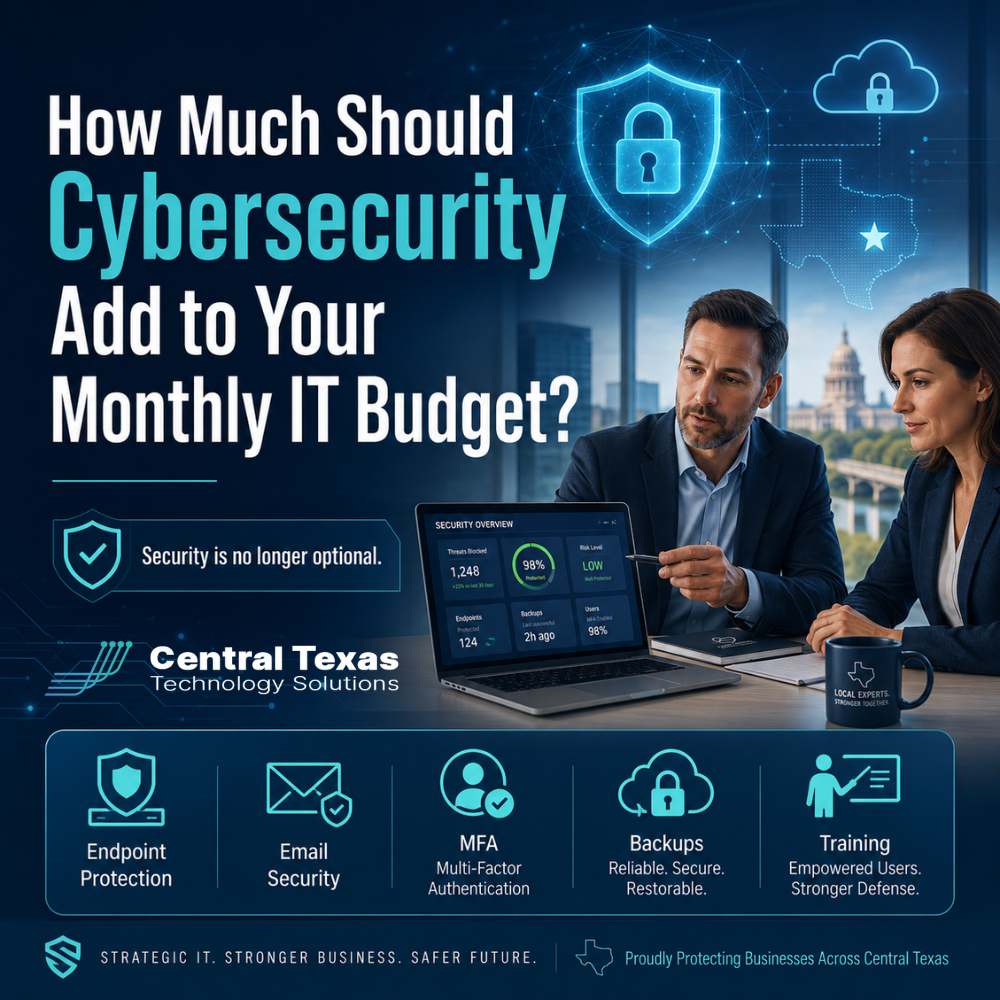
For many business leaders, cybersecurity used to feel like an extra layer of protection. Something you added after the basics were covered.
That has changed.
Today, cybersecurity is part of keeping the business open, productive, and trusted. If your team depends on email, cloud applications, remote access, online payments, client records, or shared files, security is not optional. It is part of your operating budget.
The real question is not whether cybersecurity should add cost to your monthly IT budget. The better question is how much protection your business needs to reduce risk without overspending on tools you do not understand or underusing tools you already own.
For growing businesses in Austin, Georgetown, Cedar Park, and New Braunfels, the right cybersecurity budget should protect your people, your data, your systems, and your reputation.
Why Cybersecurity Is No Longer Optional for Growing Businesses
Cybersecurity is no longer just a concern for large companies.
Small and mid-sized businesses are often more vulnerable because attackers know they may have limited internal IT resources, outdated systems, weak passwords, inconsistent backups, or employees who have not been trained to spot phishing emails.
That creates real risk for industries like healthcare, legal, professional services, construction, manufacturing, and nonprofits.
A healthcare clinic must protect patient information.
A law firm must protect confidential client records.
A professional services firm must protect financial data, contracts, and client communications.
A construction company must keep project files, accounting systems, and field teams connected.
A manufacturer must protect operations, production data, and vendor systems.
A nonprofit must protect donor data, staff access, and community trust.
When cybersecurity is treated as optional, the business is usually one bad click, one stolen password, or one missed update away from a serious disruption.
What Happens When Security Is Left Out of the IT Budget?
The cost of cybersecurity can feel uncomfortable until you compare it to the cost of a preventable incident.
A security failure can lead to:
- Business downtime
- Lost productivity
- Stolen data
- Compliance problems
- Expensive recovery work
- Damaged client trust
- Interrupted billing or payroll
- Delayed projects
- Higher insurance requirements
- Leadership stress during a crisis
The biggest mistake many businesses make is assuming their current IT support automatically includes strong cybersecurity. In many cases, it does not.
Basic IT support may help fix a computer, reset a password, or troubleshoot a printer. Cybersecurity requires a more proactive approach. It includes prevention, monitoring, planning, training, and response.
That is why CTTS helps business leaders think about cybersecurity as part of a larger technology strategy, not as a random collection of software subscriptions.
How Much Should Cybersecurity Add to Your Monthly IT Budget?
There is no single number that fits every business. The right monthly cybersecurity budget depends on your size, industry, compliance requirements, number of users, remote access needs, cloud applications, and risk tolerance.
As a practical starting point, many small and mid-sized businesses should expect cybersecurity to represent a meaningful portion of their monthly IT investment.
A business with basic needs may only require essential protections. A business with sensitive data, regulatory concerns, remote workers, or multiple locations may need a more advanced security stack.
The monthly cybersecurity cost is usually influenced by:
- Number of employees and devices
- Type of data the business stores
- Industry compliance requirements
- Use of Microsoft 365 or Google Workspace
- Remote or hybrid work arrangements
- Number of office locations
- Need for endpoint protection
- Backup and disaster recovery requirements
- Cyber insurance requirements
- Need for ongoing monitoring and reporting
The goal is not to buy every security tool available. The goal is to build the right level of protection around the way your business actually works.
What Should Be Included in a Cybersecurity Budget?
A strong cybersecurity plan should cover more than antivirus software.
Business leaders should expect their monthly IT budget to include several practical layers of protection.
Endpoint Protection
Every laptop, desktop, and server should be protected. Endpoint security helps detect and block threats before they spread across your network.
Modern endpoint protection should go beyond traditional antivirus. It should look for suspicious behavior, unusual activity, and signs of compromise.
Email Security
Email is one of the most common ways attackers reach employees. Phishing emails, fake invoices, password reset scams, and malicious attachments can create major problems.
Email security should help filter threats before they reach inboxes and reduce the chance that employees accidentally engage with dangerous messages.
Microsoft 365 Security
Many businesses rely on Microsoft 365 for email, Teams, SharePoint, OneDrive, and file sharing. That makes Microsoft 365 security a critical part of your cybersecurity budget.
Business leaders should expect support for:
- Multi-factor authentication
- Secure access policies
- User permission reviews
- Email protection
- Data sharing controls
- Account compromise prevention
- Backup planning for Microsoft 365 data
Microsoft 365 is powerful, but it still needs to be configured and managed correctly.
Backup and Disaster Recovery
Backups are not just an IT convenience. They are a business continuity requirement.
If your files are encrypted by ransomware, deleted by mistake, or lost during a system failure, backups may be the difference between a temporary disruption and a business crisis.
A strong backup plan should include regular testing. A backup that has never been tested is only an assumption.
Security Awareness Training
Your employees are part of your security strategy.
They do not need to become cybersecurity experts, but they do need to recognize common threats. Training helps your team spot suspicious emails, avoid unsafe links, protect passwords, and report problems quickly.
This matters for every industry, from healthcare and legal to construction, manufacturing, professional services, and nonprofits.
Vulnerability Management
Every business has weak spots. Outdated software, exposed systems, unpatched devices, and misconfigured accounts can create openings for attackers.
Vulnerability management helps identify and prioritize risks before they become incidents.
This is where proactive IT support matters. CTTS helps businesses find and address issues before they turn into downtime or data loss.
Multi-Factor Authentication
Multi-factor authentication adds another layer of protection beyond a password. It is one of the most practical ways to reduce the risk of stolen credentials.
For most businesses, this should be considered a basic security requirement, not an optional upgrade.
Network Security
Your network connects your employees, devices, servers, cloud applications, phones, printers, and business systems.
Network security helps control access, separate sensitive systems, monitor activity, and reduce exposure to threats.
For businesses with multiple locations or remote teams, this becomes even more important.
Security Monitoring
Security tools are only useful when someone is paying attention.
Monitoring helps identify unusual activity, suspicious logins, endpoint alerts, and potential threats. Without monitoring, security software may generate alerts that nobody reviews until it is too late.
Cybersecurity Planning and Reporting
Business leaders need visibility.
A strong cybersecurity budget should include regular conversations about risk, priorities, progress, and planning. This may include security reviews, leadership meetings, compliance preparation, and documentation.
CTTS helps connect cybersecurity decisions to business goals so leaders can make informed choices instead of guessing.
Why Cheap IT Support Often Leaves Security Gaps
Some businesses choose the lowest monthly IT support option because it appears to save money.
That can be risky.
Low-cost IT support may only respond when something breaks. It may not include advanced security tools, regular reviews, cybersecurity planning, user training, or proactive monitoring.
That model can leave your business exposed.
Cybersecurity should not be treated like an emergency add-on after something goes wrong. It should be built into your monthly IT plan from the beginning.
The right IT partner should help you prevent problems, not just respond to them.
How CTTS Helps Businesses Build the Right Cybersecurity Budget
CTTS helps Central Texas businesses build practical cybersecurity plans that match their needs, goals, and risk level.
Instead of overwhelming leaders with technical details, CTTS helps answer the questions that matter:
- What are our biggest risks?
- Are our users and devices properly protected?
- Are our backups reliable?
- Are our systems monitored?
- Are we prepared for a cyber insurance review?
- Are we ready for an audit or compliance requirement?
- Are we spending money in the right places?
- What should we prioritize next?
For businesses in Austin, Georgetown, Cedar Park, New Braunfels, and across Central Texas, CTTS acts as a strategic IT partner. The goal is not to sell more tools. The goal is to align technology and cybersecurity with the way your business operates.
A Practical Way to Think About Cybersecurity Spending
A healthy cybersecurity budget should give leadership confidence in three areas.
First, your business should be harder to attack.
That means stronger passwords, multi-factor authentication, endpoint protection, email security, network controls, and secure cloud settings.
Second, your business should be faster to recover.
That means reliable backups, disaster recovery planning, documentation, and a clear response process.
Third, your business should be easier to manage.
That means reporting, planning, user support, vendor coordination, and leadership guidance.
When these pieces are in place, cybersecurity becomes more than protection. It becomes part of how your business stays productive, secure, and ready for growth.
How to Know If Your Current Cybersecurity Budget Is Too Low
Your cybersecurity budget may need attention if:
- You are not sure what security tools you currently have
- Your employees are not using multi-factor authentication
- You do not receive regular security reports
- Your backups have not been tested
- Your IT provider only responds after problems happen
- Your team gets frequent phishing emails
- You have remote employees using unmanaged devices
- You are unsure whether Microsoft 365 is configured securely
- Your cyber insurance renewal asks questions you cannot answer
- You have compliance concerns but no documented plan
These are signs that your business may be relying on hope instead of a strategy.
Cybersecurity Is a Business Decision, Not Just an IT Decision
Cybersecurity affects revenue, operations, compliance, customer confidence, employee productivity, and leadership peace of mind.
That is why it belongs in the business planning conversation.
Your IT budget should not be built around the lowest monthly cost. It should be built around the level of protection your business needs to operate with confidence.
CTTS helps business leaders move from reactive IT support to proactive technology management. That means fewer surprises, stronger security, better planning, and a clearer path forward.
Ready to Review Your Cybersecurity Budget?
If you are unsure whether your current IT budget includes the right level of cybersecurity, CTTS can help you evaluate your risks, identify gaps, and build a practical plan.
Schedule a consultation with CTTS today to review your cybersecurity needs and create a monthly IT strategy that protects your business, your people, and your future.
Frequently Asked Questions About Cybersecurity Budgets
How much should a small business spend on cybersecurity each month?
The right amount depends on the size of your business, the number of users and devices, your industry, and the sensitivity of your data. A business with compliance requirements, remote workers, or sensitive client information should expect cybersecurity to be a significant part of its monthly IT budget.
Is antivirus enough for business cybersecurity?
No. Antivirus is only one layer of protection. Businesses also need email security, multi-factor authentication, backup and disaster recovery, Microsoft 365 security, vulnerability management, employee training, and ongoing monitoring.
Should cybersecurity be included in managed IT services?
Yes. Cybersecurity should be built into managed IT services, not treated as an afterthought. A proactive IT partner should help prevent problems, monitor risks, protect users, and align security decisions with business goals.
Contact CTTS today for IT support and managed services in Austin, TX. Let us handle your IT so you can focus on growing your business. Visit CTTSonline.com or call us at (512) 388-5559 to get started!
If you're evaluating IT providers, these resources will guide you:
Hidden Costs Businesses Miss When Choosing a Managed Services Provider
Why the Cheapest IT Support in Texas Often Costs You the Most
Why Do Managed IT Service Prices Vary So Much Between Providers in Austin?
What Is Included in a Typical Per User IT Support Pricing Model?
How Do IT Support Contracts Work and What Should You Expect to Sign?
What Are the Long Term Costs of Delaying IT Upgrades?
How Do Cybersecurity Requirements Impact Your IT Budget in 2026?
Why IT Support Costs More When Your Business Has No Documentation
What Should a Growing Business Budget for IT Support Each Year?
Does Your Business Need a Full IT Department or Just Better IT Management?