
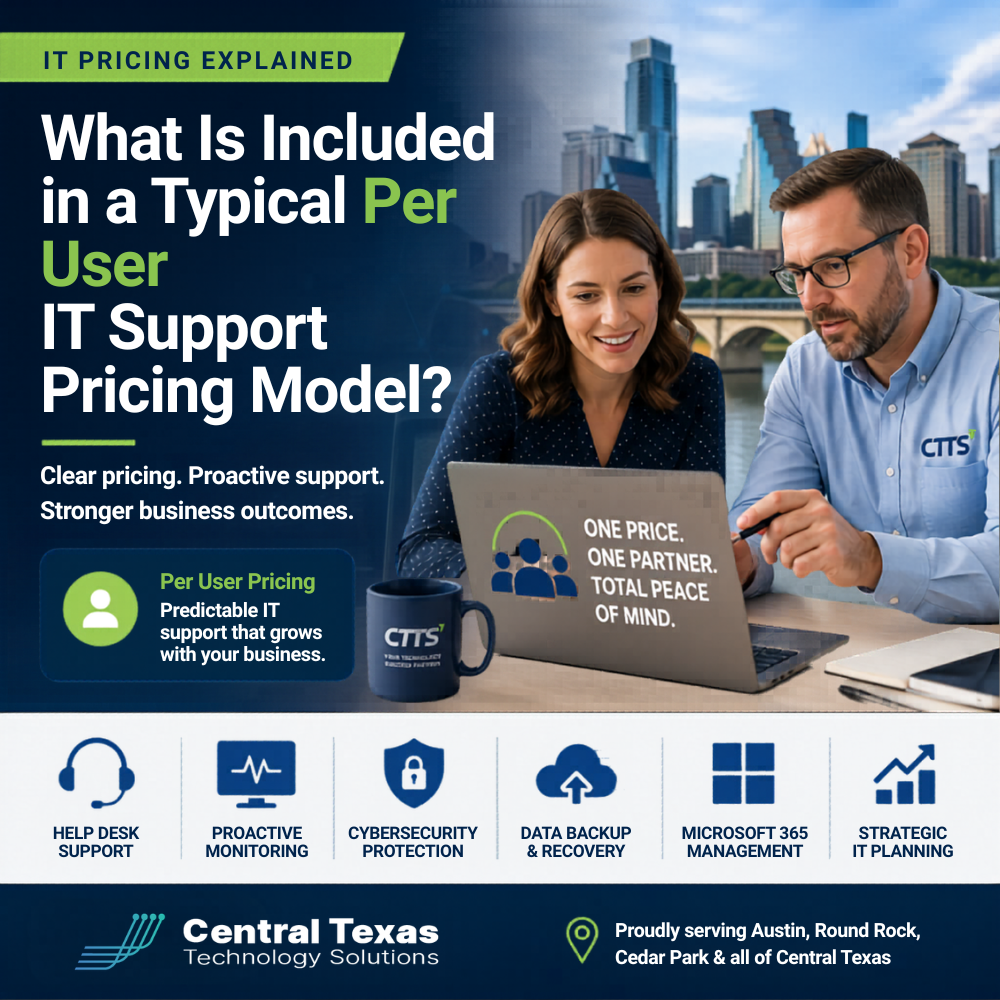
Understanding Per User IT Support Pricing for Austin Businesses
If you have ever tried to budget for IT support, you have probably run into confusing pricing models that feel hard to compare. One provider charges by the hour. Another charges per device. And then you hear about a “per user” model and wonder what that actually includes.
For business leaders in Austin and surrounding areas like Round Rock, Cedar Park, and San Marcos, this confusion creates risk. Without a clear understanding of what you are paying for, it becomes easy to overspend or worse, leave your business exposed to downtime, security threats, or compliance gaps.
The truth is simple. A per user IT support model can be one of the most effective and predictable ways to manage your technology. But only if you understand what should be included.
What Is a Per User IT Support Model?
A per user IT support pricing model charges a fixed monthly rate based on the number of employees who need IT services.
Instead of paying for every issue that comes up, you pay a consistent fee that covers ongoing support, maintenance, and strategic guidance.
For organizations in healthcare, legal, professional services, construction, manufacturing, and nonprofits, this model aligns well with how teams actually work today. Your employees rely on multiple devices, cloud platforms, and remote access. Pricing per user reflects that reality better than pricing per device.
What Should Be Included in Per User IT Support?
Not all providers include the same services. That is where many businesses get caught off guard. A strong, proactive IT partner will include the following core components.
Help Desk Support
Your team needs fast, reliable support when something breaks or slows them down.
This typically includes:
- Remote and on site support
- Troubleshooting hardware and software issues
- Assistance with Microsoft 365, email, and business applications
- Support for remote and hybrid workers
For a law firm in Austin or a healthcare practice in Round Rock, quick response times can mean the difference between staying productive and losing billable hours.
Proactive Monitoring and Maintenance
This is where the real value of managed IT services shows up.
Instead of waiting for problems, your provider should:
- Monitor systems 24/7
- Apply updates and patches
- Identify performance issues early
- Prevent outages before they happen
Many businesses assume IT is about fixing problems. The best providers focus on preventing them.
Cybersecurity Protection
Security is no longer optional. It is a core part of IT support.
A strong per user model should include:
- Endpoint protection and threat detection
- Email and spam filtering
- Multi factor authentication management
- Security monitoring and alerts
For industries like healthcare and legal, where sensitive data is constantly at risk, this layer is critical for both protection and compliance.
Data Backup and Recovery
What happens if your systems go down or your data is lost?
Your IT support should include:
- Automated backups
- Secure offsite storage
- Disaster recovery planning
- Fast data restoration
Construction companies, manufacturers, and nonprofits often overlook this until it is too late. A solid backup strategy protects your operations and your reputation.
Cloud and Microsoft 365 Management
Most businesses rely on cloud platforms to run daily operations.
Your provider should handle:
- User account setup and management
- Licensing optimization
- File sharing and collaboration tools
- Security configuration
For growing professional services firms or nonprofits managing remote teams, this ensures everything runs smoothly and securely.
Strategic IT Planning
This is one of the most overlooked parts of IT support.
A true partner will:
- Align technology with your business goals
- Help plan for growth and scaling
- Recommend upgrades before systems fail
- Prepare you for audits and compliance requirements
Without this guidance, many businesses end up reacting to problems instead of planning for success.
What Is Often Not Included?
Here is where many businesses get surprised.
Some providers exclude:
- On site support
- Advanced cybersecurity tools
- After hours support
- Project work such as network upgrades or migrations
That is why it is important to ask clear questions before signing a contract. A lower monthly price may mean you are paying more later when issues arise.
Why Per User Pricing Works for Growing Businesses
If your organization is growing or managing a hybrid workforce, per user pricing offers several advantages.
- Predictable monthly costs
- Easy scaling as you add employees
- Consistent support across all devices and locations
- Better alignment with how your team actually works
For businesses in Austin, Cedar Park, and San Marcos, this model provides clarity and control over IT spending while improving overall performance.
How CTTS Helps You Get the Most from Your IT Investment
Many IT providers focus on reacting to problems. That approach leads to downtime, frustration, and unexpected costs.
CTTS takes a different approach.
We work with businesses across healthcare, legal, professional services, construction, manufacturing, and nonprofits to build proactive IT environments that prevent problems before they impact your team.
Our per user IT support model is designed to:
- Keep your systems running smoothly
- Protect your business from modern threats
- Support your team wherever they work
- Align your technology with your long term goals
Instead of guessing what is included, you get a clear, comprehensive strategy that supports your business every day.
Take the Next Step
If you are unsure what your current IT support actually includes, now is the time to find out.
Schedule a consultation with CTTS and get a clear picture of your technology, your risks, and your opportunities to improve.
Frequently Asked Questions
What is the average cost of per user IT support?
Costs vary depending on the level of service, security requirements, and business size. Most businesses can expect a predictable monthly fee per employee that includes support, maintenance, and cybersecurity.
Is per user pricing better than per device pricing?
For most modern businesses, yes. Employees use multiple devices and cloud tools, so pricing per user provides better coverage and fewer gaps.
Does per user IT support include cybersecurity?
It should. A strong provider includes cybersecurity as a core part of the service, not an add on.
Contact CTTS today for IT support and managed services in Austin, TX. Let us handle your IT so you can focus on growing your business. Visit CTTSonline.com or call us at (512) 388-5559 to get started!
Get the answers business leaders are asking about IT services:
How Much Does IT Support Cost in Austin in 2026? A Real World Breakdown
Managed IT Services in Austin: What Are You Actually Paying For?
Is Outsourced IT Cheaper Than Hiring an In House IT Team?
Hidden Costs Businesses Miss When Choosing a Managed Services Provider
Why the Cheapest IT Support in Texas Often Costs You the Most