
When a business reaches out for IT support, the first goal is usually simple: fix the problems, reduce risk, and make technology easier to manage.
But there is one issue that can make everything harder, slower, and more expensive.
Missing documentation.
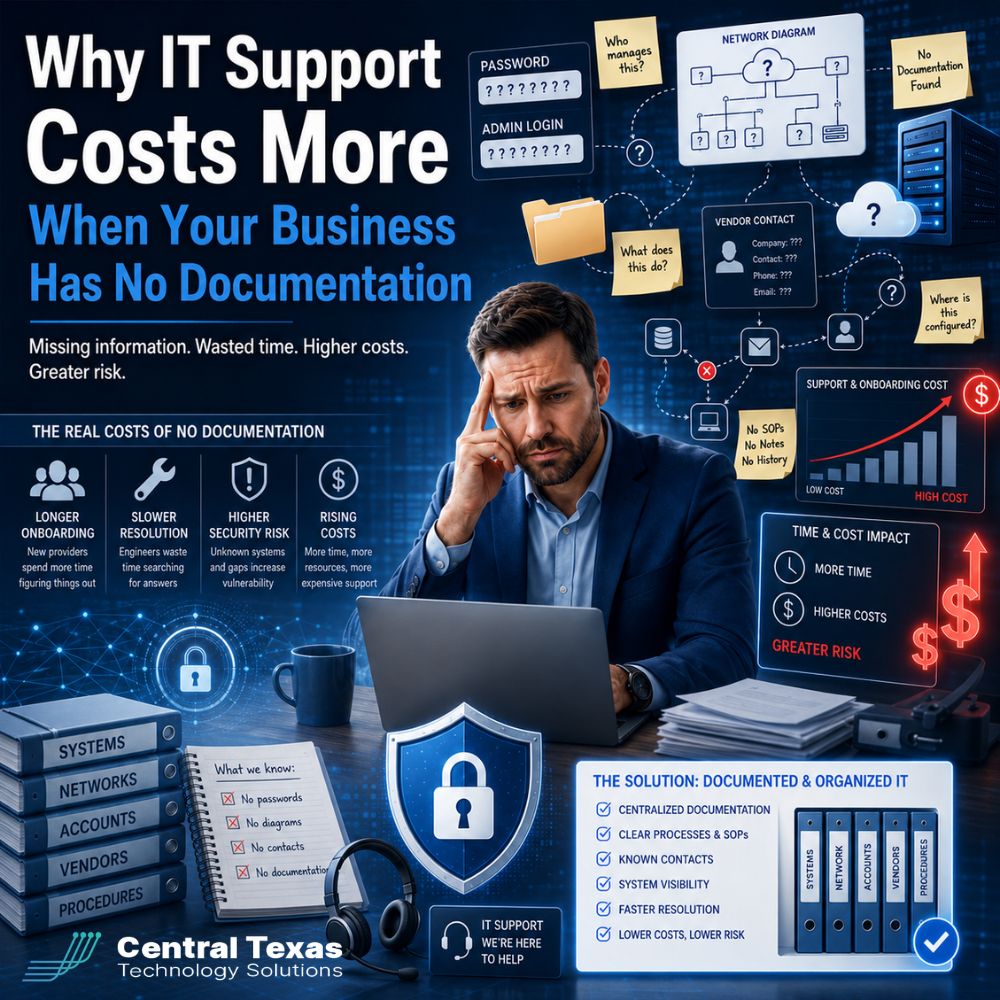
If passwords are scattered, systems are undocumented, vendors are unknown, and no one has a clear record of how the technology environment is set up, an IT provider has to spend extra time uncovering what should already be known. That discovery process can increase onboarding costs, delay support, create security gaps, and make it harder to build a reliable IT strategy.
For growing businesses in Austin, Georgetown, Belton, Temple, and across Central Texas, documentation is not just an administrative detail. It is the foundation for efficient, secure, and proactive IT support.
Why IT Documentation Matters for Business IT Support
Every business depends on technology, but many do not have a clear map of what they own, who manages it, or how everything connects.
This becomes a serious problem when something breaks.
If your internet goes down, your email stops working, your server needs attention, or an employee cannot access a critical system, your IT provider needs accurate information fast. Without documentation, support starts with detective work instead of problem solving.
That can affect businesses in every industry, including:
Healthcare organizations that need secure access to patient systems
Legal firms that depend on confidential client files
Professional services firms that need reliable productivity tools
Construction companies that work across offices, job sites, and mobile teams
Manufacturing businesses that rely on connected systems and uptime
Nonprofits that need to protect limited budgets and donor data
When documentation is missing, every support request can take longer than it should.
How Missing Passwords Increase IT Support Costs
One of the most common documentation problems is missing or unknown passwords.
This may include passwords for:
Website hosting
Domain registration
Firewalls
Servers
Wi-Fi systems
Admin accounts
Cloud platforms
Line of business software
Backup systems
Email administration
Security tools
When these credentials are missing, your IT provider may not be able to access the systems needed to fix the issue. Instead of immediately resolving the problem, they may have to contact vendors, reset accounts, verify ownership, or rebuild access from scratch.
That takes time.
It can also create unnecessary risk. If old admin accounts are still active, former employees may still have access. If passwords are shared in spreadsheets, emails, or sticky notes, your business may be more exposed than you realize.
Strong IT documentation helps ensure the right people have the right access, old access is removed, and critical systems can be supported quickly.
Undocumented Systems Make Onboarding More Expensive
When a new IT provider begins working with your business, they need to understand your environment before they can manage it well.
That includes questions like:
What computers, servers, and network devices are in use?
Which users have access to which systems?
What software is business critical?
Where is data stored?
How are backups configured?
What security tools are installed?
Which vendors support each system?
What compliance requirements apply?
If that information is already documented, onboarding can move efficiently. If it is not, the provider must discover it manually.
That may require reviewing devices, scanning networks, interviewing staff, contacting vendors, checking invoices, auditing accounts, and rebuilding a clear picture of the environment.
This is valuable work, but it adds time and cost.
For businesses that are growing, preparing for audits, managing remote employees, or planning system upgrades, undocumented technology can slow down progress at the exact moment speed and clarity matter most.
Unknown Vendors Create Delays and Confusion
Many businesses rely on more vendors than they realize.
You may have separate vendors for internet service, phones, software, cybersecurity tools, copiers, website hosting, cloud applications, payment systems, and industry specific platforms.
If no one knows who manages what, small problems can become long delays.
For example, your phone system may stop working, but your team may not know who owns the account. Your domain may need DNS changes, but the login may be tied to an old employee email address. A backup may fail, but no one may know which vendor configured it.
In those moments, the cost is not just the time spent finding answers. The real cost may include downtime, lost productivity, missed customer communication, and unnecessary frustration.
A proactive IT partner helps organize vendor information so your business has one clear source of truth. That makes support faster and reduces the chance that problems fall through the cracks.
Poor Documentation Can Increase Security Risk
Missing documentation is not just inconvenient. It can create real security exposure.
If your business does not know which systems exist, who has access, or which vendors are connected, it becomes much harder to protect your environment.
Common risks include:
Former employees with active accounts
Unknown admin users
Unpatched systems
Old software still connected to the network
Unsecured remote access tools
Weak or shared passwords
Backup systems that have not been verified
Vendors with unnecessary access
Devices no one is monitoring
Cybersecurity starts with visibility. You cannot protect what you cannot identify.
This is especially important for healthcare, legal, manufacturing, nonprofits, professional services, and construction companies that handle sensitive data, client records, financial information, operational systems, or compliance requirements.
Good documentation helps your IT provider understand what needs to be secured, monitored, updated, and protected.
Why Reactive IT Costs More Than Proactive IT
Businesses often think IT support costs more because the provider charges too much. In many cases, the real issue is that the environment has been unmanaged for too long.
Reactive IT support is more expensive because every problem becomes urgent.
When documentation is missing, your provider has to answer basic questions during a crisis:
Where is the system?
Who has access?
What changed recently?
Which vendor is responsible?
What credentials are needed?
Is there a backup?
Has this happened before?
Proactive IT support works differently.
Instead of waiting for problems, a proactive provider builds documentation, monitors systems, reviews access, tracks vendors, verifies backups, and creates an IT roadmap that supports the business.
That shift can reduce recurring problems, shorten support times, improve security, and make technology easier to budget.
What Should Be Included in IT Documentation?
Strong IT documentation should give your business and your IT provider a clear picture of your technology environment.
At a minimum, it should include:
User accounts and access levels
Hardware inventory
Software inventory
Network layout
Cloud services
Vendor contacts
License details
Backup configuration
Security tools
Admin credentials stored securely
Domain and DNS information
Internet and phone provider details
Compliance requirements
Support history
System renewal dates
This does not mean everything should be stored in a basic spreadsheet or shared casually by email. Sensitive information should be protected using secure documentation tools, password management systems, and proper access controls.
The goal is to make information available to the right people while keeping it protected from the wrong people.
How Documentation Reduces IT Support Costs Over Time
Better documentation can lower IT costs in several practical ways.
It helps your IT provider resolve tickets faster because they do not have to search for basic information.
It makes onboarding more efficient because the provider can move from discovery to improvement more quickly.
It improves security because old accounts, unknown systems, and vendor access can be reviewed and corrected.
It supports better planning because your business can see what needs to be upgraded, replaced, secured, or consolidated.
It reduces business disruption because critical information is not trapped with one employee, one vendor, or one outdated system.
For business leaders in Austin and across Central Texas, documentation creates control. It helps you move from confusion to clarity and from reactive support to strategic IT management.
How CTTS Helps Businesses Build Better IT Documentation
CTTS helps businesses create the visibility they need to manage technology with confidence.
Instead of simply waiting for something to break, CTTS takes a proactive approach. The team works to understand your environment, document critical systems, identify risks, organize vendor information, review access, and align technology with your business goals.
That matters when your company is growing, preparing for an audit, supporting remote workers, improving cybersecurity, or planning future upgrades.
CTTS acts as a strategic partner, not just an IT provider. The goal is not just to fix the next issue. The goal is to help prevent issues, reduce risk, and give your leadership team a clearer path forward.
The Real Cost of Missing IT Documentation
When your business has no documentation, IT support costs more because everything takes longer.
Passwords must be recovered. Systems must be identified. Vendors must be tracked down. Security gaps must be uncovered. Support teams must rebuild knowledge that should already exist.
The good news is that this problem can be fixed.
With the right IT partner, your business can create a clear, secure, and organized technology foundation that supports efficiency, security, productivity, and business continuity.
If your business is unsure where passwords are stored, which vendors manage critical systems, or whether your technology environment is properly documented, now is the time to take action.
Schedule a consultation with CTTS today to start building a more organized, secure, and proactive IT foundation.
Frequently Asked Questions About IT Documentation and Support Costs
Why does missing IT documentation make support more expensive?
Missing documentation forces your IT provider to spend time discovering basic information before they can solve the problem. This can include finding passwords, identifying systems, contacting vendors, reviewing user access, and rebuilding an accurate picture of your environment.
What kind of IT documentation should my business have?
Your business should have documentation for user accounts, hardware, software, vendors, passwords, network equipment, cloud services, backups, security tools, licensing, support history, and renewal dates. Sensitive information should be stored securely with proper access controls.
Can CTTS help create IT documentation if we do not have any?
Yes. CTTS can help assess your current environment, identify missing information, document systems, organize vendor details, review access, and create a more proactive IT support structure for your business.
Contact CTTS today for IT support and managed services in Austin, TX. Let us handle your IT so you can focus on growing your business. Visit CTTSonline.com or call us at (512) 388-5559 to get started!
Make your next IT decision with confidence. Start with these insights:
How Much Does IT Support Cost in Austin in 2026? A Real World Breakdown
Managed IT Services in Austin: What Are You Actually Paying For?
Is Outsourced IT Cheaper Than Hiring an In House IT Team?
Hidden Costs Businesses Miss When Choosing a Managed Services Provider
Why the Cheapest IT Support in Texas Often Costs You the Most
Why Do Managed IT Service Prices Vary So Much Between Providers in Austin?
What Is Included in a Typical Per User IT Support Pricing Model?
How Do IT Support Contracts Work and What Should You Expect to Sign?
What Are the Long Term Costs of Delaying IT Upgrades?
How Do Cybersecurity Requirements Impact Your IT Budget in 2026?