
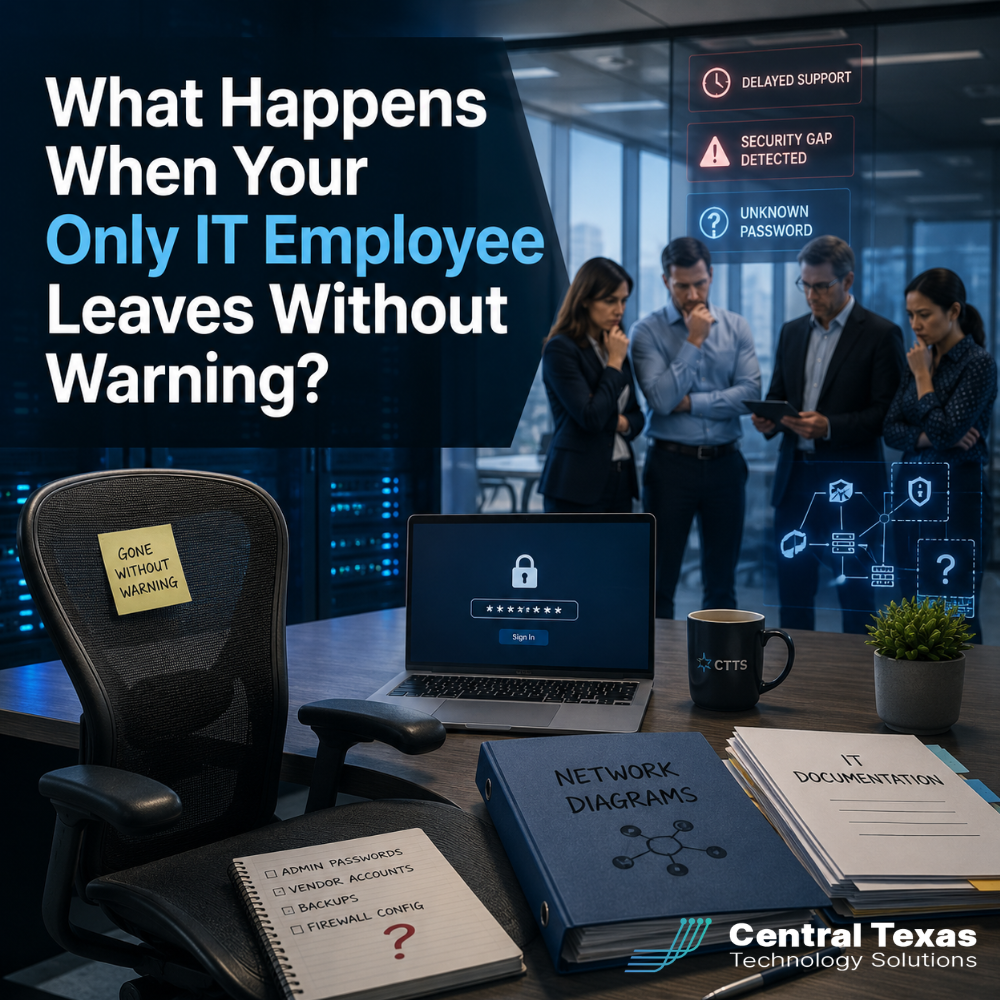
When one person manages nearly every part of your company’s technology, their unexpected departure can create more than an empty desk.
Passwords may be locked inside personal accounts. Network details may exist only in their memory. Employees may have no one to call when systems stop working. Security tools can continue generating alerts, but nobody may be watching them.
For businesses in Austin, Round Rock, Georgetown, Cedar Park, and across Central Texas, this situation can quickly disrupt productivity, increase security risks, and expose weaknesses that were hidden while the IT employee was still available.
The real problem is not simply that someone left. It is that critical business knowledge and access may have left with them.
Lost Passwords Can Lock You Out of Critical Systems
Your IT employee may have managed administrator access for Microsoft 365, servers, firewalls, cloud platforms, backups, websites, software subscriptions, and security tools.
When those credentials are not stored in a company-controlled password management system, the business may lose access to essential systems.
Common problems include:
- Administrator passwords stored in a personal browser
- Multifactor authentication tied to a former employee’s phone
- Vendor accounts created with a personal email address
- Domain or website access controlled by one person
- Encryption keys or backup credentials that cannot be recovered
- Software renewals tied to an unavailable account
A healthcare organization could lose access to systems supporting patient care. A legal firm may be unable to retrieve case files. A construction company could struggle to access project platforms used by field teams.
Recovering accounts is often possible, but it can require identity verification, vendor support tickets, ownership documents, and several days of waiting. During that time, routine work may slow or stop.
Missing IT Documentation Makes Every Problem Harder
Strong IT management requires more than knowing how systems work. It requires clear documentation that another qualified professional can understand and use.
That documentation should include:
- Network diagrams
- Hardware and software inventories
- Administrator account records
- Backup procedures
- Vendor contact information
- Software licensing details
- Cybersecurity policies
- Recovery instructions
- Technology renewal dates
- Common troubleshooting procedures
Without this information, a new employee or outside IT provider must investigate the environment from the beginning.
That takes time and increases the chance that an important detail will be missed. A manufacturing company may not know which systems control production equipment. A nonprofit may discover that its donor database was never properly backed up. A professional services firm may have no written process for adding or removing users.
Documentation is not busywork. It is part of business continuity.
Employee Support Can Slow Down Immediately
When the only IT employee leaves, ordinary support requests do not stop.
Employees may still need help with:
- Password resets
- New user accounts
- Printing problems
- Microsoft 365 issues
- Computer failures
- Remote access
- Software permissions
- Suspicious emails
- Mobile device setup
- Internet or network outages
Without a support plan, employees may start troubleshooting problems themselves. Others may ask the most technical person in the office for help, even if technology is not part of that employee’s job.
This creates inconsistent results and pulls people away from higher-value work.
A construction project manager should not spend hours fixing a laptop. An attorney should not be responsible for managing email security. A healthcare administrator should not have to decide whether a suspicious login alert is serious.
Reliable IT support gives employees a clear place to get help and allows them to stay focused on their actual responsibilities.
Security Gaps Can Grow Without Anyone Noticing
A sudden IT departure can create immediate cybersecurity risks.
Former employees may still have active access. Security alerts may go unanswered. Software updates may stop. Backups may continue failing without anyone checking them.
Important questions should be addressed quickly:
- Has the former employee’s access been disabled?
- Are all administrator passwords company controlled?
- Is multifactor authentication still working properly?
- Are endpoint security tools active on every device?
- Are backups completing and being tested?
- Are firewall and cloud security alerts being reviewed?
- Are all software licenses and subscriptions current?
- Are remote access tools still secure?
The goal is not to assume that the former employee acted improperly. Access should be removed whenever anyone leaves, regardless of the circumstances.
A delayed response can leave accounts open longer than necessary. It can also allow small security issues to develop into larger incidents.
Manufacturers, healthcare providers, legal practices, construction firms, nonprofits, and professional services companies often hold sensitive information. That makes prompt access reviews and security checks especially important.
Business Continuity Depends on More Than One Person
When one employee holds all the IT knowledge, the business has what is often called a single point of failure.
The risk becomes clear when that person resigns, becomes ill, takes an extended leave, or is suddenly unavailable.
A practical business continuity plan should answer several questions:
- Who can access critical systems?
- Where are passwords securely stored?
- Who responds to technology emergencies?
- How are backups restored?
- Which systems must be recovered first?
- Who contacts internet, software, and hardware vendors?
- How quickly can employees return to work?
These questions should be answered before a departure occurs.
Business continuity does not require every employee to understand the entire network. It requires documented processes, shared access, tested backups, and qualified support that does not depend on one individual.
How a Managed IT Partner Reduces the Risk
A managed IT services provider can support an internal IT employee without replacing the value that person brings to the business.
The internal employee may understand company workflows, employee needs, and long-term priorities. The managed IT partner can provide additional support, documentation, monitoring, security expertise, and coverage.
This shared approach helps prevent one person from becoming the only source of critical knowledge.
CTTS works proactively with Central Texas businesses to:
- Document networks, systems, and procedures
- Secure and organize administrator credentials
- Monitor technology and cybersecurity alerts
- Provide help desk support for employees
- Review backups and recovery plans
- Manage user access during employee transitions
- Coordinate with software and internet vendors
- Align technology decisions with business goals
If an internal IT employee leaves, the business already has a team that understands the environment. Support can continue while leadership evaluates the next step.
That could mean hiring another employee, expanding managed services, or using a co-managed IT model that combines internal leadership with outside expertise.
Prepare Before Your IT Employee Leaves
The best time to reduce this risk is while your IT employee is still part of the team.
Start by reviewing where passwords are stored, how systems are documented, who has administrator access, and whether another qualified resource could step in during an emergency.
This is not about planning for someone to fail. It is about protecting the business from an avoidable disruption.
Your technology should support business continuity, not depend on one person being available every day.
Protect Your Business From an Unexpected IT Departure
You should not have to discover missing passwords, undocumented systems, and security gaps after your only IT employee is gone.
CTTS helps businesses build an IT environment that remains secure, supported, and manageable through employee changes and unexpected disruptions.
Schedule a free strategy call with CTTS to review your current IT documentation, access controls, support coverage, and business continuity plan.
Frequently Asked Questions
What should we do first if our IT employee leaves suddenly?
Secure the environment immediately. Disable the former employee’s access, change important administrator passwords, confirm backup status, and identify any systems tied to personal email addresses or mobile devices. Then bring in a qualified IT professional to document the environment and address urgent support or security issues.
Should a small business have more than one IT administrator?
At least two trusted resources should be able to access critical systems, even if the company only employs one full-time IT person. The second resource may be another trained employee or a managed IT provider. Access should be limited, documented, protected with multifactor authentication, and reviewed regularly.
Can a managed IT provider work with our internal IT employee?
Yes. Co-managed IT services allow an internal IT employee to retain leadership and day-to-day involvement while an outside team provides monitoring, help desk support, cybersecurity expertise, documentation, and backup coverage. This reduces pressure on the employee and protects the business if that person becomes unavailable.
Contact CTTS today for IT support and managed services in Austin, TX. Let us handle your IT so you can focus on growing your business. Visit CTTSonline.com or call us at (512) 388-5559 to get started!
Looking for clarity on your next IT move? These articles will help:
What Happens to Your Business During a Full Day of IT Downtime?
How Do You Know If Your Business Is One Click Away From a Cyberattack?
What Are the Risks of Letting Employees Manage Their Own Technology?
How Outdated Systems Quietly Hurt Productivity and Revenue
What Could a Data Breach Actually Cost Your Business in Texas?
How One Weak Password Can Put Your Entire Business at Risk
What Are the Warning Signs Your Business Has Outgrown Its Current IT Support?
What Happens When Your IT Provider Does Not Understand Your Industry?
Why Small IT Problems Keep Coming Back and What That Really Means
Could Your Business Keep Running If Your Main Server Failed Today?