
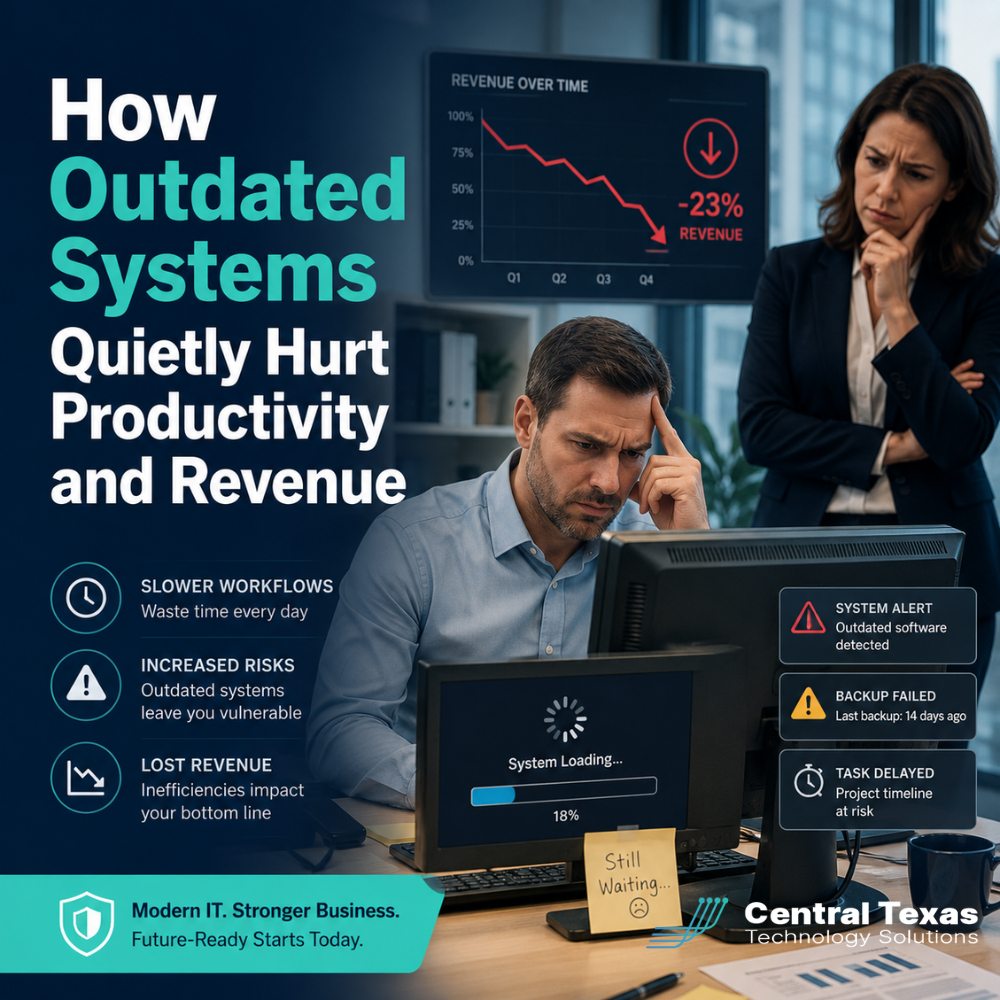
Outdated systems rarely fail all at once.
More often, they slow your business down one small frustration at a time.
A file takes too long to open. A key application crashes during a busy workday. A remote employee cannot access what they need. A server update gets postponed again because no one wants to risk breaking something. Your team finds workarounds, keeps moving, and accepts the frustration as normal.
But those small technology problems are not harmless.
For businesses in Austin and across Central Texas, outdated systems can quietly reduce productivity, increase risk, frustrate employees, and drain revenue. Healthcare practices, legal firms, professional services companies, construction businesses, manufacturers, and nonprofits all rely on dependable technology to serve clients, meet deadlines, and protect sensitive information.
When your systems fall behind, your business feels it.
Why Outdated Systems Are a Bigger Problem Than They Seem
Many business leaders delay technology upgrades because their current systems still “work.”
That is understandable. Replacing software, servers, computers, or network equipment can feel disruptive. Leaders may worry about cost, downtime, staff training, or making the wrong choice.
The problem is that outdated systems often create hidden costs long before they completely stop working.
Those costs may show up as:
- Slower employee performance
- More frequent IT support tickets
- Delayed customer response times
- Missed deadlines
- Security vulnerabilities
- Compliance concerns
- Higher maintenance costs
- Reduced employee morale
- Lost revenue opportunities
A law firm in Round Rock may not realize how much billable time is lost when staff wait on slow document systems. A healthcare office in Georgetown may not see the risk created by old devices that no longer receive security updates. A construction company in Cedar Park may simply accept that field teams struggle to access files from job sites.
Over time, those problems add up.
How Outdated Technology Hurts Productivity
Productivity loss is one of the most common consequences of outdated systems.
When employees deal with slow computers, unreliable applications, weak Wi-Fi, poor file access, or clunky processes, they spend more time fighting technology than doing meaningful work.
A few minutes lost here and there may not seem like much. But across an entire team, those minutes become hours. Across a year, they become a major operational expense.
Outdated systems often cause productivity issues such as:
- Employees waiting for programs to load
- Duplicate data entry across disconnected systems
- Difficulty sharing files securely
- Frequent password or access problems
- Poor remote work performance
- Unplanned downtime during critical business hours
- Confusion over which tools should be used for which tasks
For professional services firms, this can delay client deliverables. For manufacturers, it can disrupt production schedules. For nonprofits, it can slow down donor communication and program coordination. For construction companies, it can create delays between office staff and field teams.
Technology should help your team move faster. When it slows them down, it becomes a barrier to growth.
How Outdated Systems Reduce Revenue
Lost productivity eventually becomes lost revenue.
When your team cannot work efficiently, the business serves fewer clients, completes fewer projects, responds more slowly, and spends more money fixing recurring issues.
Outdated systems can hurt revenue in several ways.
First, downtime interrupts work. If your team cannot access email, files, scheduling tools, or business applications, revenue-producing activity stops.
Second, poor customer experience can cost you opportunities. Clients expect fast responses, accurate information, and reliable service. If outdated technology makes your business look disorganized, prospects may choose a competitor.
Third, old systems often require more maintenance. Instead of investing in strategic improvements, businesses end up spending money on emergency repairs, temporary fixes, and repeated troubleshooting.
Fourth, outdated technology can limit growth. A business that wants to expand, add locations, support remote employees, or adopt better software may find that old systems cannot support the next stage.
This is where proactive IT planning matters. CTTS helps businesses identify aging systems before they become expensive problems. Instead of reacting after something breaks, CTTS helps create a roadmap that aligns technology with business goals.
Security Risks Increase When Systems Are Outdated
Productivity and revenue are not the only concerns.
Outdated systems also create serious cybersecurity risks.
Older operating systems, unsupported software, outdated firmware, and aging network equipment may no longer receive regular security updates. That means known vulnerabilities may remain open for attackers to exploit.
This is especially concerning for industries that handle sensitive data, including healthcare, legal, professional services, manufacturing, construction, and nonprofits. These organizations may store client records, employee information, financial data, contracts, donor details, or proprietary business information.
When outdated systems remain in place, businesses may face:
- Increased risk of ransomware
- Weak access controls
- Poor endpoint protection
- Unpatched software vulnerabilities
- Compliance gaps
- Data backup failures
- Greater risk from phishing and credential theft
Many cyberattacks do not begin with a dramatic breach. They begin with an overlooked weakness.
A proactive IT partner helps close those gaps before they become major incidents.
Outdated Systems Make Compliance Harder
Compliance is another area where outdated technology can quietly create problems.
Businesses in regulated or risk-sensitive industries need systems that support secure access, data retention, audit readiness, backup protection, and reporting. When systems are old, inconsistent, or poorly documented, compliance becomes harder to manage.
For example:
- Healthcare organizations may need stronger controls around patient information.
- Legal firms may need secure document storage and reliable communication systems.
- Professional services companies may need better access control and data protection.
- Manufacturers may need stable systems that support operational continuity.
- Construction companies may need secure access for teams working from job sites.
- Nonprofits may need to protect donor information and financial records.
Outdated systems can make audits more stressful because documentation may be incomplete, security settings may be inconsistent, and backups may not be properly tested.
CTTS helps businesses prepare for these moments by improving visibility, strengthening security, and aligning systems with practical business needs.
Why Businesses Keep Delaying Technology Upgrades
Many leaders know their systems need attention, but upgrades still get pushed aside.
Common reasons include:
- “We do not want to disrupt the team.”
- “It still works well enough.”
- “We are not sure where to start.”
- “We do not know what needs to be replaced first.”
- “We are waiting until next year.”
- “We only upgrade when something breaks.”
The challenge is that waiting often creates more disruption, not less.
When technology planning is ignored, businesses are more likely to face emergency replacements, unexpected downtime, security incidents, and rushed decisions. That usually costs more than planned, proactive improvement.
A better approach is to assess your environment, prioritize risk, and create a phased plan that fits your budget and business goals.
How Proactive IT Support Helps Prevent Productivity Loss
The best IT strategy is not simply replacing old hardware or installing new software.
It is understanding how your business works, identifying where technology is creating friction, and building a practical plan to improve performance, security, and reliability.
CTTS helps Central Texas businesses take a proactive approach by focusing on:
- System health monitoring
- Lifecycle planning
- Security updates and patching
- Backup and disaster recovery readiness
- Cloud and Microsoft 365 optimization
- Endpoint protection
- Network reliability
- Remote and hybrid work support
- Strategic IT planning
- Vendor coordination
This approach helps business leaders avoid surprise failures and make smarter technology decisions.
Instead of waiting for outdated systems to break, CTTS helps you prevent problems and move forward with confidence.
Signs Your Business May Be Losing Money to Outdated Systems
You may not need a full system failure to know something is wrong.
Here are warning signs that outdated technology may already be affecting productivity and revenue:
- Employees complain about slow computers or applications.
- Your team relies on manual workarounds.
- You have recurring IT issues that never seem fully resolved.
- Remote workers struggle with access or performance.
- Security updates are delayed or unclear.
- Your backup process has not been tested recently.
- Software integrations are unreliable.
- Your team uses too many disconnected tools.
- Hardware is past its recommended lifecycle.
- IT decisions are made only when something breaks.
If several of these sound familiar, your systems may be costing more than you realize.
A Smarter Way to Modernize Your Technology
Technology upgrades do not have to be overwhelming.
The key is to start with a clear assessment. A trusted IT partner can help you understand what is working, what is creating risk, and what should be prioritized first.
For businesses in Austin, Round Rock, Georgetown, Cedar Park, and surrounding Central Texas communities, CTTS provides strategic IT guidance that helps leaders make informed decisions.
A practical modernization plan may include:
- Replacing aging workstations in phases
- Moving outdated servers to secure cloud solutions
- Standardizing business applications
- Improving cybersecurity protections
- Strengthening backup and recovery systems
- Upgrading network equipment
- Improving remote access
- Reviewing software licenses and unused tools
- Creating a long-term technology roadmap
The goal is not to spend money on technology for its own sake.
The goal is to help your business operate more efficiently, reduce risk, protect revenue, and support future growth.
Do Not Let Outdated Systems Quietly Drain Your Business
Your business depends on technology every day.
When systems are outdated, your team works harder than necessary, your customers may feel the impact, and your revenue can suffer quietly in the background.
You do not have to wait for a major failure to take action.
CTTS helps businesses across Central Texas move from reactive IT support to proactive technology planning. With the right systems, strategy, and support, your team can work more efficiently, stay protected, and focus on serving your clients.
Schedule a consultation with CTTS today to find out whether outdated systems are quietly hurting your productivity and revenue.
Frequently Asked Questions About Outdated Systems and Business Productivity
How do outdated systems affect employee productivity?
Outdated systems slow employees down by causing delays, crashes, access issues, and inefficient workflows. Even small daily frustrations can add up to significant lost time across an entire team.
When should a business replace outdated technology?
A business should consider replacing outdated technology when systems are slow, unreliable, unsupported, difficult to secure, or unable to support business goals. A proactive IT assessment can help determine what should be replaced first.
Can outdated systems increase cybersecurity risk?
Yes. Older systems may no longer receive security updates, which can leave known vulnerabilities exposed. This increases the risk of ransomware, data breaches, compliance issues, and business disruption.
Contact CTTS today for IT support and managed services in Austin, TX. Let us handle your IT so you can focus on growing your business. Visit CTTSonline.com or call us at (512) 388-5559 to get started!
Explore these expert insights before making your next IT decision:
What Happens to Your Business During a Full Day of IT Downtime?
How Do You Know If Your Business Is One Click Away From a Cyberattack?
What Are the Risks of Letting Employees Manage Their Own Technology?
What Happens When Businesses Wait Too Long to Fix Their IT Problems?
The Most Common IT Support Mistakes Austin Businesses Make
How Poor IT Network Support Puts Your Business at Risk
Why Ransomware Attacks Target Small and Mid Sized Texas Businesses