
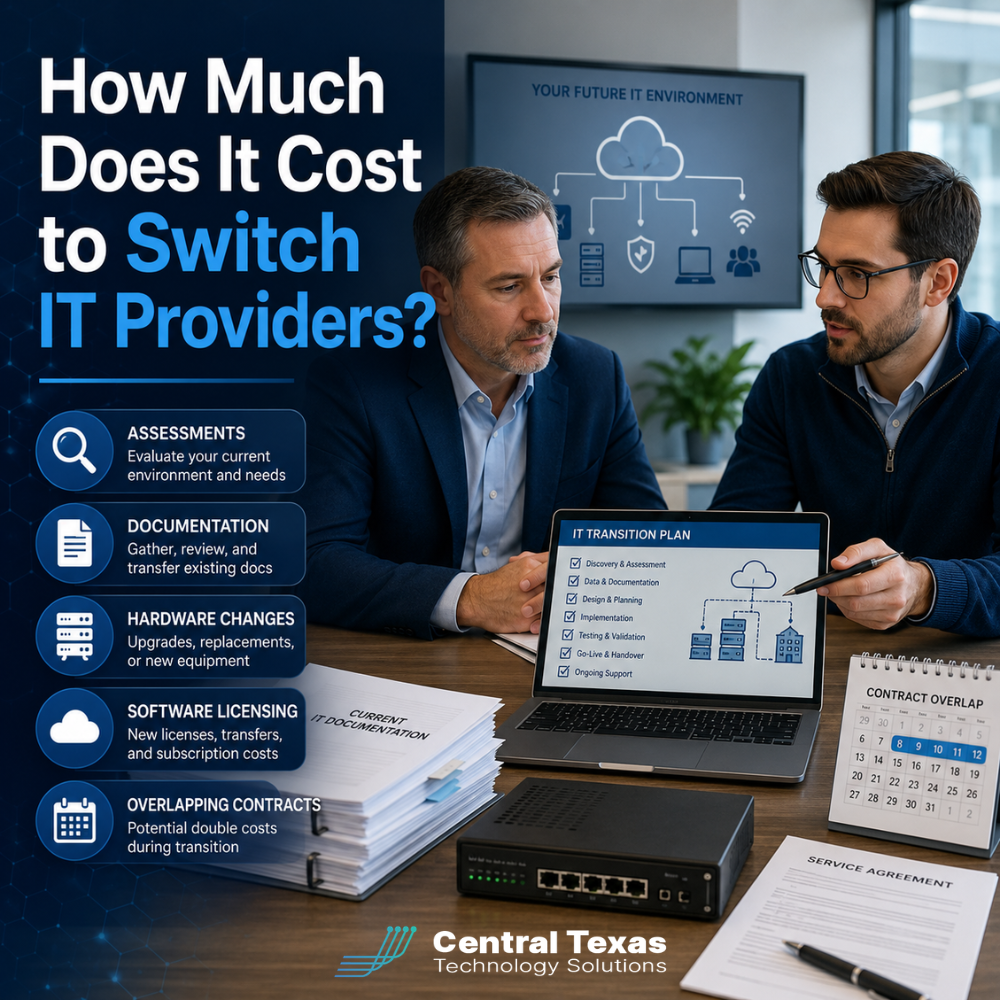
Switching IT providers can feel risky, especially when your business depends on technology every day. You may worry about unexpected fees, service interruptions, missing passwords, or paying two companies at the same time.
The cost to switch IT providers varies based on the size of your organization, the condition of your technology, and how well your current systems are documented. Some transitions require little more than account changes and onboarding. Others uncover outdated equipment, licensing problems, security gaps, or incomplete records that need immediate attention.
A reputable managed IT provider should explain these costs before the transition begins. The goal is not simply to replace one support company with another. It is to create a more stable, secure, and manageable technology environment.
What Does It Cost to Switch Managed IT Providers?
There is no single price that applies to every business. A small professional services firm with 10 employees may have a relatively simple transition. A healthcare organization, construction company, manufacturer, law firm, or nonprofit with multiple locations may require a more detailed onboarding process.
Transition costs usually depend on:
- The number of employees and devices
- The number of office locations
- The condition of servers, networks, and cloud systems
- Existing cybersecurity protections
- Available passwords and documentation
- Software and licensing agreements
- Contract terms with the outgoing provider
- Compliance or audit requirements
- The amount of work required outside normal business hours
Some IT companies charge a fixed onboarding fee. Others charge based on hours worked, number of users, or the complexity of the environment. In some cases, onboarding may be included in a longer service agreement.
The important question is not whether there is an onboarding cost. The question is what work is included and whether it reduces future risk.
IT Assessments and Network Discovery Costs
Before a new IT provider can manage your technology, it must understand what you have. This usually begins with a technology assessment or network discovery process.
The assessment may include:
- Reviewing computers, servers, firewalls, and network equipment
- Identifying cloud services and software applications
- Evaluating Microsoft 365 or Google Workspace settings
- Checking backup systems
- Reviewing cybersecurity tools
- Looking for unsupported equipment or software
- Identifying compliance concerns
- Testing administrative access
- Documenting current problems and priorities
This process can uncover issues that were previously hidden. For example, a manufacturing company may discover that production systems depend on an aging server. A healthcare practice may find that former employees still have access to sensitive files. A construction company may learn that field devices are not properly protected.
The assessment is not just a technical inventory. It gives the new provider a clear starting point and helps prevent surprises during the transition.
Documentation and Password Recovery Expenses
Poor documentation is one of the most common reasons IT transitions become more expensive.
A well-managed technology environment should have current records for:
- Administrator usernames and passwords
- Internet and phone service accounts
- Domain names and website hosting
- Microsoft 365 or Google Workspace administration
- Firewalls, switches, and wireless networks
- Backup systems
- Software vendors
- Warranty information
- Hardware configurations
- Security policies
- Employee access permissions
Unfortunately, some businesses discover that the outgoing provider kept incomplete records or controlled important accounts without giving the client full access.
The new IT company may need to spend time recovering passwords, contacting vendors, resetting accounts, rebuilding documentation, or proving ownership of cloud services. These tasks can increase onboarding costs, but they are necessary to give your business control over its own technology.
Business leaders should never be dependent on one employee or outside provider for access to critical systems.
Hardware Upgrades and Replacement Costs
Switching IT providers does not automatically mean you need new hardware. However, the transition may reveal equipment that is outdated, unsupported, unreliable, or unable to meet current security requirements.
Possible hardware expenses may include:
- Replacing old computers
- Upgrading servers
- Installing a business-class firewall
- Replacing outdated network switches
- Improving Wi-Fi coverage
- Adding backup equipment
- Purchasing battery backup systems
- Standardizing employee laptops
- Replacing unsupported phone systems
These upgrades should not be presented as arbitrary requirements. The new provider should explain the business reason for each recommendation.
For example, a legal firm may need encrypted devices to protect client information. A nonprofit may need better backup equipment to reduce the risk of losing donor records. A manufacturer may need network improvements to prevent production delays. A professional services firm may need standardized laptops to support a growing hybrid workforce.
Not every upgrade must happen immediately. A strategic provider can help you prioritize urgent risks and create a realistic replacement plan.
Software Licensing and Security Tool Costs
Your current IT provider may bundle software licenses into its monthly service agreement. When you leave, some of those products may no longer be available.
Common licensing changes can involve:
- Microsoft 365 subscriptions
- Email security
- Endpoint protection
- Backup software
- Remote monitoring tools
- Mobile device management
- Password management
- Cybersecurity awareness training
- Cloud storage
- VoIP phone services
In some situations, the new provider can transfer or replace these licenses without much disruption. In others, your business may need to purchase new subscriptions.
This is also an opportunity to eliminate unnecessary or duplicate software. Many businesses pay for tools they no longer use or maintain several products that perform similar functions.
A good IT partner will review your licensing, explain what should stay, identify what should change, and align the technology stack with your actual business needs.
Overlapping Contracts and Early Termination Fees
One of the most overlooked transition costs is the possibility of paying two IT providers during the same period.
Your current agreement may require:
- 30, 60, or 90 days’ notice
- Payment through the end of the contract term
- Early cancellation fees
- Return of leased hardware
- Final payment for outstanding projects
- Separate cancellation of software agreements
At the same time, your new provider may need to begin onboarding before the old contract ends. This overlap can be helpful because it gives the new company time to collect information, install tools, and prepare to take over support.
Before choosing a transition date, review the current contract carefully. Ask the new provider to help create a timeline that reduces duplicate expenses without leaving your business unsupported.
Businesses in Austin, Buda, Kyle, and New Braunfels should also consider whether the outgoing provider manages internet service, phones, security systems, domain names, or cloud accounts. Those services may have separate agreements and cancellation terms.
How to Avoid Unexpected IT Transition Costs
The best way to control switching costs is to plan the transition before ending the current relationship.
Ask the prospective provider for a written onboarding plan that explains:
- What the assessment includes
- What documentation is required
- Which tools will be installed or replaced
- Whether new hardware is recommended
- How licensing will be handled
- Who will communicate with the outgoing provider
- How support will continue during the transition
- What fees are included
- What costs could arise if information is missing
You should also ask whether the provider has experience transitioning businesses similar to yours. Healthcare, legal, construction, manufacturing, professional services, and nonprofit organizations each have different operational, compliance, and security concerns.
CTTS approaches transitions proactively. Instead of waiting for problems to appear after the change, our team works to identify risks, organize documentation, secure access, and align technology with your business goals.
Is Switching IT Providers Worth the Cost?
Staying with the wrong IT provider can be more expensive than switching.
Recurring downtime, slow response times, weak security, unclear billing, poor documentation, and outdated systems can reduce productivity and increase business risk. Those costs may not appear as a single line item, but they affect your employees, customers, and ability to grow.
A successful transition should leave your organization with:
- Clear technology documentation
- Better control over accounts and passwords
- Stronger cybersecurity
- More reliable support
- A practical hardware plan
- Appropriate software licensing
- Fewer recurring IT problems
- A technology strategy that supports growth
The lowest-cost transition is not always the best transition. The goal is to avoid unnecessary spending while creating a stronger foundation for the future.
Plan Your IT Transition With Confidence
Switching IT providers should not feel like stepping into the unknown. With a clear assessment, written transition plan, and experienced guidance, your business can understand the costs before making the change.
CTTS helps Central Texas organizations take control of their technology, reduce risk, and move forward with a proactive IT strategy.
Schedule a free strategy call with CTTS to discuss your current IT challenges and learn what a smooth transition could look like for your business.
Frequently Asked Questions
Do all IT companies charge an onboarding fee?
No. Some providers charge a fixed onboarding fee, some bill by the hour, and others include onboarding in the service agreement. Ask for a detailed explanation of what the fee covers. A thorough onboarding process may include assessments, documentation, software installation, security improvements, and coordination with the outgoing provider.
Can my current IT provider refuse to release passwords?
Your business should have access to accounts, passwords, licenses, and documentation related to its systems. However, disputes can occur when ownership is unclear or records are incomplete. Review your contract and request the information in writing. Your new provider may also help coordinate the transfer and recover access where necessary.
How long does it take to switch IT providers?
A straightforward transition may take a few weeks. Larger or more complicated environments may require additional time, especially when there are multiple locations, missing documentation, hardware upgrades, or contract issues. A planned transition helps protect business continuity and reduces the risk of support gaps.
Contact CTTS today for IT support and managed services in Austin, TX. Let us handle your IT so you can focus on growing your business. Visit CTTSonline.com or call us at (512) 388-5559 to get started!
Looking for clarity on your next IT move? These articles will help:
What Is Included in a Typical Per User IT Support Pricing Model?
How Do IT Support Contracts Work and What Should You Expect to Sign?
What Are the Long Term Costs of Delaying IT Upgrades?
How Do Cybersecurity Requirements Impact Your IT Budget in 2026?
Why IT Support Costs More When Your Business Has No Documentation
What Should a Growing Business Budget for IT Support Each Year?
Does Your Business Need a Full IT Department or Just Better IT Management?
How Much Should Cybersecurity Add to Your Monthly IT Budget?
Why Cheap IT Support Feels Affordable Until Something Breaks