
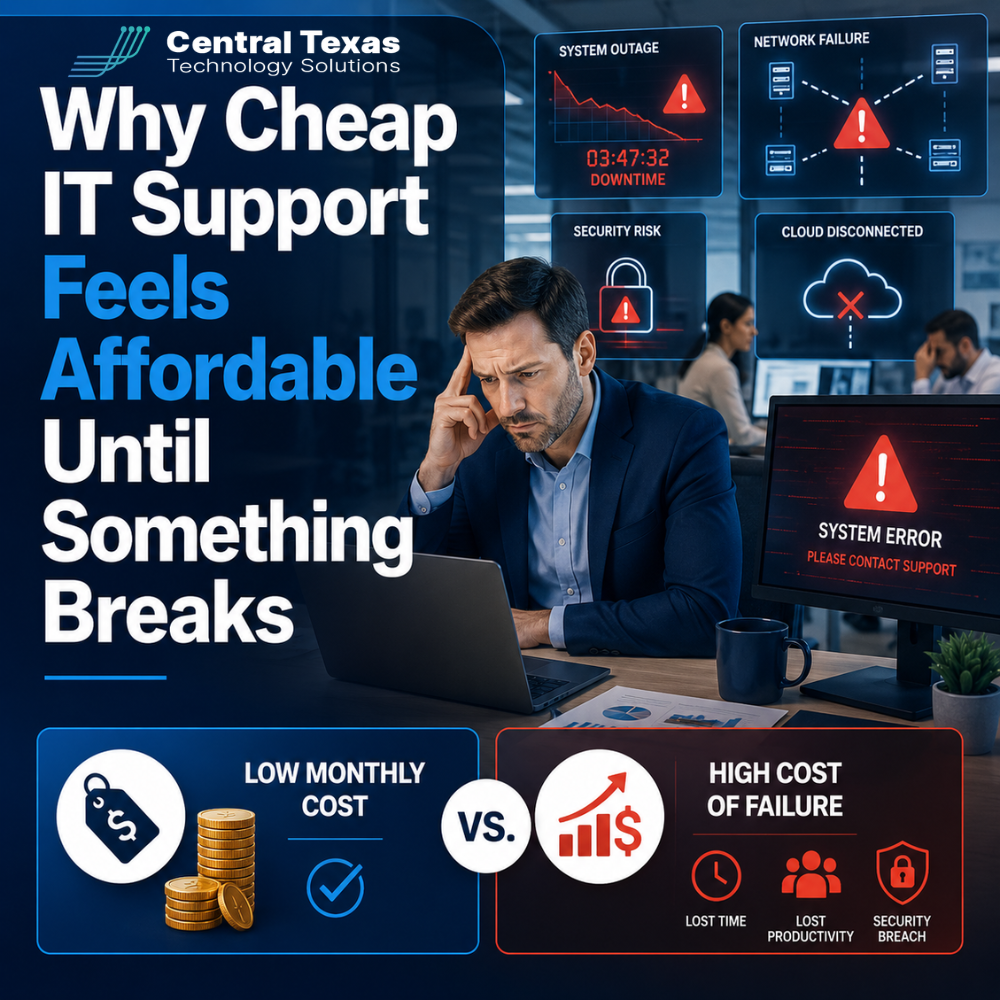
Every business wants to control expenses. When two IT providers appear to offer similar services, choosing the lower monthly fee can feel like a responsible decision.
The problem is that IT support plans are rarely identical.
A low price may cover basic help when an employee cannot log in or a printer stops working. It may not include cybersecurity monitoring, backup testing, technology planning, vendor management, or fast response during a serious outage.
Cheap IT support feels affordable when everything is working. Its real cost becomes clear when your systems fail, sensitive information is exposed, or a preventable problem interrupts your business.
Cheap IT Support Often Focuses on Fixing Problems After They Happen
Many low-cost IT arrangements follow a reactive model. Something breaks, an employee submits a request, and a technician tries to repair it.
That approach may be enough for minor issues, but it does not protect the business from larger problems.
A proactive IT provider looks for warning signs before employees notice them. This may include:
- Monitoring servers, computers, and network equipment
- Installing and verifying security updates
- Reviewing backup results
- Tracking aging hardware
- Identifying recurring support problems
- Planning for software, staffing, and compliance changes
Reactive support treats each issue as an isolated event. Proactive support asks why the problem happened and what should change to prevent it from happening again.
That difference matters for healthcare practices, legal firms, professional services companies, construction businesses, manufacturers, and nonprofits. Each of these organizations depends on reliable access to files, communication systems, applications, and customer information.
Low Monthly IT Fees Can Lead to Expensive Downtime
Downtime costs more than the technician’s repair bill.
When systems are unavailable, employees may be unable to access email, customer records, shared documents, estimating tools, production systems, or cloud applications. Work slows down while payroll, rent, and other expenses continue.
Consider a construction company whose project managers cannot access plans or scheduling software. Crews may arrive without updated information, vendors may receive delayed approvals, and deadlines may slip.
A legal firm facing an email or document management outage may struggle to meet filing deadlines or communicate with clients. A healthcare practice may be unable to access scheduling or patient systems.
The financial impact includes more than lost hours. Downtime can lead to:
- Missed sales opportunities
- Delayed projects
- Overtime costs
- Customer frustration
- Damaged credibility
- Compliance concerns
The cheapest provider on the invoice may become the most expensive choice when an outage lasts longer because the environment was not monitored, documented, or properly maintained.
Cheap Managed IT Services May Leave Security Gaps
Cybersecurity is one of the easiest areas to underestimate when comparing IT proposals.
Two providers may both say they include antivirus, backups, and Microsoft 365 support. Those descriptions do not reveal how the services are configured, monitored, tested, or managed.
Basic antivirus alone is not a complete security strategy. Modern protection may also require:
- Multifactor authentication
- Email threat protection
- Endpoint detection and response
- Vulnerability management
- Security awareness training
- Conditional access policies
- Backup monitoring and recovery testing
- Incident response planning
A low-cost plan may include security software without anyone actively reviewing alerts or improving the configuration.
That creates a false sense of protection. The tools exist, but the business may still be vulnerable to phishing, stolen passwords, ransomware, invoice fraud, or unauthorized access.
Security should not be treated as a collection of products. It should be managed as an ongoing business process that changes as threats, employees, applications, and compliance requirements change.
Weak IT Planning Creates Problems as the Business Grows
Cheap IT support often solves today’s immediate problem without preparing for tomorrow.
That may work while a company is small and its technology needs are simple. Problems begin when the business hires more employees, adds a location, adopts new software, supports remote workers, or faces new compliance requirements.
Without planning, growth can create:
- Inconsistent computer setups
- Employees with excessive access
- Poorly organized Microsoft 365 environments
- Unsupported hardware
- Licensing waste
- Unreliable remote access
- Last-minute technology purchases
- Security policies that no longer fit the business
A professional services company opening a second office should not wait until moving day to decide how employees will access files and communicate securely.
A manufacturer adding connected equipment should evaluate network capacity, access controls, and business continuity before production depends on the new systems.
A nonprofit expanding its staff may need stronger data controls and better device management, especially when employees and volunteers work from different locations.
A strategic IT partner connects technology decisions to hiring plans, budgets, risk, and long-term business goals.
What a Higher-Value IT Provider Should Deliver
Paying more does not automatically guarantee better service. Business leaders should understand what they are receiving and how the provider creates value.
A strong managed IT relationship should include more than access to a help desk. It should provide a clear plan for reducing risk and improving business performance.
Look for an IT partner that offers:
Proactive monitoring and maintenance: Systems should be reviewed continuously, not only after users report a problem.
Clear security standards: The provider should explain how email, devices, accounts, backups, and cloud applications are protected.
Documented recovery planning: Backups should be monitored and tested so the business knows its data can be restored.
Technology planning: Recommendations should be connected to growth plans, compliance needs, productivity, and budgeting.
Consistent communication: Business leaders should receive regular updates, recommendations, and explanations in plain language.
Accountability: The provider should track recurring problems, response times, projects, risks, and unresolved decisions.
The right provider does not simply sell support hours. It helps the business make informed technology decisions.
How Central Texas Businesses Can Compare IT Support Proposals
Businesses in Austin, Georgetown, Round Rock, and Cedar Park should compare more than the monthly total at the bottom of a proposal.
Ask each provider what is included, what costs extra, and who is responsible for important tasks.
Useful questions include:
- Are security alerts actively reviewed?
- Are backups tested, or only monitored for completion?
- Is onsite support included?
- How quickly are critical issues addressed?
- Is technology planning part of the agreement?
- Who manages Microsoft 365 security settings?
- How are recurring issues identified and eliminated?
- Is hardware lifecycle planning included?
- What happens during a cybersecurity incident?
- Are projects and after-hours emergencies billed separately?
A lower monthly fee may still be the right choice if the scope meets the company’s needs. The goal is not to choose the most expensive provider. It is to understand the risk created by the services that are missing.
Choose IT Support Based on Business Risk, Not Just Monthly Price
The lowest IT bill can be appealing, especially when technology appears to be working.
But a business does not truly know the value of its IT support until employees need help, systems fail, or a security incident begins.
CTTS helps Central Texas organizations prevent problems, strengthen security, and plan technology around the needs of the business. Instead of waiting for something to break, we help leaders build a more reliable and productive environment.
Schedule a free strategy call with CTTS to find out whether your current IT support is protecting your business or simply keeping the monthly bill low.
Frequently Asked Questions About Cheap IT Support
Why do managed IT service prices vary so much?
Pricing varies because providers include different levels of monitoring, cybersecurity, onsite support, planning, backup management, and response. Two plans with similar names may have very different responsibilities and exclusions. Comparing the scope of service is more useful than comparing monthly fees alone.
Is inexpensive IT support always a bad choice?
No. A basic support plan may work for a very small organization with limited technology needs and a high tolerance for downtime. The risk comes from assuming a low-cost plan provides proactive management, advanced security, or business continuity when it only provides reactive repairs.
How can I tell whether my IT provider is proactive?
A proactive provider should regularly discuss security risks, aging hardware, recurring issues, backup recovery, licensing, future projects, and business goals. You should receive recommendations before problems become emergencies, not just invoices after something breaks.
Contact CTTS today for IT support and managed services in Austin, TX. Let us handle your IT so you can focus on growing your business. Visit CTTSonline.com or call us at (512) 388-5559 to get started!
Choosing the right IT partner starts here:
Why the Cheapest IT Support in Texas Often Costs You the Most
Why Do Managed IT Service Prices Vary So Much Between Providers in Austin?
What Is Included in a Typical Per User IT Support Pricing Model?
How Do IT Support Contracts Work and What Should You Expect to Sign?
What Are the Long Term Costs of Delaying IT Upgrades?
How Do Cybersecurity Requirements Impact Your IT Budget in 2026?
Why IT Support Costs More When Your Business Has No Documentation
What Should a Growing Business Budget for IT Support Each Year?
Does Your Business Need a Full IT Department or Just Better IT Management?
How Much Should Cybersecurity Add to Your Monthly IT Budget?