
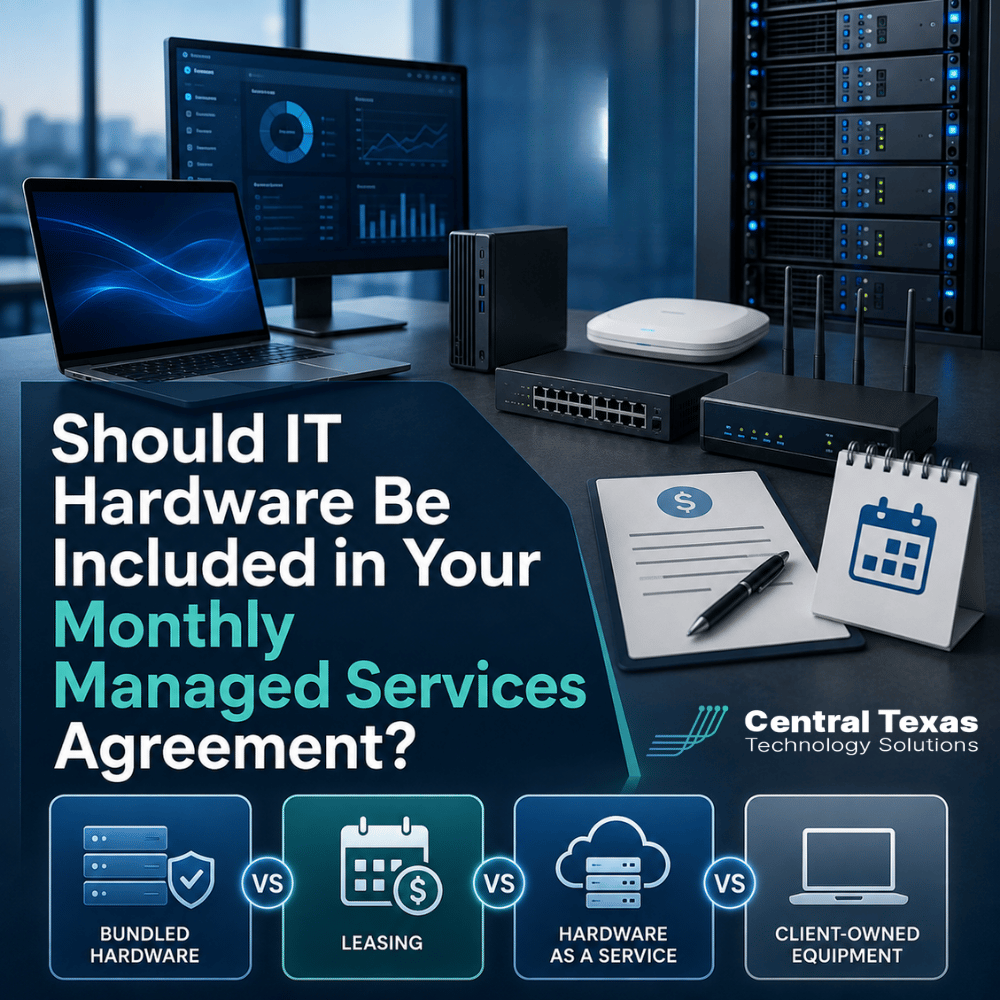
When businesses compare managed IT services, one question often comes up: Should IT hardware be included in the monthly managed services agreement?
At first, bundling computers, network equipment, and other hardware into one monthly payment sounds convenient. It can simplify budgeting and reduce large upfront purchases. But it can also make it harder to understand what you are paying for, who owns the equipment, and what happens when the agreement ends.
For businesses in Austin, Round Rock, Cedar Park, and Georgetown, the best approach depends on cash flow, growth plans, equipment needs, and how much control you want over your technology.
There is no single model that works for every company. What matters is understanding the differences before signing an agreement.
What Does It Mean to Include IT Hardware in Managed Services?
A traditional managed services agreement usually covers the ongoing management, monitoring, security, maintenance, and support of your technology.
Hardware is different. It includes physical equipment such as:
- Desktop and laptop computers
- Servers
- Firewalls
- Network switches
- Wireless access points
- Backup appliances
- Monitors and accessories
Some managed service providers bundle this equipment into their monthly service fee. Others help clients purchase equipment separately.
Before comparing pricing, determine exactly what the monthly fee includes. A lower upfront cost does not necessarily mean a lower total cost.
Bundled Hardware Can Make IT Costs More Predictable
With a bundled hardware arrangement, the managed IT provider includes certain equipment as part of the monthly agreement.
Instead of paying several thousand dollars to replace computers or network equipment at once, the business pays a predictable monthly amount.
That can be attractive for growing businesses that want to preserve cash.
Bundling may also simplify lifecycle management because the IT provider can establish replacement schedules before aging hardware begins causing productivity problems.
The potential downside is transparency.
Businesses should understand:
- Which devices are included
- How long equipment remains in service
- Whether upgrades are included
- Who owns the equipment
- Whether the equipment must be returned when the contract ends
- How much of the monthly payment is actually paying for hardware
For example, a professional services firm adding employees quickly may appreciate predictable monthly hardware costs. A manufacturer replacing specialized computers on a different schedule may prefer greater control.
Bundling works best when the agreement clearly defines both responsibilities and ownership.
Leasing IT Hardware Spreads Costs Over Time
Hardware leasing is another way to avoid a large upfront purchase.
The business typically enters into an agreement to use equipment for a defined term, often several years. Payments are spread across that period.
Leasing can make sense when businesses want consistent refresh cycles.
For example, a legal firm or healthcare organization may want employee computers replaced on a regular schedule to help support security, software compatibility, and employee productivity.
However, leases need to be reviewed carefully.
Important questions include:
- What is the total cost over the lease term?
- Is there an early termination penalty?
- Can equipment be purchased at the end?
- What happens if the business needs more or fewer devices?
- Who is responsible for damaged equipment?
A lease can improve cash flow, but businesses should avoid treating the monthly payment as the only number that matters.
The total financial commitment matters more.
Hardware as a Service Combines Equipment and Lifecycle Management
Hardware as a Service, often called HaaS, takes the subscription concept further.
Instead of simply financing equipment, the provider supplies hardware as part of an ongoing service.
Depending on the agreement, HaaS may include:
- Equipment installation
- Monitoring
- Maintenance
- Replacement of failed hardware
- Scheduled upgrades
- Equipment removal at the end of service
This model can work well for organizations that want technology expenses to behave more like an operating expense than a series of unexpected capital purchases.
A construction company managing multiple offices or job sites, for example, may benefit from standardized firewalls, wireless equipment, and computers that can be deployed consistently.
Nonprofits may appreciate predictable budgeting when major technology purchases are difficult to absorb unexpectedly.
The advantage of HaaS is not simply that hardware is included. The bigger benefit is disciplined lifecycle management.
The business is less likely to keep outdated equipment running simply because no one budgeted for its replacement.
Client-Owned Equipment Provides Greater Control
Many businesses still benefit from purchasing and owning their own equipment.
Under this approach, your managed IT provider recommends appropriate hardware, helps procure and configure it, and then supports it through the managed services agreement.
The client owns the equipment.
This model provides several advantages.
You know exactly what you purchased. There is no confusion about equipment ownership if you eventually change IT providers. Hardware can also remain in service as long as it continues meeting business, security, and performance requirements.
Client ownership can be especially attractive for businesses with stable technology environments.
A manufacturing company with long equipment cycles, for instance, may not need the same replacement schedule as a fast-growing professional services company.
The biggest challenge is planning.
Businesses that own hardware need a lifecycle budget. Without one, computers and infrastructure tend to remain in service until something fails.
That creates the type of reactive IT environment CTTS encourages businesses to avoid.
Which Managed IT Hardware Model Is Best?
The right answer depends on your business priorities.
Bundled hardware may make sense if you want:
- One predictable monthly technology expense
- Less upfront spending
- Simplified equipment replacement
Leasing may make sense if you want:
- Predictable financing
- Regular replacement cycles
- To conserve capital
Hardware as a Service may make sense if you want:
- Equipment and lifecycle management combined
- Standardized technology across locations
- Fewer unexpected replacement costs
Client-owned hardware may make sense if you want:
- Clear ownership
- Greater purchasing flexibility
- More control over replacement timing
The decision should not be based solely on which option produces the lowest monthly invoice.
Your IT strategy should consider total cost, security, expected growth, downtime risk, hardware lifespan, and what happens if your relationship with the IT provider changes.
Your Managed Services Agreement Should Support Your Business Strategy
Hardware decisions affect more than accounting.
Old computers can slow employees down. Aging network equipment can create reliability problems. Unsupported systems can increase cybersecurity risk. Poor purchasing decisions can create unnecessary costs for years.
That is why CTTS approaches hardware planning as part of the larger technology strategy.
For healthcare organizations, legal practices, professional services firms, construction companies, manufacturers, and nonprofits, the goal should be to create a technology environment that supports productivity, security, growth, and business continuity.
That requires more than replacing equipment when it breaks.
A proactive managed IT partner should help you understand:
- What equipment you currently have
- When it should be replaced
- Which purchases should be prioritized
- How future growth affects hardware needs
- Which purchasing model makes financial sense
The best agreement is not necessarily the one that includes the most equipment. It is the one that gives your business the right technology at the right time without unnecessary surprises.
Plan Your IT Hardware Before It Becomes a Problem
You should not have to wait for computers, servers, or network equipment to fail before deciding what comes next.
CTTS helps Central Texas businesses create a proactive technology plan that connects hardware replacement, cybersecurity, support, budgeting, and business goals.
If you are evaluating a managed services agreement or wondering whether your current hardware strategy makes sense, schedule a free strategy call with CTTS today.
Frequently Asked Questions About Hardware and Managed IT Services
Is hardware normally included in a managed services agreement?
Not always. Many managed services agreements primarily cover IT support, monitoring, cybersecurity, maintenance, and strategic planning. Hardware may be purchased separately, leased, bundled, or provided through a Hardware as a Service agreement. Businesses should ask specifically what equipment is included before comparing monthly prices.
Is Hardware as a Service cheaper than buying equipment?
Not necessarily. HaaS can reduce upfront costs and make expenses more predictable, but the total cost over several years may be higher than purchasing equipment outright. The value often comes from predictable replacement schedules, maintenance, standardization, and lifecycle management rather than simply paying less for hardware.
What happens to the hardware if we change managed IT providers?
That depends on who owns the equipment. If your business purchased it, you generally keep it. If the equipment is leased or provided through a HaaS agreement, you may have to return it, purchase it, or complete the remaining contract. Ownership and termination terms should be clearly documented before you sign.
Contact CTTS today for IT support and managed services in Austin, TX. Let us handle your IT so you can focus on growing your business. Visit CTTSonline.com or call us at (512) 388-5559 to get started!
Make your next IT decision with confidence. Start with these insights:
What Are the Long Term Costs of Delaying IT Upgrades?
How Do Cybersecurity Requirements Impact Your IT Budget in 2026?
Why IT Support Costs More When Your Business Has No Documentation
What Should a Growing Business Budget for IT Support Each Year?
Does Your Business Need a Full IT Department or Just Better IT Management?
How Much Should Cybersecurity Add to Your Monthly IT Budget?
Why Cheap IT Support Feels Affordable Until Something Breaks
Why Some IT Providers Charge Setup Fees and Others Do Not
How Much Does It Cost to Switch IT Providers?
What Is the Real Cost of Supporting an Employee Who Works Remotely?