
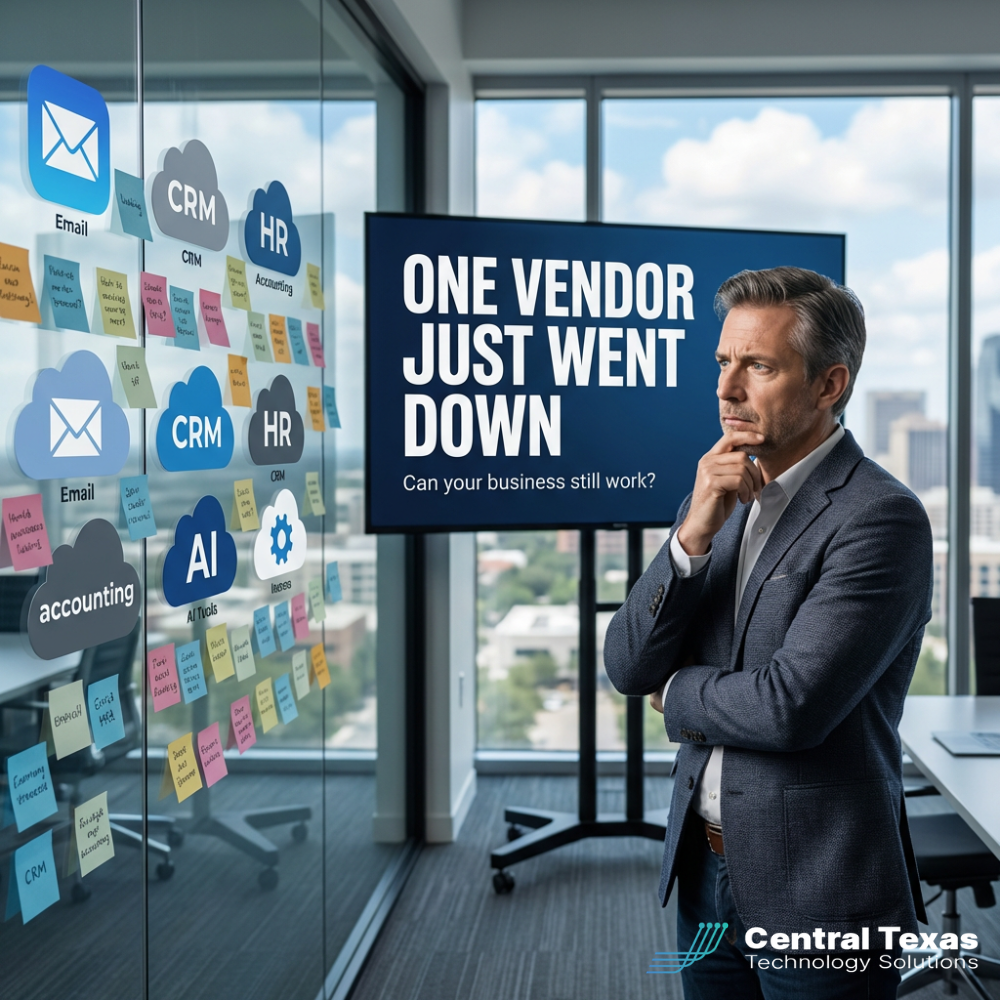
At 10:15 AM on a normal Tuesday, your team is humming along.
Phones are ringing. Invoices are going out. Your people are finally catching up after a busy month.
Then, all at once, it stops.
No one can log in.
The CRM is timing out.
The scheduling system is stuck on a spinning wheel.
Your accounting team can’t reach the payment portal.
You check the status page of the vendor that sits in the middle of your stack, a single sign-on provider, a cloud line-of-business app, or a key integration platform, and you see it:
For a lot of Central Texas businesses with 25–250 employees, this isn’t hypothetical anymore. Recent outages in SSO and cloud services have locked people out of the very tools they use to run their companies.
The problem isn’t just the outage.
The problem is how exposed your business is to one vendor going down.
The Real Cost of a Single Point of Failure
When we talk with business owners, the first reaction is usually, “Yeah, outages happen, but our IT team will figure it out.”
Here’s what that often looks like from the inside:
- Staff sitting idle while the clock ticks.
- Managers trying to piece together manual workarounds on the fly.
- Leadership refreshing a status page and hoping for good news.
- Customers waiting on quotes, updates, or test results that you simply can’t deliver.
By the end of the day, you haven’t just lost productivity, you’ve burned trust.
And in many environments, such as healthcare, professional services, and nonprofits handling sensitive data, a prolonged outage can also create security and compliance headaches if people start using “shadow IT” to get work done.
This is why vendor and stack risk is just as much a business continuity issue as it is an IT issue.
Why SMBs Are Especially Vulnerable
Large enterprises spend serious money on business continuity and vendor risk management. They have teams who think about this all day long.
Most small and mid-sized organizations here in Central Texas don’t.
You might have:
- A lean internal IT person wearing ten hats, or
- A vendor who keeps the lights on but hasn’t walked you through your real exposure.
In both cases, the pattern is the same:
- New cloud tools get added over time.
- Integrations and SSO make login easier.
- Critical processes quietly start depending on a single vendor or connection.
Until someone asks, “What if this piece breaks?”, no one sees the full picture.
A Better Way: Map, Find, and Fix the Risk
At CTTS, we work with Central Texas organizations every week who want fewer surprises and more predictability. When it comes to vendor outages, our approach is simple but powerful.
1. Map your stack.
We start by creating a clear, human-understandable map of your business-critical systems:
- Line-of-business apps
- Microsoft 365 and collaboration tools
- CRMs, ERPs, and financial systems
- SSO or identity providers
- Key integrations that move data between systems
This doesn’t have to be a 50‑page report. The goal is a simple visual that answers, “What do we depend on to serve our customers and get paid?”
2. Find the single points of failure.
Next, we look for the brittle spots:
- One vendor that everything authenticates through
- One integration that moves all of your orders, tickets, or claims
- One app that only a single person knows how to use or support
We ask, “If this box on the diagram disappeared for a day, what’s the impact?”
For some businesses, the answer is, “It would hurt, but we could limp along.” For others, it’s, “We would be dead in the water.”
3. Build and test a failover plan.
Finally, we design practical options so an outage becomes an inconvenience, not a full stop.
That might include:
- Secondary login paths that bypass a failed SSO provider
- Redundant tools for critical functions like payments or scheduling
- Documented “offline” workflows your team can switch to temporarily
- Clear communication templates for staff and customers during an incident
Then we test the plan with a simple tabletop exercise. We walk your leadership and key staff through a realistic outage scenario and watch for gaps.
Every time we do this, we find small changes that dramatically reduce risk.
What This Looks Like for a Central Texas Business
For a 50–150 person organization in healthcare, professional services, or the nonprofit world, a vendor outage isn’t just about lost time.
It’s about:
- Patients who can’t schedule or get results
- Clients who can’t approve documents or pay invoices
- Donors who hit an error screen when they try to give
When you’ve done the work ahead of time, you can respond calmly:
- IT knows which systems are affected.
- Staff know the backup process.
- Leadership knows what to say to customers.
Instead of scrambling, you execute the plan.
Your Next Step: Get a Simple Vendor & Stack Risk Check
You don’t need a 200‑page binder to start.
If you’re a Central Texas business leader and you’re not sure how exposed you are to a single vendor going down, here’s a straightforward next step:
- Make a short list of the 5–10 systems you absolutely cannot live without for a day.
- Ask, “What do these depend on to work?”—SSO, integrations, or a specific vendor.
- If the answer is “I’m not sure,” that’s your first risk.
We help organizations in Central Texas walk through this with a calm, structured process. The goal is simple: reduce risk and help you keep more of your money when, not if, something breaks.
If you’d like us to take a look at your stack and highlight your biggest exposure points, send me a message with the word STACK and we’ll share a quick checklist and talk through what makes sense for your environment.
You can also schedule a free IT Strategy Session with CTTS here.
Frequently Asked Questions
1. How often should we test our vendor outage or disaster recovery plan?
For most 25–250 person organizations, once a year is the bare minimum. Twice a year is even better, especially if you’ve added new tools or changed key vendors. The test doesn’t have to be complex; a 60–90 minute tabletop exercise with leadership and key staff will reveal most gaps.
2. Aren’t we too small to justify redundancy for every system?
You don’t need a hot backup for everything. Focus on the applications that directly touch revenue, customer experience, or regulated data. Often, low-cost options, like alternate login paths or simple offline workflows, provide a lot of protection without a huge price tag.
3. What does a vendor and stack risk assessment typically cost?
It depends on the size and complexity of your environment, but for many Central Texas SMBs it’s a manageable, one-time engagement that’s far cheaper than a single day of downtime. In many cases, we can start with a focused review of your most critical systems and expand from there only if it makes business sense.
Contact CTTS today for IT support and managed services in Austin, TX. Let us handle your IT so you can focus on growing your business. Visit CTTSonline.com or call us at (512) 388-5559 to get started!