
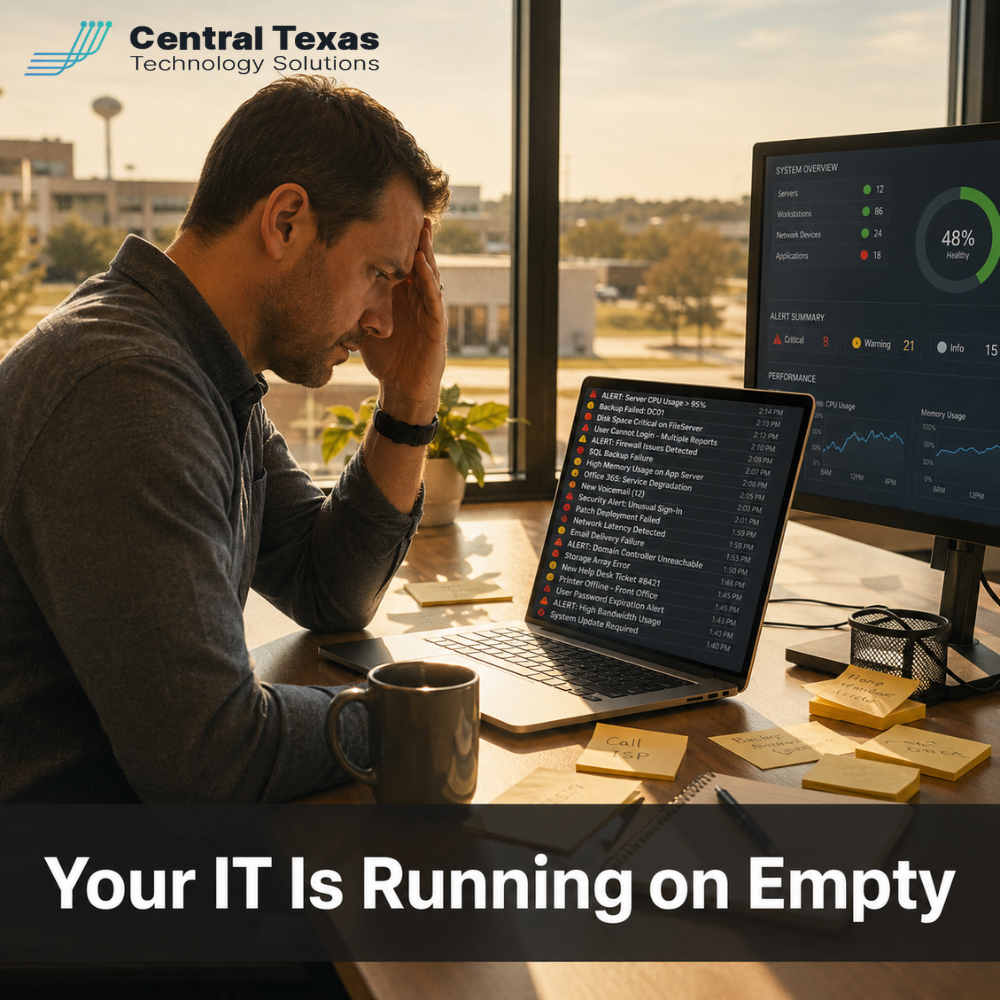
 In 2026, the pace of IT change has accelerated past what a single generalist can reasonably manage. For a managed IT company serving Central Texas, the calls we receive most often are not about catastrophic failures. They are from business owners who have quietly realized their IT setup has fallen behind the demands of their growing business.
What Is at Stake
Most small and mid-sized businesses in Central Texas are running their technology on a foundation that made sense five years ago. One capable person handles everything from software updates and device management to cybersecurity, backups, and vendor negotiations. For a while, it works. Then it does not.
When IT is under-resourced, problems tend to compound quietly. Systems do not get patched on schedule. Backup verification gets skipped. Security alerts get dismissed because there is no time to investigate. Licensing renewals happen without anyone checking whether the current tools still fit the current business. By the time something fails catastrophically, the fragility has been building for months.
The cost of a serious IT failure goes well beyond the immediate repair. Downtime costs small businesses an average of $10,000 per hour according to industry research. Data loss events often trigger customer notification requirements, regulatory review, and reputational damage that outlasts the technical incident by years. For businesses in healthcare or professional services, the exposure is even more significant.
Why Central Texas Businesses Outgrow One-Person IT
The businesses we work with across Central Texas, in Austin, Round Rock, New Braunfels, and the surrounding communities, are growing. They are adding headcount, taking on new clients, and adopting more sophisticated tools. That growth changes the IT requirements faster than most owners realize.
Microsoft product releases alone illustrate the problem. In the past four months, Microsoft has released or significantly updated Copilot for Microsoft 365, added AI-powered security features to Defender, expanded Teams capabilities, and launched Agent 365 in general availability. Each release requires evaluation, configuration decisions, and governance policies before deployment. That is not a one-afternoon task. It is an ongoing program.
At the same time, cybersecurity threats targeting small and mid-sized businesses have grown more sophisticated. QR code phishing attacks more than doubled in Q1 2026 according to Microsoft Threat Intelligence. AI-generated malware is now appearing in live attacks. Cyber insurance requirements are stricter. And organizations without a managed IT provider are increasingly being denied coverage or receiving claim rejections after incidents.
What a Managed IT Company Actually Does
When people think of a managed IT company, they sometimes picture a team that fixes computers. That is a small part of what we do at CTTS. The larger value is in what we prevent.
We monitor your systems around the clock, which means we often identify and resolve issues before they affect your team. We manage your Microsoft 365 environment so licenses are current, permissions are appropriate, and security settings are properly configured. We handle device lifecycle management so aging computers are replaced on a predictable schedule instead of failing at the worst possible time. We manage your backup and disaster recovery systems so that when something goes wrong, recovery is measured in hours rather than days.
We also serve as a strategic partner for technology decisions. When Microsoft releases something new, we evaluate it against your specific environment and tell you whether it applies to your business. When a vendor pitches a new tool, we assess it for security and integration risk before it touches your systems. That advisory role protects businesses from expensive mistakes and keeps your technology aligned with your actual business goals rather than with sales pitches.
Best Practices for Businesses Evaluating Managed IT Company Options in 2026
Understand What Managed Actually Means Before You Sign
The term managed IT covers a wide range of service models. Some providers offer monitoring and helpdesk support only. Others include full co-management of your Microsoft environment, security operations, and vendor relationships. Before signing a contract, ask specifically what is included in your monthly fee, what is billed separately, and who owns the relationship with Microsoft and other key vendors.
A good managed IT company should be able to give you a complete picture of everything they will actively manage on your behalf, and everything that falls outside scope. Clarity here prevents painful surprises when a critical system fails and you discover it was not in the agreement.
Evaluate Cybersecurity Capabilities as Part of the Core Package
In 2026, managed IT and cybersecurity are inseparable. A managed IT company that does not include endpoint detection and response, email security, and multi-factor authentication management in their core offering is not providing adequate coverage for the current threat environment.
Ask any prospective provider to walk you through how they handle a phishing incident, a ransomware detection, and a compromised user account. If those answers are vague, or if they tell you security is a separate engagement, treat that as a red flag. Cybersecurity is not an add-on. It is the foundation.
Ask About Microsoft 365 Management Specifically
For most Central Texas businesses, Microsoft 365 is the core of the technology environment. Email, Teams, SharePoint, OneDrive, and now Copilot and Agent 365 all run through that platform. Your managed IT company should be actively managing it, not just responding when something breaks.
Ask whether they run regular Microsoft 365 tenant health reviews, whether they manage licensing as a standing service, and whether they have a defined process for evaluating and deploying new Microsoft capabilities. If they cannot answer those questions specifically, the Microsoft environment may be an unmanaged gap in an otherwise managed relationship.
Prioritize Local Presence and Response Time
When something goes wrong, response time matters. A managed IT company with engineers in Central Texas can be on-site faster than a national provider routing your ticket through a distant call center. Local presence also means your IT partner understands the business environment here, including the mix of industries and the specific challenges facing businesses in communities like Georgetown and Temple.
Ask every provider about average response time, how tickets are escalated, and whether you will have a dedicated contact or interact with a general queue. Those answers tell you a great deal about the actual service experience.
Look for a Long-Term Relationship, Not a Transactional Vendor
The best managed IT companies work as partners, not vendors. They understand your business goals, they communicate proactively when risks emerge, and they make technology recommendations in your interest rather than in their own.
Look for a provider who conducts regular business reviews, who brings observations to you rather than waiting for you to ask, and who has a track record of long-term client relationships. In Central Texas, reputation is built in the community over time. Ask for references from businesses similar to yours and from clients who have been with the provider for several years.
Take the Next Step
If your business is running on one person's IT knowledge, or if your current IT support feels reactive rather than strategic, that gap is worth addressing before it becomes a crisis. The right managed IT company becomes a genuine partner in how your business operates and grows.
CTTS has served Central Texas businesses for years. We would be glad to walk you through what a fully managed relationship looks like and whether it fits where your business is today. Schedule a free strategy session with CTTS today.
Frequently Asked Questions
What does a managed IT company typically cost for a small business?
Managed IT service pricing varies based on the number of users and devices, the scope of services included, and the provider's business model. Most managed IT companies price on a per-user or per-device monthly fee, typically ranging from $75 to $200 per user per month depending on scope. For a 25-person business, that might represent $1,875 to $5,000 per month. That sounds significant until you compare it to the cost of a major IT incident. Industry research places average downtime cost at $10,000 per hour, not counting recovery costs, data loss, or regulatory exposure.
What is the difference between a managed IT company and a break-fix IT provider?
A break-fix provider responds when something breaks and charges for time and parts to fix it. A managed IT company proactively monitors, maintains, and manages your technology environment on an ongoing basis. The managed model shifts the economic incentive: a managed IT provider is strongly motivated to prevent problems, because recurring failures cost them time and resources. A break-fix provider profits from every incident. For businesses with growing technology environments and cybersecurity exposure, the proactive managed model delivers significantly better outcomes at a more predictable cost.
How do I know when my business has outgrown its current IT support?
There are several clear signals. If your IT person is consistently behind on patching, updates, or device management, the workload has outpaced the resource. If your business experienced an IT incident in the past year that caused significant downtime or data exposure, the current approach is not adequate. If you have added employees, tools, or locations in the past two years without a formal IT assessment, your environment has likely grown past its original design parameters. And if your leadership team cannot confidently describe how a ransomware attack or data breach would be handled, your response capability is undefined, which is a significant risk in itself.
Contact CTTS today for IT support and managed services in Austin, TX. Let us handle your IT so you can focus on growing your business. Visit CTTSonline.com or call us at (512) 388-5559 to get started!