
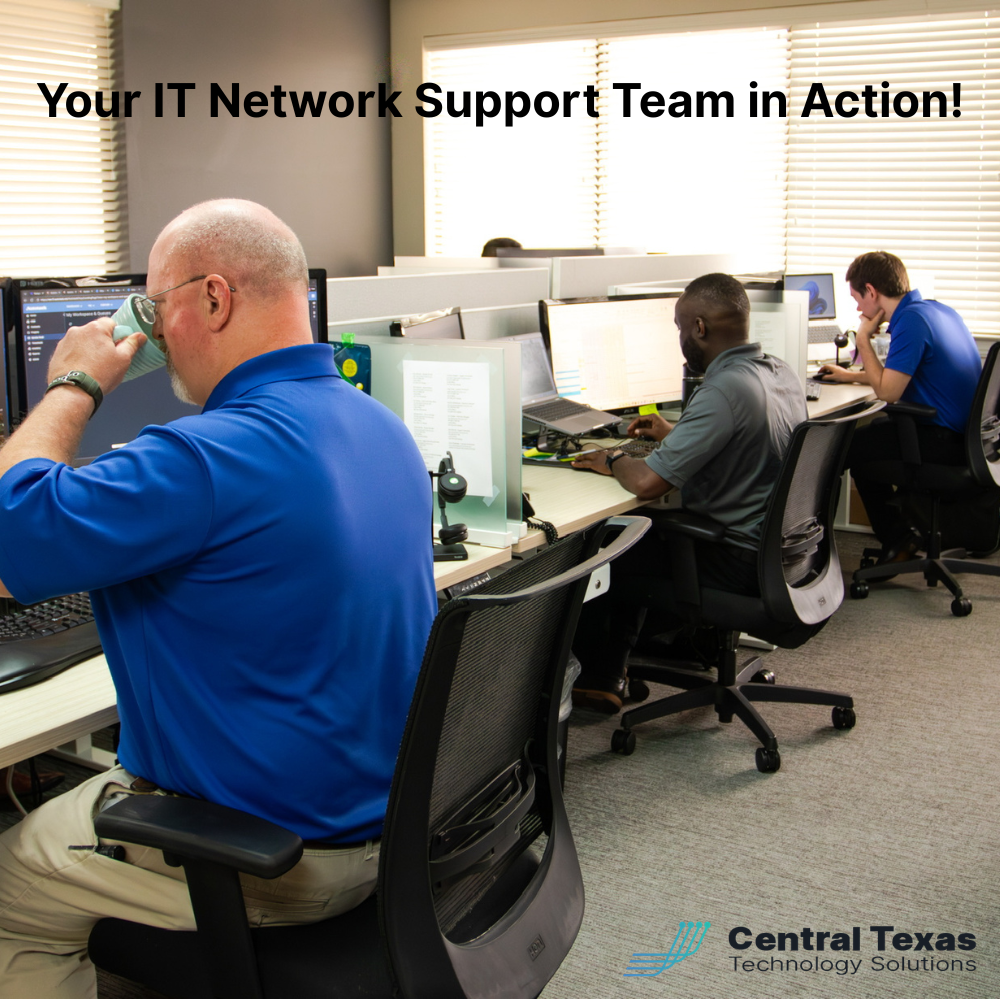
 Your firewall is the front door of your business network. In 2026, attackers are kicking that door harder than ever, and the worst part is that many of them are walking through without breaking anything because the door was left unlocked. For Central Texas owners running businesses in New Braunfels, San Marcos, Austin, Round Rock, and Georgetown, professional IT network support is no longer a luxury reserved for enterprise companies. It is the single most important investment you can make to protect what you have built.
What Is at Stake
A misconfigured firewall is not a theoretical risk. SonicWall publicly confirmed in 2026 that an attacker accessed customer firewall configuration files stored in its cloud portal. Around the same time, security researchers reported active brute force campaigns hitting SonicWall SSL VPN logins, and Fortinet disclosed an authentication bypass that lets any valid FortiCloud account log into FortiGate, FortiManager, and FortiWeb devices belonging to other organizations. Translation for a business owner: aging firewalls with default settings and exposed management portals are being compromised in the wild every week.
When a firewall falls, the consequences cascade quickly. Attackers establish a foothold on your perimeter device, pivot into your internal network, harvest credentials, and either deploy ransomware or quietly steal data for weeks. The window between the public disclosure of a flaw and active exploitation is now measured in days, not months. If you are waiting for your annual security review to catch up, you have already lost.
The financial damage is significant. According to Verizon's most recent Data Breach Investigations Report, 88 percent of small and medium business breaches involved ransomware, nearly double the rate at larger organizations. The average cost to a small business recovering from a ransomware event in the United States now exceeds 350,000 dollars when you include downtime, recovery, regulatory notification, and lost customers. Most small businesses cannot absorb that hit and stay open.
Why Central Texas Businesses Face This Challenge
Owners across Central Texas tell me the same story. They bought a firewall five or seven years ago, the IT person who set it up moved on, the documentation went with them, and nobody has touched the configuration since. The firewall still has a green light blinking, so it must be working. That is exactly the assumption attackers count on.
The Austin metro is one of the fastest growing business markets in the country, which makes it a target rich environment. Small professional services firms in Round Rock, manufacturers in Taylor, healthcare practices in New Braunfels, and nonprofits in San Marcos all run similar edge gear and rarely have a dedicated security engineer on staff. Attackers do not need a custom exploit to break in. They scan the public internet for exposed management interfaces, try a handful of known vulnerabilities, and walk in through the same door your VPN users use every day.
Compounding the problem, many small businesses run their firewalls on aging hardware that no longer receives firmware updates. Once a device goes end of life, every new vulnerability discovered will live on that box forever. End of life firewall hardware is one of the most common findings we uncover when we conduct a network security assessment for a new client. The owner usually had no idea the device had been unsupported for two years.
How CTTS Helps With IT Network Support
CTTS provides IT network support that goes beyond keeping the lights on. We treat your firewall, your switches, your wireless access points, and your internet circuits as a system that needs continuous attention. When we onboard a new Central Texas client, we begin with a complete inventory of every edge device, its firmware version, its support status, and its exposure to the public internet. We then close the obvious doors first, which is often the highest leverage work we do all year.
Our IT network support service includes three things every owner should expect from a serious managed services partner. First, we manage firmware patching on a documented cadence with maintenance windows that respect your business hours. Second, we lock down management interfaces so they are never reachable from the public internet, and we require multi factor authentication for every VPN and administrator login. Third, we monitor firewall logs and SSL VPN authentication attempts around the clock so we see brute force activity the moment it begins, not after attackers have already guessed a password.
That work compounds quietly over time. Our clients sleep better not because we promise nothing will ever go wrong, but because they know someone is watching, someone is patching, and someone will call them if something is off. That is what professional IT network support is supposed to feel like.
Edge Security Best Practices for Central Texas Businesses
There are four practical disciplines every Central Texas business should follow regardless of whether you partner with CTTS or another provider. These are not advanced techniques. They are basic hygiene that the majority of small businesses skip until after a breach.
Lock Down Every Management Interface
The single most common finding across our network security assessments is a firewall management portal exposed to the open internet. Vendors ship these devices with web management enabled because it is convenient for the installer, and most small business installers never change the default. The fix is straightforward. Restrict administrator access to a specific list of internal IP addresses, require a VPN connection before anyone reaches the management portal, and disable any service you do not actively use.
This same principle applies to SSL VPN portals, remote desktop gateways, and any cloud management consoles your edge devices use. The 2026 SonicWall cloud portal incident showed that even vendor managed configuration backups are a target. Treat every administrative path into your network as a high value asset and protect it accordingly. If you cannot tell your IT provider exactly which IP addresses can reach your firewall today, your firewall is exposed.
Require Multi-Factor Authentication on Every Remote Login
Brute force attacks against SSL VPN endpoints are now an industry baseline. Attackers harvest valid usernames from data breaches, then run automated tools that try thousands of passwords against your VPN until something works. Without multi factor authentication, a single reused password is often enough to give an outsider full network access.
Modern firewalls and VPN appliances integrate with Microsoft Entra ID, Duo, Cisco Secure Access, and other identity providers in under an hour of configuration work. There is no excuse to leave your VPN protected by a password alone in 2026. If your current setup does not support strong MFA, your appliance has reached its useful end and should be replaced. The cost of a new firewall is a fraction of the cost of one ransomware incident.
Patch Firmware on a Known Cadence
Most small businesses patch firmware reactively, usually after a vendor advisory makes the news. By then, attackers have already weaponized the flaw and scanned the public internet for vulnerable devices. The right approach is a known cadence. We schedule monthly maintenance windows for client edge devices, apply the latest stable firmware after testing in our lab, and document every change so you can prove to auditors and your cyber insurance carrier that patching is happening on schedule.
Equally important, retire any device that no longer receives vendor security updates. End of life firewalls are a ticking clock. Every month they remain in production, your risk grows and your insurance coverage thins.
Document and Audit Firewall Configurations Regularly
The configuration file on your firewall is one of the most sensitive documents your business owns. It defines who can reach what, which ports are open, and where remote users land when they connect. We export and review client firewall configurations monthly, looking for stale rules, overly permissive policies, and any change that was not made through our ticketing system.
A documented configuration also makes recovery dramatically faster after a hardware failure or a breach. If your firewall dies tomorrow and nobody on your team has the configuration backup, your office is offline for days. With proper documentation and a tested restore process, you are back up the same morning.
Take the Next Step
If you are a Central Texas business owner and you cannot answer simple questions about your firewall today, you do not yet have a security problem. You have a visibility problem, and visibility is what we restore first. CTTS offers a complimentary network security review for owners in Austin, Round Rock, Georgetown, New Braunfels, San Marcos, Buda, Bastrop, Taylor, Jarrell, and Temple. We will inventory your edge devices, identify the highest impact gaps, and give you a written plan you can act on regardless of whether you decide to partner with us.
Schedule a free strategy session with CTTS today. We have been protecting Central Texas businesses for over thirty years, and we would be honored to look at yours.
Frequently Asked Questions
How do I know if my firewall is misconfigured?
The fastest signal is whether anyone on your team can produce the current configuration file and explain the firewall rule set. If the answer is no, the configuration is effectively unmanaged. Other warning signs include management portals reachable from the public internet, SSL VPN logins protected only by passwords, and firmware that has not been updated in more than six months. A proper network security assessment from a managed services provider like CTTS will surface these issues in writing and prioritize them by risk so you know what to fix first.
How often should small business firewalls be patched?
Stable firmware updates should be applied on a documented monthly cadence, with critical security patches applied within seventy two hours of release. Most small businesses lack the in-house bandwidth to maintain that schedule, which is why outsourcing IT network support to a managed services provider is usually the most cost effective path. The right partner will test patches in a lab environment before rolling them to your network so you avoid surprises during business hours.
What does professional IT network support cost for a small business in Central Texas?
Pricing varies based on the number of devices, the complexity of your environment, and the response time you need. For a typical Central Texas small business with twenty to one hundred employees, comprehensive IT network support including firewall management, patching, monitoring, and twenty four seven response usually ranges from a few hundred to several thousand dollars per month. Compared to the average cost of a single ransomware incident, the math is straightforward. CTTS provides written quotes after a no cost discovery call so you know exactly what you are getting.
Contact CTTS today for IT support and managed services in Austin, TX. Let us handle your IT so you can focus on growing your business. Visit CTTSonline.com or call us at (512) 388-5559 to get started!