
Every business hopes it will never face a cyberattack, system outage, data breach, ransomware incident, or other major disruption.
But hope is not a recovery strategy.
When something goes wrong, the businesses that respond well are usually the ones that decided what to do before the incident happened. Their teams know who is in charge, which systems matter most, who needs to be contacted, and how recovery should proceed.
That is the purpose of an incident response plan.
For businesses in Austin, Georgetown, Cedar Park, and Taylor, an effective plan can mean the difference between a controlled response and hours or days of confusion, downtime, and lost productivity.
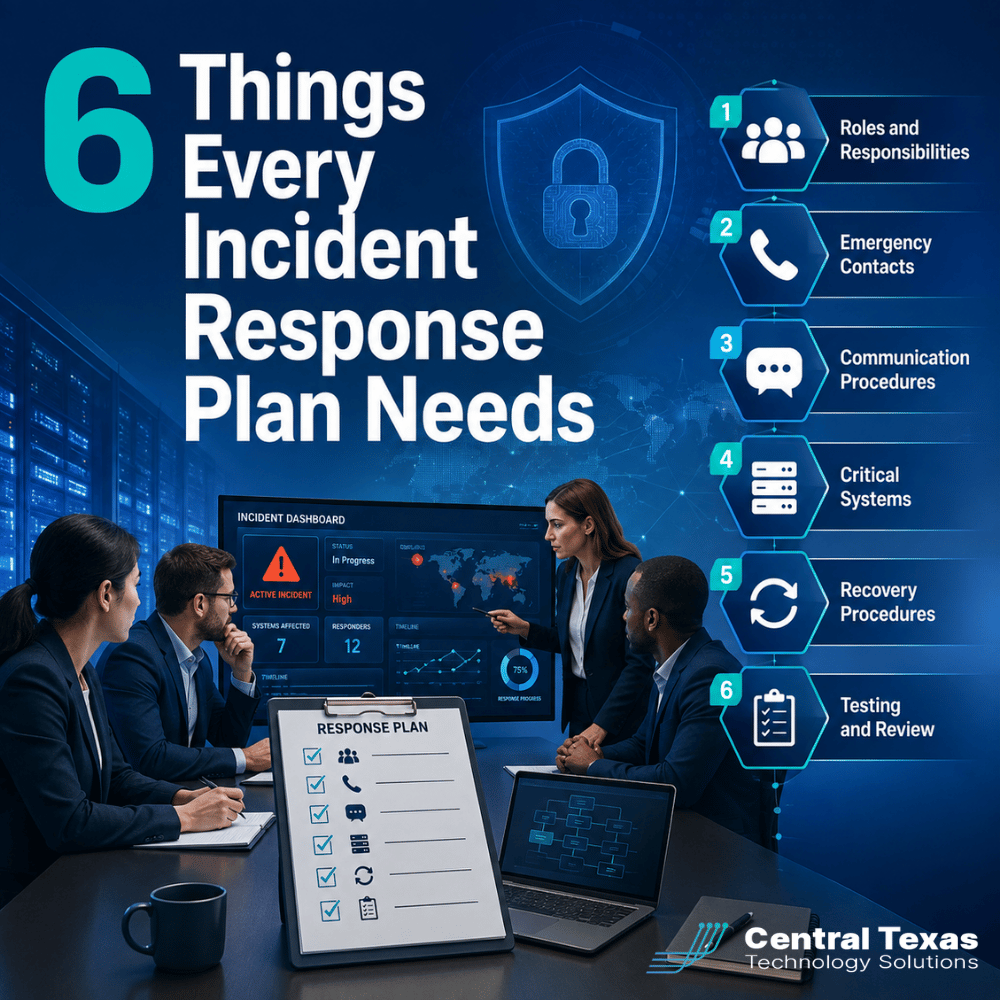
Here are six things every incident response plan should include.
1. Clearly Defined Incident Response Roles and Responsibilities
When an incident begins, someone needs to take the lead.
Without defined responsibilities, multiple people may try to handle the same problem while other important tasks are overlooked. Employees may wait for approval because they are unsure who has the authority to make a decision.
Your incident response plan should identify:
- Who leads the response
- Who makes critical business decisions
- Who coordinates with your IT provider
- Who communicates with employees
- Who communicates with customers and vendors
- Who contacts legal counsel, insurance providers, or other outside resources
These responsibilities should be assigned before an emergency occurs.
For example, a construction company dealing with a server outage may need someone focused on restoring access to project files while another person communicates with field supervisors. A healthcare organization experiencing a suspected breach may also need compliance, legal, and security teams involved quickly.
Clear ownership keeps people focused on the right tasks.
2. Current Emergency Contact Information
During an incident, every minute matters.
Your team should not have to search email inboxes, old documents, or websites to find the right phone number.
Keep a current list of important contacts, including:
- Company leadership
- Your Managed IT Services provider
- Cybersecurity vendors
- Software and cloud providers
- Internet and telecommunications providers
- Cyber insurance carrier
- Legal counsel
- Key business partners
The list should also include after-hours contact information when appropriate.
Store it somewhere employees can access even if normal systems are unavailable. If your company email or network is offline, a contact list stored only on that network is not particularly useful.
Review these contacts regularly. Employees change roles, vendors change support numbers, and insurance contacts change over time.
3. Communication Procedures When Normal Systems Fail
Communication can become one of the biggest challenges during an IT incident.
Imagine your company experiences a Microsoft 365 outage or a ransomware attack that prevents employees from accessing email and Teams. How will leadership communicate with employees?
Your incident response plan should establish backup communication methods before they are needed.
It should address:
- How employees will receive emergency instructions
- Which communication platforms will be used if email is unavailable
- Who communicates with customers
- Who communicates with vendors
- When legal or insurance providers should be contacted
- Who approves public statements
This is particularly important for professional services firms, legal practices, and nonprofits where clients, donors, partners, or other stakeholders may need timely updates.
Good communication helps prevent confusion and rumors. It also prevents different employees from giving customers conflicting information.
4. Critical Business Systems and Recovery Priorities
One of the biggest mistakes businesses make during recovery is treating every system as equally urgent.
They are not.
Your incident response plan should identify which technology and business processes must be restored first.
Examples might include:
- Accounting and financial systems
- Electronic health records
- Manufacturing systems
- Customer management platforms
- File servers
- Microsoft 365
- Internet connectivity
- Phone systems
- Line-of-business applications
A manufacturing company may need production systems restored before administrative applications. A legal firm may prioritize access to case management systems and client documents. A healthcare organization may need immediate access to patient records.
Your plan should identify:
- Mission-critical systems
- Essential business processes
- Recovery order
- Maximum acceptable downtime
This gives your IT team a roadmap instead of forcing them to decide priorities in the middle of a crisis.
5. Practical Incident Response and Recovery Procedures
A good incident response plan should tell people what to do next.
It does not need to contain hundreds of pages of technical instructions. In fact, an overly complicated plan can become difficult to use when people are under pressure.
The plan should provide clear guidance for:
- Identifying and reporting an incident
- Containing the problem
- Escalating serious incidents
- Preserving important evidence
- Recovering systems
- Restoring business operations
- Communicating progress
- Documenting decisions
The exact procedures will depend on the incident.
The response to ransomware may involve isolating affected computers and protecting backups. A cloud outage might require activating alternative workflows. A compromised employee account might require disabling access, resetting credentials, and investigating suspicious activity.
Your IT provider should help your organization determine which scenarios create the greatest risk and develop practical procedures for responding to them.
6. A Regular Incident Response Testing and Review Schedule
An incident response plan should never be considered finished.
Businesses change.
Employees leave. New employees join. Applications move to the cloud. Vendors change. New locations open. Cyber threats evolve.
A plan written three years ago may include people who no longer work for the company or systems that no longer exist.
Schedule regular reviews to:
- Update contact information
- Review roles and responsibilities
- Confirm critical system priorities
- Test communication procedures
- Verify backup and recovery processes
- Conduct tabletop exercises
- Document lessons learned
A tabletop exercise is particularly valuable. Your team works through a simulated incident and discusses what each person would do.
For example:
"What happens if employees arrive Monday morning and cannot access the network?"
The exercise may quickly uncover questions nobody considered.
Who calls CTTS? Who communicates with employees? What systems must come online first? How will customers be notified if the outage continues?
Finding those gaps during an exercise is far better than discovering them during a real incident.
Incident Response Planning Should Be Proactive, Not Reactive
Many businesses assume their IT provider will simply handle everything if a major incident occurs.
Technology is only part of the response.
Leadership decisions, communications, insurance requirements, legal considerations, operational priorities, and customer relationships may all become involved.
That is why incident response planning should be part of a broader technology and business continuity strategy.
At CTTS, we help businesses in healthcare, legal, professional services, construction, manufacturing, and nonprofit organizations prepare for disruptions before they happen. That includes identifying risks, protecting critical systems, establishing recovery priorities, testing backups, and helping leadership understand what should happen when something goes wrong.
The goal is not simply to recover technology.
The goal is to keep the business operating.
Be Ready Before Something Goes Wrong
The middle of an IT emergency is the worst time to determine who should make decisions, where backups are located, or how employees will communicate.
Those decisions should already be made.
CTTS helps Central Texas businesses build a more proactive approach to cybersecurity, IT management, and business continuity so they are prepared when unexpected problems occur.
Not sure whether your incident response plan covers the essentials?
Schedule a 10-minute discovery call with CTTS and let us help you identify the gaps before an incident exposes them.
Frequently Asked Questions About Incident Response Plans
What is an incident response plan?
An incident response plan is a documented process that explains how an organization will identify, contain, communicate about, and recover from a cybersecurity incident, technology outage, or other disruption. It defines responsibilities, priorities, contacts, and procedures so teams can respond quickly instead of making decisions from scratch.
How often should an incident response plan be tested?
Most businesses should review their plan at least annually and whenever significant changes occur, such as new systems, employees, vendors, offices, or cybersecurity requirements. Tabletop exercises can also help leadership and employees practice their roles and uncover weaknesses before a real incident occurs.
Is an incident response plan the same as a disaster recovery plan?
Not exactly. An incident response plan focuses on managing the overall response to an incident, including people, communications, containment, and decision-making. A disaster recovery plan focuses more specifically on restoring technology, applications, systems, and data. Strong business continuity planning usually includes both.
Contact CTTS today for IT support and managed services in Austin, TX. Let us handle your IT so you can focus on growing your business. Visit CTTSonline.com or call us at (512) 388-5559 to get started!