
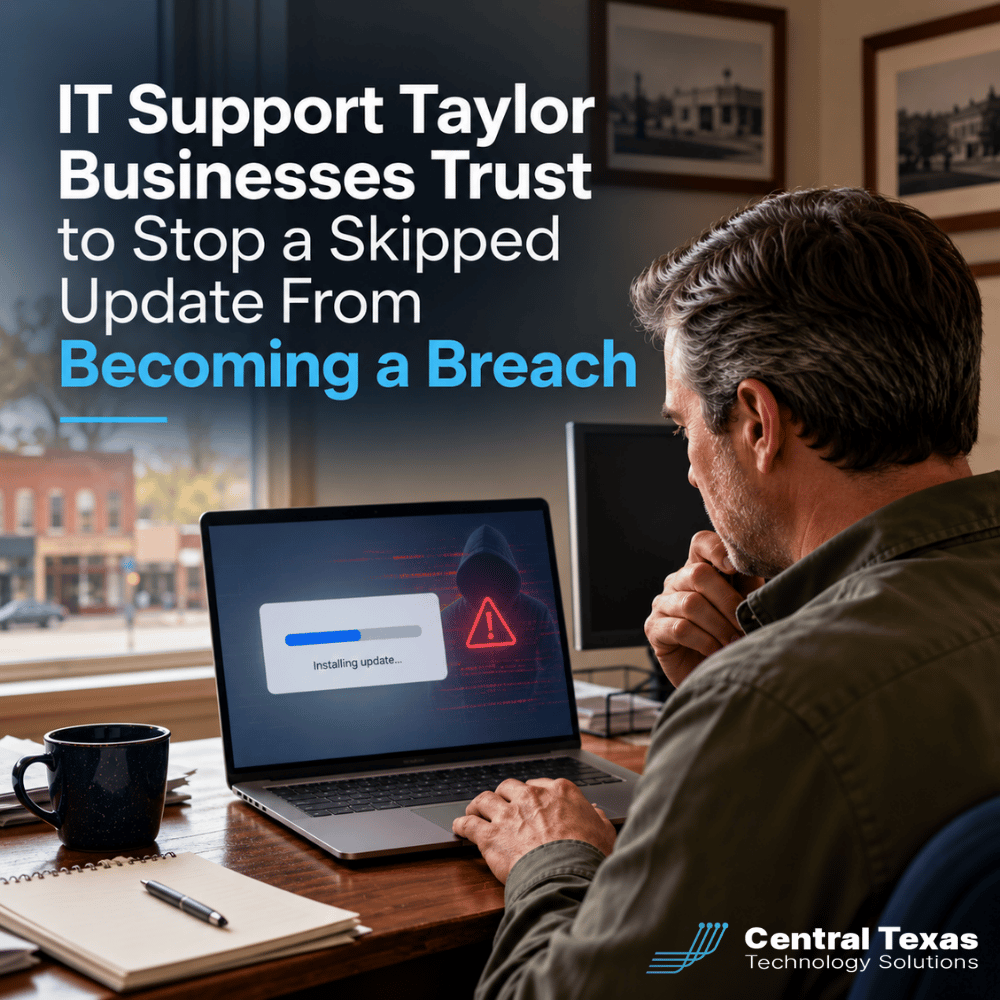
If you have ever clicked Remind Me Later on a software update because you were in the middle of something, you are not alone, and in 2026 that small habit is exactly what attackers are counting on.
For growing businesses in Taylor, Texas, one postponed update can be the difference between an ordinary Tuesday and a shutdown that costs days of revenue and a client's trust. That is why IT support Taylor businesses trust starts with a plan to patch everything, every time, without relying on an employee's memory.
Quick Answer: Ignoring software updates is one of the fastest ways a Taylor business gets breached, since attackers now weaponize known vulnerabilities within days of a patch being released. Working with an IT support Taylor provider that manages patching for you removes the habit from the equation entirely.
Key Takeaways
- Attackers now exploit newly disclosed vulnerabilities in a median of under five days, often before most businesses even notice the update prompt.
- Roughly six in ten breaches trace back to a vulnerability that already had a patch available, not a mysterious zero day nobody could have stopped.
- Microsoft's monthly Patch Tuesday, including the September 2026 release, routinely ships 200 or more fixes that need to reach every device, not just the ones an employee remembers to update.
- Complete Care Coverage from CTTS handles patching automatically across your fleet, so no one in your Taylor office has to choose between finishing a task and staying secure.
- A single unpatched laptop or server can become the entry point for a breach that touches your whole network, your client data, and your reputation.
What's at Stake
A skipped update is not a small delay. It is an open door that stays open until someone finally closes it.
Every "Remind Me Later" click leaves a known gap in place, and in 2026 that gap does not stay open for long before someone finds it. Security researchers tracking exploitation trends this year found that the median time between a vulnerability's public disclosure and its first real-world exploitation has dropped to under five days. Some flaws are weaponized within hours. Roughly six in ten breaches now trace back to a vulnerability that already had a patch available, which means the fix existed and simply had not reached the device in time.
For a Taylor business, the fallout is rarely limited to one machine. Attackers who get a foothold through an unpatched laptop or server typically move sideways into shared drives, email, and client systems before anyone notices anything is wrong. The cost is not just the ransom or the recovery bill. It is the days of downtime, the awkward calls to clients explaining what happened, and the quiet erosion of trust that takes far longer to rebuild than the network does.
Why Central Texas Businesses Face This Challenge
Growing Taylor businesses run lean, and lean teams do not have a dedicated person watching every device for missed updates.
Taylor has grown quickly alongside the rest of the I-35 corridor, and a lot of that growth is small and mid sized businesses adding people, laptops, and cloud tools faster than their internal processes can keep up. Nobody assigned patching as a job. It just became something that happens whenever someone gets around to it, which in practice means it happens unevenly, or not at all on the devices people use the least.
The same pattern shows up across Central Texas, from Georgetown to Round Rock to Austin. Businesses in the 10 to 250 employee range often have one person wearing an IT hat alongside three other jobs, and that person cannot realistically track patch status across every laptop, server, and piece of network equipment while also handling help desk tickets and everything else on their plate.
Attackers know this.
Small and mid sized businesses without a dedicated security function are consistently the easiest targets, not because they matter less, but because the gap between what needs to happen and what actually gets watched is wider.
How CTTS Helps Taylor Businesses Stay Patched and Protected
Complete Care Coverage patches every device automatically, so protection never depends on someone remembering to click update.
CTTS has served Central Texas businesses and nonprofits since 2002, and patch management has always been one of the quiet, unglamorous pieces of the job that makes the biggest difference. Complete Care Coverage, our flat rate managed IT and cybersecurity plan, includes continuous monitoring and automated patching across your entire fleet of devices, not just the ones someone happens to remember. Updates are tested, scheduled, and deployed in the background, so your team keeps working instead of wrestling with prompts.
If your business already has internal IT staff, Co-Managed IT extends our remote monitoring, documentation, and patch management tools to your existing team, so nothing falls through the cracks when they are stretched thin. Either way, when something does come up, our team answers in three rings instead of leaving you waiting on a ticket queue, and it shows in the numbers: a 96 percent client satisfaction score across 159 surveys.
Complete Care Coverage is built for organizations with 10 to 250 employees, which covers the vast majority of the businesses we serve throughout Taylor and the surrounding area.
Best Practices to Stop the Remind Me Later Habit for Good
What Does Automated Patch Management Actually Mean?
Automated patch management is a system, not a habit. Instead of relying on an employee to notice and approve an update, monitoring software identifies new patches as they are released, tests them against your environment, and deploys them on a schedule your business controls, usually overnight or during low activity windows. Nobody has to remember anything, because the update happens whether or not anyone is thinking about it that day.
How Often Should a Growing Business Patch Its Systems?
Critical security patches should reach every device within days of release, not weeks or months. Microsoft alone issues a major update on the second Tuesday of every month, often covering 200 or more vulnerabilities at once, and browsers, business applications, and network firmware all ship their own patches on separate schedules. A managed patching process does not wait for a convenient moment. It applies critical fixes quickly and tests them so a security update does not accidentally break something else.
Can You Trust Employees to Keep Every Device Updated?
Not reliably, and that is not a criticism of your team. People are busy, updates interrupt whatever they were doing, and a prompt that appears at the wrong moment gets dismissed without a second thought. That is normal human behavior, not negligence. The fix is not asking employees to try harder. It is removing the decision from their hands entirely with a managed patching process that runs in the background regardless of what anyone remembers to click.
3 Signs Your Current Patch Process Has a Gap
- You could not say, right now, how many days behind your slowest device is on updates.
- Patching happens only when someone notices a problem, rather than on a set schedule.
- Remote or personally owned devices connecting to company systems are not part of the plan at all.
Take the Next Step
If you read the list above and were not sure of the answer, that uncertainty is the actual risk, not just the missed updates themselves. The next step is CTTS's Executive IT Risk Assessment, a straightforward look at where your Taylor business stands today, including patch status, backup health, and the gaps most owners never see until something breaks. There is no obligation, just a clear picture of where you stand and what closing the gap would actually take.
Have Questions? We've Got Answers
Will automated patching cause downtime or break something we depend on?
Patches are tested in a staging process before they reach your production devices, and deployment is scheduled for low activity windows so it does not interrupt your workday. If an update ever does cause an unexpected issue, a managed provider can roll it back quickly, which is far faster than discovering the problem on your own weeks later.
How is the IT support Taylor businesses get from CTTS different from a break fix computer repair shop?
A break fix shop waits for something to fail and then charges to fix it. CTTS works the opposite direction, monitoring and patching your systems continuously through Complete Care Coverage so small issues get caught before they become expensive ones. It is the difference between paying for prevention and paying for damage control.
We are a small team in Taylor. Do we really need managed patching instead of just handling updates ourselves?
Team size is not the deciding factor, exposure is. A ten person business with unpatched systems is just as reachable to an automated attack as a two hundred person one. Complete Care Coverage is built for organizations with 10 to 250 employees specifically because that range typically lacks a dedicated security function, which makes managed patching more valuable, not less.
Contact CTTS today for IT support and managed services in Austin, TX. Let us handle your IT so you can focus on growing your business. Visit CTTSonline.com or call us at (512) 388-5559 to get started!