
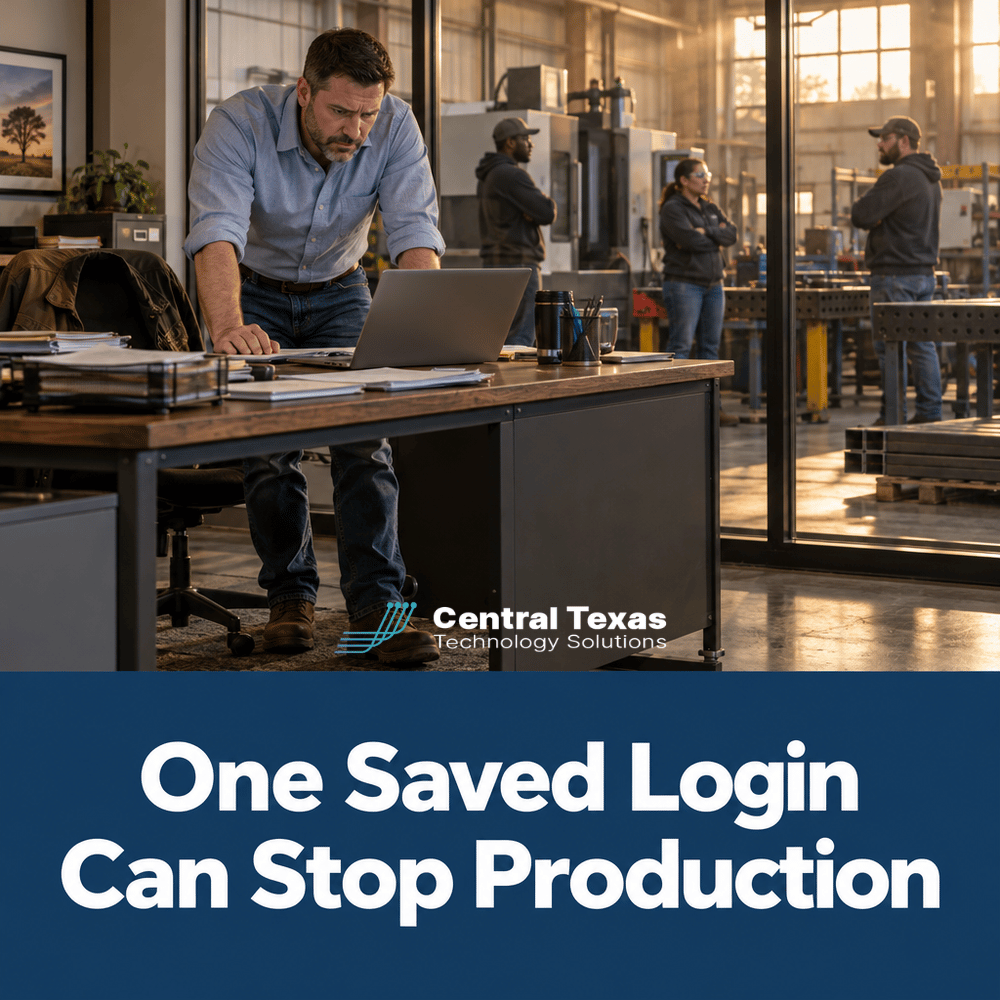
If you run a plant in Central Texas, your people probably let their browsers remember passwords, addresses, and company card numbers years ago. Good IT support for manufacturers in Central Texas starts by asking what that convenience is quietly costing you in 2026, because one saved login in the wrong hands can stop a production line.
Quick Answer: Browser autofill stores passwords, addresses, and card numbers inside each employee's browser, so one phished account or lost laptop can expose all of it. Manufacturers are safer with a managed business password manager, required multifactor authentication, and a written policy that turns browser saving off.
Key Takeaways
- Browsers save logins, addresses, and payment cards by default, and most owners have never reviewed what is stored.
- A single compromised employee account can reach supplier portals, banking, payroll, and customer systems at once.
- A managed business password manager gives you control that a personal browser feature never will.
- Multifactor authentication turns a stolen password into a dead end instead of an open door.
- Offboarding is where most plants leak access, so same day removal matters as much as the tool you choose.
When One Saved Password Opens the Whole Plant Office
Think about what lives in the browser on your office manager's computer. The company bank login. The payroll portal. The supplier ordering site. The freight carrier account. Maybe the company credit card, saved so reordering takes one click.
None of that was a bad decision when it happened. It was a convenience. But a browser is built for speed, not for business control. When an employee clicks a convincing fake login page, or when a laptop is lost or infected, everything the browser remembers can travel with it.
For a manufacturer, the damage is rarely just data. It is a rush order that cannot ship because the customer portal was locked. It is a payment diverted because someone with a saved login approved the wrong invoice. It is a week of lost production while you figure out who had access to what.
The hard part is that no one sees this risk. Nothing looks broken. The saved list just grows quietly in the background, and former employees' logins stay there long after they leave.
Why Taylor, Temple, and Round Rock Plants Are Exposed
Central Texas has a lot of lean manufacturing. Fabrication shops in Taylor, packaging and distribution operations around Temple, and growing production and supply businesses in Round Rock and Georgetown often run with a small office team and no dedicated IT person. The same two or three people handle ordering, payroll, and customer service, which means the same few browsers hold the keys to everything.
Those plants also sit inside bigger supply chains. Your customers increasingly ask how you protect logins and data, and a vendor with sloppy password habits is a risk they would rather not carry. Passing a customer security questionnaire is easier when you can say, with a straight face, that every business password lives in a managed system.
Austin area manufacturers face the same pressure with a tighter labor market. When staff turn over, access cleanup tends to slip, and old saved logins become an easy way in. If your team is between 10 and 250 employees, this is almost certainly happening in your building today.
A Password Manager That Fits the Plant Floor and the Front Office
You are the hero of this story. You built a business that makes real things for real customers, and you deserve technology that supports that work instead of putting it at risk. Our job at CTTS is to be your guide.
Since 2002, CTTS has helped Central Texas businesses replace risky habits with simple systems. For password and access control, that means three practical steps.
First, we move every business login into a managed password manager that you control. Employees still get one click convenience, but you decide who sees what, and you can remove access the minute someone leaves.
Second, we require multifactor authentication on email, banking, payroll, and supplier systems. A stolen password alone no longer opens the door.
Third, we set browser policy on company machines so saving passwords and cards in the browser is turned off. Under Complete Care Coverage, our fully managed plan, that policy is monitored and enforced for you, so it does not quietly drift back. Our team answers in 3 rings, so when an employee gets locked out or spots a strange login page, help is a phone call away. If you already have an internal IT person, our Co-Managed IT option gives them the tools and backup to run this properly.
Password and Access Practices That Hold Up in a Manufacturing Business
What does a browser actually save about my employees?
A browser can save website logins, names, addresses, phone numbers, email addresses, and payment card details. On a shared or front office computer, that can include the company card and logins to critical systems. Most owners have never looked at the list, which is exactly why reviewing it is the right first step.
Is a browser password manager safe enough for a business?
It is better than reusing the same password everywhere, but it is not built for business control. You cannot easily see who has access to what, you cannot remove a departed employee's saved logins in one place, and the data sits on whatever device that person happens to use. A managed business password manager fixes all three problems.
How do we handle shared logins used by the shop floor?
Shared logins for kiosks, scheduling tools, or supplier portals are common in plants. A managed password manager lets you share a login with a defined group without handing out the password itself, and you can change it when someone leaves. Add multifactor authentication where the system supports it, and keep truly shared accounts to a minimum.
What should the first week of cleanup look like?
Start with an inventory of business logins that matter most: banking, payroll, email, and your top suppliers. Move those into the managed system, turn on multifactor authentication, and clear saved passwords and cards from company browsers. Then remove access for anyone who has left. A short written policy, one page, tells your team what is expected and why.
Get Ahead of the Next Convincing Fake Login Page
You do not need to turn your office into a fortress, and you do not need to slow down your team. You need one place where business logins live, a second step that stops stolen passwords, and a clear habit for removing access when people leave. Do those three things and the next phishing email loses most of its power. If you want a second set of eyes on how your plant handles logins today, we are glad to walk through it with you owner to owner. See also our outbound resource from CISA for plain language password guidance.
Schedule a free strategy session with CTTS today!
Browser Autofill and Password Questions Manufacturers Ask
Should we tell employees to stop saving passwords in their browsers?
Yes, for company machines and company accounts. Replace the habit with a managed password manager so people keep the convenience while you keep control. Pair it with multi factor authentication so a stolen password alone is not enough.
Can browser saved company cards cause fraud?
They can, because anyone who gets into that browser profile may be able to use the stored card. Keep company card details out of browsers and use a managed vault or a purchasing process with approvals. This matters most on shared office computers.
How much does it cost to fix this for a plant with 10 to 250 employees?
Cost depends on headcount and current tools, but a managed password manager and multi factor authentication are typically a small part of a managed IT agreement compared with the cost of one lost production week. A free strategy session with CTTS will give you a specific number for your plant.
Contact CTTS today for IT support and managed services in Austin, TX. Let us handle your IT so you can focus on growing your business. Visit CTTSonline.com or call us at (512) 388-5559 to get started!