
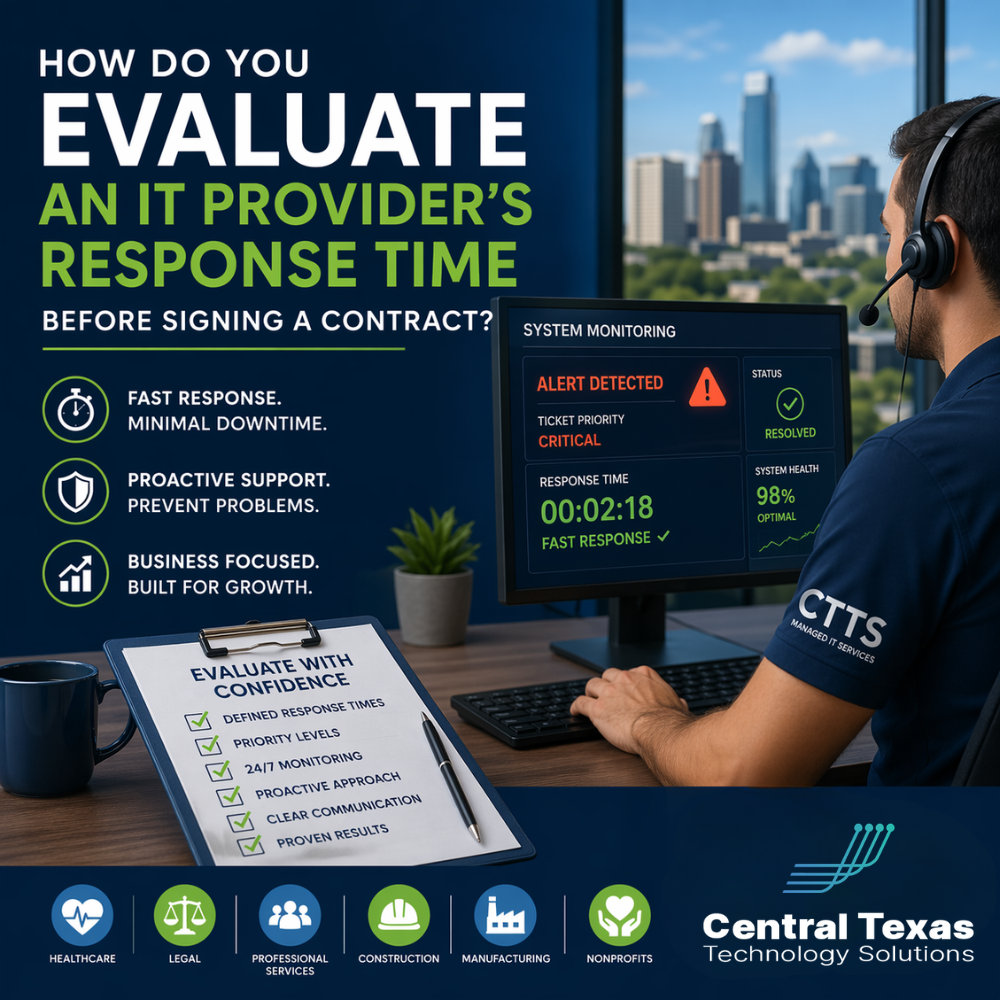
When your systems go down, every minute matters. Your team cannot work, your customers cannot reach you, and your revenue takes a hit. Yet many businesses in Austin and across Central Texas sign IT contracts without fully understanding how fast their provider will actually respond when something goes wrong.
For organizations in healthcare, legal, professional services, construction, manufacturing, and nonprofits, response time is not just a technical detail. It is a business decision that directly impacts productivity, compliance, and client trust.
The challenge is simple. Most IT providers talk about response time, but few define it in a way that helps you make a confident decision.
Let’s walk through how to evaluate it the right way before you sign anything.
What Does IT Response Time Really Mean?
Understanding IT Provider Response Time Before You Sign
Response time is often misunderstood. Many providers use the term, but they define it differently.
At its core, response time is how quickly an IT provider acknowledges and begins working on an issue after it is reported. But that is only part of the story.
You need to distinguish between:
- Response time: When they first acknowledge your issue
- Resolution time: How long it takes to actually fix the issue
- Escalation time: How quickly critical problems are prioritized
If a provider only guarantees a fast response but takes hours or days to resolve the issue, your business still suffers.
For example, a healthcare office in Georgetown dealing with an EMR outage or a manufacturing company in Round Rock experiencing network downtime cannot afford delays hidden behind vague definitions.
Why Response Time Matters More Than You Think
The Business Impact of Slow IT Response
Many leaders assume that a short delay is not a big deal. In reality, the consequences add up quickly.
Here is what slow response times can lead to:
- Lost revenue from halted operations
- Missed deadlines and client dissatisfaction
- Compliance risks for healthcare and legal organizations
- Idle employees and reduced productivity
- Damage to your reputation
For a construction firm managing projects in Austin or a nonprofit coordinating services in Pflugerville, even a short disruption can create a ripple effect across the entire organization.
How to Evaluate an IT Provider’s Response Time
Key Questions to Ask Before Signing an IT Contract
If you want clarity, you need to ask the right questions upfront. Do not settle for general answers.
Here are the questions that reveal the truth:
- What are your guaranteed response times by priority level?
Look for defined service level agreements, not vague promises. - How do you classify issue severity?
Critical issues should receive immediate attention, not standard support. - What is your average resolution time for common issues?
Response without resolution does not help your business. - Do you offer 24/7 monitoring and support?
Problems do not wait for business hours. - How do you handle after-hours emergencies?
Make sure there is a clear escalation path. - Can you provide real performance metrics?
Ask for reporting data, not just claims.
A professional services firm in Cedar Park or a legal office in Austin should never have to guess how long it will take to get help.
Red Flags to Watch For
Signs an IT Provider May Not Meet Your Expectations
Not all providers operate the same way. Some rely on reactive models that create delays.
Watch for these warning signs:
- No written service level agreements
- Unclear definitions of response vs resolution
- No priority system for urgent issues
- Limited support hours
- Lack of performance reporting
These gaps often lead to frustration after the contract is signed, when it is too late to easily switch providers.
What a Strong IT Response Strategy Looks Like
How Proactive IT Support Improves Response Time
The best IT providers do not just respond faster. They prevent problems from happening in the first place.
A proactive approach includes:
- 24/7 system monitoring to catch issues early
- Automated alerts that trigger immediate action
- Regular maintenance to reduce system failures
- Strategic planning to align IT with business goals
For manufacturing companies in Round Rock, nonprofits in Pflugerville, or healthcare providers in Austin, this approach reduces downtime and keeps operations running smoothly.
Why Response Time Alone Is Not Enough
The Difference Between Fast and Effective IT Support
It is easy to focus on speed. But speed without strategy can still leave your business vulnerable.
You need a provider that combines:
- Fast response
- Efficient resolution
- Proactive prevention
- Clear communication
That is what creates real confidence in your IT environment.
How CTTS Helps You Stay Ahead of IT Issues
Businesses across Austin, Georgetown, Round Rock, and Pflugerville need more than a help desk. They need a partner who understands the stakes.
CTTS takes a proactive approach to managed IT services by:
- Monitoring systems around the clock
- Responding quickly based on clearly defined priorities
- Preventing issues before they impact your business
- Aligning technology with your long term goals
Whether you are in healthcare, legal, professional services, construction, manufacturing, or a nonprofit, the goal is the same. Keep your business running without interruption.
Take the Next Step
If you are evaluating IT providers, do not leave response time to chance. The right partner will give you clarity, confidence, and a plan to keep your business moving forward.
Schedule a consultation with CTTS today and see how a proactive IT strategy can protect your time, your team, and your bottom line.
Frequently Asked Questions
How fast should an IT provider respond to critical issues?
For critical issues, response should be immediate or within minutes. Anything longer can lead to significant business disruption.
What is a good response time for non urgent IT issues?
For lower priority issues, response times typically range from one to four hours, depending on the provider’s service level agreement.
How can I verify an IT provider’s response time claims?
Ask for documented SLAs, real performance reports, and client references. A reliable provider should have data to support their claims.
Contact CTTS today for IT support and managed services in Austin, TX. Let us handle your IT so you can focus on growing your business. Visit CTTSonline.com or call us at (512) 388-5559 to get started!
Looking for clarity on your next IT move? These articles will help:
How to Choose the Right IT Consulting Firm in Austin
Questions to Ask Before Hiring an IT Support Company
What Makes a Managed Services Provider a True Business Partner?
Red Flags to Watch for When Evaluating IT Consulting Companies