
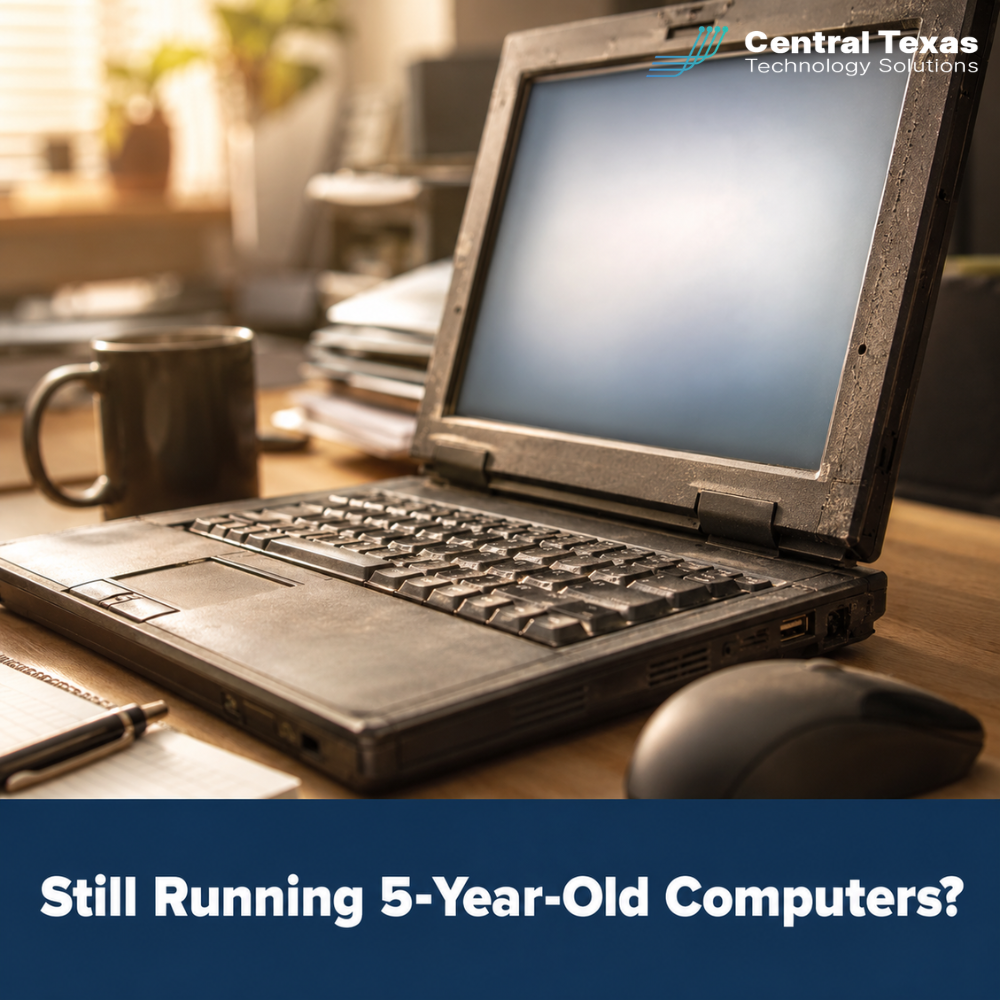
 In 2026, one of the most common conversations our IT support Austin team has with new clients starts the same way. A business owner calls because something broke, and they realize their one IT person was the only one who knew how to fix it. Or that person left. Or they are simply exhausted and stretched too thin to keep up with a growing stack of responsibilities.
The machine that stopped working is usually four or five years old. Windows 10 reached end of life in October 2025, which means any system that has not been upgraded is no longer receiving security patches. And somewhere in that business is a device refresh plan that never quite got off the ground.
What's at Stake
Hardware has a useful life. Most business laptops, desktops, and servers perform reliably for three to five years. After that, the cost curve flips. Performance degrades, repairs become more frequent, and by year five, many systems can no longer run a current, supported operating system.
The Windows 10 end-of-support deadline passed in October 2025. By May 2026, any business still running Windows 10 machines is operating on software with no active security patches. Every vulnerability discovered after that date remains permanently unaddressed on those systems. For a business handling customer data, financial records, or patient information, that is not a manageable risk. It is a liability.
The financial picture compounds quickly. A business running 30 computers on outdated hardware is not just dealing with slow boot times and frustrated employees. It is carrying risk that can escalate in a single incident: a ransomware attack exploiting an unpatched vulnerability, a failed hard drive with no tested backup, or a phishing email that a legacy browser could not flag. Any one of those events costs more to recover from than a properly planned refresh cycle would have cost to prevent.
Why Central Texas Businesses Face This Challenge
Device refresh is one of the most commonly deferred IT decisions among small and midsized businesses. The reason is straightforward: the cost is visible and the risk is not. Replacing 20 computers is a line item. The cost of the breach those computers help prevent is invisible until it happens.
This pattern is consistent across Central Texas businesses with 25 to 150 employees, particularly professional services firms, healthcare support organizations, and nonprofits around Austin, Georgetown, and Bastrop. These businesses run hard and lean, with an IT person wearing multiple hats and a hardware budget competing with every other operational priority.
The one-person IT team compounds the risk. When a single person holds all the institutional knowledge of the network, including how things are configured, what the credentials are, and how systems were set up years ago, that business has a single point of failure. If that person is out sick, takes a job elsewhere, or burns out from carrying the load alone, the operational gap can be immediate and costly.
In 2026, the scope of what a single IT person is expected to manage has expanded significantly: cybersecurity, cloud administration, endpoint management, compliance, user support, and increasingly, AI governance. No one person can carry all of that indefinitely without something slipping.
How CTTS Provides IT Support Austin Businesses Can Count On
CTTS approaches IT support as a partnership, not a break-fix relationship. The difference matters more than most business owners realize until they are in the middle of an emergency and need someone who already knows their environment.
When we onboard a new client, we start with a complete inventory of every device: age, operating system, hardware health indicators, and replacement timeline. Within the first 30 days, we identify which machines are approaching end of useful life and build a refresh schedule that spreads the cost predictably across the planning horizon. No surprises, no emergency replacements at the worst possible moment.
Our helpdesk model is designed to give your team responsive support without routing everything through one overwhelmed person. Employees submit tickets, tickets get answered, and issues get resolved by engineers who know your environment.
For businesses with an in-house IT person, we offer co-managed services: CTTS handles the infrastructure, security monitoring, and device lifecycle management while your internal person focuses on the user-facing work they do best. It relieves the pressure without eliminating the relationship.
Best Practices for Device Lifecycle and IT Capacity in 2026
Create a Device Inventory and Refresh Schedule
You cannot manage what you cannot see. The first step is a complete inventory of every device in your environment, with purchase dates and operating system versions documented. Most businesses with 25 to 100 employees have never done a formal device audit, and the results are usually eye-opening.
Once you know what you have, build a rolling three-year replacement schedule. Replacing a third of your devices each year distributes the cost evenly and ensures no single cohort of machines reaches critical age at the same time. This is one of the highest-value early deliverables a managed IT partner provides, and it turns an unpredictable capital expense into a manageable line item.
Understand the Real Risk of a One-Person IT Team
A single IT person managing everything for a growing business is not a sustainable model, and the risk is not just about burnout. It is about what happens to your operations when that person is unavailable. If they leave with two weeks' notice and take institutional knowledge of your network with them, onboarding a replacement takes months. If they burn out and performance declines, security gaps widen before anyone notices.
The solution is not necessarily a second hire. For most Central Texas businesses with 25 to 150 employees, a co-managed or fully managed IT services model provides more capability, more redundancy, and more strategic guidance than a solo hire at a predictable monthly cost.
Establish a Proactive Helpdesk Model
Reactive IT support means your team waits until something breaks to get help. Proactive IT support means issues are identified and addressed before they interrupt the workday. The difference in employee productivity and morale is significant, and it shows up in retention over time.
A well-run managed IT helpdesk responds to tickets within defined service levels, escalates appropriately, and tracks recurring issues to address root causes rather than repeatedly patching the same symptoms. Your employees should be able to report a problem and trust that someone will resolve it without them following up three times.
Budget Predictably for Hardware Refresh
Most industry guidance suggests budgeting three to five percent of annual revenue for IT infrastructure, including hardware refresh. For a business with three million dollars in annual revenue, that is $90,000 to $150,000 per year, or roughly $7,500 to $12,500 per month. The goal is for most of that budget to be spent on planned refresh, not emergency replacements.
A managed IT partner builds a hardware refresh budget aligned with actual device ages and realistic failure curves. Predictable IT spending is better for cash flow, easier to plan around, and consistently less expensive than unplanned emergency hardware replacement during a critical business period.
Document What Only One Person Knows
If your IT setup exists primarily in one person's head, that knowledge is a business asset that needs to be documented before it walks out the door. Network topology, application credentials, backup configurations, vendor contacts, licensing details — all of it should be maintained in a documented runbook that survives any individual departure.
A managed IT services provider maintains this documentation as a standard deliverable. It is one of the most tangible ways an IT partner protects your business continuity, and one of the most commonly overlooked risks until the moment it becomes a crisis.
Take the Next Step
If your business is running devices that are four or more years old, relying on a single IT person, or has not had a structured device audit in the last year, it is worth a conversation. CTTS provides IT support Austin businesses can depend on: proactive, responsive, and built around keeping your operations running and your team productive.
Schedule a free strategy session with CTTS today. We will assess your current environment, identify the highest-risk gaps, and give you a clear picture of what a managed IT relationship looks like for your team.
Frequently Asked Questions
How do I know when it's time to replace business computers?
The most reliable indicators are age and operating system support. If a computer is more than four years old, hardware failures and performance issues become significantly more common. If it is running Windows 10, it is already past Microsoft's end-of-support date as of October 2025, meaning it no longer receives security patches.
A business running unsupported operating systems is carrying security risk that grows with every passing month. A managed IT partner can conduct a formal device audit and build a refresh schedule that prioritizes the highest-risk machines first, so you are not replacing everything at once.
What does managed IT support include for a small business?
Managed IT support typically includes helpdesk support for your employees, proactive monitoring and maintenance of your network and endpoints, cybersecurity tools and updates, backup management, and device lifecycle planning. For most Central Texas businesses in the 25 to 150 employee range, a managed IT services agreement replaces or supplements an in-house IT person with a team that has broader capabilities, deeper specialization, and 24/7 monitoring at a predictable monthly cost.
CTTS also offers co-managed arrangements for businesses that want to keep their internal IT staff while adding enterprise-level support around them. The IT support Austin businesses get from CTTS is designed to scale with you, not lock you into a rigid model.
Is it cheaper to keep my in-house IT person or move to managed IT services?
The honest answer depends on what your in-house IT person is actually covering and what risks are going unaddressed. The fully-loaded cost of an internal IT employee, including salary, benefits, training, tools, and the gaps in coverage when they are unavailable, is often higher than a comparable managed IT services agreement that provides broader coverage and more consistent service levels.
CTTS can walk you through a side-by-side comparison based on your actual environment and current costs. In many cases, the comparison reveals the managed model delivers more capability for roughly the same budget, with the added benefit of redundancy that no single hire can provide.
Contact CTTS today for IT support and managed services in Austin, TX. Let us handle your IT so you can focus on growing your business. Visit CTTSonline.com or call us at (512) 388-5559 to get started!