
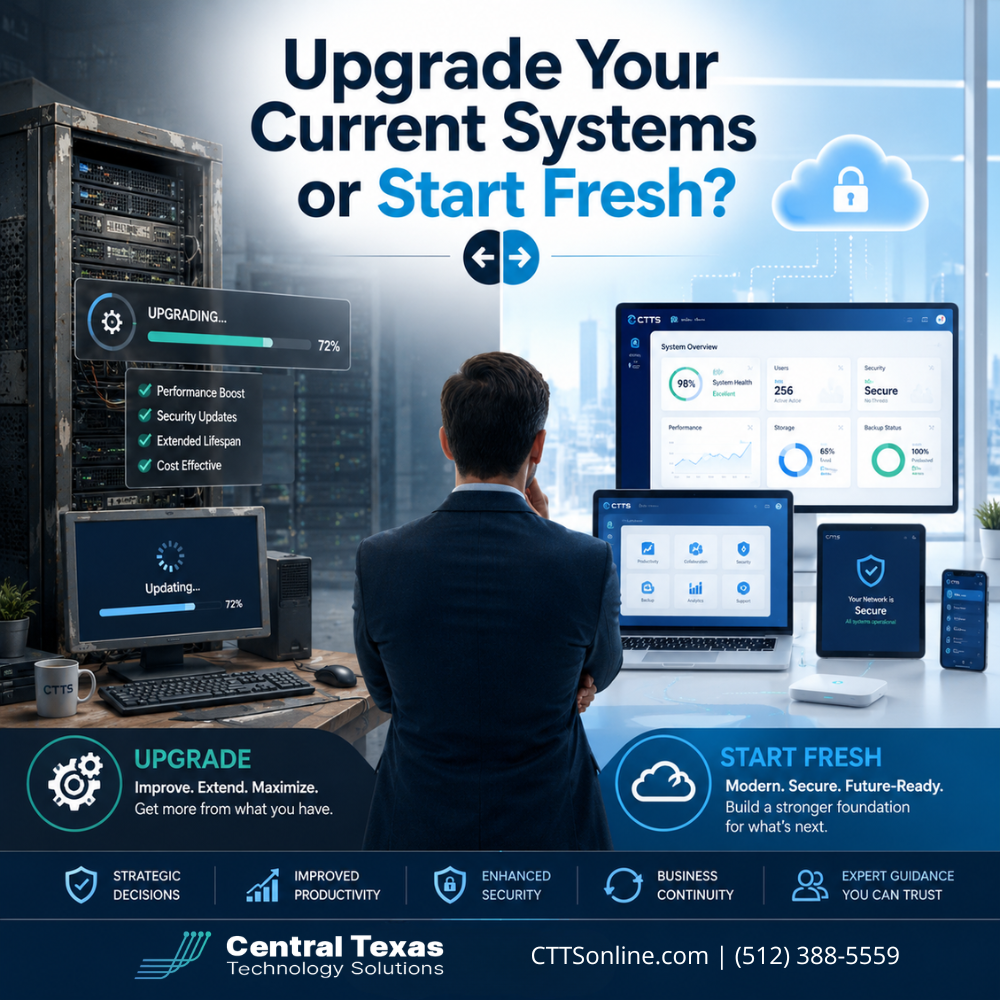
When your business technology starts slowing people down, the question can feel overwhelming:
Should you upgrade the systems you already have, or is it time to start fresh?
For many business leaders, this decision comes up after a painful pattern becomes too hard to ignore. Software crashes. Employees complain about slow computers. Remote teams struggle to access files. Security updates fall behind. Your team finds workarounds just to get through the day.
At first, these issues may seem like normal IT frustrations. But over time, outdated systems can quietly affect productivity, security, customer service, and growth.
For businesses in Austin, Round Rock, Georgetown, Cedar Park, and across Central Texas, the right answer depends on more than the age of your technology. It depends on your business goals, risk tolerance, compliance needs, and whether your current systems can still support where your company is headed.
Why System Upgrade Decisions Matter for Growing Businesses
Technology should help your business move forward. It should not create roadblocks for your team.
When systems become outdated, they often create hidden costs that are easy to overlook. Employees spend more time waiting, troubleshooting, or asking for help. Managers lose visibility into operations. Security gaps increase. Customers may experience delays or inconsistent service.
This matters in every industry.
Healthcare organizations need reliable access to records and secure communication. Legal firms need dependable document management and confidentiality. Professional services firms need systems that support client work without interruptions. Construction companies need field and office teams to stay connected. Manufacturing businesses need stable systems that support production and inventory workflows. Nonprofits need technology that helps them serve their mission without wasting limited resources.
The question is not simply, “Can we keep using what we have?”
The better question is, “Will our current technology help us operate securely, efficiently, and confidently over the next three to five years?”
When Upgrading Your Current Systems Makes Sense
In many cases, upgrading your current systems is the right move. Not every technology problem requires a complete replacement.
An upgrade may make sense when your current systems are fundamentally sound but need improvements to perform better, stay secure, or support more users.
This might include:
- Replacing aging workstations while keeping core software
- Moving email and files to Microsoft 365
- Adding stronger cybersecurity protections
- Improving backup and disaster recovery tools
- Updating network equipment
- Expanding cloud access for remote or hybrid teams
- Improving system monitoring and patch management
For example, a professional services firm in Austin may not need to replace its entire technology environment. It may simply need better cloud file access, stronger multi-factor authentication, and a more reliable backup solution.
A construction company with teams in the field may benefit from better mobile access and secure cloud tools without replacing every system at once.
An upgrade works best when the existing environment still aligns with your business needs, but certain pieces are holding you back.
When It May Be Better to Start Fresh
Sometimes, upgrading old systems only delays the real problem.
Starting fresh may be the better choice when your current technology is unstable, insecure, unsupported, or built around outdated workflows. If your team has to bend around the system instead of the system supporting the team, it may be time for a larger change.
Starting fresh may be the better option if:
- Your current software is no longer supported
- Your systems are difficult to secure
- Employees rely on too many manual workarounds
- Your network has recurring outages
- Your business has outgrown the original setup
- Compliance requirements have changed
- Your current tools do not integrate with each other
- Remote or hybrid work is difficult to manage
- Your backup systems are incomplete or unreliable
For example, a healthcare practice preparing for an audit cannot afford to keep systems that create compliance gaps. A legal firm managing sensitive client data should not rely on outdated file sharing tools. A manufacturer dealing with downtime from unstable systems may lose more money by waiting than by modernizing.
Starting fresh does not always mean replacing everything at once. It means building a smarter technology foundation that supports your business instead of constantly patching old problems.
The Hidden Risk of Holding On Too Long
Many businesses delay technology decisions because they want to avoid disruption or cost. That is understandable. But waiting too long can often create bigger problems.
Older systems may seem cheaper because they are already paid for. But the real cost shows up in other ways:
- Lost employee productivity
- More frequent support issues
- Higher cybersecurity risk
- Increased downtime
- Poor customer experience
- Difficulty scaling
- Compliance exposure
- Emergency replacement costs
The biggest misconception is that staying with old systems is the safe choice. In reality, outdated technology often creates more risk because it becomes harder to protect, harder to support, and harder to recover when something goes wrong.
For businesses in Georgetown, Round Rock, Cedar Park, and Austin, the cost of downtime can be significant. If your team cannot access files, process orders, communicate with clients, or complete work, your technology problem quickly becomes a business problem.
How to Decide Between an Upgrade and a Fresh Start
The best decision starts with a clear assessment. Guessing can lead to overspending in one area while ignoring a bigger issue somewhere else.
Before deciding, business leaders should look at five key areas.
1. Business Goals
Your technology should support where your business is going, not just where it is today.
Are you hiring more employees? Opening another location? Supporting remote work? Expanding services? Preparing for an audit? Improving customer response times?
If your current systems cannot support those goals, a fresh start may be worth considering.
2. Security and Compliance
Cybersecurity should be a major part of the decision.
Outdated systems are often harder to protect. They may lack modern security features, miss critical updates, or create gaps that cybercriminals can exploit.
This is especially important for healthcare, legal, financial, nonprofit, and professional services organizations that handle sensitive information.
3. Reliability and Downtime
If your team is constantly dealing with slow systems, outages, or recurring technical problems, you need to understand the root cause.
A few targeted upgrades may solve the issue. But if the entire environment is unstable, replacing one piece at a time may not be enough.
4. Total Cost of Ownership
The cheapest option today is not always the most cost-effective option long term.
A system upgrade may cost less upfront. But if it only buys a few months of relief, your business may end up paying twice. A fresh start may require more planning and investment, but it can reduce ongoing support costs, improve productivity, and create a stronger foundation.
5. Employee Experience
Your team knows where technology is failing.
If employees are frustrated by slow systems, disconnected tools, or unreliable access, it affects morale and performance. Better technology can help people work faster, communicate better, and serve customers more effectively.
Why a Proactive IT Partner Makes the Decision Easier
This is where CTTS helps businesses make a confident decision.
Instead of reacting to one problem at a time, CTTS looks at your technology environment from a business perspective. The goal is not to sell you new hardware or push unnecessary replacements. The goal is to understand what is working, what is creating risk, and what needs to change to support your next stage of growth.
A proactive IT partner helps you answer questions like:
- Which systems should we keep?
- Which systems should we upgrade?
- Which systems are creating risk?
- What should be replaced first?
- How can we reduce disruption during the transition?
- How can technology better support our business goals?
CTTS helps Central Texas businesses prevent problems before they turn into downtime, data loss, security incidents, or expensive emergency repairs.
That is the difference between reactive IT support and strategic IT leadership.
A Practical Example: Upgrade or Start Fresh?
Imagine a growing legal firm in Austin with 25 employees. The team is dealing with slow computers, inconsistent file access, and concerns about secure remote work.
A reactive approach might replace a few computers and wait for the next issue.
A proactive approach would look deeper.
Are the files stored securely? Are employees using personal devices? Is multi-factor authentication required? Are backups tested? Is email protected from phishing? Is the network equipment current? Can the system support more employees next year?
After an assessment, the best answer might be a mix of both. Some computers may be upgraded. File storage may move to a more secure cloud environment. Security controls may be improved. Backup systems may be replaced. The firm may not need to start completely over, but it does need a smarter plan.
That same logic applies to healthcare groups, professional services firms, construction companies, manufacturers, and nonprofits. The right path depends on your risks, goals, and current environment.
The Best Technology Plan Is Not Always All or Nothing
Many business leaders think they have only two choices: keep patching old systems or replace everything at once.
In reality, the best answer is often a phased plan.
A phased technology roadmap helps your business prioritize what matters most first. That may include security improvements, backup reliability, network stability, or replacing unsupported systems. Then, over time, the rest of the environment can be upgraded in a way that fits your budget and reduces disruption.
This approach helps your business move forward without unnecessary surprises.
Is It Better to Upgrade or Start Fresh?
It is better to upgrade when your systems are still stable, secure, supported, and aligned with your business goals.
It is better to start fresh when your systems are creating risk, limiting growth, causing recurring downtime, or forcing your team into inefficient workarounds.
The key is not to make the decision based on frustration, guesswork, or the age of one system. The key is to evaluate your technology environment as a whole.
Your business deserves technology that helps your team work with confidence. CTTS helps you identify the right path, create a practical plan, and move forward with less risk.
Ready to Make the Right Technology Decision?
You do not have to guess whether your business should upgrade existing systems or start fresh.
CTTS can help you assess your current technology, understand your risks, and build a plan that supports your business goals.
Schedule a consultation with CTTS today and take the next step toward a more secure, reliable, and productive technology environment.
Frequently Asked Questions
How do I know if my business should upgrade its current IT systems?
Your business may be ready for an upgrade if your systems are still reliable but need better performance, stronger security, improved backups, or better support for remote work. A professional IT assessment can help identify which upgrades will deliver the most value.
When should a business replace its systems instead of upgrading them?
Replacement may be the better choice when systems are unsupported, insecure, unreliable, difficult to manage, or no longer aligned with your business goals. If recurring problems keep coming back, it may be time to start fresh with a stronger foundation.
Can CTTS help create a phased technology upgrade plan?
Yes. CTTS helps Central Texas businesses evaluate their current environment, identify risks, prioritize improvements, and create a practical roadmap. This helps reduce disruption while improving security, productivity, and long-term reliability.
Contact CTTS today for IT support and managed services in Austin, TX. Let us handle your IT so you can focus on growing your business. Visit CTTSonline.com or call us at (512) 388-5559 to get started!
Get the answers business leaders are asking about IT services:
Managed IT Services vs Break Fix IT Support: Which Is Right for Your Business?
Local IT Support in Austin vs National IT Providers
In House IT vs Outsourced IT Support: Pros and Cons for Growing Companies
Microsoft 365 Support Through a Partner vs Doing It Yourself
Cloud First IT Consulting vs Traditional IT Infrastructure
Fully Managed IT vs Co Managed IT: Which Model Fits Your Business Best?
IT Generalists vs IT Specialists: What Does Your Business Really Need?
Should You Standardize Your Technology Stack or Stay Flexible?
One IT Vendor vs Multiple Vendors: Which Approach Reduces Risk?