
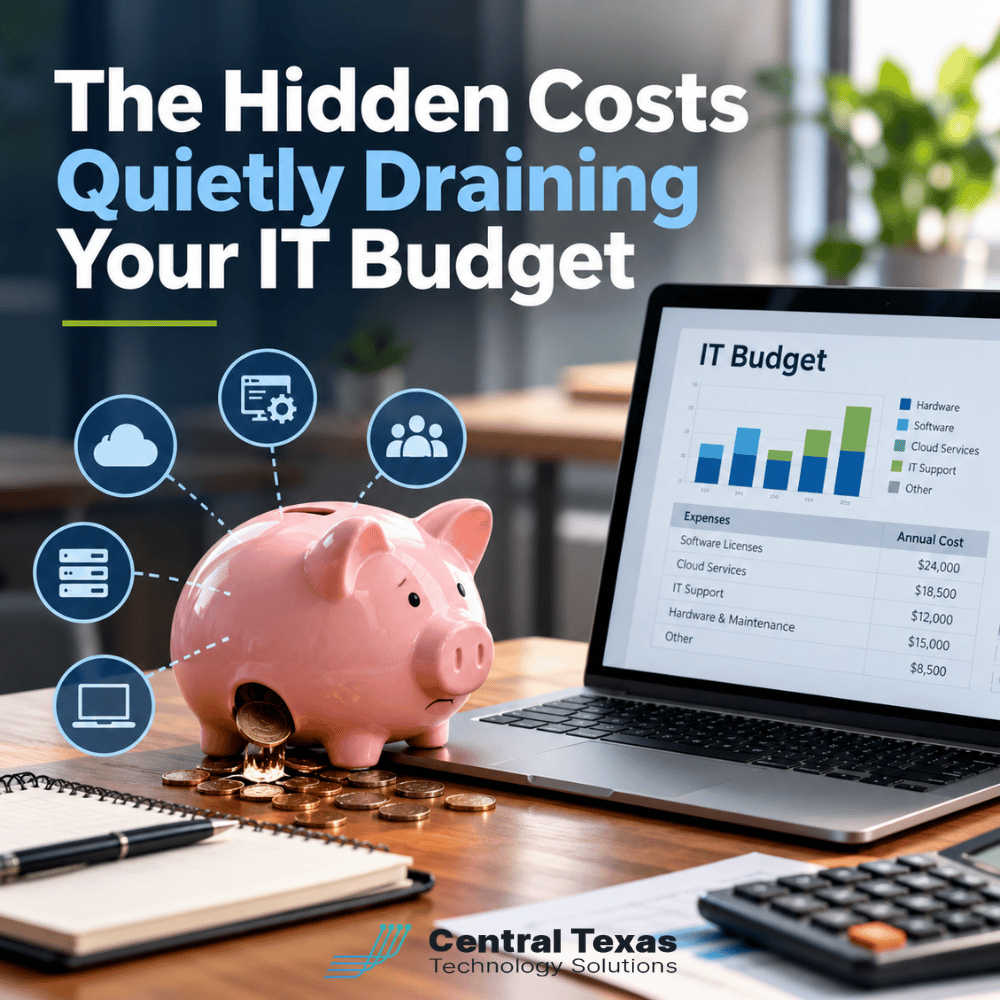
When was the last time your business took a close look at everything it spends on technology? Not just the major expenses like computers, servers, and IT support, but the smaller recurring charges that quietly accumulate throughout the year?
As businesses prepare their budgets for the coming year, it's easy to carry over existing technology expenses without questioning whether they're still necessary. Unfortunately, that approach can allow wasted spending to continue year after year.
The goal of effective IT budget planning isn't simply to spend less. It's to make sure every technology dollar supports your business, protects your information, and helps employees work efficiently.
Before finalizing next year's technology budget, examine these five areas where hidden IT costs frequently go unnoticed.
1. Unused Software Licenses and Forgotten Subscriptions
Subscription-based software has made it easier than ever for businesses to access powerful technology. Unfortunately, it has also made it easier to accumulate expenses that nobody notices.
Employees leave the company, departments change their processes, and free trials turn into paid subscriptions. Without regular reviews, businesses can continue paying for software that nobody uses.
Consider a company with 30 employees that pays $25 per month for each software license. If six licenses are no longer needed, that's $150 per month or $1,800 annually in unnecessary expenses.
And that's just one application.
How to reduce these hidden IT costs:
-
Review all recurring software subscriptions at least quarterly.
-
Compare purchased licenses against active users.
-
Identify applications that employees no longer need.
-
Cancel forgotten subscriptions and unused accounts.
-
Assign someone responsibility for approving new software purchases.
Businesses using Microsoft 365 should also review their licenses regularly. Some employees may have premium subscriptions even though their responsibilities only require basic features.
Proper Microsoft 365 management can help businesses maintain appropriate licensing while making sure employees have the tools they need.
2. Duplicate Technology Tools That Perform the Same Job
As businesses grow, departments often select their own technology solutions.
Marketing might use one project management platform while operations uses another. Some employees may rely on Microsoft Teams for meetings, while others use Zoom. Multiple departments might even pay for separate file-sharing applications.
Each purchase may have made sense individually. Together, however, these overlapping subscriptions can create unnecessary costs.
The challenge is determining whether those tools actually duplicate one another.
For example, a construction company might need specialized project management software that handles job scheduling, subcontractors, and field documentation. Its accounting department might use a different platform for financial workflows.
Although both applications involve project management, they serve different purposes.
The solution is a companywide technology inventory.
Start by identifying every application your business pays for, who uses it, and what purpose it serves.
Then ask three questions:
-
Do we already have another tool that performs this function?
-
Does this application provide capabilities that employees genuinely need?
-
Could consolidating platforms reduce costs without disrupting productivity?
Include department leaders in these discussions. Employees often understand operational requirements that aren't obvious from a software invoice.
The objective isn't to eliminate useful technology. It's to remove unnecessary duplication while maintaining the tools that help your business operate effectively.
3. Software Plans and Service Tiers That No Longer Fit
Software companies frequently introduce new subscription tiers, premium features, and pricing structures.
Unfortunately, businesses don't always adjust their subscriptions when their needs change.
You might be paying for advanced analytics, artificial intelligence features, additional storage, or premium support that employees rarely use.
The opposite can also happen. Your business may have outgrown a basic subscription, forcing employees to rely on inefficient workarounds.
Both situations can create hidden costs.
For example, a growing professional services firm might be paying for a premium customer relationship management platform even though its employees use only basic contact management and reporting.
Downgrading could free up money for more valuable investments.
On the other hand, a healthcare organization might benefit from a higher subscription tier that provides necessary administrative or security capabilities. Reducing costs without understanding those requirements could create unnecessary risk.
Review your service tiers with these considerations in mind:
-
Which features are employees actually using?
-
Are premium capabilities delivering measurable value?
-
Does the current plan meet security and compliance requirements?
-
Are there less expensive options that still support business operations?
-
Will the subscription accommodate anticipated growth?
The cheapest plan isn't necessarily the best value. Your technology budget should reflect what your business actually needs.
4. Former Employee Accounts and Technology That Never Gets Removed
When employees leave a business, their technology expenses don't always leave with them.
Software licenses, cloud accounts, mobile phone plans, and other services may remain active long after an employee's departure.
These forgotten resources create two problems.
First, your company continues paying for technology nobody uses.
Second, inactive accounts can become serious security vulnerabilities if access isn't properly disabled.
An account belonging to a former employee might still have permission to access sensitive business information, shared files, or internal systems.
For law firms handling confidential client information, manufacturers protecting proprietary processes, and nonprofits managing donor records, these overlooked accounts can create unnecessary exposure.
A consistent employee offboarding process helps address both concerns.
Every offboarding checklist should include:
-
Disable accounts and revoke access promptly.
-
Remove or reassign software licenses.
-
Recover company-owned computers and mobile devices.
-
Review shared files and application permissions.
-
Cancel unnecessary phone lines and subscriptions.
-
Confirm that company information remains accessible to authorized employees.
This is one area where Cybersecurity Services and financial management overlap.
Strong access controls help protect business information while preventing unnecessary technology spending.
Rather than waiting for annual budget planning, these steps should occur whenever an employee leaves or changes responsibilities.
5. Aging Technology That Costs More to Maintain Than Replace
Keeping old computers and servers running might seem like a smart way to save money.
After all, if the equipment still works, why replace it?
The problem is that purchase price represents only part of a technology asset's total cost.
Older equipment can create expenses through recurring repairs, reduced performance, increased support requirements, and employee downtime.
Consider an employee who loses just 15 minutes each workday because an aging computer struggles to run essential applications.
Over approximately 250 workdays, that's more than 62 hours of lost productivity annually.
The actual financial impact depends on the employee's responsibilities and how much of that time is truly unproductive, but the example illustrates why equipment performance matters.
Older systems may also introduce security risks when manufacturers stop providing updates and support.
However, replacing equipment simply because it's old isn't always necessary.
Some manufacturing environments, for example, depend on specialized applications that require older systems. Those situations call for careful planning rather than automatic replacement.
A practical technology replacement strategy should consider:
-
Current equipment performance and reliability.
-
Annual repair and maintenance expenses.
-
Employee productivity and downtime.
-
Manufacturer support and security updates.
-
Compatibility with essential business applications.
-
Expected replacement costs and useful lifespan.
A planned replacement schedule helps businesses avoid unexpected capital expenses and reduce disruptions.
It also allows equipment purchases to be spread across multiple budget periods rather than creating a large financial burden all at once.
How Proactive IT Budget Planning Helps Control Long-Term Costs
Identifying unnecessary spending is only the beginning. The bigger opportunity comes from building a technology budget that supports your company's future.
A useful IT budget should account for recurring expenses, equipment replacement, cybersecurity protection, software upgrades, and anticipated business growth.
It should also identify risks that could lead to unexpected expenses.
For example, a business might save money by postponing a server replacement, only to experience an expensive outage when the equipment fails. A less expensive decision today can sometimes create a much larger expense tomorrow.
This is why technology planning should involve more than reviewing invoices.
CTTS helps businesses evaluate their technology environment through Complete Care Coverage, combining ongoing IT management with proactive planning and support.
For growing businesses in Austin, Georgetown, Cedar Park, and Temple, this approach can help make technology expenses more predictable.
Instead of waiting until equipment fails or software costs become unmanageable, businesses can make informed decisions about where their technology dollars will deliver the greatest value.
The result is a budget that balances cost control with security, productivity, and long-term business needs.
Make Every Dollar in Your IT Budget Count
Your technology budget should help your business move forward, not quietly drain resources through unnecessary subscriptions, forgotten accounts, and avoidable maintenance expenses.
Before carrying last year's expenses into another budget cycle, make sure your technology investments are still delivering value.
CTTS can help you identify opportunities to reduce waste, improve efficiency, and plan smarter technology investments.
Ready to uncover the hidden costs in your IT budget? Schedule a free IT Assessment with CTTS today. We'll help you identify unnecessary expenses, uncover opportunities to improve efficiency, and make sure your technology investments are working for your business.
Call (512) 388-5559 or visit CTTSonline.com to get started.
Frequently Asked Questions About Hidden IT Costs
How often should a business review its IT expenses?
Businesses should review software subscriptions and licensing at least quarterly, with a more comprehensive technology budget review annually. Major changes, including hiring, employee departures, office expansions, or new software implementations, should trigger additional reviews. Regular monitoring helps identify unnecessary expenses before they accumulate and allows companies to adjust their technology investments as business needs change.
What are the most common hidden IT expenses for small businesses?
Common hidden expenses include unused software licenses, duplicate subscriptions, outdated service plans, forgotten employee accounts, and aging equipment that requires frequent maintenance. Less obvious costs can include lost productivity from slow computers, recurring technical problems, and unexpected downtime. Reviewing both direct technology expenses and their operational impact provides a more accurate picture of what IT actually costs.
Can managed IT services help reduce technology costs?
Yes, managed IT services can help businesses identify unnecessary spending, plan equipment replacements, manage software licenses, and address recurring technology problems. While professional IT management is itself an investment, proactive oversight can reduce avoidable expenses and improve budget predictability. The greatest value comes from aligning technology decisions with business priorities rather than simply choosing the least expensive products or services.
Contact CTTS today for IT support and managed services in Austin, TX. Let us handle your IT so you can focus on growing your business. Visit CTTSonline.com or call us at (512) 388-5559 to get started!