
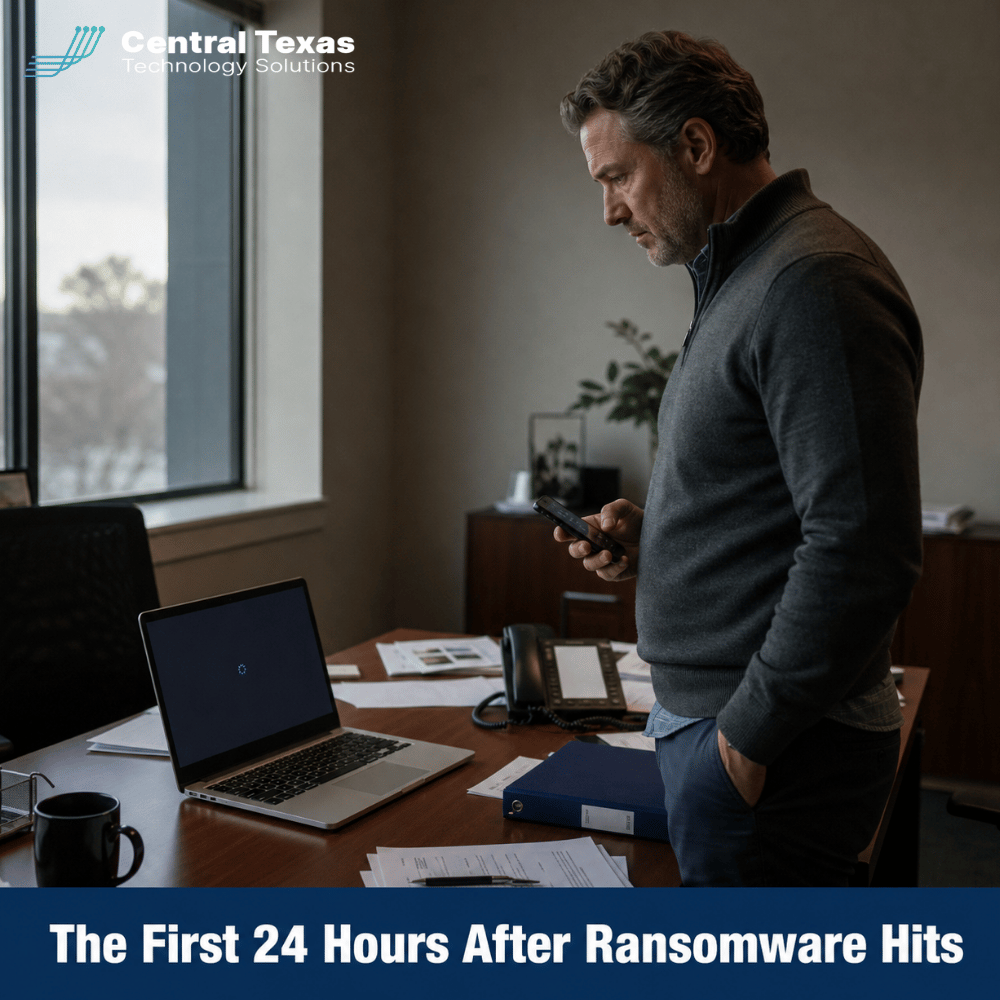
 When ransomware locks your systems, the first 24 hours decide whether your Round Rock business reopens tomorrow or spends weeks rebuilding from nothing. In 2026, ransomware incidents are hitting small and mid sized businesses at a punishing pace nationwide, and the businesses that recover fastest are almost always the ones who knew exactly what to do before the attack ever happened. This guide walks through what those first 24 hours should look like and how managed IT services in Round Rock help your team get there prepared instead of scrambling.
What's at Stake
A ransomware attack does more than lock your files. It can freeze payroll, halt client work, and put sensitive records in a stranger's hands within minutes.
The financial stakes have only grown. Ransomware now accounts for the overwhelming majority of small business cyberattacks, and industry research puts the average cost of a ransomware incident, once you count downtime, lost business, legal fees, and recovery labor, well past a million dollars in 2026. Roughly six in ten businesses that suffer a serious ransomware attack close within six months, and it is rarely because the technology could not be fixed. It is because the business never had a real plan for the hours immediately after. Many attacks today also steal a copy of your data before encrypting anything, which means paying for a decryption key does not undo the exposure.
For a Round Rock company with ten to two hundred fifty employees, that kind of disruption rarely stays contained to IT. Payroll misses a cycle. Client deadlines slip. Vendors and referral partners notice the silence, and every hour without a clear next step adds to a bill that was already going to be expensive.
There is also a quieter cost that rarely makes it into the headlines. Employees lose confidence in the systems they use every day, clients start asking pointed questions about how their information is protected, and owners spend months rebuilding trust that took years to earn in the first place. Technology can usually be replaced faster than reputation.
Why Central Texas Businesses Face This Challenge
Central Texas businesses look like easy targets to attackers precisely because they are growing fast and often outpacing their own IT.
Round Rock, along with Georgetown, Pflugerville, and the rest of the Austin corridor, has added employers faster than almost any region in the state, and attackers have taken notice. Smaller organizations frequently run on a patchwork of tools, a single overworked IT person, or no dedicated security oversight at all, which makes them an appealing target next to a large enterprise with a full security team.
Attackers also know that most small businesses carry no cyber insurance, by some estimates roughly eight in ten, which means there is no claims adjuster, no breach coach, and no fund already set aside when an incident hits. The owner ends up making high stakes decisions alone, often for the first time, in the middle of an active attack. That combination of fast growth, thin IT staffing, and low insurance coverage is exactly why a documented recovery plan matters more here than in most other markets.
It also means the businesses doing this well tend to stand out. Owners in Round Rock, Georgetown, and Temple who have already tested their backups and rehearsed a response plan are the ones who reopen within a day or two while a competitor down the street is still trying to figure out what happened. That gap is becoming a real competitive advantage, not just a technical one.
How CTTS Helps You Recover From Ransomware
CTTS builds the recovery plan before the attack happens, so your team already knows the steps when the moment actually comes.
CTTS has served Central Texas businesses and nonprofits since 2002, and ransomware recovery has become one of the most requested parts of our Complete Care Coverage plan. Complete Care Coverage pairs proactive monitoring and patching with tested backup and disaster recovery planning, so restoring from a clean backup is a rehearsed process rather than a first attempt made under pressure.
We help clients set clear recovery time and recovery point objectives, keep backups immutable and stored offsite so an attacker with stolen administrator credentials cannot reach or delete them, and run tabletop drills that walk a team through a documented first 24 hours plan long before it is ever needed.
Clients reach a real, local team, answered in three rings, rather than a ticket queue on the other side of the country. For organizations that already have an internal IT team, our Co Managed IT option extends that same monitoring, documentation, and backup oversight without replacing anyone on staff.
What To Do in the First 24 Hours After Ransomware Hits
The first hour is about containment and communication, not panic and not paying.
What Should You Do in the First Hour?
Disconnect the affected devices from the network immediately, without powering them off, and notify your IT provider or internal team before doing anything else. Powering a device down can destroy evidence needed later for insurance or law enforcement, while staying connected lets ransomware continue spreading to shared drives and connected backup systems. Isolate first, then call the people who can actually tell you what you are dealing with.
Who Should You Call Before You Touch Anything Else?
Call your managed IT provider first, then your cyber insurance carrier if you have a policy, and loop in legal counsel early if any customer, patient, or employee data may have been exposed. Texas data privacy law sets specific notification obligations once personal information is involved, and an attorney who understands those rules can keep you from making promises or admissions you will regret later. Your IT provider and insurer should already know how to reach each other, because that relationship should have been established before an incident, not during one.
How Do You Know if Your Backups Are Actually Ransomware Proof?
Your backups are ransomware proof only if they are immutable, kept offsite or in a separate cloud environment, and tested with a real restore at least once a quarter. Following the 3 2 1 rule, three copies of your data, on two different types of media, with one copy offsite, remains the simplest way to describe a backup strategy that can survive an attacker who is actively hunting for it. A backup nobody has tried to restore is a theory, not a plan.
When Should Law Enforcement Get Involved?
Report the incident to the FBI's Internet Crime Complaint Center as soon as operations are stabilized, even if you do not expect an arrest to follow, because it creates a formal record and helps investigators track attack patterns across the region. Many cyber insurance policies also require a police or federal report as part of any claim, so this step protects your recovery, not just the broader investigation.
What Happens After Systems Are Restored?
Once systems are back online, run a full incident review within the first week to document exactly what happened, close the entry point the attacker used, and update your recovery plan based on what you learned. Skipping this step is how the same business ends up recovering from the same type of attack twice.
Take the Next Step
You do not have to build a ransomware recovery plan alone, and you should not wait until an attack is already underway to start one. If your business has never tested a real restore from backup, that is the single most important gap to close this month.
The CTTS Executive IT Risk Assessment gives Round Rock business owners a clear, no obligation look at where backups, recovery objectives, and incident response plans currently stand, along with a straightforward path to close the gaps that matter most before you ever need to use the plan.
Most owners who go through the assessment tell us the same thing afterward: they wish they had done it before their busiest season, not after a scare.
Frequently Asked Questions
How fast can a Round Rock business recover from a ransomware attack?
Recovery time depends almost entirely on preparation. Businesses with tested, immutable backups and a documented incident response plan often restore critical systems within a day, while businesses without a plan can take weeks and sometimes never fully recover.
Does cyber insurance cover ransomware recovery costs?
Many policies cover ransomware response, but coverage varies widely and often requires proof that basic protections, such as multi factor authentication and tested backups, were already in place before the attack. Review your policy with your insurance provider and your IT team together, before you need it, not after.
What is the difference between RTO and RPO?
Recovery time objective, or RTO, is how long your business can afford to be down before resuming operations. Recovery point objective, or RPO, is how much data you can afford to lose, measured in the time since your last clean backup. Both numbers should be set deliberately in advance, not discovered for the first time during an actual attack.
Contact CTTS today for IT support and managed services in Austin, TX. Let us handle your IT so you can focus on growing your business. Visit CTTSonline.com or call us at (512) 388-5559 to get started!