
Most business owners I talk to aren’t losing sleep because they think their team is careless.
They’re losing sleep because they’re doing what they thought they were supposed to do, buying the right tools, turning on multi-factor authentication, moving into Microsoft 365, and trusting that those layers are enough, and they still hear about businesses getting hit.
That’s why Microsoft’s latest warning matters.
The issue isn’t that MFA is useless. It’s that attackers are getting smarter about working around the confidence businesses place in it.
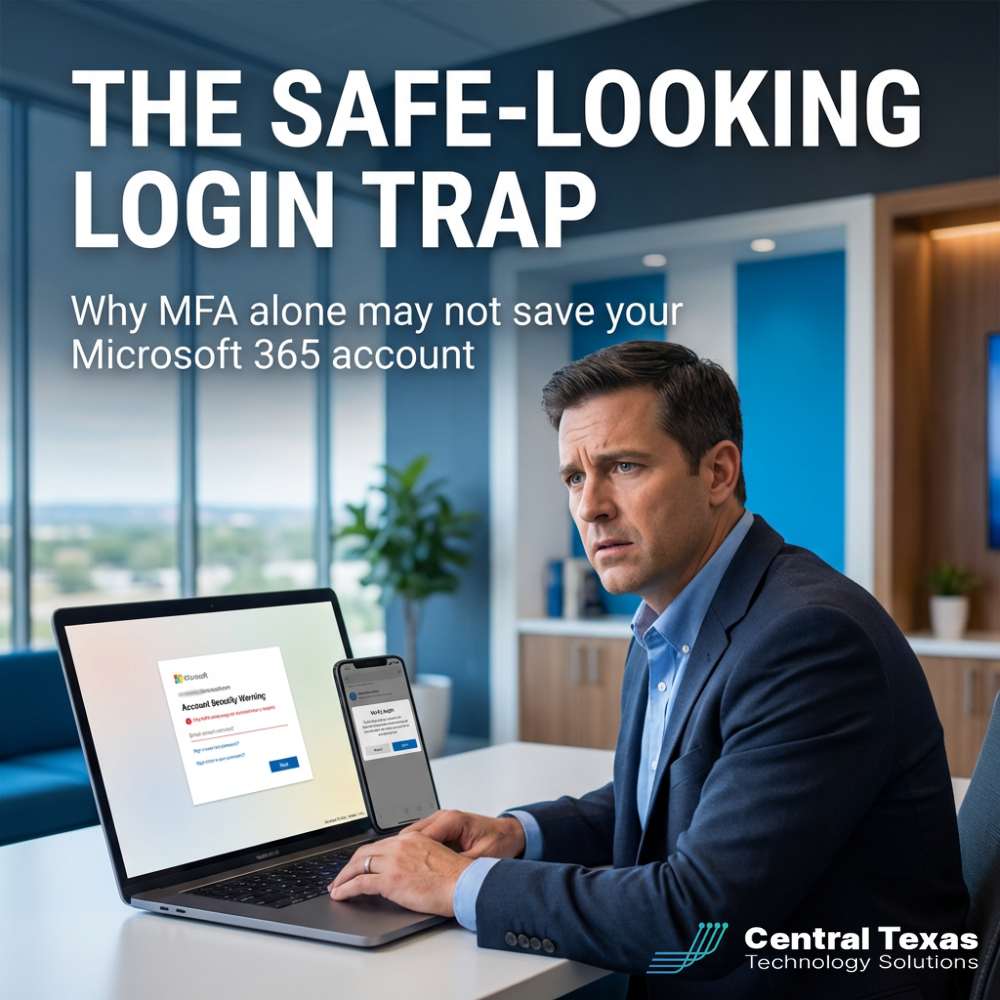
In this latest wave of device code phishing, the trap doesn’t always look shady. In fact, part of what makes it dangerous is that the login flow can appear legitimate. A user may receive a message, be sent to a real Microsoft login page, and enter a code that seems routine. From their perspective, they are doing exactly what they’ve been trained to do: use the official login page and authenticate securely.
But in the wrong context, that action can hand an attacker the access they want.
That’s the real problem for a business owner. It’s not just the technology. It’s the gap between what feels safe and what is actually safe.
For companies across Central Texas, especially those with 25 to 250 employees, this is where cybersecurity becomes a business issue instead of just an IT issue. One compromised Microsoft 365 account can affect email, file access, internal communication, customer communication, financial approvals, and executive trust all at once.
If you’re in healthcare, professional services, nonprofits, construction, or any other business where timing and trust matter, the impact can spread quickly. It can stall projects, expose confidential data, interrupt payments, and force your team into reactive cleanup mode while your customers still expect fast answers.
That’s the external problem.
The internal problem is more personal.
Business leaders feel frustrated because they believed they had already done the responsible thing. They invested in security. They listened to the recommendations. They tried to protect their company. Then a new attack shows up that doesn’t fit the old mental model.
And the stakes are high.
When identity gets compromised in Microsoft 365, the fallout is rarely limited to one inbox. Attackers may gain access to conversations, documents, shared files, and workflows that touch the entire organization. Even when a business avoids a worst-case scenario like wire fraud or ransomware, the cleanup cost is real: investigation time, lost productivity, rushed communication, after-hours remediation, and the lingering fear that something was missed.
This is where businesses need a guide, not just another warning.
CTTS works with Central Texas organizations that want security to be practical, understandable, and tied to real business outcomes. The goal is not to drown leaders in jargon. The goal is to help them reduce risk, keep operations moving, and protect the money they’ve worked hard to earn.
So what should a practical plan look like?
First, review whether device code authentication is truly necessary in your environment.
Many businesses have authentication pathways enabled that they don’t actually need. If a workflow or user group doesn’t rely on device code login, that should be examined closely. Reducing unnecessary access paths is one of the simplest ways to lower risk.
Second, strengthen sign-in controls around identity.
This includes reviewing conditional access policies, risky sign-in monitoring, alerting, and visibility into abnormal behavior. A strong Microsoft 365 environment is not just one where MFA is turned on. It’s one where identity activity is monitored and unusual behavior gets surfaced before it becomes a larger incident.
Third, train your people on the kinds of threats that do not look obviously malicious.
Traditional security awareness has focused heavily on bad links, fake domains, and suspicious attachments. That still matters. But today’s workforce also needs to understand safe-looking workflows that are unsafe in the wrong situation. If your team only knows how to spot the obviously bad email, they may still miss the polished attack that borrows the appearance of legitimacy.
Fourth, make sure your response plan is ready before the problem happens.
If an account is compromised, who gets called first? What gets disabled? How do you verify the scope of access? How do you communicate internally? How do you protect customers while the issue is being contained? Businesses that answer those questions before an event almost always recover faster and with less disruption.
The good news is that business owners do not have to solve this alone.
You do not need to become an identity security specialist. You need a clear plan, the right controls, and a partner who can help you interpret what actually matters for your environment.
That is the StoryBrand reality here.
You are the hero. The problem is growing more sophisticated. The risk is real. But there is a path forward.
When businesses act early, they gain clarity, improve resilience, and make better decisions with less panic. Their teams work with more confidence. Their customers experience more consistency. Their leadership spends less time reacting and more time focusing on growth.
When businesses wait, they usually do so because everything seems fine, until the wrong message lands, the wrong code gets entered, and the wrong person gets access.
That is an expensive moment to discover your protections were incomplete.
If you want help reviewing whether your Microsoft 365 environment is set up to handle threats like this, CTTS can help you take a practical look at the gaps and the next right steps.
Frequently Asked Questions about Microsoft 365 and MFA
1. If we already have MFA enabled, are we safe?
No. MFA is a critical control, but it is not the finish line. Businesses also need smart identity policies, monitoring, user awareness, and a response plan for attacks that use legitimate-looking workflows.
2. What is device code phishing in plain English?
It is a scam where an attacker tricks someone into entering a code through a real login process, which can give the attacker access without stealing the user’s password the traditional way.
3. What should a business do first if this risk concerns them?
Start with a review of your Microsoft 365 identity setup: what authentication methods are enabled, what risky sign-in alerts exist, and whether your team knows how to recognize modern phishing tactics.
Contact CTTS today for IT support and managed services in Austin, TX. Let us handle your IT so you can focus on growing your business. Visit CTTSonline.com or call us at (512) 388-5559 to get started!