
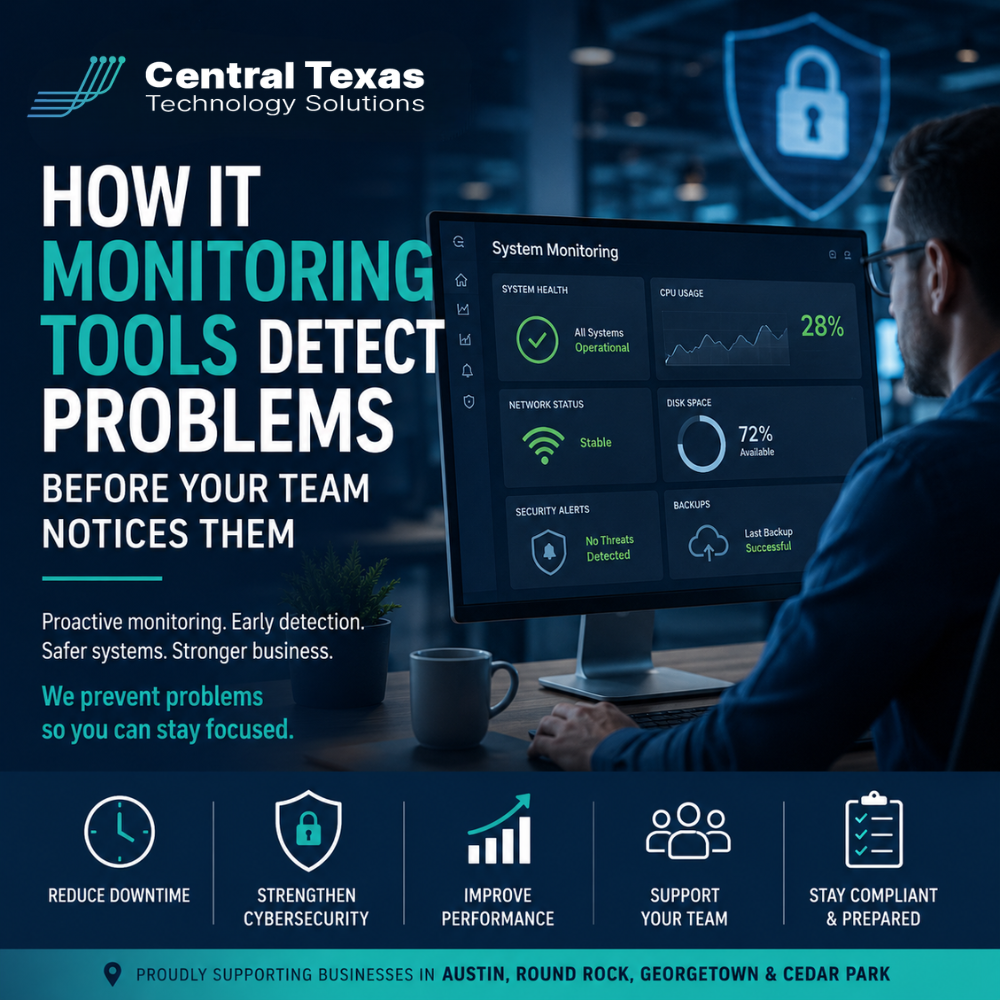
Businesses Cannot Afford to Wait for IT Problems to Become Obvious
Most business leaders do not think about their technology until something stops working.
An employee cannot access email. The internet slows to a crawl. A server crashes in the middle of the workday. A cybersecurity alert suddenly appears after sensitive data has already been exposed.
The problem is that by the time your team notices an issue, the damage has often already started.
For businesses in Austin, Georgetown, Temple, and Belton, technology downtime affects more than productivity. It impacts customer trust, employee efficiency, compliance requirements, and revenue. This is especially true in industries like Healthcare, Legal, Professional Services, Construction, Manufacturing, and Nonprofits, where uninterrupted access to systems and data is critical.
That is why proactive IT monitoring has become one of the most important parts of modern Managed IT Services.
What Are IT Monitoring Tools?
IT monitoring tools continuously watch your technology environment for signs of trouble.
Instead of waiting for employees to report problems, these systems monitor:
- Servers
- Workstations
- Network devices
- Internet connectivity
- Cloud applications
- Microsoft 365 environments
- Cybersecurity threats
- Backup systems
- Storage capacity
- System performance
The goal is simple. Detect small issues before they turn into major business disruptions.
A proactive IT strategy focuses on prevention, not just repair. That is where monitoring tools make a significant difference.
How IT Monitoring Detects Problems Early
Performance Issues Appear Before Systems Fail
Most technology failures do not happen instantly.
A server may slowly run out of storage space. A firewall may begin experiencing intermittent connectivity issues. A workstation could show signs of hardware failure days before it crashes completely.
Monitoring tools track these warning signs in real time.
For example:
- High CPU usage
- Low disk space
- Unusual network traffic
- Memory overload
- Failed backups
- Hardware temperature increases
- Application slowdowns
When thresholds are exceeded, alerts are generated immediately so technicians can investigate before employees are impacted.
Instead of reacting to an outage, businesses can avoid the outage entirely.
Cybersecurity Threats Can Be Identified Faster
Cybercriminals rarely announce themselves clearly.
Many attacks begin with subtle warning signs such as:
- Repeated failed login attempts
- Suspicious account activity
- Unusual file access
- Unexpected software installations
- Traffic from known malicious locations
Without monitoring tools, these early indicators can go unnoticed for days or weeks.
For Healthcare organizations handling sensitive patient data, Legal firms managing confidential client records, and Professional Services companies relying on secure communications, delayed detection can create serious financial and compliance risks.
Proactive monitoring helps identify suspicious behavior early so businesses can respond quickly before a breach spreads.
Monitoring Helps Reduce Downtime
Downtime is expensive.
A Construction company may lose access to project management systems. A Manufacturing business could experience production delays. A Nonprofit organization might lose donor communication tools during an important fundraising campaign.
Even short disruptions can create long-term operational problems.
IT monitoring reduces downtime by allowing technicians to:
- Resolve issues remotely
- Identify recurring problems
- Apply updates proactively
- Replace failing hardware before breakdowns occur
- Monitor internet stability
- Ensure backups are functioning properly
This proactive approach creates a more stable technology environment for your team.
Employees Should Not Be Your Monitoring System
Many businesses unknowingly rely on employees to identify IT issues.
That creates several problems:
- Employees often report issues too late
- Small warning signs are ignored
- Productivity declines before action is taken
- IT teams remain stuck in reactive mode
A reactive approach increases frustration across the organization.
Instead, businesses need visibility into their systems at all times.
Monitoring tools provide that visibility and allow IT providers like CTTS to respond faster and more strategically.
Monitoring Supports Business Growth
As businesses grow, technology environments become more complex.
More employees, remote workers, cloud applications, cybersecurity requirements, and compliance obligations create more opportunities for problems to occur.
Without proactive monitoring, scaling technology becomes difficult to manage.
Businesses in Austin and across Central Texas need systems that support growth without increasing risk.
Effective monitoring helps organizations:
- Maintain performance as they grow
- Support remote and hybrid teams
- Improve cybersecurity posture
- Prepare for audits and compliance reviews
- Reduce unexpected downtime
- Make smarter technology decisions
This allows leadership teams to focus on business goals instead of daily technology disruptions.
Why Proactive Monitoring Matters More Than Ever
Too many businesses still believe IT support only matters when something breaks.
That mindset creates unnecessary risk.
Modern Managed IT Services should focus on preventing problems, not simply responding after the damage is done.
At CTTS, proactive monitoring is a core part of helping businesses operate more securely and efficiently. We work with organizations across Healthcare, Legal, Professional Services, Construction, Manufacturing, and Nonprofits to identify risks early, reduce downtime, and align technology with long-term business goals.
When your systems are monitored properly, your team can focus on serving customers instead of fighting technology issues.
Ready to Stop Reacting to IT Problems?
If your team only discovers technology issues after productivity has already been affected, it may be time for a more proactive approach.
CTTS helps businesses across Austin, Georgetown, Round Rock, and Cedar Park monitor their systems, reduce downtime, and strengthen cybersecurity before small problems become major disruptions.
Speak with an expert today and learn how proactive IT monitoring can support your business growth.
Frequently Asked Questions
What is proactive IT monitoring?
Proactive IT monitoring involves continuously tracking the health, performance, and security of business technology systems to identify and resolve issues before they cause disruptions.
Can IT monitoring help prevent cybersecurity attacks?
Yes. Monitoring tools can detect suspicious behavior, unusual login activity, failed backups, and other warning signs that may indicate a cybersecurity threat before significant damage occurs.
Do small businesses need IT monitoring tools?
Absolutely. Small businesses are frequent targets for cyberattacks and often have fewer internal resources to detect issues early. Monitoring tools help reduce downtime, improve security, and support business continuity.
Contact CTTS today for IT support and managed services in Austin, TX. Let us handle your IT so you can focus on growing your business. Visit CTTSonline.com or call us at (512) 388-5559 to get started!
Make your next IT decision with confidence. Start with these insights:
What Do Managed IT Services Actually Include?
How Remote IT Support Works and When It Makes Sense
What IT Network Support Does for Business Stability and Growth
How IT Consulting Helps Businesses Scale Without Chaos
What Professional IT Support Services Mean for Day to Day Operations