
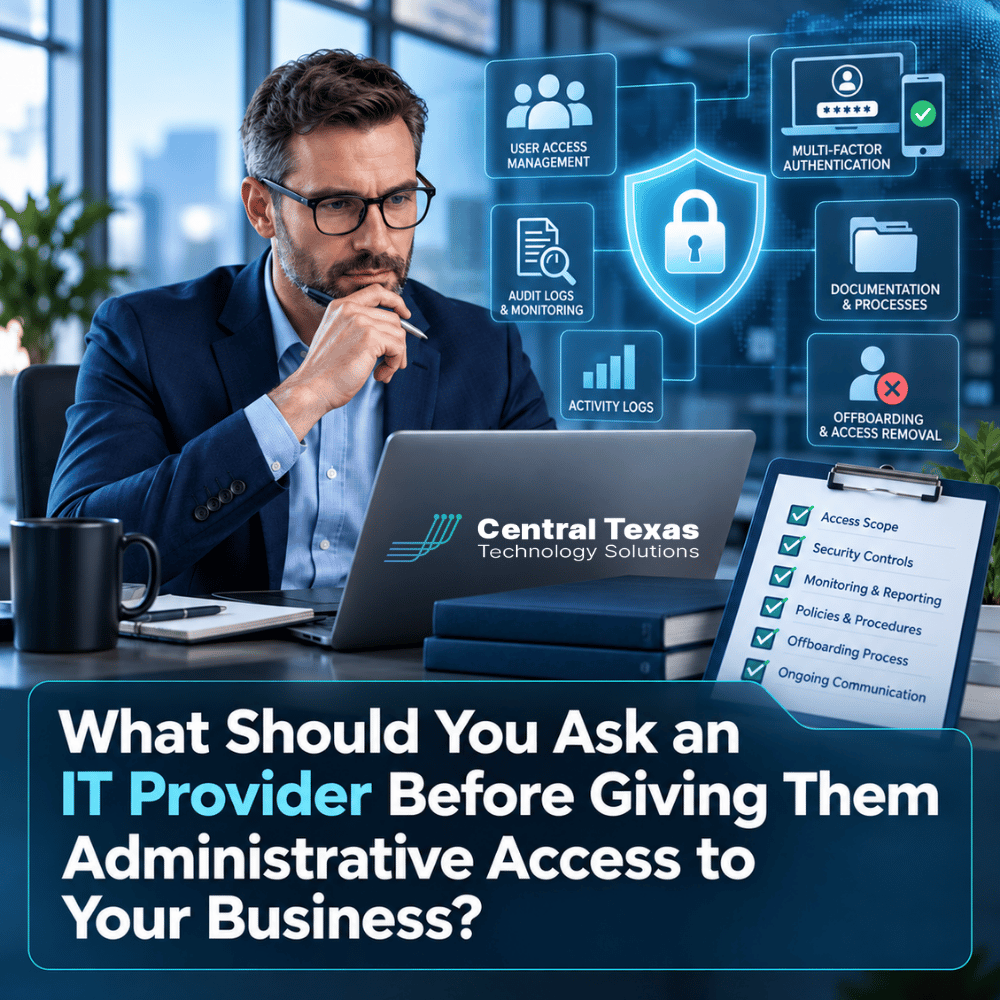
Hiring an IT provider often means giving another company access to some of the most sensitive parts of your business.
They may need administrator access to Microsoft 365, servers, cloud platforms, firewalls, backups, domain settings, security tools, and employee devices. In many cases, that access is necessary for them to do their job effectively.
But administrative access also creates risk.
Before you hand over the keys to your technology environment, you should understand exactly how your IT provider protects those keys, who can use them, how their activity is tracked, and what happens if your relationship ends.
For businesses in Austin, Round Rock, Georgetown, and Pflugerville, choosing an IT provider should involve more than comparing monthly pricing. Trust needs to be supported by clear security practices and documented processes.
Why Administrative Access Requires More Than Trust
A good IT relationship absolutely requires trust. But trust should not mean accepting vague answers.
Administrative accounts can allow someone to:
- Create or delete user accounts
- Change security settings
- Access business data
- Modify backups
- Install software
- Reconfigure networks
- Reset passwords
- Change email settings
- Control cloud services
- Alter domain or DNS records
That level of access deserves careful oversight.
Healthcare organizations may be concerned about protected health information. Legal firms may hold confidential client records. Professional services companies often store financial and customer information. Construction companies may rely on cloud systems for estimating and project management. Manufacturers depend on technology to keep operations moving. Nonprofits may manage donor, employee, and financial information.
Different industries have different risks, but the underlying question is the same:
How does your IT provider protect the access you are giving them?
Ask Who Can Access Your Administrative Accounts
One of the first questions to ask is simple:
Who at your IT provider can access my systems?
The answer should not be "everyone on the technical team."
Access should be limited based on job responsibilities. A technician who only needs to troubleshoot an employee's computer should not automatically have unrestricted access to every server, firewall, cloud account, and backup platform your organization uses.
Ask your prospective IT provider:
- How do you decide which employees receive administrative access?
- Are permissions based on job responsibilities?
- Do you remove access immediately when an employee changes roles or leaves your company?
- Are administrative passwords stored securely?
- Can technicians see passwords directly, or are credentials protected through a secure password management platform?
The goal is not to prevent technicians from doing their jobs. It is to make sure access is controlled instead of simply being convenient.
Ask How They Use MFA and Protect Privileged Accounts
Multi-factor authentication, commonly called MFA, should be a standard requirement for administrative access.
A password alone should not be enough to gain control over critical business systems.
Ask whether MFA is required for:
- Microsoft 365 administrator accounts
- Cloud platforms
- Remote access tools
- Firewalls and network equipment
- Backup systems
- Password management systems
- Security platforms
You should also ask whether technicians use individual administrative accounts.
Shared administrator usernames make accountability difficult. If five technicians use the same login, determining who changed a setting or accessed a system can become much harder.
At CTTS, we believe administrative access should be managed as a security responsibility, not simply as a technical convenience. The right controls help protect your business while still allowing technicians to respond quickly when support is needed.
Ask Whether Administrative Activity Is Logged
Your IT provider should be able to tell you what happened inside your technology environment.
That means important administrative activity should be logged whenever the platform supports it.
Logging can help answer questions such as:
- Who logged in?
- When did they log in?
- What changes were made?
- Was a user account created or deleted?
- Were security settings changed?
- Was suspicious access detected?
Logs become especially important during cybersecurity incidents.
Imagine discovering that an administrator account was used to change email forwarding rules at 2:00 a.m. Without proper logging, determining what happened could become difficult. With logging and monitoring in place, your IT team has a better chance of identifying the activity quickly and responding appropriately.
Ask whether your IT provider reviews security logs proactively or only looks at them after something goes wrong.
That distinction matters.
Ask Who Owns the Documentation and Credentials
Your business should not become dependent on an IT provider simply because they are the only people who understand your technology.
Ask how the provider documents your environment.
Important documentation may include:
- Administrator accounts
- Network configurations
- Firewall information
- Internet service details
- Microsoft 365 tenant information
- Domain registrar information
- Backup systems
- Software licensing
- Vendor contacts
- Hardware inventories
- Security policies
You should also understand who owns critical accounts.
For example, your company should generally maintain appropriate ownership and visibility over domains, cloud subscriptions, software licenses, and other important business systems.
An IT provider may manage those systems on your behalf, but changing providers should not mean discovering that important accounts were created under someone else's name or email address.
Good documentation protects both sides of the relationship.
Ask About Cybersecurity Insurance and Internal Security Practices
An IT provider may have significant access to dozens or even hundreds of business environments. That makes the provider itself an attractive target for cybercriminals.
Ask how the provider protects its own organization.
Questions worth asking include:
- Do you carry cyber liability insurance?
- Do employees receive regular cybersecurity training?
- Do you perform background checks where appropriate?
- How do you secure remote access?
- How do you protect administrative credentials?
- How do you monitor suspicious activity?
- How do you respond if one of your systems is compromised?
Insurance does not replace security controls, but it can be an important part of a responsible risk management program.
You should also ask whether the provider has documented procedures for responding to cybersecurity incidents that could affect customers.
A professional IT provider should be comfortable discussing these topics.
Ask What Happens When the Relationship Ends
Offboarding is one of the most overlooked parts of choosing an IT provider.
Most businesses naturally focus on onboarding. They want computers configured, systems secured, users supported, and problems resolved.
But you should know what happens if you eventually change providers.
Ask these questions before signing an agreement:
- Will we receive current documentation?
- Will you provide all company-owned administrative credentials?
- How quickly will your access be removed?
- Will you cooperate with our next IT provider?
- Who owns our Microsoft 365 tenant and cloud accounts?
- Who controls our domain and DNS?
- What happens to backups and historical data?
- How is your remote management software removed?
A reputable provider should not use passwords, documentation, licensing, or account ownership as leverage to make leaving difficult.
Your business data and technology environment should remain your business assets.
What a Trustworthy Managed IT Provider Should Look Like
The best IT providers do more than fix problems.
They build processes that reduce risk before problems happen.
For a growing business in Central Texas, that means having an IT partner that combines responsive support with strong security controls, clear documentation, strategic planning, and accountability.
Before giving any provider administrative access, look for evidence that they:
- Limit privileged access
- Require MFA
- Use individual technician accounts
- Log important administrative activity
- Maintain current documentation
- Protect credentials securely
- Carry appropriate insurance
- Have clear employee offboarding procedures
- Give clients appropriate ownership of their systems
- Have a documented process for transitioning accounts when the relationship ends
These practices should not be treated as premium extras. They are part of responsible IT management.
CTTS helps businesses across Austin, Round Rock, Georgetown, Pflugerville, and surrounding Central Texas communities take a more proactive approach to technology. Our goal is not simply to respond when something breaks. We help businesses create technology environments that are secure, documented, manageable, and aligned with long-term business goals.
Frequently Asked Questions About Giving an IT Provider Administrative Access
Should my IT company have administrator access?
In most managed IT relationships, some administrative access is necessary. The important issue is how that access is controlled. Your provider should limit privileges appropriately, require strong authentication, protect credentials, and maintain accountability for administrative activity.
Should my business keep its own administrator credentials?
Your business should maintain appropriate ownership and control over critical systems and accounts. Your IT provider may manage those credentials securely on your behalf, but you should understand how they are stored, how emergency access works, and how credentials will be transferred if the relationship ends.
What happens to IT access when I change providers?
Your outgoing provider should cooperate with the transition, provide current documentation and company-owned credentials, remove its remote access tools, and relinquish administrative permissions when appropriate. Discussing this process before signing an agreement helps prevent problems later.
Protect Your Business Before You Hand Over the Keys
Choosing an IT provider is ultimately a decision about trust.
The strongest providers do not ask you to trust them blindly. They build security, accountability, documentation, and transparency into the relationship from the beginning.
Before granting administrative access to your systems, ask how that access will be protected, monitored, documented, and eventually removed.
If you would like a second opinion on how your current IT access and administrative accounts are being managed, schedule a consultation with CTTS. We can help you identify unnecessary risk and build a more secure, proactive approach to managing your technology.
Contact CTTS today for IT support and managed services in Austin, TX. Let us handle your IT so you can focus on growing your business. Visit CTTSonline.com or call us at (512) 388-5559 to get started!
Make your next IT decision with confidence. Start with these insights:
How to Compare IT Support Proposals Without Getting Lost in Technical Details
What Should an IT Provider Ask Before Giving You a Proposal?
How to Know If an IT Company Is a Good Fit for Your Business Culture
What Questions Should Your Leadership Team Ask Before Switching IT Providers?
How to Choose an IT Partner Before a Cybersecurity Insurance Renewal
How to Verify an IT Company’s Cybersecurity Experience Before Hiring Them
What Should You Look for in an IT Provider’s Service Level Agreement?
How to Read Online Reviews for an IT Support Company
Should Your IT Provider Have Experience With Your Industry?
How to Tell Whether an IT Provider Can Support Multiple Offices