
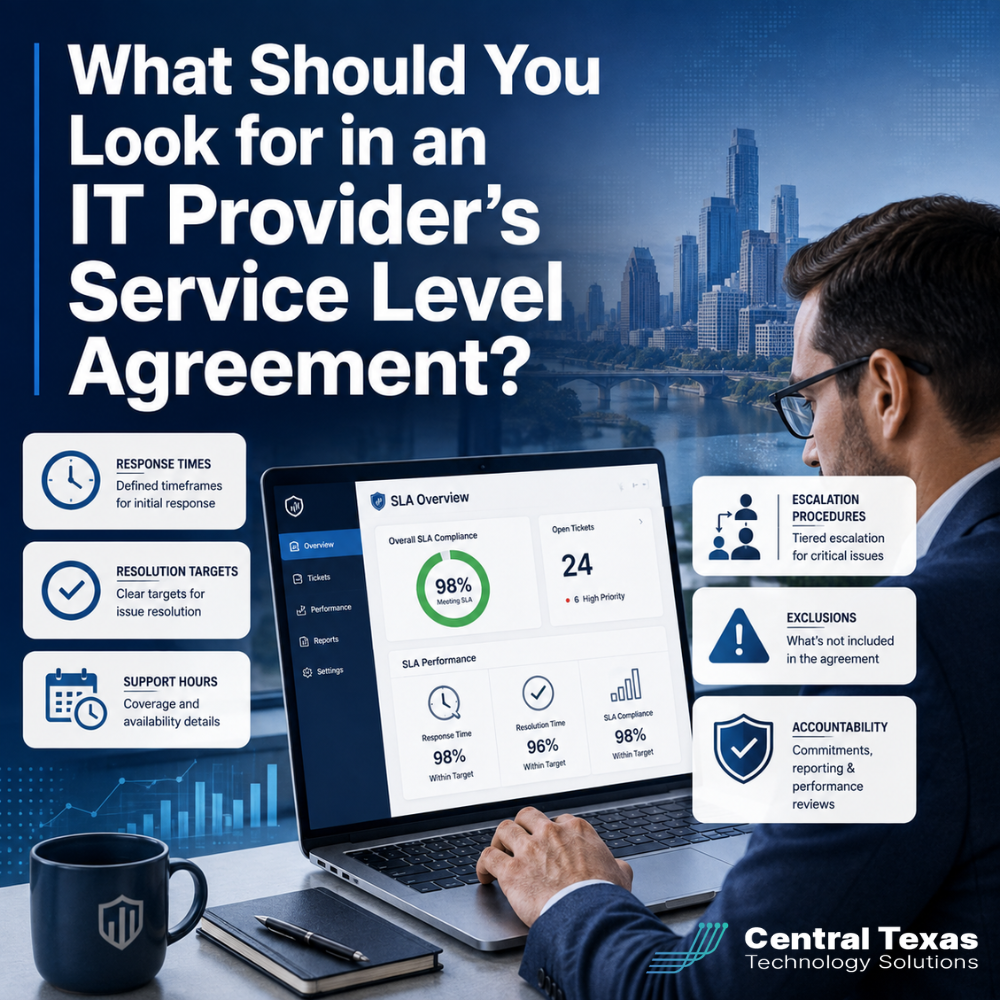
When your systems go down, the promises made during the sales process matter far less than the commitments written into your service agreement.
A service level agreement, often called an SLA, explains what you can expect from your IT provider after you become a client. It should define how quickly the provider responds, when support is available, how urgent problems are handled, and who is accountable when service falls short.
Unfortunately, many business leaders sign IT agreements without fully understanding these details. A clear SLA helps you compare providers, reduce surprises, and choose a partner that can support your business when the pressure is on.
What Is an IT Provider Service Level Agreement?
An IT provider service level agreement is a written document that outlines the standards the provider agrees to meet.
It may be included inside a managed services contract or attached as a separate schedule. Either way, it should provide measurable expectations instead of vague promises such as “fast support” or “priority service.”
A useful SLA should answer practical questions:
- How quickly will the provider acknowledge an issue?
- Does the response time change based on severity?
- When is technical support available?
- What happens if the first technician cannot solve the problem?
- Are onsite visits included?
- Which services or situations are excluded?
- How is performance measured and reviewed?
Businesses in healthcare, legal services, professional services, construction, manufacturing, and the nonprofit sector may have very different technology environments. However, every organization benefits from knowing exactly what will happen when a problem is reported.
Understand the Difference Between Response Times and Resolution Targets
One of the most important parts of an IT service level agreement is the distinction between response time and resolution time.
A response time is how quickly the provider acknowledges your request and begins evaluating the issue.
A resolution target is the provider’s goal for solving the problem or restoring an acceptable level of service.
These are not the same thing.
An IT company might promise a 15 minute response to a critical issue, but that does not necessarily mean the issue will be fixed within 15 minutes. The provider may still need time to diagnose a failed server, contact a software vendor, restore data, or replace damaged equipment.
A strong SLA should clearly define severity levels. For example:
- Critical: A company-wide outage, suspected cyberattack, or failure that stops essential operations
- High: A major problem affecting multiple employees or an important business function
- Standard: An issue affecting one employee without stopping critical work
- Low priority: A routine request, minor change, or question that does not affect productivity
The agreement should explain the response target for each category. It should also describe how the provider determines priority so that urgent issues are not treated like routine support requests.
Be cautious of providers that guarantee resolution times for every problem. Some issues depend on internet carriers, software companies, equipment manufacturers, or other third parties. A more realistic agreement may promise continuous effort, frequent updates, temporary workarounds, and escalation until service is restored.
Review Support Hours and After-Hours Coverage
Not every provider offers the same support schedule.
Some IT companies provide help only during standard business hours. Others offer extended coverage, 24 hour monitoring, or after-hours emergency assistance. The SLA should explain these differences in detail.
Look for answers to questions such as:
- What are the provider’s normal support hours?
- Are holidays included or excluded?
- How do employees request after-hours support?
- Is emergency support included in the monthly fee?
- Are there additional charges for nights or weekends?
- Does monitoring continue when the help desk is closed?
- Who decides whether an issue qualifies as an emergency?
A construction company with crews starting before sunrise may need support earlier than a professional services firm. A manufacturing company operating multiple shifts may require coverage outside normal office hours. Healthcare and legal organizations may also have urgent availability, security, and compliance needs that cannot wait until the next business day.
Businesses in Austin, Round Rock, Georgetown, and Pflugerville should also ask how remote and onsite support are coordinated. A remote help desk can solve many problems, but some situations still require a technician to physically inspect equipment, replace hardware, or assist employees at the office.
Examine the Escalation Procedures
A good IT provider should have a clear process for moving an unresolved problem to someone with greater experience or authority.
Without an escalation procedure, a difficult issue can remain stuck with the same technician while employees wait for answers.
The SLA should explain:
- When a ticket is escalated
- Who receives escalated issues
- How senior engineers become involved
- When leadership or an account manager is notified
- How often the client receives updates
- What happens when an outside vendor is involved
Escalation is especially important during cybersecurity incidents, internet outages, failed backups, software disruptions, and server problems.
Imagine a nonprofit cannot access its donor management platform before a major campaign. The first technician may confirm that the issue is not caused by an employee’s computer. A strong escalation process then moves the case to a senior engineer, coordinates with the software vendor, and keeps the nonprofit’s leadership informed.
The goal is not simply to move tickets between departments. The goal is to maintain ownership until the problem is resolved.
Identify Exclusions and Additional Charges
Every service agreement has limits. The problem arises when those limits are unclear.
An SLA should explain what is included in your monthly service and what may require an additional fee.
Common exclusions can include:
- Project work
- Office relocations
- Major system upgrades
- New equipment installations
- Cabling
- Support for unsupported software
- Repairs caused by unauthorized changes
- Work involving third-party vendors
- After-hours onsite visits
- Hardware and software purchases
Exclusions are not automatically a warning sign. Large projects and major upgrades often require separate planning and pricing. The concern is whether the provider clearly explains those boundaries before work begins.
Ask how the provider handles out-of-scope requests. Will you receive a written estimate? Does work require approval? Who inside your company is authorized to approve additional charges?
A trustworthy IT partner should help you avoid surprise invoices, not rely on contract language that is difficult to understand.
Look for Accountability and Performance Reporting
An SLA should not be a document that disappears into a folder after the contract is signed.
Your IT provider should track its performance and review the results with you. Useful measurements may include:
- Average response time
- Tickets resolved within the stated target
- Recurring support issues
- System uptime
- Backup success rates
- Security alerts and remediation
- Client satisfaction
- Open or aging tickets
However, numbers alone do not tell the entire story.
A provider may close tickets quickly while recurring problems continue. Another may report strong response times while failing to address aging equipment, cybersecurity weaknesses, or poor recovery planning.
Accountability should include both operational performance and strategic progress. Your provider should explain what happened, what caused it, what was done, and how similar problems will be prevented.
CTTS takes a proactive approach to managed IT services. Instead of waiting for technology to fail, our team monitors systems, identifies risks, plans improvements, and aligns technology decisions with business goals. This gives Central Texas businesses more than a help desk. It gives them a partner who is responsible for helping technology support long-term growth, security, productivity, and business continuity.
Questions to Ask Before Signing an IT Service Agreement
Before choosing an IT provider, ask the company to walk you through the SLA in plain language.
Consider asking:
- How do you define a critical issue?
- When does the response time begin?
- What happens if you miss a response target?
- How often will we receive updates during a major outage?
- Is after-hours support included?
- How are onsite visits handled?
- When does an issue move to a senior engineer?
- What services are outside the monthly agreement?
- How do you measure client satisfaction?
- How often will we review service performance and technology strategy?
Pay attention to how the provider answers. A confident partner should welcome these questions and provide specific explanations.
Be cautious when a provider relies on vague answers, avoids discussing exclusions, or focuses only on ticket response times. Your business needs more than someone who reacts quickly. You need a team that takes ownership, communicates clearly, and helps prevent the next disruption.
Choose an IT Partner That Is Accountable for the Outcome
A strong service level agreement gives your business clarity before an urgent problem occurs. It defines how support works, establishes realistic expectations, and helps ensure that your provider remains accountable.
CTTS helps businesses across Austin, Round Rock, Georgetown, Pflugerville, and surrounding Central Texas communities build more reliable, secure, and productive technology environments.
Schedule a free strategy call with CTTS to discuss your current IT agreement and find out whether your provider’s commitments truly support your business.
Frequently Asked Questions About IT Service Level Agreements
What is a reasonable response time for an IT support request?
A reasonable response time depends on the severity of the issue. A company-wide outage or suspected cyberattack should receive immediate priority, while a routine request may be handled later in the day. The SLA should list specific response targets for each priority level and explain how those levels are assigned.
Does an SLA guarantee that every IT problem will be resolved within a set time?
Not necessarily. Some problems depend on hardware availability, internet providers, software vendors, or the complexity of the issue. A responsible provider may offer resolution targets rather than absolute guarantees. The agreement should still require consistent effort, communication, escalation, and ownership until the issue is resolved.
What happens if an IT provider does not meet its SLA?
The agreement should explain the provider’s responsibilities when service targets are missed. This may include a management review, corrective action plan, service credit, or another remedy. More importantly, the provider should investigate why the target was missed and take steps to prevent the same failure from happening again.
Contact CTTS today for IT support and managed services in Austin, TX. Let us handle your IT so you can focus on growing your business. Visit CTTSonline.com or call us at (512) 388-5559 to get started!
If you're evaluating IT providers, these resources will guide you:
How to Verify an IT Company’s Cybersecurity Experience Before Hiring Them
What Does a Strong IT Onboarding Process Look Like for Your Business?
How Can You Tell If an IT Company Is Being Proactive or Just Reactive?
What Should You Expect From Your First 90 Days With a New IT Partner?
How Do You Measure the ROI of Managed IT Services?
How to Compare IT Support Proposals Without Getting Lost in Technical Details
What Should an IT Provider Ask Before Giving You a Proposal?
How to Know If an IT Company Is a Good Fit for Your Business Culture
What Questions Should Your Leadership Team Ask Before Switching IT Providers?
How to Choose an IT Partner Before a Cybersecurity Insurance Renewal