
Your employees need quick, reliable access to email, files, and business applications. But every login also creates a potential opportunity for cybercriminals to access sensitive company information.
Multifactor authentication (MFA) helps protect accounts by requiring additional verification. However, MFA alone cannot address every security concern, especially when employees work remotely, use personal devices, or access company resources from unfamiliar locations.
Microsoft 365 Conditional Access offers a smarter approach. Instead of treating every login the same, it evaluates the circumstances surrounding each sign-in and determines whether access should be allowed, challenged, or blocked.
For small and midsize businesses, the question isn't simply whether Conditional Access improves security. It's whether the additional protection justifies the cost and complexity.
What Is Microsoft 365 Conditional Access and How Does It Work?
Microsoft 365 Conditional Access is a security capability within Microsoft Entra ID, Microsoft's cloud-based identity and access management platform.
Think of it as a security checkpoint that adjusts its response based on who's requesting access and the circumstances of that request.
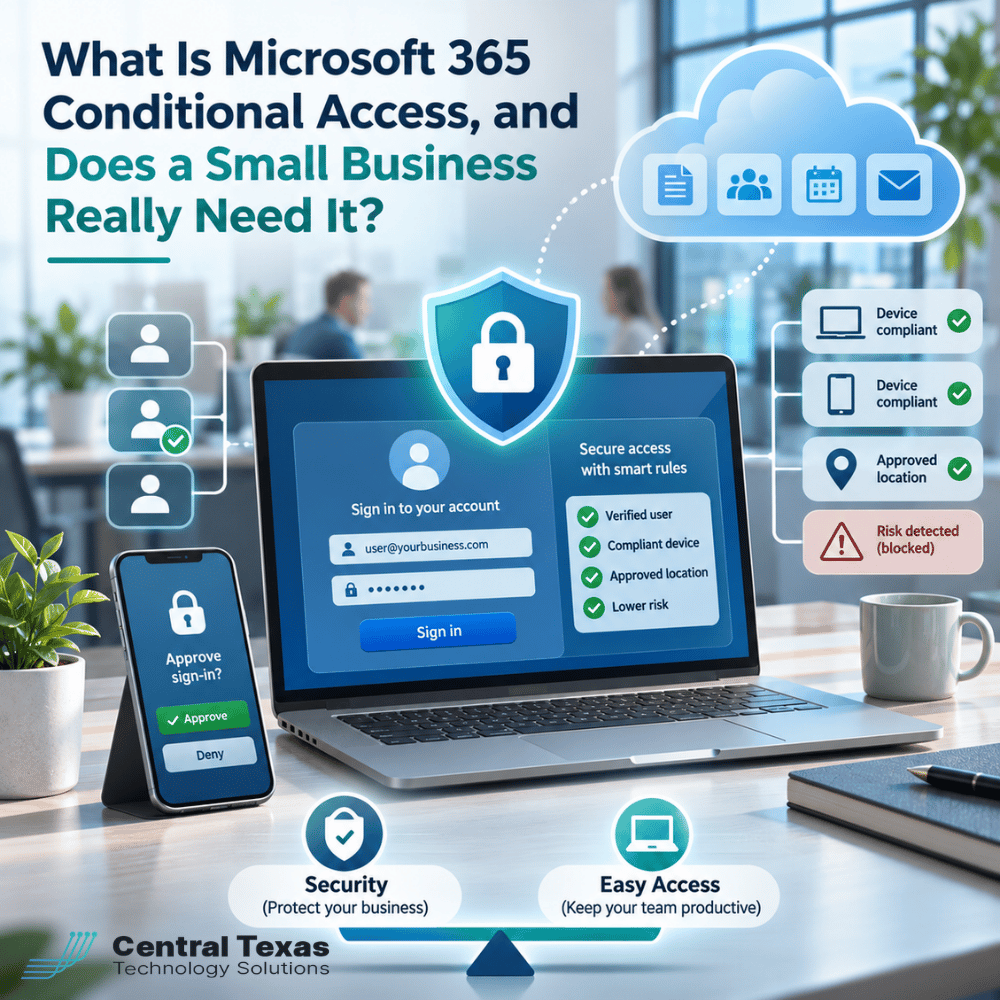
Traditional login security primarily checks whether someone has the correct credentials. Conditional Access goes further by evaluating signals such as:
-
User identity: Who is signing in, and which security policies apply to that account?
-
Device status: Is the employee using a managed device that meets company security requirements?
-
Location: Is the login coming from an expected network or geographic location?
-
Sign-in risk: Does Microsoft detect suspicious activity that suggests someone other than the legitimate user may be attempting access?
-
Application: Is the employee accessing routine email or an application containing particularly sensitive information?
Based on these signals, Conditional Access policies can allow access, require additional verification, demand a compliant device, or block the attempt.
For example, an employee signing in from a company-managed laptop may have a relatively seamless experience. The same employee attempting to access company files from an unfamiliar, unmanaged computer might face additional security requirements or be denied access.
This approach gives businesses more control without automatically creating extra work for every employee.
Why Multifactor Authentication Alone May Not Be Enough
MFA remains one of the most important protections a business can implement. Requiring a second form of verification makes it much harder for someone to access an account using a stolen password.
However, MFA confirms identity at a particular point in the authentication process. It doesn't automatically establish whether the device is secure, whether the user should access a particular application, or whether a previously authenticated session has been compromised.
Consider three situations:
-
A stolen session: An attacker steals an authenticated session token, potentially allowing access without completing a new MFA challenge.
-
An infected computer: An employee successfully completes MFA from a device infected with malware.
-
A phishing attack: An employee is tricked into approving a fraudulent authentication request or completing MFA through a malicious website.
Conditional Access helps address these gaps by applying additional requirements based on defined policies. For example, a business can require a compliant device before allowing access to sensitive applications.
Advanced risk-based policies can also respond to suspicious sign-in activity when the organization has the appropriate Microsoft Entra licensing.
The goal isn't to replace MFA. It's to make MFA part of a broader cybersecurity strategy that considers more than just passwords and verification codes.
How Conditional Access Protects Employees Without Complicating Logins
One of the biggest concerns business owners have about stronger security is employee frustration.
Nobody wants employees spending several minutes proving their identity every time they open Outlook or access a shared document.
Fortunately, Conditional Access can be configured to balance protection and productivity.
1. Reduce unnecessary authentication prompts
Businesses can establish policies that recognize appropriate access conditions and avoid unnecessary additional challenges.
Employees still complete required authentication, but administrators can tailor when additional verification is necessary.
2. Protect sensitive applications
Not every application carries the same level of risk.
A business might allow routine access to general collaboration tools while requiring stronger authentication or a compliant device for financial systems and sensitive records.
3. Support remote and hybrid employees
Employees increasingly work from home, customer locations, and mobile devices.
Conditional Access can apply consistent security requirements regardless of where employees work, rather than relying entirely on the office network.
4. Restrict access from unmanaged devices
Organizations can require devices to meet established security standards before accessing company resources.
For businesses using Microsoft Intune, device compliance policies can help verify whether computers meet requirements such as encryption and operating system security settings.
This flexibility is particularly useful for healthcare providers, law firms, and professional services organizations handling confidential information. Construction companies, manufacturers, and nonprofits can also benefit when employees access business systems from multiple locations.
The important distinction is that Conditional Access doesn't automatically make every login easier. Properly designed policies help reduce unnecessary friction while enforcing stronger controls where needed.
Microsoft 365 Conditional Access Licensing: What Does It Cost?
Conditional Access isn't included with every Microsoft 365 subscription. Businesses should review their existing licenses before deciding whether an upgrade is necessary.
Microsoft offers several licensing options:
-
Microsoft Entra ID Free: Includes security defaults, which provide baseline identity protections, but not customizable Conditional Access policies.
-
Microsoft Entra ID P1: Supports standard Conditional Access policies, including controls based on users, locations, applications, and devices.
-
Microsoft 365 Business Premium: Includes Entra ID P1 capabilities, making Conditional Access available without purchasing P1 separately.
-
Microsoft Entra ID P2: Adds advanced identity protection capabilities, including automated risk-based Conditional Access policies.
Microsoft 365 E3 and E5 also include relevant Entra licensing, although their features differ.
An important distinction is that automated sign-in risk and user risk policies require Entra ID P2. Standard P1 policies can evaluate defined location and device conditions, but they don't include the same advanced risk-based automation.
Businesses should also account for licensing associated with supporting tools, such as Microsoft Intune, when implementing device compliance requirements.
For a company already using Microsoft 365 Business Premium, Conditional Access may be an underused feature that can improve security without adding another subscription.
Organizations using Microsoft 365 Business Basic or Business Standard may need additional licensing to gain these capabilities.
Before purchasing anything, have an IT professional review your existing subscriptions, security requirements, and available features. The right Microsoft 365 management strategy should help you avoid paying for unnecessary tools while making full use of the protections you already own.
Does Every Small Business Really Need Conditional Access?
Not necessarily.
A small business with a limited number of employees, simple technology requirements, and minimal access to sensitive information may be adequately served initially by Microsoft's security defaults and properly configured MFA.
However, Conditional Access becomes increasingly valuable when a business has:
-
Employees working remotely or traveling regularly
-
Multiple offices or job sites
-
Sensitive customer, patient, or financial records
-
Personal devices accessing company applications
-
Administrative accounts requiring stronger protection
-
Compliance or contractual security obligations
-
A growing workforce with different access requirements
For example, a construction company with office employees and field supervisors may want different access requirements for company-managed laptops and personal mobile devices.
A medical practice may need stricter device requirements for systems containing patient information.
These situations don't necessarily require complicated policies. They require thoughtful decisions about who should have access, under what circumstances, and what safeguards are appropriate.
Businesses throughout Austin, Georgetown, Cedar Park, and Pflugerville face these same challenges as employees become more mobile and operations depend increasingly on cloud applications.
The size of your company matters less than the sensitivity of your information and the complexity of your access requirements.
How to Implement Conditional Access Without Disrupting Your Business
Conditional Access is powerful, but poorly configured policies can prevent legitimate employees from accessing essential applications.
Microsoft recommends a carefully planned deployment that includes testing before enforcement.
A practical implementation should follow five steps:
-
Review existing security: Evaluate Microsoft 365 licensing, current MFA settings, user accounts, devices, and access requirements.
-
Identify sensitive resources: Determine which applications and information need stronger protection.
-
Create appropriate policies: Establish requirements for MFA, device compliance, locations, and administrative access.
-
Test before enforcement: Use Microsoft's report-only mode to evaluate policy effects before activating restrictions. Maintain properly secured emergency access accounts to prevent administrative lockouts.
-
Monitor and adjust: Review sign-in activity and policy results as employees, devices, and business requirements change.
Conditional Access also requires ongoing attention. New employees, application changes, device replacements, and changing work arrangements can affect how policies operate.
CTTS helps businesses take a proactive approach through Complete Care Coverage, which combines ongoing IT management, security oversight, and strategic technology planning.
Instead of implementing security controls once and forgetting about them, businesses benefit from regularly reviewing whether their protections still match how employees work.
Protect Your Business Without Slowing Down Your Employees
Strong account security shouldn't come at the expense of employee productivity.
Microsoft 365 Conditional Access can help businesses establish smarter access controls, protect sensitive information, and reduce unnecessary login challenges. The key is choosing policies that reflect how your employees actually work.
Not sure whether your Microsoft 365 accounts are properly protected?
Contact CTTS at (512) 388-5559 or schedule a free IT security consultation. We'll help you evaluate your current Microsoft 365 environment and identify practical improvements that protect your business without creating unnecessary obstacles for your team.
Frequently Asked Questions About Microsoft 365 Conditional Access
Is Microsoft 365 Conditional Access the same as multifactor authentication?
No. Multifactor authentication verifies identity using additional authentication methods beyond a password. Conditional Access determines what security requirements apply when someone attempts to access a resource.
For example, a Conditional Access policy might require MFA for certain users, restrict access from unmanaged devices, or block access from specified locations. MFA is an important security control, while Conditional Access provides a framework for applying that control alongside other protections.
Can Conditional Access block employees from signing in while traveling?
Yes, depending on how policies are configured. A business that blocks access from certain countries or requires specific device conditions could unintentionally prevent legitimate employees from signing in.
This is why organizations should consider employee travel, remote work, and emergency access before activating restrictions. Testing policies in report-only mode helps identify potential problems before they affect productivity.
Do we need Microsoft 365 Business Premium to use Conditional Access?
No. Microsoft 365 Business Premium includes Microsoft Entra ID P1, which supports standard Conditional Access policies, but it isn't the only option.
Businesses can also obtain Conditional Access through qualifying enterprise subscriptions or separate Entra ID licensing. Advanced automated risk-based policies generally require Entra ID P2. An IT assessment can help determine whether your current licensing already includes the features you need or whether an upgrade makes financial sense.
Contact CTTS today for IT support and managed services in Austin, TX. Let us handle your IT so you can focus on growing your business. Visit CTTSonline.com or call us at (512) 388-5559 to get started!
Choosing the right IT partner starts here:
How Microsoft Intune Improves Device Security, Onboarding, and Hybrid Work
What Is Conditional Access in Microsoft 365 and Why Does It Matter?
What Is SASE and Is It Overkill for a Small or Mid-Sized Business?
What Is DMARC and Why Are Businesses Being Asked to Set It Up?
How Should Businesses Secure AI Tools Like ChatGPT and Microsoft Copilot?