
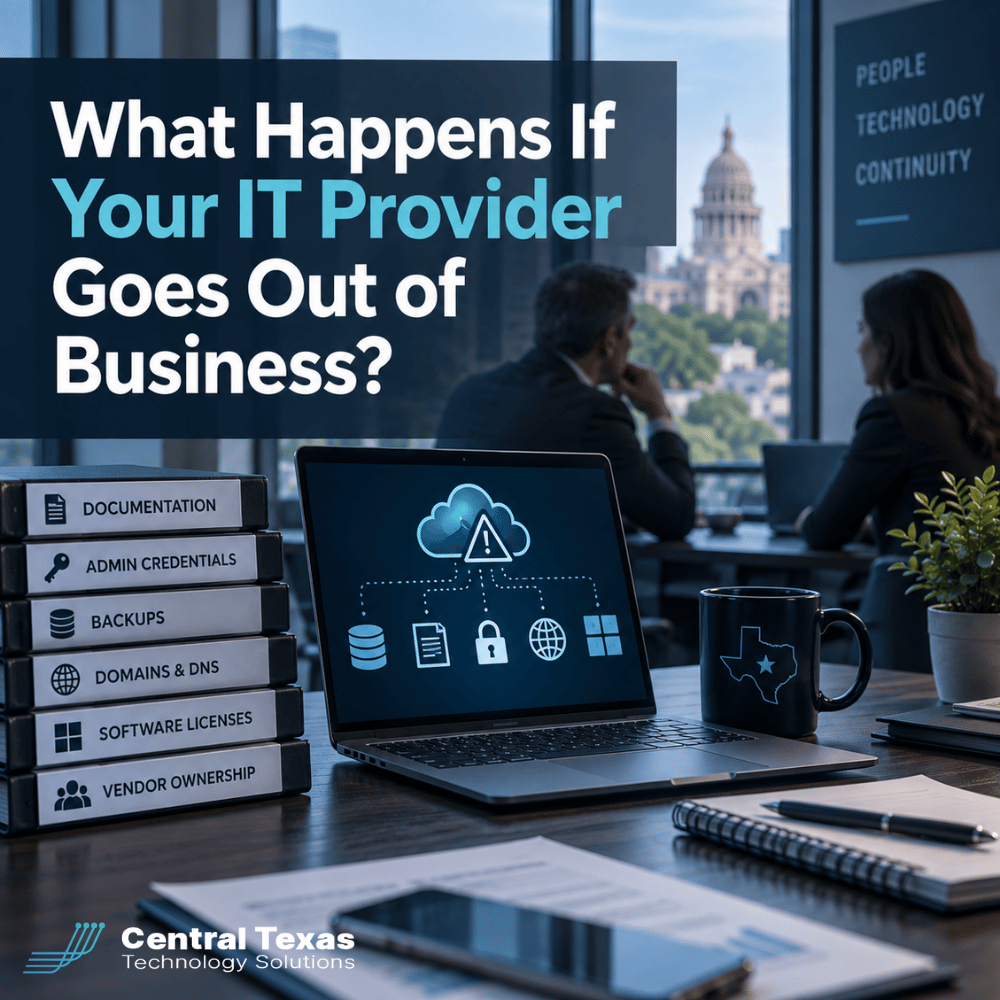
Most businesses assume their IT provider will always be there.
Until one day, they are not.
An IT company can close, merge, lose key employees, suffer financial problems, or simply stop responding. When that happens, the biggest problem is often not replacing the provider. The real problem is discovering how much of your technology environment was controlled by someone else.
If your IT provider disappeared tomorrow, could you access your Microsoft 365 account, domain name, backups, firewall, cloud services, software licenses, and administrative passwords?
That is the question every business should be able to answer.
For organizations in Austin, Kyle, Buda, and San Marcos, preparing for this possibility is not about expecting the worst. It is about making sure your business remains in control of the technology it depends on.
What Happens When an IT Provider Shuts Down?
The impact can range from inconvenient to extremely disruptive.
Some businesses can move to another IT company with little difficulty because their systems are well documented and their accounts are owned by the business.
Others discover that their former provider was the only one with important passwords, billing information, vendor contacts, configuration details, or administrative access.
That can create problems such as:
- Employees being locked out of systems
- Difficulty accessing email or cloud platforms
- Missing network and server documentation
- Unknown backup locations
- Software licenses that cannot easily be transferred
- Domains or DNS records controlled by a third party
- Security tools that stop working when billing ends
- Delays while a new IT provider reconstructs the environment
Healthcare organizations and legal firms can also face compliance concerns if access to systems, records, or security controls becomes uncertain.
Construction companies, manufacturers, nonprofits, and professional services firms may experience downtime while a new provider tries to determine how everything was configured.
The better your documentation and account ownership are today, the easier that transition becomes.
Your Business Should Have IT Documentation
Good documentation is one of the clearest signs that an IT provider is managing your environment professionally.
Your documentation should include enough information for another qualified IT company to understand how your systems are organized.
That may include:
- Network diagrams
- Internet service provider information
- Firewall and network equipment details
- Server information
- Cloud services
- Microsoft 365 tenant information
- Backup systems
- Security platforms
- Software vendors
- Licensing information
- Domain and DNS providers
- Support contacts
- Important renewal dates
You do not necessarily need every technical configuration sitting in a binder in your office.
You should, however, know that this information exists, is maintained, and can be transferred to you or another provider when necessary.
A new IT company should not have to reverse engineer your entire technology environment because the previous provider kept everything in someone's head.
Administrative Credentials Should Never Be a Mystery
Administrative credentials provide high-level access to critical systems.
Your IT provider may need administrative accounts to manage your network, Microsoft 365 environment, servers, backups, firewalls, and security platforms.
That is normal.
What is not normal is having no way to obtain those credentials if the relationship ends.
Businesses should know how administrative credentials are protected and how they would be transferred during an offboarding process.
In some cases, your IT provider may maintain secure administrative accounts specifically for management purposes. Your company should still retain ownership of the underlying environment.
This is especially important with Microsoft 365.
Your Microsoft 365 tenant belongs to your organization. Changing IT providers should not require creating an entirely new Microsoft 365 environment simply because the previous provider controlled the administrative account.
Make Sure You Know Who Owns Your Backups
Backups are supposed to protect your business when something goes wrong.
They should not become another problem when an IT relationship ends.
Ask several basic questions:
- Where are our backups stored?
- Who owns the backup account?
- How long is data retained?
- What happens to our backups if we change IT providers?
- Can our data be restored without the current provider?
- How would the backup system be transferred?
A healthcare practice may need access to patient information after a system failure. A manufacturer may need production files restored quickly. A law firm may need documents associated with an active case.
In those situations, discovering that backup access depended entirely on a former provider can create serious delays.
A proactive IT partner should be able to explain your backup strategy clearly and document how ownership and recovery work.
Your Business Should Own Its Vendor Relationships
Many managed IT providers coordinate services from other technology companies.
Examples can include:
- Microsoft
- Internet providers
- Phone systems
- Cybersecurity platforms
- Cloud services
- Backup providers
- Domain registrars
- Software vendors
- Hardware manufacturers
Your IT provider may manage those relationships for you, but you should understand who the actual customer is.
Whenever practical, the business should be listed as the account owner, with the IT provider authorized to manage the service.
Problems can occur when an IT company buys services under its own account and then resells them without clear ownership documentation.
If that provider closes, another IT company may have difficulty transferring the service.
This does not mean every technology subscription must be purchased directly by your business. Managed services often include bundled tools.
The important question is what happens to those services if the relationship ends.
That answer should be clear before there is a problem.
Software Licensing Should Be Documented
Businesses often use dozens of software subscriptions.
Microsoft 365 is only one example.
There may also be accounting software, industry-specific applications, cybersecurity tools, design programs, project management platforms, cloud services, and specialized systems.
Your company should know:
- What software is being used
- How many licenses you have
- Who pays for those licenses
- Who owns the account
- When licenses renew
- How licenses can be transferred
This becomes especially important during growth, acquisitions, audits, or changes in IT providers.
A construction business adding employees should not discover that nobody knows how certain software licenses were originally purchased.
A nonprofit preparing for an audit should be able to identify the systems and subscriptions supporting its operations.
Good licensing documentation reduces confusion and unnecessary expense.
Your Domain Name Should Be Under Your Control
Your domain name is one of your most important digital assets.
It controls more than your website.
It can also affect:
- Business email
- Microsoft 365
- Website hosting
- DNS records
- Security verification
- Cloud services
- Marketing platforms
Your business should know where the domain is registered and who controls the registrar account.
The company should generally be the registered owner of the domain, not your IT company, web developer, marketing agency, or an individual employee.
You should also know where DNS is managed.
Losing access to a website is frustrating.
Losing control of the domain that supports your email and business systems can become an operational emergency.
What Should a Business Control Itself?
You do not need to personally manage every piece of technology.
That defeats much of the purpose of hiring an IT provider.
But your company should maintain ownership or recoverable access to the systems that define your business.
At minimum, you should know how to obtain control of:
- Your domain name
- Microsoft 365 or Google Workspace
- Cloud infrastructure
- Critical software accounts
- Administrative credentials
- Backup data
- Business phone numbers
- Vendor accounts
- Licensing records
- Network and system documentation
Think of it like hiring an accountant.
You expect the accountant to manage complex financial work, but your company still owns the bank accounts, records, and financial information.
IT should work the same way.
Your provider should manage your technology without making your business dependent on that provider's continued existence.
A Good IT Provider Plans for the Day You Might Leave
This may sound counterintuitive, but one of the signs of a trustworthy IT partner is that they make it possible for you to leave.
That does not mean they expect the relationship to end.
It means they understand that your technology belongs to your business.
At CTTS, we believe managed IT should reduce business risk, not create another dependency.
That means maintaining documentation, protecting administrative access, planning backups carefully, and helping clients understand how their systems fit together.
It also means aligning technology decisions with long-term business goals instead of building an environment that only one provider understands.
Your IT company should be valuable because of the service, strategy, and expertise it provides, not because it controls access to your systems.
Frequently Asked Questions
Should my business have all of our IT administrator passwords?
Your business should have a clear process for gaining control of administrative access if necessary. In many environments, credentials are securely managed by the IT provider rather than distributed to employees. The important issue is ownership and transferability. You should never be in a position where critical systems become inaccessible because only one outside provider knows the credentials.
Can another managed IT provider take over if my current provider closes?
Usually, yes. The process is much easier when the environment is well documented and your business controls important accounts, licenses, domains, and administrative access. When documentation is poor, the new provider may need additional time to identify systems, reset passwords, rebuild access, and verify configurations.
How can I tell whether my IT provider has too much control?
Ask who owns your domain, Microsoft 365 tenant, backup accounts, software licenses, vendor accounts, and cloud platforms. Also ask how credentials and documentation would be transferred if you changed providers. A professional IT partner should be able to answer those questions clearly.
Protect Your Business Before There Is a Problem
You should never need to wonder whether your business could continue operating if your IT provider disappeared.
The time to answer that question is before something changes.
If you are unsure who controls your administrative accounts, backups, licensing, domain, vendor relationships, or technology documentation, CTTS can help you evaluate your current environment.
Schedule a consultation with CTTS to make sure your business stays in control of the technology it depends on.
Contact CTTS today for IT support and managed services in Austin, TX. Let us handle your IT so you can focus on growing your business. Visit CTTSonline.com or call us at (512) 388-5559 to get started!
Explore these expert insights before making your next IT decision:
How One Weak Password Can Put Your Entire Business at Risk
What Are the Warning Signs Your Business Has Outgrown Its Current IT Support?
What Happens When Your IT Provider Does Not Understand Your Industry?
Why Small IT Problems Keep Coming Back and What That Really Means
Could Your Business Keep Running If Your Main Server Failed Today?
What Happens When Your Only IT Employee Leaves Without Warning?
Could a Former Employee Still Have Access to Your Business Systems?
Why Cyber Insurance Claims Get Denied After a Data Breach