
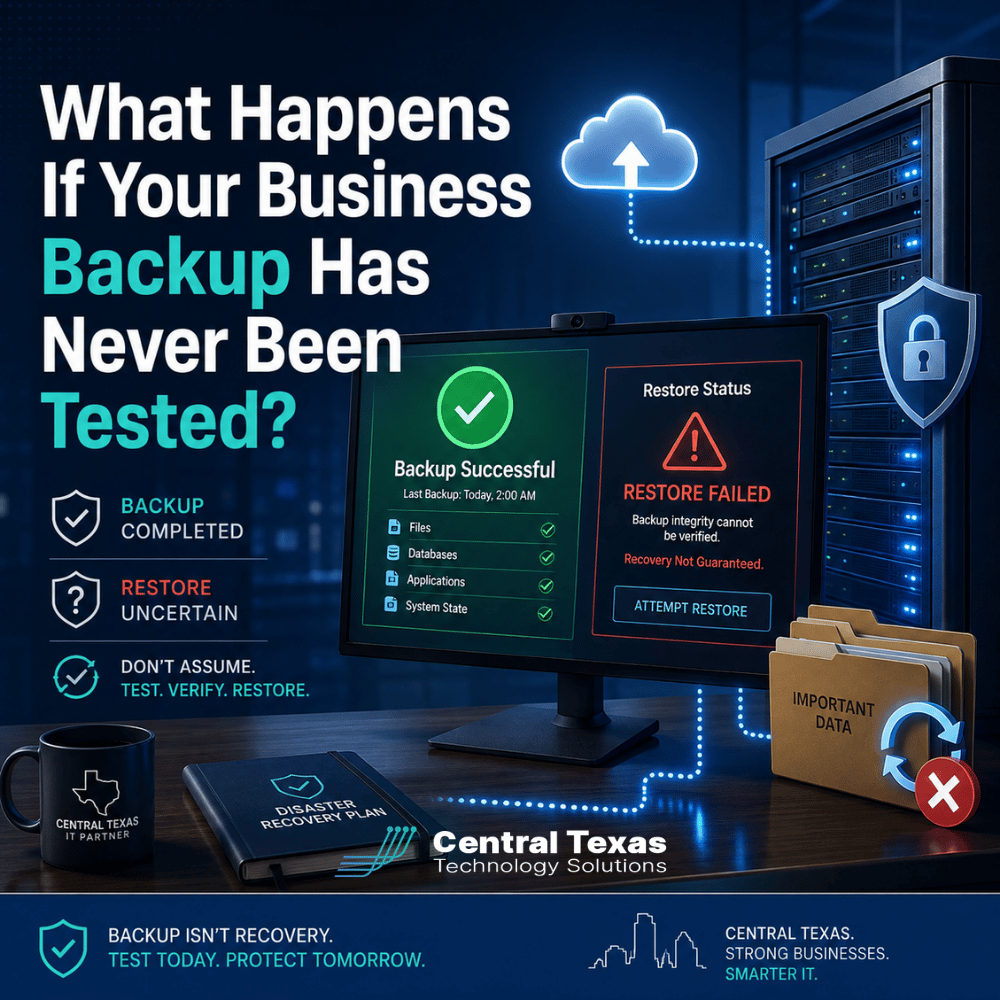
Your backup software says last night's job was successful.
That sounds reassuring. But there is an important question every business should ask next:
Can you actually restore what was backed up?
A successful backup notification only confirms that a backup process completed according to the software's rules. It does not prove that your files can be opened, your server can be rebuilt, or a critical business application can be restored and used.
For businesses in Austin, Bastrop, San Marcos, New Braunfels, and throughout Central Texas, an untested backup can create a dangerous sense of security. The real value of a backup is not that it exists. The value is knowing it will work when your business needs it most.
A Successful Business Backup Does Not Mean a Successful Recovery
Most backup systems generate reports showing whether a scheduled backup completed successfully.
That report is useful, but it only tells part of the story.
A backup can complete without errors while still containing problems that prevent a full recovery. For example:
- Important folders may have been excluded from the backup.
- A database may have been copied incorrectly.
- Application dependencies may be missing.
- Credentials needed for recovery may no longer work.
- Backup files may be corrupted.
- A server image may restore but fail to boot.
- The recovery process may take far longer than expected.
- Data may be available, but the business application that uses it may not function.
The difference between backup and recovery matters.
Backup is the process of creating another copy of your information. Recovery is the process of turning that copy back into working files, systems, and applications.
Your business needs both.
Why Backup Testing Matters for Business Continuity
Imagine a construction company loses access to its project management server after a hardware failure. The backup system has been reporting successful jobs every night for months.
When the IT team begins the recovery, they discover the application database was never included properly.
The backup worked. The recovery did not.
That distinction becomes painfully clear when employees cannot work, customers are waiting, and management is asking when operations will return to normal.
The same risk affects organizations in every industry CTTS supports.
A healthcare organization may need access to patient-related systems. A legal firm may need case files before an important deadline. A professional services company may depend on shared documents and accounting systems. Manufacturers may need production data. Construction companies may need estimates, plans, and schedules. Nonprofits may rely on donor records and financial information.
When those systems disappear, the question is not whether a backup completed last night.
The question is whether the business can get back to work.
What Should Be Tested in a Business Backup?
Backup testing should go beyond opening a random document and confirming that it looks normal.
A meaningful recovery test examines the systems that actually matter to the business.
File Recovery
Individual files and folders should be restored periodically to verify that data is readable and complete.
This is particularly important for shared folders containing documents, spreadsheets, financial information, contracts, and other business records.
Server Recovery
If your business depends on physical or virtual servers, those systems should be tested to determine whether they can actually be restored.
A server backup may look successful while still having problems with operating systems, drivers, permissions, or configuration settings.
Application Recovery
Applications can be more complicated than files.
A line-of-business application may depend on several components, including:
- Databases
- Application servers
- User permissions
- Network connections
- Configuration files
- Licensing information
Restoring only the data may not restore the application.
Cloud Data Recovery
Businesses sometimes assume that Microsoft 365 and other cloud platforms eliminate the need for backup testing.
They do not.
Cloud services provide strong infrastructure, but businesses still face accidental deletion, ransomware, account compromise, retention limitations, and other risks. If cloud data is being backed up separately, that backup should also be tested.
Backup Recovery Testing Reveals How Long Restoration Really Takes
There is another reason testing matters: recovery time.
A backup might contain everything you need and still take 18 hours to restore.
Would your business be able to operate during that time?
Many businesses have never measured how long it would actually take to recover a server, application, or large amount of data. They assume restoration will happen quickly because the backup happens quickly.
Those are two very different processes.
A proper test can help answer questions such as:
- How long does it take to recover a deleted file?
- How long does it take to restore an entire server?
- Can employees work while recovery is happening?
- Which systems need to come back online first?
- Who is responsible for making recovery decisions?
- Are there alternative systems employees can use temporarily?
These answers help turn backup from a technical feature into a real business continuity strategy.
Why Managed IT Services Should Include Backup Verification
Backup should not be treated as a system that someone installs and then ignores until something breaks.
A proactive IT strategy continually verifies that critical protections are working.
CTTS helps businesses approach backup and disaster recovery from the perspective that matters most: What happens when something goes wrong?
That means monitoring backups, reviewing failures, understanding which systems are most important, and periodically testing recovery procedures.
It also means aligning technology with business requirements.
A manufacturing company that cannot tolerate eight hours of production downtime needs a different recovery strategy than a small professional services firm that can temporarily work from cloud applications. A healthcare organization preparing for compliance requirements may have different retention and documentation needs than a construction company.
The technology should match the business.
That is why CTTS approaches backup as part of a broader IT strategy rather than simply another piece of software.
The Biggest Risk Is Finding Out During an Emergency
There is a bad time to discover that your backup does not work.
It is the morning after a ransomware attack.
Or the afternoon after a server crashes.
Or two hours before an important client deadline when someone realizes a critical folder has disappeared.
Recovery testing gives your business the opportunity to discover problems while there is still time to fix them.
Instead of assuming the backup works, you can verify it.
Instead of guessing how long recovery will take, you can measure it.
Instead of creating a disaster recovery plan during a disaster, you can already know what happens next.
For businesses in Austin, Bastrop, San Marcos, New Braunfels, and across Central Texas, that preparation can be the difference between a manageable IT incident and days of disruption.
Know Your Backup Will Work Before You Need It
A green checkmark on a backup report is useful, but it should never be the final test of your recovery strategy.
Your business needs confidence that critical files can be opened, servers can be restored, applications can run, and employees can get back to work within an acceptable amount of time.
CTTS helps Central Texas businesses build proactive backup and disaster recovery strategies designed around real business needs.
Schedule a free strategy call with CTTS to review your current backup and recovery plan and find out whether your systems are truly ready for the unexpected.
Frequently Asked Questions
How often should a business test its backups?
The appropriate schedule depends on the importance of your systems, the amount of data you generate, and how much downtime your business can tolerate. Critical systems should be tested regularly rather than waiting for an annual review. Your IT provider should help establish a testing schedule based on business risk.
Is checking that a backup file exists enough?
No. A backup file can exist and still be corrupted, incomplete, or unusable. Testing should include restoring files, servers, or applications and confirming that the recovered information actually works.
What is the difference between backup and disaster recovery?
Backup creates copies of your data. Disaster recovery is the broader process of restoring systems, applications, connectivity, and business operations after an outage or other major incident. A strong recovery strategy includes backups, but backups alone are not a complete disaster recovery plan.
Contact CTTS today for IT support and managed services in Austin, TX. Let us handle your IT so you can focus on growing your business. Visit CTTSonline.com or call us at (512) 388-5559 to get started!
Explore these expert insights before making your next IT decision:
How Outdated Systems Quietly Hurt Productivity and Revenue
What Could a Data Breach Actually Cost Your Business in Texas?
How One Weak Password Can Put Your Entire Business at Risk
What Are the Warning Signs Your Business Has Outgrown Its Current IT Support?
What Happens When Your IT Provider Does Not Understand Your Industry?
Why Small IT Problems Keep Coming Back and What That Really Means
Could Your Business Keep Running If Your Main Server Failed Today?
What Happens When Your Only IT Employee Leaves Without Warning?
Could a Former Employee Still Have Access to Your Business Systems?