
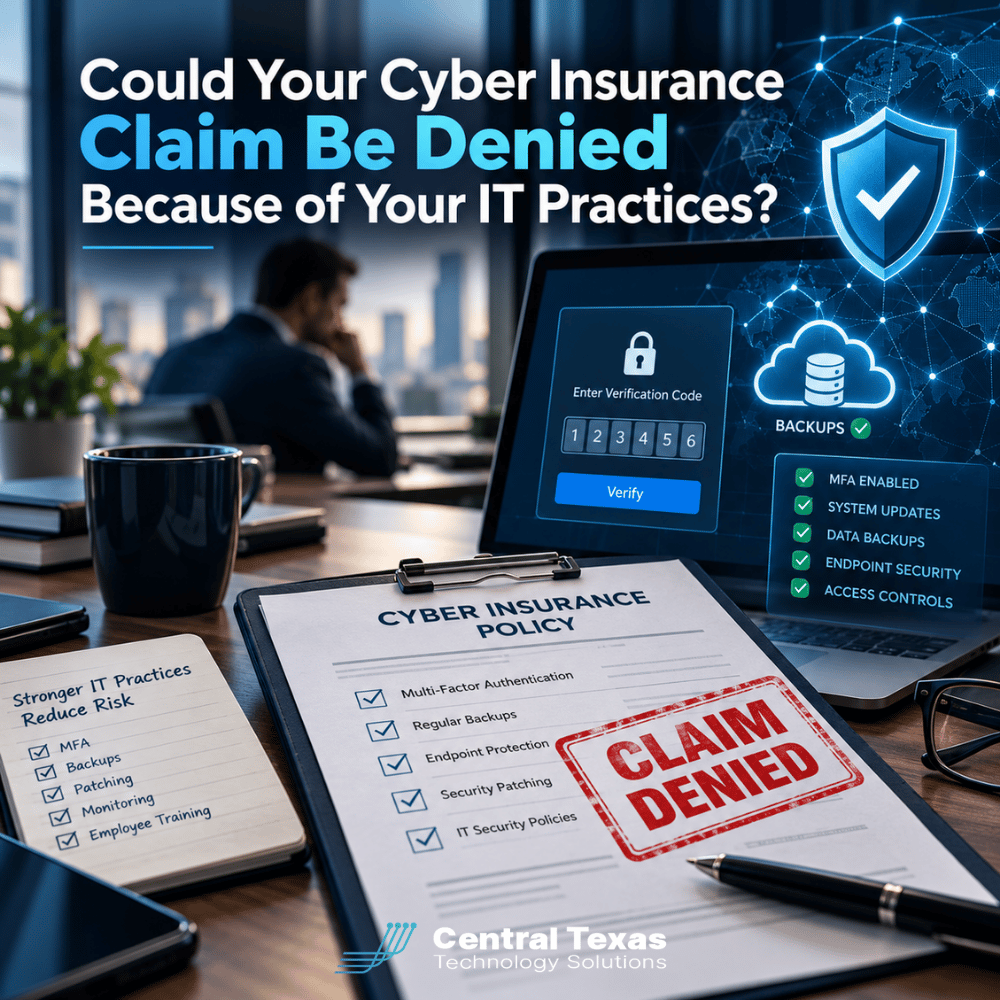
 Your business has cyber insurance. You pay the premiums, renew the policy, and assume you're financially protected if a ransomware attack or data breach occurs.
But what happens when you file a claim and the insurance company discovers your cybersecurity practices don't match what you reported on your application?
A missing security control, an outdated backup system, or an inaccurate answer about multifactor authentication (MFA) could create serious coverage problems. Depending on the policy, the facts, and applicable law, those discrepancies could lead to a disputed claim, reduced payment, or even denial.
Cyber insurance is an important financial safeguard, but having a policy doesn't automatically guarantee that every cyber incident will be covered.
Understanding how your actual IT practices affect your insurance coverage can help protect your business before a costly incident occurs.
1. Why Cyber Insurance Claims Can Be Denied
Cyber insurance helps businesses manage certain financial losses associated with cyberattacks, data breaches, ransomware, and other covered incidents.
However, policies contain specific terms, conditions, exclusions, and coverage limits. Insurers also rely on information businesses provide when applying for or renewing coverage.
A company might report that it has:
-
Multifactor authentication enabled for employees.
-
Reliable backups that are regularly tested.
-
Endpoint security software installed on company devices.
-
Security policies and employee training programs.
-
Procedures for managing administrative access.
-
A documented incident response plan.
These statements help insurers evaluate the company's cybersecurity risk.
Problems arise when the answers don't accurately reflect how the business operates.
For example, a company might indicate that MFA protects all remote access, even though an older remote access system still allows employees to sign in using only passwords.
If attackers exploit that weakness, the insurer may investigate whether the application contained a material misrepresentation or whether a relevant policy condition was violated.
Not every discrepancy automatically invalidates coverage. The outcome depends on the policy language, the significance of the discrepancy, applicable law, and the circumstances of the incident.
The important lesson is simple: Your insurance application should describe the cybersecurity protections you actually have, not the protections you assume are in place.
2. Multifactor Authentication: A Small Security Gap With Major Consequences
Multifactor authentication requires users to verify their identity using more than a password. It is one of the most effective ways to reduce the risk of unauthorized account access.
Because compromised credentials are a common cause of cyber incidents, many insurers ask detailed questions about MFA.
However, enabling MFA for Microsoft 365 doesn't necessarily mean your entire business is protected.
Consider the following potential gaps:
-
Remote access tools that don't require MFA.
-
Administrative accounts excluded from MFA requirements.
-
Legacy applications that use password-only authentication.
-
Third-party vendors with access to company systems.
-
Employee accounts that are exempt from security policies.
A business owner might believe MFA is fully implemented because employees see authentication prompts when accessing email.
Meanwhile, an administrator account or remote connection could remain unprotected.
If an attacker uses that access to compromise the network, the discrepancy could become important during the insurance investigation.
A qualified IT provider should verify where MFA is enforced, identify exceptions, and document the results.
CTTS helps businesses evaluate these risks through proactive cybersecurity services that focus on preventing problems rather than simply responding after something goes wrong.
3. Backups Must Work, Not Just Exist
Many cyber insurance applications ask whether a business maintains secure backups, keeps backup copies separate from production systems, or regularly tests its ability to restore information.
Answering yes because your company pays for a backup service isn't enough.
There's an important difference between having backup software installed and knowing your business can recover after a ransomware attack.
Common backup weaknesses include:
-
Backups that haven't completed successfully in weeks.
-
Backup copies accessible using compromised administrator credentials.
-
Critical cloud applications or databases excluded from backup jobs.
-
Recovery procedures that have never been tested.
-
Backup retention periods that don't meet business needs.
Imagine a company that experiences a ransomware attack and discovers its backups were encrypted along with its primary systems.
The company believed its information was protected, but nobody had verified that the backups were isolated from the production environment.
This situation can significantly increase recovery costs and business downtime. It may also raise questions about statements made during the insurance application process.
A reliable data backup and recovery strategy should include monitoring, appropriate access restrictions, recovery testing, and documentation.
The goal isn't simply to satisfy an insurance questionnaire. It's to make sure your company can resume operations when something goes wrong.
4. Security Controls and Documentation Matter More Than You Think
Cyber insurance applications frequently ask about technical safeguards such as endpoint protection, patch management, email filtering, employee training, and access controls.
These questions may appear straightforward, but a yes-or-no answer can hide important details.
For example, a company might have endpoint protection installed on most computers while several older devices remain unmanaged.
Or employees might receive security awareness training during onboarding, but there is no ongoing program to address new phishing threats.
A strong cybersecurity program should include controls that are consistently applied, monitored, and maintained.
That includes:
-
Endpoint protection: Security software that monitors computers and servers for malicious activity.
-
Patch management: Timely installation of updates that correct known security vulnerabilities.
-
Access management: Restricting sensitive systems and administrative privileges to authorized users.
-
Email protection: Filtering malicious messages and reducing phishing risks.
-
Security awareness training: Helping employees recognize suspicious messages and unsafe behavior.
-
Incident response planning: Establishing procedures for containing an attack, preserving evidence, and notifying appropriate parties.
Documentation is equally important.
If an insurer requests evidence that security controls were operating before an incident, your business should be able to produce relevant records.
These might include MFA configuration reports, endpoint protection status, backup test results, patch management records, and employee training logs.
Documentation doesn't guarantee that a claim will be approved. However, it can help establish what protections were actually in place and when.
For businesses in healthcare, legal services, professional services, construction, manufacturing, and nonprofit organizations, these records may also support compliance obligations, audits, and internal risk management.
5. Does Your Cyber Insurance Application Match Your Actual IT Environment?
One of the biggest mistakes businesses make is treating cyber insurance applications as administrative paperwork rather than technical risk assessments.
The business owner, office manager, or financial officer may complete the questionnaire without consulting the people responsible for maintaining the network.
That creates opportunities for inaccurate answers.
For example, the application might ask whether all company devices receive regular security updates.
The person completing the form knows that automatic updates are enabled on office computers and answers yes.
However, several servers and specialized workstations might follow different maintenance schedules.
The answer may have been given in good faith, but it might not accurately describe the company's entire environment.
Before submitting or renewing a cyber insurance application, your business should compare every technical answer against verified IT practices.
A practical review should involve three parties:
-
Business leadership: Confirms operational needs, financial exposure, and responsibility for approving the application.
-
Your IT provider: Verifies technical controls, identifies exceptions, and supplies supporting documentation.
-
Your insurance broker or carrier: Clarifies ambiguous questions, coverage requirements, and how exceptions should be disclosed.
If a security control isn't fully implemented, don't guess or assume the insurer won't notice.
Document the actual situation, ask for clarification when needed, and address the weakness.
Businesses should also review whether material technology changes during the policy period trigger any notification obligations under their specific coverage.
The objective is to prevent misunderstandings before an incident puts the policy to the test.
6. How Proactive IT Management Helps Protect Your Cyber Insurance Investment
Cyber insurance and cybersecurity should work together.
Insurance can help transfer certain financial risks, while effective IT management reduces the likelihood and potential impact of incidents.
Neither replaces the other.
For growing businesses in Austin, Georgetown, Cedar Park, and Pflugerville, maintaining that alignment becomes more challenging as employees, devices, locations, and cloud applications are added.
Security controls that were adequate when a company had ten employees may no longer cover an organization with fifty employees and multiple offices.
CTTS approaches this challenge through Complete Care Coverage, its proactive managed IT offering.
Rather than waiting for systems to fail, CTTS helps businesses maintain visibility into their technology environments, identify weaknesses, and make informed decisions about security improvements.
A proactive IT strategy can support cyber insurance readiness by helping businesses:
-
Review security controls before insurance renewals.
-
Verify MFA coverage and identify exceptions.
-
Monitor backup performance and recovery readiness.
-
Maintain records of security updates and system protections.
-
Identify outdated technology that introduces unnecessary risk.
-
Coordinate technical information with business leadership and insurance professionals.
The objective isn't to promise that every insurance claim will be paid. Only the insurer, subject to the policy and applicable law, can determine coverage.
Instead, the goal is to reduce preventable security gaps, improve documentation, and help businesses make accurate representations about their IT environments.
That preparation can make a meaningful difference when a company faces a serious cybersecurity incident.
Protect Your Business Before You Need to File a Claim
Cyber insurance can provide valuable financial protection, but its effectiveness depends partly on understanding your policy and maintaining accurate information about your cybersecurity practices.
Don't wait until a ransomware attack or data breach to discover that your security controls don't match your insurance application.
Schedule a free IT security assessment with CTTS today. We'll help you identify potential weaknesses, verify your existing protections, and strengthen your company's cybersecurity readiness before an incident occurs.
Frequently Asked Questions About Cyber Insurance Claims
Can a cyber insurance company deny a claim because MFA wasn't enabled?
Potentially. If an insurer required MFA, the business represented that MFA was implemented, or a relevant policy condition was not satisfied, missing MFA could become an issue during a claim. However, denial isn't automatic. The outcome depends on the policy language, applicable law, the importance of the discrepancy, and the circumstances of the incident. Businesses should verify MFA coverage before applying for or renewing insurance.
Does cyber insurance require businesses to test their backups?
Requirements vary by insurer and policy. Some applications specifically ask about backup frequency, secure storage, separation from production systems, and recovery testing. Even when testing isn't an explicit insurance requirement, it is an important business continuity practice. Regular recovery tests help confirm that backed-up information can actually be restored after ransomware, hardware failure, or accidental deletion.
Should my IT provider help complete my cyber insurance application?
Yes. Your IT provider should help verify technical answers concerning MFA, backups, endpoint protection, access controls, and other security practices. However, business leadership remains responsible for reviewing and approving the information submitted. Your insurance broker or carrier should clarify policy-specific requirements. This collaborative approach reduces the risk of inaccurate answers and helps identify weaknesses that should be corrected before coverage begins or renews.
Contact CTTS today for IT support and managed services in Austin, TX. Let us handle your IT so you can focus on growing your business. Visit CTTSonline.com or call us at (512) 388-5559 to get started!
Before you choose an IT partner, read these essential guides:
Is Your Office Wi-Fi Creating a Hidden Security Risk?
What Happens If Your IT Provider Goes Out of Business?
Could One Employee's Microsoft 365 Account Put Your Entire Business at Risk?
Why Does Your Business Keep Having the Same IT Problems Over and Over?
What Happens If Your Only IT Person Is Suddenly Unavailable?