
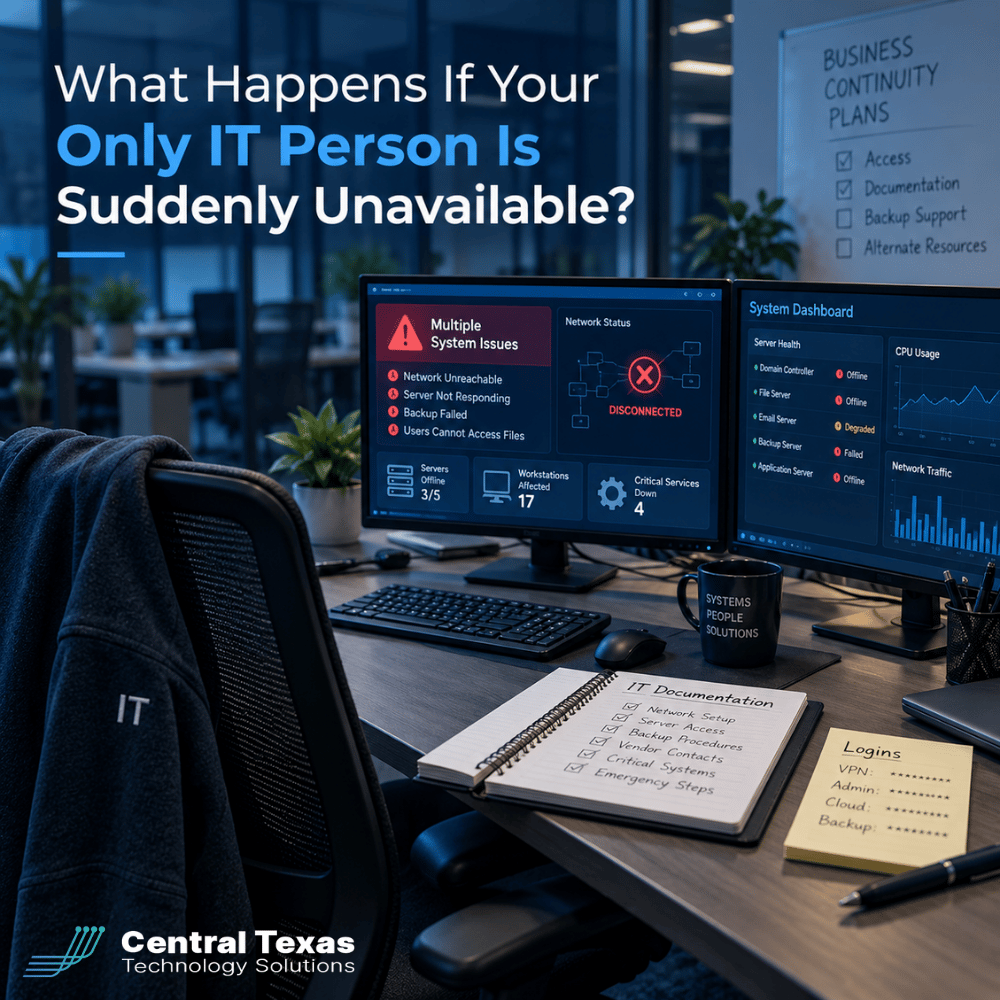
 Your business depends on technology every day. But what happens when the only person who knows how everything works is suddenly unavailable?
Maybe your longtime IT employee resigns without much notice. Your independent IT contractor becomes seriously ill. Or the person everyone calls the "IT guy" takes an extended vacation and cannot be reached.
Suddenly, nobody knows the administrator passwords, where the backups are stored, or how to fix a critical system.
This is called IT key person risk, and it can threaten business continuity just as seriously as a cyberattack or equipment failure.
For businesses relying on one person to manage their technology, the question is not whether that individual is dependable. It is whether the business can operate without them.
The Hidden Risk of Relying on One IT Person
Many small and midsized businesses begin with one employee or contractor handling all their technology needs. It makes financial sense, particularly when the company is smaller and its systems are relatively simple.
Over time, however, the business grows while its IT support structure stays the same.
That one person may become responsible for:
-
Managing administrator accounts and critical passwords.
-
Maintaining servers, computers, and network equipment.
-
Configuring cybersecurity protections.
-
Managing Microsoft 365 accounts and employee access.
-
Overseeing backups and disaster recovery.
-
Working with software vendors and internet providers.
-
Troubleshooting technical problems and supporting employees.
The arrangement may work well for years. Unfortunately, that success can create a false sense of security.
The problem is not having one capable IT person. The problem is allowing essential business knowledge and access to exist only with that individual.
When nobody else understands the systems or has authorized access, the entire business becomes dependent on one person's availability.
What Can Go Wrong When Your IT Person Is Unavailable?
The consequences of losing your only IT resource depend on how much information and access that person controls.
Here are four situations that can quickly turn into serious business problems.
1. Critical Passwords Become Inaccessible
Your IT person may be the only individual who knows the administrator credentials for your servers, firewalls, Microsoft 365 environment, or backup systems.
Without those credentials, your business might struggle to add employees, troubleshoot outages, or make urgent security changes.
Recovering access could require identity verification, vendor assistance, and significant downtime.
2. Nobody Knows How Your Network Works
A network failure is difficult enough when your IT person is available.
Imagine the same failure when nobody knows how your firewall is configured, which equipment connects your offices, or how your servers communicate.
Without proper documentation, a replacement technician must investigate the environment before making repairs.
What might have been a short interruption could become an extended outage.
3. Backups Exist, but Nobody Can Restore Them
Many business owners assume that having backups means their data is protected.
But what if the only person who knows the backup software, encryption keys, and recovery procedures is unavailable?
A backup that cannot be accessed or successfully restored offers little immediate protection.
That is why data backup and recovery should include documented recovery procedures and regularly tested restores, not simply automated backup jobs.
4. Security Problems Go Unnoticed
Your IT person may also be responsible for monitoring security alerts, applying updates, and responding to suspicious activity.
If that person is suddenly unavailable, critical warnings may go unanswered.
Without a backup resource, a company could miss the early signs of ransomware, compromised accounts, or unauthorized access.
Effective cybersecurity services should provide consistent monitoring and clearly assigned responsibilities regardless of who is on vacation or out sick.
Why Institutional IT Knowledge Matters More Than You Think
One of the greatest risks of depending on a single IT employee or contractor is the loss of institutional knowledge.
Institutional knowledge includes the details that make your particular technology environment work.
For example, your IT person might know that a certain accounting application requires a special server configuration. They may understand why one department has different security permissions or how a particular vendor connection works.
Unfortunately, much of that information may exist only in their memory.
Consider a manufacturing company whose production scheduling software suddenly stops communicating with its inventory system.
The longtime IT contractor knows exactly how the integration works and can usually resolve the problem quickly.
But if that contractor is unavailable, a new technician may spend hours or days discovering how the systems connect.
The company loses productivity while employees wait for a solution.
Similar risks affect healthcare practices, law firms, professional services companies, construction businesses, and nonprofits. Whether the concern is patient information, confidential legal documents, project schedules, or donor records, the business needs reliable access to its technology.
Knowledge that is never documented becomes a business liability when the person holding it is unavailable.
How to Eliminate Single-Person IT Dependencies
Protecting your company does not necessarily mean hiring several full-time IT employees.
It means ensuring that critical technology responsibilities, access, and information are not controlled by one person.
Here are five practical steps.
1. Establish Business Ownership of IT Accounts
Your company should maintain appropriate ownership and administrative control over its technology.
This includes domain registrations, cloud subscriptions, servers, security platforms, backup systems, and network equipment.
Critical credentials should be stored in a secure business-controlled password management system, with appropriately restricted emergency access.
No employee or contractor should be the only person capable of accessing essential systems.
2. Document Your Technology Environment
Maintain current documentation that includes:
-
Network diagrams and equipment inventories.
-
Administrative accounts and access procedures.
-
Software licenses and subscription information.
-
Vendor contacts and support agreements.
-
Backup locations and recovery instructions.
-
Important configurations and system dependencies.
Documentation should be protected, accessible to authorized personnel, and updated whenever significant changes occur.
3. Assign Backup IT Responsibilities
Every critical IT function should have a designated backup resource.
If your primary IT person is unavailable, someone else needs the authority and knowledge to address urgent situations.
That backup could be another trained employee, an external IT company, or a managed services provider.
4. Test Your Emergency Procedures
Do not assume your backup arrangements will work simply because they exist on paper.
Periodically verify that authorized backup personnel can access critical systems, contact vendors, and perform necessary recovery tasks.
Testing helps identify missing credentials, outdated instructions, and other weaknesses before an emergency occurs.
5. Consider Managed IT Support
For businesses that cannot justify a large internal IT department, Complete Care Coverage from CTTS offers a way to reduce dependence on a single individual.
Instead of relying entirely on one employee or contractor, businesses gain access to a team of IT professionals who can provide ongoing support, monitoring, maintenance, and strategic guidance.
The goal is not simply having more people available to fix problems. It's creating a technology environment that remains manageable when individual team members are unavailable.
Should You Replace Your Internal IT Person or Support Them?
This is an important distinction.
Reducing dependence on one IT person does not mean that person needs to be replaced.
Your existing IT employee may be excellent at their job. In fact, their knowledge of your business can be extremely valuable.
The challenge is that one person cannot reasonably handle every responsibility, monitor every system, and remain available around the clock.
A partnership with an experienced IT provider can strengthen your internal resources by providing additional expertise and coverage.
For example, a growing professional services firm may have an internal IT manager who handles daily technology operations.
An outside IT partner can help establish consistent documentation, provide additional IT help desk services, assist with cybersecurity, and support larger projects.
The internal employee remains an important part of the technology strategy without carrying the entire responsibility alone.
For businesses in Austin, Georgetown, Cedar Park, and Temple, CTTS helps leadership teams evaluate these arrangements and build more dependable IT support.
How to Tell If Your Business Has an IT Single Point of Failure
You do not need to wait for an emergency to discover whether your business is overly dependent on one person.
Ask yourself these questions:
-
Can someone other than our primary IT person access every critical business system?
-
Do we have current documentation of our network and technology?
-
Does the business control its administrator accounts and important credentials?
-
Could another qualified technician restore our backups?
-
Who responds to cybersecurity alerts when our IT person is unavailable?
-
Could we onboard an employee or resolve an urgent outage without our primary IT resource?
If you cannot confidently answer these questions, your business may have a significant continuity risk.
An IT Risk Assessment can identify those dependencies and help establish practical ways to reduce them.
Protect Your Business Before Your IT Person Becomes Unavailable
Your business should never depend on one person's availability to keep its technology running.
CTTS helps Central Texas businesses identify IT dependencies, improve documentation, strengthen security, and establish dependable technology support.
Whether you have one internal IT employee, work with an independent contractor, or need a more comprehensive IT strategy, we can help you create a plan that protects your operations without disrupting what already works.
Schedule a free IT Risk Assessment with CTTS today to discuss how to eliminate critical IT dependencies and keep your business moving forward.
Frequently Asked Questions About IT Key Person Risk
What is a single point of failure in IT?
An IT single point of failure is a person, system, or process whose loss could interrupt essential business operations. When only one employee or contractor has the passwords, documentation, or knowledge required to maintain critical technology, that individual becomes a single point of failure. Reducing this risk involves shared organizational access, proper documentation, backup responsibilities, and established recovery procedures.
Should a small business have more than one IT support person?
Not necessarily as full-time employees. Small businesses can reduce risk by combining their existing IT resource with a qualified outside provider. The important consideration is whether another authorized professional can maintain operations, access essential systems, and respond to emergencies when the primary IT person is unavailable.
How can a business prepare for an unexpected IT employee departure?
Start by reviewing administrative access, password storage, system documentation, vendor relationships, and backup procedures. Make sure the business controls its critical accounts and has an authorized backup contact who can respond to urgent problems. A documented transition and recovery plan helps minimize operational disruption if an IT employee or contractor suddenly leaves.
Contact CTTS today for IT support and managed services in Austin, TX. Let us handle your IT so you can focus on growing your business. Visit CTTSonline.com or call us at (512) 388-5559 to get started!
Explore our related articles for practical insights into common IT challenges and risks:
Why Small IT Problems Keep Coming Back and What That Really Means
Could Your Business Keep Running If Your Main Server Failed Today?
What Happens When Your Only IT Employee Leaves Without Warning?
Could a Former Employee Still Have Access to Your Business Systems?
Why Cyber Insurance Claims Get Denied After a Data Breach
What Happens If Your IT Provider Goes Out of Business?
Could One Employee's Microsoft 365 Account Put Your Entire Business at Risk?
Why Does Your Business Keep Having the Same IT Problems Over and Over?