
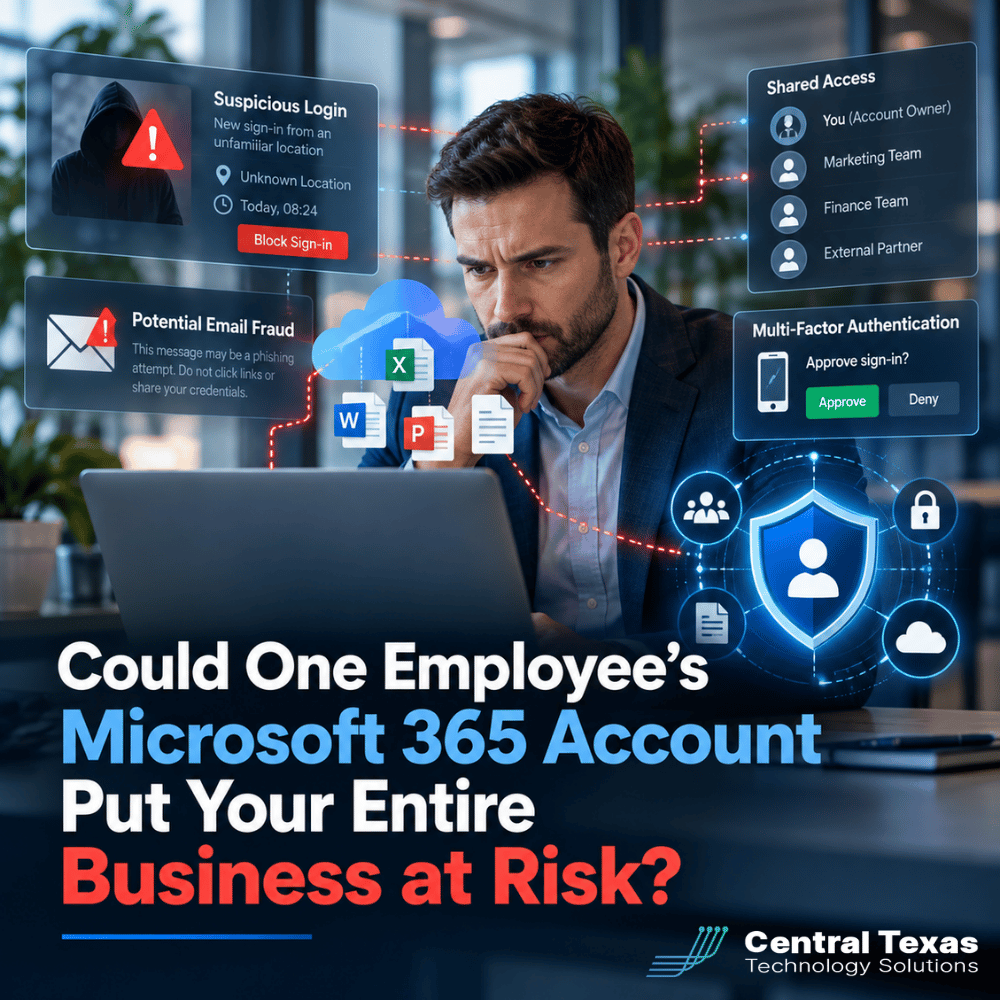
Most businesses rely on Microsoft 365 every day for email, documents, collaboration, calendars, and file sharing. That convenience also creates a serious security issue: one compromised Microsoft 365 account can give an attacker access to far more than a single inbox.
A stolen username and password can become the starting point for email fraud, data theft, unauthorized cloud access, and attacks against other employees or customers.
For businesses in Austin, Round Rock, Georgetown, Cedar Park, and across Central Texas, Microsoft 365 identity security should be treated as a core part of cybersecurity, not simply an email setting.
How Compromised Microsoft 365 Credentials Put Businesses at Risk
Attackers do not always need to "hack" into your network in the traditional sense. Sometimes they simply log in.
Microsoft 365 credentials can be stolen through phishing emails, fake login pages, malware, password reuse, or compromised personal accounts. Once an attacker has valid credentials, their activity may initially look like legitimate employee activity.
That is what makes a compromised account so dangerous.
The attacker may be able to access Outlook, OneDrive, SharePoint, Teams, and other connected Microsoft services based on the employee's permissions.
A compromised account belonging to someone in accounting, management, HR, or another privileged role can be especially valuable because that employee may have access to financial information, employee records, customer data, contracts, or sensitive internal conversations.
Microsoft 365 Email Fraud Can Look Completely Legitimate
One of the biggest risks of an account compromise is business email fraud.
If a criminal gains access to an employee's mailbox, they do not have to create a suspicious email address that looks similar to yours. They can send messages from the real account.
The attacker might spend time reading previous conversations to understand how your company communicates. They can learn the names of customers, vendors, executives, coworkers, and financial contacts.
They may then use that information to request:
- A change to banking information
- Payment of a fraudulent invoice
- Purchase of gift cards
- A wire transfer
- Payroll information
- Sensitive documents
- Employee passwords or login credentials
A message sent from a trusted employee's actual Microsoft 365 account can be much more convincing than a traditional phishing email.
This is especially concerning for professional services firms, legal practices, healthcare organizations, nonprofits, construction companies, and manufacturers where employees regularly exchange confidential documents or payment information.
A Compromised Account Can Expose Cloud Files Too
Microsoft 365 is much more than email.
Employees may store files in OneDrive, collaborate through SharePoint, exchange documents through Teams, and access applications using the same Microsoft identity.
If an attacker compromises that identity, the potential exposure depends on what the employee can access.
Consider an employee who has permission to view an entire SharePoint department library. A successful login could potentially give the attacker access to every file available to that employee.
That could include contracts, financial spreadsheets, employee information, intellectual property, customer records, project documentation, or other sensitive business information.
The lesson is simple: protecting Microsoft 365 credentials means protecting the information connected to those credentials.
Why Shared Microsoft 365 Accounts Create Additional Risk
Shared login credentials make identity security much harder.
For example, several employees may know the password to a general office account, administrative account, or shared mailbox. While this might seem convenient, it creates accountability and security problems.
If several people use the same credentials, it becomes difficult to determine who performed a particular action. Password changes become more complicated. Former employees may retain access longer than intended. Multi-factor authentication can also become difficult to manage properly.
Whenever possible, employees should use individual accounts with permissions based on their responsibilities.
Microsoft 365 provides better ways to share resources without sharing passwords. Shared mailboxes, Microsoft 365 Groups, SharePoint permissions, and delegated access can often provide the collaboration employees need while preserving individual identities.
Multi-Factor Authentication Is Essential for Microsoft 365 Security
Strong passwords still matter, but passwords alone are no longer enough.
Multi-factor authentication, commonly called MFA, requires users to provide another form of verification in addition to their password.
That additional step can prevent many account takeover attempts because stealing the password alone is no longer enough to log in.
However, businesses should also think beyond simply checking a box that says MFA is enabled.
Modern attackers may use techniques such as repeated authentication prompts or convincing fake login pages to trick employees into approving access.
A stronger Microsoft 365 security strategy may include authentication apps, phishing-resistant authentication methods, conditional access policies, device controls, geographic restrictions, login monitoring, and alerts for suspicious activity.
The appropriate combination depends on the organization's size, risks, workforce, and Microsoft licensing.
Identity Security Is Now a Major Part of Business Cybersecurity
Years ago, companies often thought of cybersecurity primarily in terms of protecting the network perimeter.
That model has changed.
Employees now work from offices, homes, customer locations, job sites, airports, hotels, and mobile devices. Applications and data frequently live in the cloud rather than entirely inside a company network.
As a result, identity has become one of the most important security boundaries.
Your systems need to answer several questions every time someone attempts to access company resources: Who is this person? Should they have access? Are they using an approved device? Is their login behavior unusual? Are they requesting information they normally access?
A healthcare provider may need to protect patient information. A legal firm may need to protect privileged documents. A manufacturer may need to safeguard production data and intellectual property. A construction company may need to protect bids and project files. A nonprofit may maintain donor information. A professional services firm may hold confidential information belonging to dozens of clients.
Different industries have different requirements, but they all depend on trustworthy digital identities.
Proactive Microsoft 365 Security Can Stop Problems Earlier
Microsoft 365 security should not begin after an employee reports suspicious emails.
A proactive approach looks for weaknesses before attackers find them.
At CTTS, we help businesses evaluate Microsoft 365 security as part of the larger technology environment. That means looking at user accounts, permissions, MFA, endpoint security, cloud applications, email protection, employee access, and monitoring together rather than treating each one as an isolated setting.
It also means reviewing accounts as businesses grow and change.
New employees need the correct access. Employees changing roles may need permissions adjusted. Departing employees need access removed promptly. Administrative privileges should be limited. Suspicious authentication activity should be visible.
These practices reduce the chances that one compromised identity becomes a business-wide incident.
Microsoft 365 Security Should Support the Way Your Business Works
Security controls should protect employees without making routine work unnecessarily difficult.
That requires understanding how the organization actually operates.
A hybrid professional services firm may have different requirements than a manufacturing facility. Construction teams working from job sites face different access challenges than employees working inside a healthcare office.
CTTS helps businesses align Microsoft 365 security with how employees work and with the organization's larger business goals.
The goal is not simply to add more security tools. The goal is to create a layered security strategy that reduces risk while allowing employees to remain productive.
Protect Your Microsoft 365 Environment Before an Account Is Compromised
A Microsoft 365 account may look like a simple email login, but it can be the key to some of your company's most important information.
CTTS helps businesses throughout Austin, Round Rock, Georgetown, Cedar Park, and Central Texas strengthen Microsoft 365 security, reduce account takeover risk, and build a more proactive cybersecurity strategy.
Schedule a consultation with CTTS to review your Microsoft 365 environment and identify potential security gaps before they become business problems.
Frequently Asked Questions
Can one compromised Microsoft 365 account really affect an entire company?
Potentially, yes. The amount of damage depends on the employee's permissions and what systems are connected to the account. An attacker may gain access to email, OneDrive, SharePoint, Teams, customer information, financial conversations, or other cloud resources. They may also use the trusted account to target coworkers, vendors, and customers.
Is MFA enough to protect Microsoft 365?
MFA significantly improves account security, but it should be part of a broader strategy. Businesses should also consider login monitoring, conditional access, employee security training, appropriate permissions, endpoint protection, and stronger authentication methods. Security works best when multiple controls support each other.
How often should Microsoft 365 permissions be reviewed?
Permissions should be reviewed regularly and whenever employees join the company, leave the company, or change responsibilities. Organizations should also periodically review administrative accounts, shared resources, external access, and unused accounts. These reviews help prevent outdated permissions from quietly becoming security risks.
Contact CTTS today for IT support and managed services in Austin, TX. Let us handle your IT so you can focus on growing your business. Visit CTTSonline.com or call us at (512) 388-5559 to get started!
If you're evaluating IT providers, these resources will guide you:
What Are the Warning Signs Your Business Has Outgrown Its Current IT Support?
What Happens When Your IT Provider Does Not Understand Your Industry?
Why Small IT Problems Keep Coming Back and What That Really Means
Could Your Business Keep Running If Your Main Server Failed Today?
What Happens When Your Only IT Employee Leaves Without Warning?
Could a Former Employee Still Have Access to Your Business Systems?
Why Cyber Insurance Claims Get Denied After a Data Breach
What Happens If Your Business Backup Has Never Been Tested?