
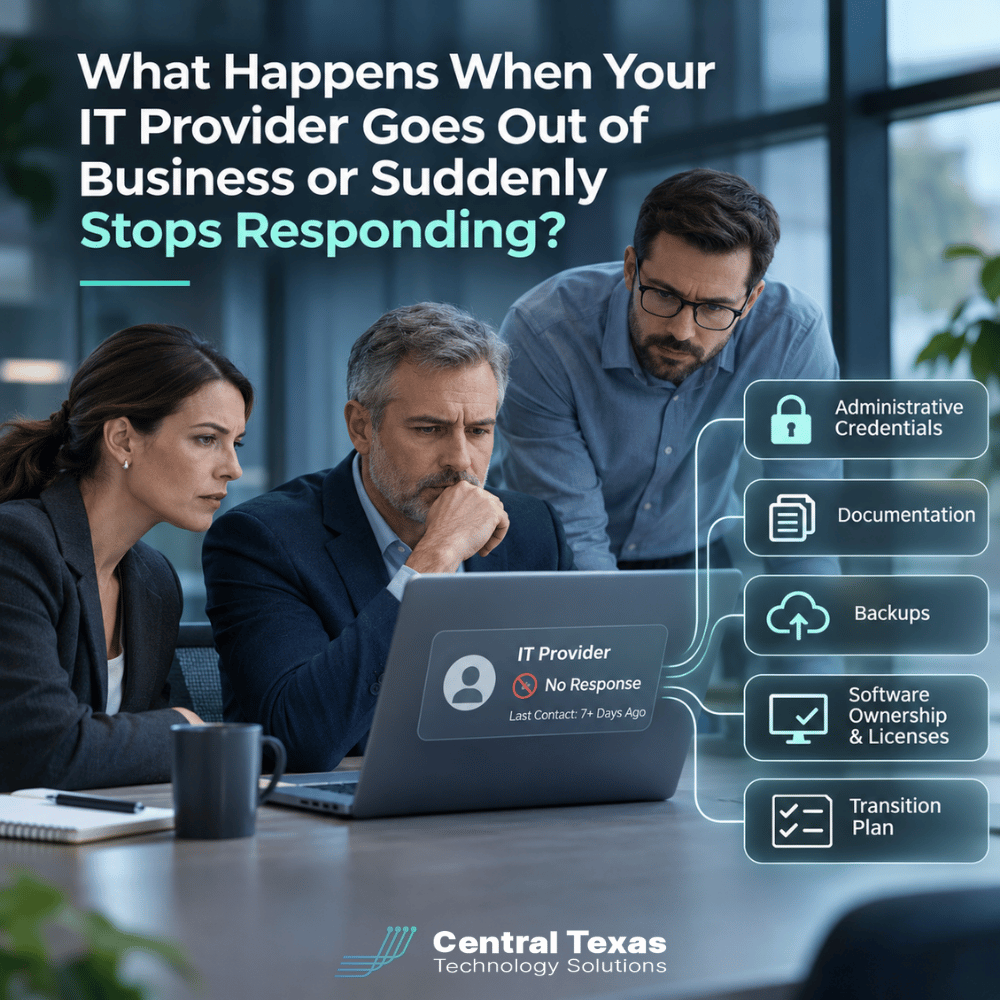
Your business relies on technology every day. But what happens when the company managing that technology suddenly disappears?
Maybe your IT provider closes its doors, loses key employees, or simply stops returning calls. Suddenly, you discover that nobody in your organization knows the administrator passwords, where your backups are stored, or who actually owns your software accounts.
This situation can quickly become more than an IT inconvenience. It can threaten your ability to operate.
The important question isn't whether you trust your current IT provider. It's whether your business could continue functioning without them.
Your company should always maintain ownership and appropriate control of its technology, regardless of who manages it.
The Hidden Risks of Depending Too Heavily on Your IT Provider
Outsourcing IT management makes sense for many small and midsize businesses. A qualified provider brings technical expertise, ongoing maintenance, and security capabilities that would be expensive to maintain internally.
However, outsourcing responsibility should never mean surrendering control.
Problems arise when an IT company becomes the only organization with access to critical systems. This creates a single point of failure that can affect nearly every part of your business.
Consider what could happen if your IT provider suddenly became unavailable:
-
Employees cannot access email because nobody has Microsoft 365 administrator credentials.
-
Your domain name expires because the IT company controls the registration account.
-
Critical software subscriptions stop working because billing was handled through the provider.
-
Your new IT company cannot access servers, firewalls, or network equipment.
-
Backups exist, but nobody knows where they are stored or how to restore them.
-
Security alerts go unanswered because monitoring accounts belong exclusively to the former provider.
For a healthcare practice, this could interrupt access to patient information. Law firms and professional services organizations could lose access to confidential documents. Construction companies might struggle to retrieve project files, while manufacturers could experience production disruptions. Nonprofits could lose access to donor records and essential communications.
The risk is not necessarily that your current provider is doing something wrong. The problem is that your organization may have no practical way to recover if that relationship ends unexpectedly.
Administrative Credentials: Who Really Controls Your Technology?
One of the most important questions to ask your IT provider is simple:
"If we needed to change IT companies tomorrow, would we have the administrative access necessary to do it?"
Administrative credentials provide elevated access to systems, allowing authorized personnel to manage settings, users, security policies, and infrastructure.
Your business should have a documented method for obtaining administrative control of essential systems, including:
-
Microsoft 365 and other cloud platforms
-
Domain registration and DNS management
-
Firewalls, routers, switches, and wireless networks
-
Servers and virtualization platforms
-
Backup and recovery systems
-
Website hosting and business applications
-
Security monitoring and endpoint management tools
This does not mean every employee should have administrator access. In fact, unrestricted administrative privileges create serious security risks.
Instead, your organization should maintain securely stored emergency administrative credentials or another verified recovery method. Access should be limited to authorized individuals, protected by multifactor authentication where supported, and reviewed regularly.
Your IT provider can manage these systems without being the only party capable of accessing them.
A professional provider should welcome reasonable questions about ownership and access. Transparency is an important part of a healthy business relationship.
IT Documentation: The Information Your Next Provider Will Need
Even with administrator credentials, transitioning to a new IT company can be difficult without accurate documentation.
Imagine hiring a new provider who must figure out how your entire network operates from scratch. They may need to identify equipment, locate servers, investigate software dependencies, and determine how employees connect to essential applications.
That process takes time and can increase costs and operational risk.
Proper IT documentation should include:
-
Network diagrams: How computers, servers, firewalls, and other devices connect.
-
Hardware inventory: Equipment models, serial numbers, warranties, and replacement schedules.
-
Software inventory: Applications, licensing information, renewal dates, and account ownership.
-
Cloud configuration: Essential services, administrators, and dependencies.
-
Vendor contacts: Internet providers, software vendors, hosting companies, and other technology partners.
-
Recovery procedures: Instructions for restoring critical systems following an outage.
Documentation must also be maintained as technology changes. A network diagram created three years ago may be nearly useless after several equipment upgrades.
This is one reason proactive managed network services should include maintaining accurate information about the systems being supported.
Your business does not necessarily need direct access to every technical configuration file. However, it should have a contractual right to obtain the documentation necessary to operate, maintain, and transition its technology.
Backups and Software Ownership: Protecting What Belongs to Your Business
Having backups is important. Knowing who controls them is equally important.
Some businesses discover too late that their backups are stored entirely within their IT provider's infrastructure. If the provider disappears, stops paying its vendors, or loses access to its own systems, retrieving those backups may become difficult.
A reliable data backup and recovery strategy should address more than whether files are being copied.
Your organization should know where backups are stored, how frequently they run, how long data is retained, and who can authorize a restoration.
Ideally, critical backups should be protected through independent storage or recovery arrangements that do not depend entirely on the availability of one IT provider. Backup restoration should also be tested regularly.
Software ownership presents similar concerns.
For example, an IT provider may purchase Microsoft 365 subscriptions on behalf of a client. That arrangement can be perfectly legitimate, but the business should understand who owns the tenant, who controls billing, and what happens when the relationship ends.
The same questions apply to domain names, cloud hosting, security subscriptions, and specialized business applications.
A useful rule is that your business should own or have enforceable rights to its critical accounts, data, and licenses, even when another company manages them.
Some managed services use provider-owned tools that are not transferable. That is normal, provided the arrangement is clearly explained and there is a workable plan for replacing those services during a transition.
How to Build an IT Provider Transition Plan Before You Need One
Most businesses have plans for power outages, severe weather, and cybersecurity incidents. Far fewer have a plan for losing their IT provider.
Yet provider failure can create many of the same operational problems.
An IT transition plan does not need to be complicated. It should establish how your organization would regain control and maintain essential services if its current provider became unavailable.
Your IT Provider Independence Checklist
[ ] Verify emergency administrative credentials are securely available.
[ ] Obtain current network, hardware, and software documentation.
[ ] Identify backup locations and confirm restoration procedures.
[ ] Review software licensing, vendor contracts, and billing ownership.
[ ] Document how security monitoring and support services would be transferred.
[ ] Identify an authorized internal contact to coordinate an emergency transition.
If you discover missing information, address it while your current provider is still available and cooperative.
For businesses in Austin, Georgetown, Pflugerville, and Temple, this preparation can make a future IT transition significantly easier, whether the change is planned or unexpected.
What to Do if Your IT Provider Has Already Disappeared
If your IT provider has stopped responding, the first priority is protecting business continuity, not immediately replacing every system.
Start by identifying which services are currently functioning and which could fail because of missing administrative access, unpaid subscriptions, or expiring licenses.
Next, gather available documentation, invoices, contracts, account records, and communications with the provider. Contact critical vendors to determine what account recovery or ownership verification procedures are available.
Avoid making unnecessary configuration changes before understanding how systems depend on one another. A rushed password reset or firewall replacement could create additional outages.
An experienced IT company can help assess the environment, identify access gaps, coordinate with vendors, and establish a recovery plan.
CTTS approaches these situations with an emphasis on restoring control, reducing business disruption, and building a more resilient technology environment.
Through Complete Care Coverage, CTTS helps businesses manage their technology proactively, with ongoing oversight, maintenance, and planning rather than simply responding when something breaks.
The objective is not to make clients dependent on a particular technician or company. It is to help businesses maintain reliable technology and make informed decisions about their IT infrastructure.
Your Technology Should Never Be Held Hostage by Circumstances
A strong IT partnership should give your business greater confidence and control, not create a dependency that threatens operations if the relationship ends.
You should know who owns your systems, how to access critical accounts, where your backups reside, and what it would take to transition to another provider.
Not sure whether your business could operate without your current IT company?
Schedule a free IT consultation with CTTS today. We'll help you identify potential gaps in technology ownership, access, and continuity planning before they become business emergencies.
Frequently Asked Questions About IT Provider Dependence
Should my business have its own IT administrator passwords?
Yes. Your business should have a secure, documented way to obtain administrative access to critical systems, even if your IT provider manages those systems daily. This may involve emergency administrator accounts, secure credential storage, and established recovery procedures. Credentials should never be distributed casually or stored in unprotected documents. The goal is to preserve business control without weakening security.
Can an IT provider legally refuse to give us our passwords or data?
That depends on your contracts, account ownership, licensing arrangements, and applicable laws. Your business generally has important rights concerning its own data, but that does not automatically mean it owns every tool or account used by its provider. Review your service agreement for provisions covering administrative access, data return, termination assistance, and ownership. If a provider refuses to cooperate, legal advice may be necessary.
How difficult is it to switch managed IT service providers?
The difficulty depends largely on documentation, administrative access, and the complexity of your environment. A well-documented network with clear account ownership and tested backups can make the transition much smoother. Without those safeguards, a new provider may need additional time to recover access and reconstruct configurations. Planning the transition in advance helps reduce downtime, unexpected expenses, and security gaps.
Contact CTTS today for IT support and managed services in Austin, TX. Let us handle your IT so you can focus on growing your business. Visit CTTSonline.com or call us at (512) 388-5559 to get started!
Get the answers business leaders are asking about IT services:
What Happens If Your IT Provider Goes Out of Business?
Could One Employee's Microsoft 365 Account Put Your Entire Business at Risk?
Why Does Your Business Keep Having the Same IT Problems Over and Over?
What Happens If Your Only IT Person Is Suddenly Unavailable?
Could Your Cyber Insurance Claim Be Denied Because of Your IT Practices?