
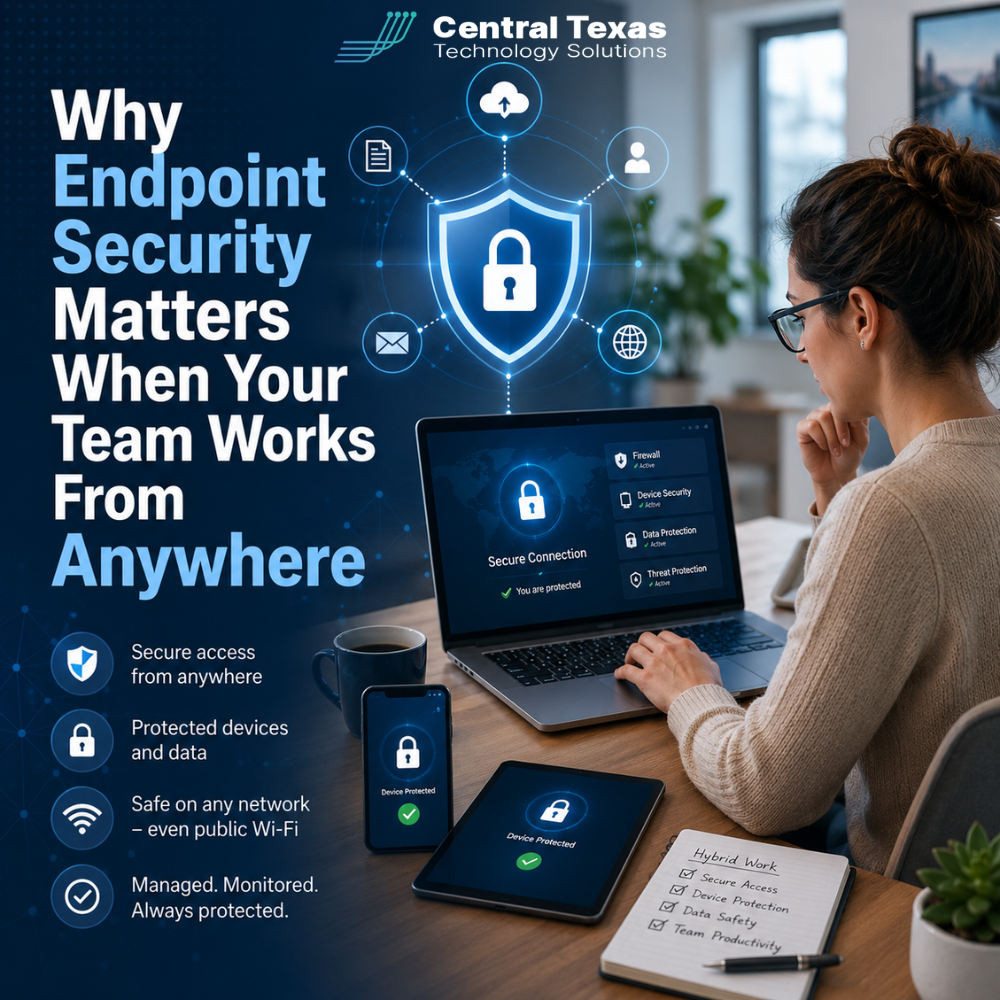
Your employees no longer need to be sitting inside the office to access company data. They may be working from home, visiting a client, traveling between job sites, or checking email from a coffee shop.
That flexibility helps businesses stay productive, but it also creates more opportunities for attackers.
Every laptop, tablet, and mobile device connected to your business becomes an endpoint. Without the right protection, one compromised device can expose email accounts, customer records, financial information, and critical business systems.
For companies in Austin, Georgetown, Belton, and Temple, endpoint security is now a basic requirement for safe hybrid work.
What Is Endpoint Security?
Endpoint security is the protection applied to devices that connect to your company’s network, cloud services, and business applications.
These endpoints may include:
- Desktop computers
- Employee laptops
- Company-issued smartphones
- Tablets
- Remote workstations
- Servers
- Personal devices used for work
Traditional antivirus software looks mainly for known malicious files. Modern endpoint security goes further by monitoring user behavior, suspicious processes, login activity, software changes, and communication between devices.
The goal is not simply to remove malware after an infection. The goal is to identify and stop unusual activity before it causes serious damage.
Why Remote and Hybrid Teams Face Greater Security Risks
When everyone worked from one office, businesses had more control over devices, internet connections, and access to company systems.
Hybrid work has changed that environment.
Employees now connect from home networks, hotels, airports, shared workspaces, and customer locations. Some use personal devices or share computers with family members. Others postpone updates because they do not want to interrupt their workday.
These everyday situations create real security gaps.
A remote employee may:
- Connect through an unsecured Wi-Fi network
- Click a phishing link outside the office
- Lose a laptop containing company data
- Install unauthorized software
- Use the same password across several services
- Miss important security updates
- Allow another person to use a work device
Attackers do not need to defeat your entire network. They only need one vulnerable endpoint.
Laptops Often Carry More Risk Than Businesses Realize
Laptops make remote work possible, but they also move beyond the protection of the office.
A laptop can be stolen from a vehicle, left in a hotel room, connected to an unsafe wireless network, or used by someone other than the employee. Even when the device remains in the right hands, outdated software or weak login controls may leave it exposed.
Strong laptop security should include:
- Advanced threat detection
- Automatic patching and updates
- Device encryption
- Multi-factor authentication
- Web and email filtering
- Remote monitoring
- The ability to lock or wipe a lost device
Encryption is especially important. Without it, someone who steals a laptop may be able to remove the hard drive or bypass the login screen to access stored files.
A secure password alone is not always enough.
Mobile Access Can Expose Sensitive Business Data
Employees often access business email, Microsoft 365, shared files, customer platforms, and messaging apps from smartphones and tablets.
This convenience can become a serious problem when mobile access is not managed.
For example, an employee may save passwords in an unsecured app, download confidential files to a personal phone, or leave an active email account on a device that is later lost or replaced.
Mobile device management helps businesses control how company information is accessed. It can enforce security requirements, separate business data from personal information, restrict risky applications, and remove company access when an employee leaves.
This is particularly important for healthcare organizations handling patient information, legal firms protecting privileged communications, and professional services companies managing confidential client records.
Endpoint Security Protects More Than the Device
The real purpose of endpoint security is not to protect a laptop. It is to protect the business activity connected to that laptop.
A compromised device can lead to:
- Stolen login credentials
- Unauthorized access to Microsoft 365
- Fraudulent invoices or wire transfers
- Ransomware spreading across shared systems
- Exposure of customer or employee data
- Interrupted operations
- Compliance violations
- Loss of trust
Construction companies may have employees accessing project files from job sites. Manufacturing businesses may use laptops to connect to scheduling or production systems. Nonprofits may depend on remote staff and volunteers who handle donor information from several locations.
In each case, the endpoint is connected to something more valuable than the device itself.
Why Antivirus Alone Is Not Enough
Many businesses still believe that having antivirus software means their devices are secure.
That is no longer a safe assumption.
Modern attacks may use stolen passwords, legitimate administrative tools, malicious scripts, or approved cloud applications. Some threats do not involve a traditional virus at all.
Effective endpoint protection should combine several layers of security, including:
- Endpoint detection and response
- Managed threat monitoring
- Patch management
- Identity and access controls
- Multi-factor authentication
- Email security
- Data backup
- Security policies
- Employee awareness training
These tools must also be monitored. A security alert does not help if nobody reviews it or responds quickly.
CTTS takes a proactive approach by watching for suspicious activity, investigating alerts, managing updates, and helping businesses correct security gaps before they become emergencies.
How Endpoint Monitoring Helps Prevent Downtime
Endpoint monitoring gives your IT partner visibility into the health and security of connected devices.
It can identify issues such as:
- Missing security patches
- Disabled protection tools
- Unusual login activity
- Failing hardware
- Suspicious software
- Malware behavior
- Storage or performance problems
- Devices that no longer meet company standards
This allows many problems to be addressed before an employee loses access, ransomware spreads, or a system failure disrupts operations.
For a growing business, that prevention matters. Adding employees, opening a new location, supporting remote work, or preparing for an audit all increase the number of systems that must be managed.
Endpoint security should grow with the business rather than being added after something goes wrong.
What Businesses Should Look for in an Endpoint Security Strategy
A strong endpoint security plan should answer several practical questions:
- Which devices are allowed to access company data?
- Are all devices properly updated?
- Is sensitive data encrypted?
- Can access be removed quickly?
- Who reviews security alerts?
- What happens when a device is lost?
- Are personal devices permitted?
- How are former employees removed from systems?
- Can the business recover if ransomware reaches an endpoint?
The answers should reflect your operations, industry requirements, remote work policies, and business goals.
Endpoint security is not a single product. It is an ongoing process that requires technology, clear policies, monitoring, and consistent management.
Protect Every Device That Connects to Your Business
Your employees need the freedom to work from the office, home, job sites, and client locations without putting the company at unnecessary risk.
CTTS helps Central Texas businesses secure laptops, manage remote access, monitor endpoints, and respond to threats before they disrupt operations.
Schedule a consultation with CTTS to review your endpoint security strategy and protect your team wherever they work.
Frequently Asked Questions About Endpoint Security
Does a small business really need endpoint security?
Yes. Small businesses often have fewer internal security resources, which can make them attractive targets. A single compromised laptop or email account can interrupt operations, expose customer data, and create significant recovery costs.
Can endpoint security protect employees working from home?
Endpoint security can protect devices regardless of where employees are working. It can monitor threats, apply updates, enforce security controls, and alert an IT team when suspicious activity occurs.
Is endpoint security the same as antivirus software?
No. Antivirus is one part of endpoint protection. Modern endpoint security also monitors behavior, detects unusual activity, manages device health, supports remote response, and helps protect accounts and business systems connected to the device.
Contact CTTS today for IT support and managed services in Austin, TX. Let us handle your IT so you can focus on growing your business. Visit CTTSonline.com or call us at (512) 388-5559 to get started!
If you're evaluating IT providers, these resources will guide you:
When to Bring in an IT Consulting Firm Instead of Just IT Support
How Endpoint Detection and Response Protects Your Business From Modern Threats
What Multi Factor Authentication Really Does and Why It Matters More Than Ever
How Secure Cloud Migrations Work Without Disrupting Your Business
What Role AI Is Playing in Cybersecurity for Texas Businesses
How Network Visibility Tools Help Prevent Costly IT Surprises
Why Microsoft 365 Security Defaults Are Not Enough for Most Businesses
How Conditional Access Helps Protect Your Business From Unauthorized Logins
What Is Zero Trust Security and Does Your Business Really Need It?
How Business Email Compromise Happens and How to Prevent It