
Most businesses work hard to protect their email accounts from phishing attacks. But there is another email security problem that can happen even when nobody breaks into your system.
A criminal can pretend to send email from your domain.
A message might appear to come from your CEO, accounting department, or an employee even though it was sent from a completely different system. That type of impersonation can put your customers, vendors, employees, and reputation at risk.
DMARC helps businesses prevent it.
For companies in Austin and throughout Central Texas, properly configuring DMARC can be an important part of protecting both your email environment and the reputation of your domain.
What Is DMARC in Email Security?
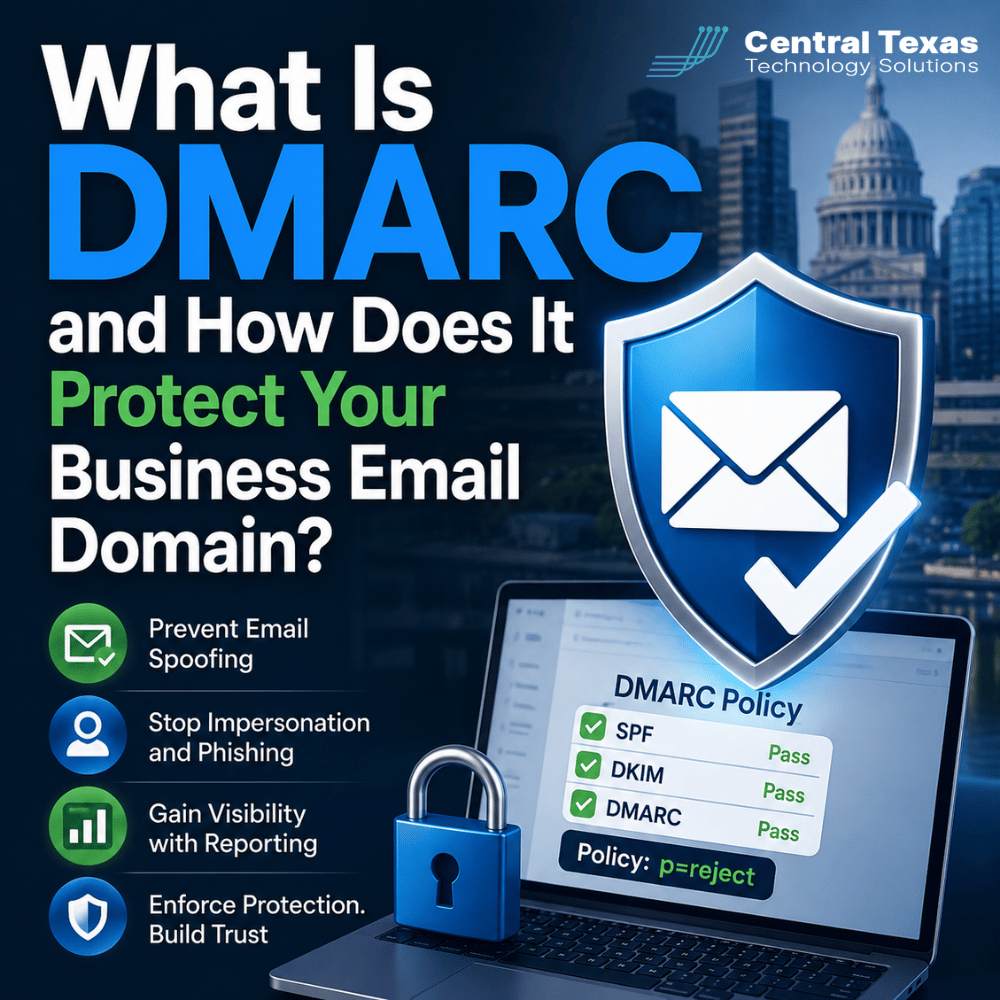
DMARC stands for Domain-based Message Authentication, Reporting, and Conformance.
It is an email authentication standard that helps receiving mail systems determine whether a message claiming to come from your domain is legitimate.
DMARC works alongside two other email authentication technologies:
- SPF, or Sender Policy Framework, identifies which servers are authorized to send email for your domain.
- DKIM, or DomainKeys Identified Mail, adds a digital signature that can help verify that a message is legitimate and has not been altered.
- DMARC tells receiving email providers what to do when a message fails authentication and provides reporting about how your domain is being used.
Think of SPF and DKIM as identification checks. DMARC provides the policy for what happens when those checks do not line up correctly.
Together, they make it much harder for criminals to successfully impersonate your business.
How Does DMARC Help Stop Email Spoofing?
Email spoofing occurs when someone makes a message appear to come from an address or domain they do not actually control.
Imagine an attacker sends this message:
From: accounting@yourcompany.com
The email tells one of your vendors that your banking information has changed and asks future payments to be sent to a new account.
The attacker may never have accessed your actual email system. They are simply impersonating your domain and hoping the recipient believes the message.
Without proper email authentication, some receiving systems may have difficulty determining whether the message really came from your organization.
DMARC gives those systems additional information.
When a message claiming to come from your domain arrives, the recipient's mail provider can check whether it passed the authentication rules associated with your domain. If it fails, your DMARC policy can tell the receiving system how the message should be handled.
That can dramatically reduce the usefulness of your domain to attackers.
For healthcare organizations protecting patient communications, legal firms exchanging confidential documents, professional services companies sending invoices, construction firms coordinating with subcontractors, manufacturers communicating with suppliers, and nonprofits corresponding with donors, domain impersonation can create serious financial and reputational problems.
DMARC Policies: Monitoring vs Enforcement
One of the most important parts of DMARC is the policy assigned to your domain.
DMARC generally provides three policy levels:
- p=none: Monitor messages and collect information without instructing recipients to block suspicious email.
- p=quarantine: Ask receiving systems to treat failed messages as suspicious, often sending them to spam or junk folders.
- p=reject: Ask receiving systems to reject messages that fail the DMARC requirements.
This distinction matters because having a DMARC record does not necessarily mean your domain is fully protected.
A domain configured with p=none may be collecting valuable information, but it is primarily in monitoring mode. Messages that fail authentication may still be delivered.
That is why enforcement matters.
Moving toward quarantine or reject gives receiving mail systems instructions to take action when someone sends unauthorized email using your domain.
However, businesses should not simply switch to p=reject without first understanding their email environment.
Your organization may have legitimate systems sending email besides Microsoft 365 or Google Workspace, including:
- Marketing platforms
- Customer relationship management systems
- Billing software
- Website contact forms
- Help desk systems
- Payroll applications
- Industry-specific cloud software
If those services are not configured correctly, aggressive DMARC enforcement could interfere with legitimate email.
The goal is not simply to turn DMARC on. The goal is to implement it correctly.
Why DMARC Reporting Is So Valuable
One of the most useful features of DMARC is reporting.
DMARC reports can provide visibility into systems that are attempting to send email using your domain.
That information can help identify:
- Authorized email services you may have forgotten about
- Systems that are incorrectly configured
- Unauthorized services sending email
- Potential spoofing attempts
- Problems with SPF or DKIM authentication
For example, a growing company in Georgetown might discover that Microsoft 365 is properly authenticated, but its marketing platform and billing application are not.
A company in Cedar Park might discover email originating from servers it does not recognize at all.
Those insights allow your IT team to investigate before strengthening the DMARC policy.
Raw DMARC reports can be difficult to interpret, which is why businesses often use monitoring tools that organize the information into understandable reports and alerts.
Instead of simply knowing that something failed, you can begin understanding who is sending email as your domain and whether they should be allowed to do it.
Why Email Impersonation Is a Business Problem, Not Just an IT Problem
A spoofed email does not have to infect a computer to cause damage.
Sometimes the attacker simply needs someone to trust the message.
A convincing impersonation email might ask someone to:
- Pay a fraudulent invoice
- Change direct-deposit information
- Purchase gift cards
- Provide login credentials
- Open a malicious document
- Transfer money
- Share confidential information
The damage can also extend beyond your own employees.
Suppose one of your customers receives a fake message that appears to come from your company and loses money because of it. Even if your systems were never compromised, the customer may still associate that experience with your business.
Your domain is part of your company's identity.
Protecting it should be treated the same way you protect your network, computers, passwords, and company data.
How CTTS Helps Businesses Implement DMARC Correctly
DMARC works best when it is treated as a process rather than a single DNS change.
CTTS helps Central Texas businesses understand which services legitimately send email on their behalf, configure appropriate email authentication, monitor results, and move toward stronger enforcement without unnecessarily disrupting legitimate communications.
That typically means:
- Reviewing your current SPF, DKIM, and DMARC configuration.
- Identifying legitimate email senders.
- Monitoring DMARC reports.
- Correcting authentication problems.
- Gradually increasing enforcement.
- Continuing to watch for unexpected changes.
This proactive approach is especially valuable as companies grow and add new cloud applications.
A manufacturer in Temple, for example, may add an automated invoicing platform. A professional services firm in Austin might adopt a new marketing system. Without proper oversight, those applications can introduce authentication problems that go unnoticed.
CTTS helps businesses manage those changes as part of a larger cybersecurity strategy instead of waiting for email problems to appear.
Strong Email Security Requires Enforcement
DMARC is not designed simply to produce another security report.
Its real value comes from helping legitimate email get recognized while making unauthorized use of your domain more difficult.
Monitoring is an important first step, but businesses should have a plan for moving toward enforcement once legitimate email sources have been identified and configured correctly.
That is the difference between knowing someone may be impersonating your domain and actively telling receiving email systems what to do about it.
Protect Your Business Email Domain
Your customers, employees, and vendors trust email that carries your company's name. That makes your domain worth protecting.
CTTS helps businesses throughout Austin and Central Texas implement proactive email security that reduces impersonation risks before they become expensive problems.
Schedule a free strategy call with CTTS to review your email security and determine whether your domain is properly protected with SPF, DKIM, and DMARC.
Frequently Asked Questions About DMARC
Does Microsoft 365 automatically protect my domain with DMARC?
Microsoft 365 provides important email security and authentication capabilities, but organizations still need to properly configure SPF, DKIM, and DMARC for their domains. The exact configuration also depends on any third-party services that send email on your company's behalf.
Can DMARC stop every phishing email?
No. DMARC primarily helps prevent attackers from impersonating domains through unauthorized email. Criminals can still use lookalike domains, compromised accounts, and other phishing techniques. DMARC should be one part of a broader email security strategy.
Should I set my DMARC policy to reject immediately?
Usually, businesses should first identify and authenticate all legitimate email sources. Moving directly to a reject policy without understanding your environment can cause legitimate messages to fail. A monitored, deliberate move toward enforcement is typically safer.
Contact CTTS today for IT support and managed services in Austin, TX. Let us handle your IT so you can focus on growing your business. Visit CTTSonline.com or call us at (512) 388-5559 to get started!
Explore our related articles for practical insights into common IT challenges and risks:
How Secure Cloud Migrations Work Without Disrupting Your Business
What Role AI Is Playing in Cybersecurity for Texas Businesses
How Network Visibility Tools Help Prevent Costly IT Surprises
Why Microsoft 365 Security Defaults Are Not Enough for Most Businesses
How Conditional Access Helps Protect Your Business From Unauthorized Logins
What Is Zero Trust Security and Does Your Business Really Need It?
How Business Email Compromise Happens and How to Prevent It
Why Endpoint Security Matters When Your Team Works From Anywhere