
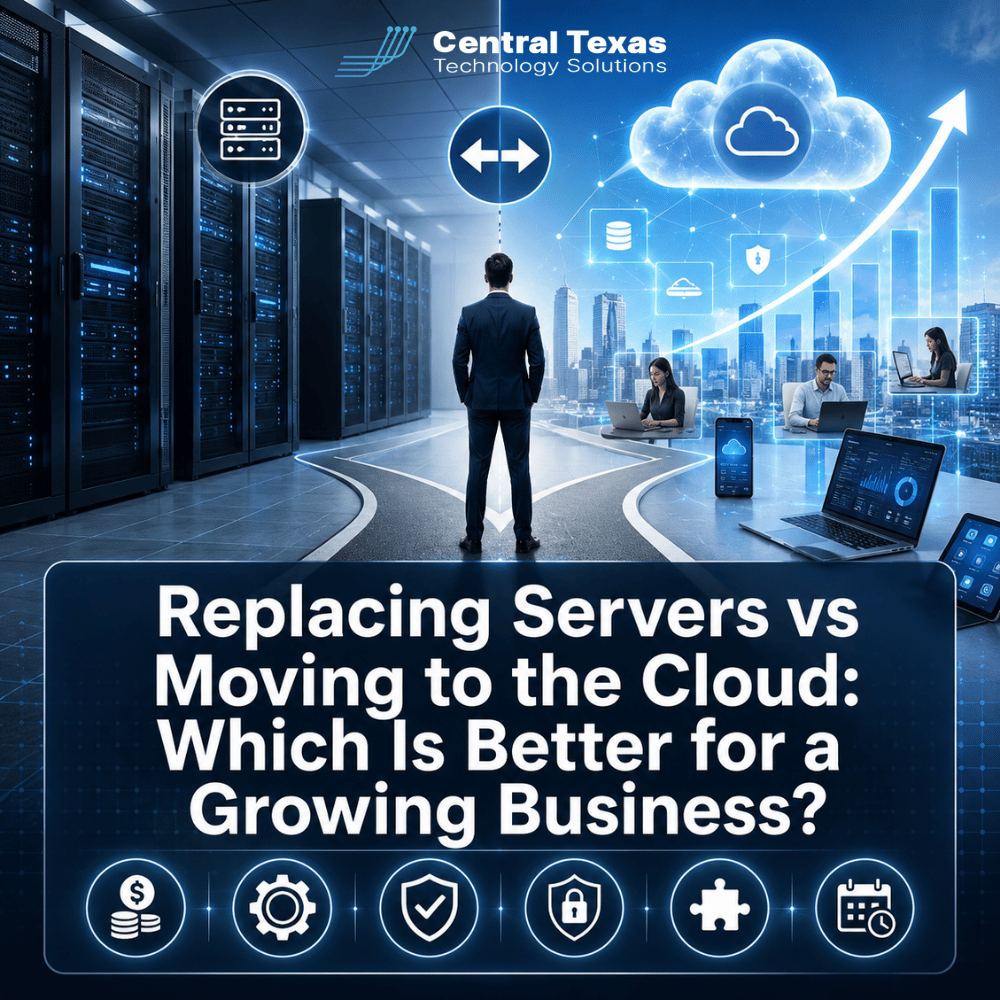
When a business outgrows its current server, the next step can seem simple: buy a bigger one.
But replacing aging servers may lock your company into another five years of hardware costs, maintenance, upgrades, and capacity planning. Moving workloads to the cloud can provide more flexibility, but cloud computing also introduces recurring costs, migration challenges, and different security responsibilities.
For growing businesses in Austin, Georgetown, Cedar Park, Temple, and across Central Texas, the right answer is rarely based on technology alone. It depends on how your business operates today and where you expect it to go next.
Here is how replacing servers and moving to the cloud compare across the factors that matter most.
Server Replacement vs Cloud Costs
Cost is usually the first question business leaders ask, but comparing the price of a server with a monthly cloud bill can be misleading.
Replacing an On-premises Server
Buying a new server typically requires a larger upfront investment. Costs may include:
- Server hardware
- Storage
- Windows Server or other software licensing
- Backup equipment or services
- Installation and migration
- Power and cooling
- Warranty coverage
- Future upgrades and replacement
You are purchasing capacity in advance, including computing power you may not need for several years.
That can work well for a company with predictable requirements. If your applications and employee count are relatively stable, owning the infrastructure may produce a reasonable long-term cost.
Moving to the Cloud
Cloud computing generally shifts more technology spending from large capital purchases to recurring operating expenses. Resources can also be provisioned and released as requirements change, which is one of the fundamental characteristics of cloud computing identified by NIST.
That flexibility can be valuable when hiring quickly, opening new offices, supporting remote employees, or dealing with seasonal demand.
However, cloud does not automatically mean cheaper. Poorly configured cloud resources, unnecessary storage, oversized virtual servers, and unused services can create surprisingly high monthly bills.
The better question is not, "Which one costs less this month?"
It is, "Which option gives us the most predictable and appropriate cost over the next several years?"
Cloud vs On-Premises Servers for Control and Flexibility
An on-premises server gives your business significant control over the underlying infrastructure.
Your IT team determines:
- Where the equipment is located
- How storage is configured
- When upgrades happen
- How applications connect to the server
- How the environment is maintained
That level of control can be important for certain specialized systems, manufacturing applications, legacy databases, or software with strict hardware requirements.
Cloud environments exchange some of that physical control for flexibility.
Instead of purchasing another server because your company needs additional capacity, cloud resources can often be expanded without installing new equipment. NIST describes rapid elasticity and on-demand access as defining cloud characteristics.
For a professional services company adding employees or a construction business opening another location, that scalability can make growth easier.
The tradeoff is that your organization operates within the architecture, policies, and service options provided by the cloud platform.
Which Option Provides Better Reliability?
A new server may be extremely reliable, but it is still sitting somewhere.
That creates questions growing businesses sometimes overlook:
What happens if the server fails?
What happens if the building loses power?
What happens if a storage system becomes corrupted?
What happens if the office cannot be accessed after a storm, fire, or other emergency?
Building true redundancy with on-premises infrastructure can require additional servers, backup systems, networking equipment, power protection, and possibly another physical location.
Cloud platforms are designed around pooled computing resources and can provide highly available infrastructure without a business purchasing all of that equipment itself. NIST identifies availability and scalable pooled resources among the major characteristics and benefits associated with cloud computing.
That does not mean moving something to the cloud makes it immune to outages.
Internet connectivity can fail. Cloud services can experience disruptions. Applications still need backups and recovery plans.
Reliability comes from designing for failure rather than assuming failure will never happen.
Is the Cloud More Secure Than an On-Premises Server?
Neither option is automatically secure.
A brand-new server can become vulnerable if patches are ignored, administrator accounts are poorly protected, backups are inadequate, or security monitoring is missing.
A cloud environment can have similar problems when permissions, authentication, storage, or security controls are configured incorrectly.
One major difference is responsibility.
With traditional infrastructure, your organization controls most of the technology stack. In cloud environments, responsibility is divided between the provider and the customer. NIST specifically warns that organizations remain accountable for protecting their information and meeting security and privacy requirements when using public cloud services.
That distinction matters for healthcare organizations dealing with sensitive patient information, legal firms protecting confidential client data, nonprofits managing donor information, and manufacturers concerned about intellectual property.
Cloud providers can offer sophisticated security capabilities, but someone still has to configure, monitor, and manage them properly.
This is why moving to the cloud should be treated as an IT strategy, not simply a server relocation project.
Application Compatibility Can Decide the Question
One of the biggest mistakes a business can make is deciding to "move everything to the cloud" before determining whether everything should move.
Some applications were designed for traditional servers.
You may have:
- An older accounting or ERP system
- Industry-specific software
- A database tied to a particular server configuration
- Manufacturing equipment that communicates with a local application
- Software requiring extremely low network latency
- An application that the vendor does not support in a cloud environment
Moving these systems without proper testing can turn an infrastructure improvement into an operational problem.
Other applications may already have modern cloud versions that eliminate the need for your business to manage the underlying server at all.
That is why CTTS evaluates applications and workflows before recommending an infrastructure strategy.
Sometimes the answer is cloud.
Sometimes it's a new server.
Very often, it's both.
Hybrid IT May Be Better Than Choosing One Side
Businesses sometimes approach this decision as though they must become either entirely cloud-based or entirely on-premises.
That is usually unnecessary.
NIST recognizes hybrid cloud as a distinct deployment model, combining different cloud environments while allowing data and applications to move between them.
A practical hybrid strategy might keep a specialized business application on a local server while moving other functions to Microsoft 365, cloud storage, hosted applications, cloud backup, or cloud infrastructure.
For example, a manufacturing company might need a local server for production equipment while using cloud services for collaboration and remote access.
A growing legal or professional services firm might retire most local infrastructure but retain one application that cannot yet be migrated.
This approach allows technology decisions to follow business requirements instead of forcing every workload into the same model.
Think About Long-Term IT Management Before You Decide
The most important difference between buying another server and moving to the cloud may not appear on the initial proposal.
It appears three or four years later.
Servers require lifecycle management. Someone needs to monitor hardware, install updates, manage warranties, watch storage capacity, test backups, plan upgrades, and eventually start the replacement process again.
Cloud infrastructure eliminates some hardware responsibilities, but it creates other management requirements. Someone still needs to monitor costs, permissions, security, backups, licenses, capacity, and changing business needs.
The goal should not simply be removing servers.
The goal should be creating an IT environment that becomes easier to manage as your business grows.
That is where proactive planning matters.
At CTTS, we look beyond the immediate hardware purchase and evaluate how technology supports your hiring plans, applications, security requirements, compliance obligations, remote workforce, and long-term business objectives.
Your infrastructure should support growth instead of becoming another obstacle to it.
Make the Infrastructure Decision Based on Where Your Business Is Going
Replacing an aging server may be the right decision for some businesses. Moving to the cloud may be the better path for others.
The mistake is making the decision based only on what your company needs today.
Healthcare organizations, legal firms, professional services companies, construction businesses, manufacturers, and nonprofits all rely on technology differently. Your infrastructure strategy should account for those requirements while giving your organization room to grow.
CTTS helps Central Texas businesses evaluate their existing systems, compare realistic options, and build an IT strategy around business goals rather than hardware alone.
Not sure whether your next server should be replaced or retired? Schedule a consultation with CTTS and let’s evaluate the options before you make the investment.
Frequently Asked Questions About Servers and Cloud Computing
Is moving to the cloud always cheaper than replacing a server?
No. Cloud services can reduce upfront hardware costs and provide greater flexibility, but monthly expenses can become significant if resources are poorly planned or managed. A proper comparison should include several years of hardware, licensing, maintenance, backup, management, and cloud costs.
Can we move some applications to the cloud and keep others on a server?
Yes. A hybrid approach is often the most practical solution. Businesses can retain local infrastructure for applications that require it while moving email, collaboration, storage, backups, or compatible applications to cloud services.
How do we know whether our applications will work in the cloud?
Start with an application assessment. Review vendor requirements, databases, integrations, performance needs, licensing, security requirements, and dependencies. Testing applications before migration can prevent downtime and unexpected compatibility problems.
Contact CTTS today for IT support and managed services in Austin, TX. Let us handle your IT so you can focus on growing your business. Visit CTTSonline.com or call us at (512) 388-5559 to get started!
Explore these expert insights before making your next IT decision:
One IT Vendor vs Multiple Vendors: Which Approach Reduces Risk?
Is It Better to Upgrade Your Current Systems or Start Fresh?
Cloud Backup vs Local Backup: Which Does Your Business Need?
Managed IT Services vs Hiring One IT Person: Which Is Safer for a Growing Business?
Cybersecurity Software vs Cybersecurity Strategy: What Is the Difference?
Hourly IT Support vs Monthly Managed IT Services: Which Gives You Better Control?
Microsoft 365 Basic Setup vs Managed Microsoft 365 Support: What Are You Missing?
Cybersecurity Insurance vs Cybersecurity Protection: Why Your Business May Need Both
Microsoft 365 Backup vs Microsoft’s Built-In Recovery Tools
VPN vs Zero Trust Network Access: Which Is Better for Remote Employees?