
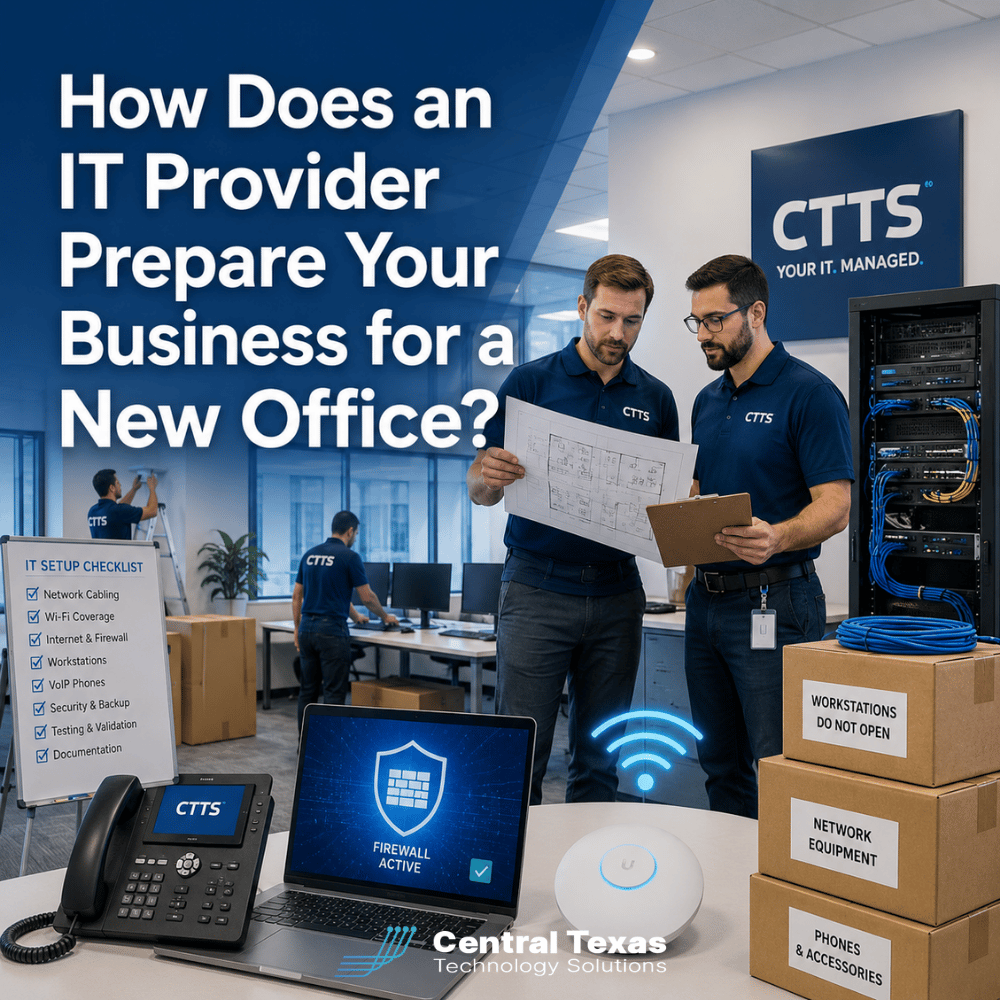
Moving into a new office should feel like progress. Unfortunately, the technology side of an office move can quickly turn that progress into frustration.
The internet is not ready. Wi-Fi barely reaches the conference room. Employees cannot connect their phones. Printers are missing. Computers arrive before desks have network connections. Then everyone spends the first day waiting for someone to figure out what went wrong.
A good IT provider treats an office move as a technology project, not a collection of last-minute support tickets.
For businesses in Austin, Round Rock, Cedar Park, and Taylor, preparing technology before the move can help employees walk into the new office ready to work instead of spending the first week troubleshooting.
How Does an IT Provider Plan Technology for a New Office?
IT planning should begin well before moving day.
Your IT provider should work with your leadership team, office manager, contractors, internet providers, phone vendors, and other partners to understand how the new location will operate.
That includes questions such as:
- How many employees will work in the office?
- How many will work remotely or hybrid schedules?
- Will the company be adding employees soon?
- Where will desks and conference rooms be located?
- Which employees need wired network connections?
- Where will printers, phones, cameras, and other equipment go?
- Are there special security or compliance requirements?
These questions matter because technology needs vary by business.
A healthcare organization may need additional privacy and security controls. A legal firm may depend on reliable access to case management systems. Construction and manufacturing companies may have specialized applications or equipment that require network connectivity.
Professional services firms often depend heavily on video meetings and cloud applications, while nonprofits may need to make the most of limited technology budgets without sacrificing reliability.
The goal is not simply to recreate the old office. It is to build a technology environment that supports where the business is going next.
Internet Service Should Be Ordered Early
Internet service is one of the easiest parts of an office move to underestimate.
Businesses sometimes assume a provider can activate service within a few days. In reality, installation timelines can vary considerably, especially if construction, fiber installation, permits, or new equipment are required.
Your IT provider should identify available internet service providers, compare connection options, and help determine the bandwidth your business actually needs.
The decision may depend on:
- Number of employees
- Cloud applications
- Video conferencing
- Voice over IP phone systems
- File transfers
- Remote access
- Security systems
- Expected business growth
Many businesses should also consider a secondary internet connection for redundancy.
If the primary connection fails, a backup connection may allow employees to continue working rather than bringing the entire office to a stop.
A proactive IT provider should be thinking about business continuity before the first employee moves into the building.
Network Cabling and Wi-Fi Need to Be Designed Around the Office
Good Wi-Fi does not happen simply because someone installs a wireless access point.
The building layout, walls, construction materials, number of employees, device density, and location of access points can all affect performance.
Your IT provider should review the floor plan and determine where wired connections, switches, access points, and network equipment should be located.
Cabling should be completed before furniture and employees arrive whenever possible.
The network design should account for:
- Employee workstations
- Conference rooms
- Printers
- VoIP phones
- Wireless access points
- Security cameras
- Access control systems
- Guest Wi-Fi
- Network equipment
Your provider should also separate business systems appropriately.
For example, visitors using guest Wi-Fi should not automatically have access to internal business resources.
Planning this correctly from the beginning is usually much easier than trying to rebuild the network after everyone has moved in.
Phone Systems Should Be Ready Before Employees Arrive
A new office can create unexpected phone problems if the transition is not coordinated carefully.
Your IT provider should determine whether existing numbers will be transferred, whether employees need physical desk phones, and how calls should be routed during the move.
For businesses using cloud-based VoIP systems, employees may be able to work from computers, mobile apps, or temporary locations during the transition.
Testing should include:
- Incoming calls
- Outgoing calls
- Extensions
- Voicemail
- Call forwarding
- Auto attendants
- Conference room phones
Customers should not have to know that your office is moving because your phones stopped working.
Security Should Be Built Into the New Office
An office move is an opportunity to review security rather than simply reinstalling the same technology.
Your IT provider should evaluate how users, devices, networks, and business systems will be protected in the new location.
That may include:
- Firewalls
- Secure Wi-Fi
- Endpoint protection
- Multi-factor authentication
- Network segmentation
- Device management
- Backup systems
- Security cameras
- Physical access controls
Security becomes especially important for organizations dealing with sensitive client, patient, employee, or financial information.
It is also a good time to review permissions. Employees may have accumulated access to systems and folders they no longer need.
A move gives businesses a natural opportunity to clean up technology before carrying unnecessary risks into the new environment.
Computers, Servers, Printers, and Other Equipment Need a Move Plan
Moving technology equipment requires more coordination than placing computers into boxes.
Your IT provider should identify what equipment is moving, what should be replaced, and what should be installed before employees arrive.
Older equipment may not make sense to move at all.
If a server, firewall, switch, computer, or wireless access point is already approaching the end of its useful life, moving it may only delay an inevitable replacement.
Your provider should create an inventory that identifies:
- Equipment being moved
- Equipment being replaced
- New equipment being installed
- Equipment requiring special handling
- Devices that must remain operational during the transition
Data backups should also be verified before critical systems are disconnected.
The objective is to reduce both downtime and surprises.
Testing Before Move Day Prevents First-Day Problems
One of the most important parts of a successful office move happens before employees arrive.
Your IT provider should test the environment after internet service, cabling, Wi-Fi, phones, and network equipment have been installed.
That testing should include employee work areas, conference rooms, printers, phones, cloud applications, remote access, and other critical systems.
It is much better to discover on Thursday that Wi-Fi doesn't reach a corner office than to discover it Monday morning when the employee sitting there can't work.
Testing gives the IT team time to fix problems while the office is still empty.
Move-Day IT Support Keeps the Business Moving
Even with careful planning, move day can produce unexpected problems.
A workstation may be plugged into the wrong connection. A monitor may not work. A printer may need to be reconfigured. Someone may discover that a conference room system is missing an adapter.
Having IT support available during the move allows those problems to be addressed immediately.
CTTS approaches office moves proactively. Instead of waiting for employees to submit tickets after something fails, the goal is to have the core technology tested, documented, and ready before the team arrives.
That helps businesses return to normal operations faster and reduces the productivity loss that often comes with a poorly planned move.
Make Technology One Less Thing to Worry About During Your Office Move
A new office is supposed to help your business move forward. Technology problems should not hold it back.
CTTS helps Central Texas businesses plan internet service, cabling, Wi-Fi, phones, security, equipment, testing, and move-day support so employees can get back to work quickly.
If your business is planning a new office, schedule a free strategy call with CTTS and start building the technology plan before moving day arrives.
Frequently Asked Questions About IT Support for an Office Move
How far in advance should we involve our IT provider in an office move?
Ideally, involve your IT provider as soon as you begin planning the new location. Internet installation, cabling, equipment purchasing, phone transfers, and contractor coordination can take time. Earlier involvement gives the IT team more options and reduces the chance that technology delays the move.
Can our IT provider work directly with contractors and internet companies?
Yes. A managed IT provider can coordinate technology requirements with internet providers, electricians, cabling contractors, phone vendors, security companies, and office management. This helps prevent business leaders from having to translate technical requirements between multiple vendors.
Should we replace old IT equipment when moving offices?
Sometimes. An office move is a good time to review the age, performance, and expected lifespan of your equipment. Replacing aging hardware during the move can prevent your team from paying to relocate equipment that may need to be replaced shortly afterward.
Contact CTTS today for IT support and managed services in Austin, TX. Let us handle your IT so you can focus on growing your business. Visit CTTSonline.com or call us at (512) 388-5559 to get started!
Explore these expert insights before making your next IT decision:
How Backup and Disaster Recovery Plans Work in Real World Scenarios
What Is an IT Roadmap and Why Every Growing Business Needs One
What Happens During an IT Assessment and Why Does It Matter?
How IT Documentation Protects Your Business From Confusion and Downtime
What Is Vendor Management and Why Should Your IT Partner Handle It?
How a Proactive IT Partner Plans for Business Growth
What Happens Behind the Scenes When CTTS Monitors Your Network?
What Happens When You Submit an IT Support Ticket?