
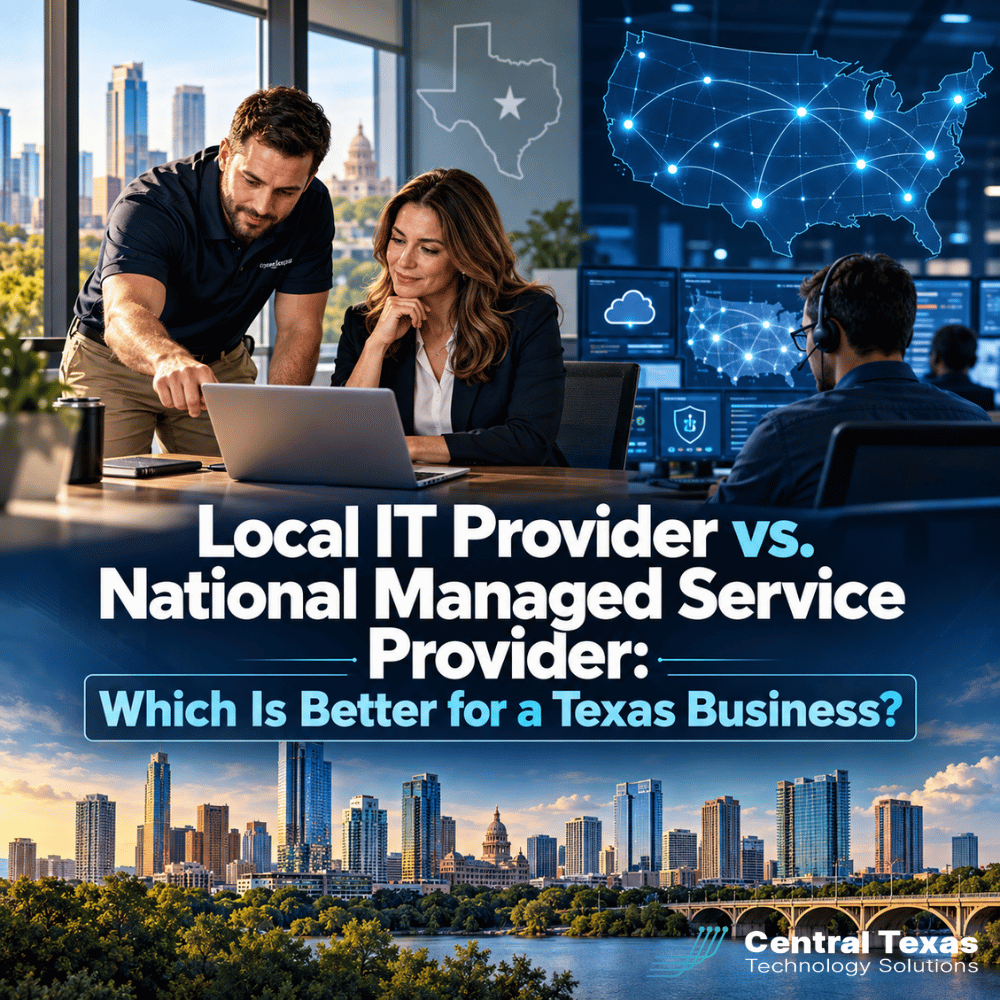
When your business depends on technology every day, choosing an IT provider is about more than finding someone who can reset passwords and troubleshoot computers.
You are choosing a partner that may be responsible for cybersecurity, backups, Microsoft 365, employee productivity, business continuity, and the technology decisions that support your growth.
For Texas businesses comparing a local IT provider with a national managed service provider, both models have advantages. National providers can offer scale, standardized processes, and broad geographic coverage. Local providers can offer accountability, onsite support, and a closer understanding of your business.
The right choice depends on what your organization actually needs.
What Is the Difference Between a Local IT Provider and a National Managed Service Provider?
A national managed service provider, or MSP, typically supports customers across multiple states or throughout the country. Its size may allow it to maintain large remote support teams, centralized systems, standardized procedures, and specialized technical resources.
A local managed IT provider serves a more concentrated geographic area. For example, CTTS works with businesses throughout Central Texas, including Austin, Georgetown, Round Rock, Cedar Park, and Pflugerville.
The biggest difference is not necessarily technical capability. It is often how the service is delivered.
A national MSP may be built around delivering consistent support to hundreds or thousands of organizations across a large territory. A strong local provider can combine many of the same professional tools and processes with people who know your company, understand your environment, and can physically be there when needed.
Where a National Managed Service Provider Has Advantages
There are legitimate reasons businesses choose national MSPs.
Scale and Remote Resources
Large providers can maintain substantial teams covering multiple technical disciplines. That scale can be useful for organizations with complex environments or offices spread across the country.
A national provider may also have extensive remote support resources, allowing many routine problems to be handled without anyone visiting the office.
Standardized Processes
Scale often requires standardization. National providers may have highly structured procedures for onboarding, ticket management, escalation, documentation, security, and system maintenance.
Standardization can be valuable because good IT support should not depend on whether one particular technician happens to be available.
Local MSPs should have documented processes too. Being local should never be an excuse for operating informally.
Geographic Coverage
For a company with employees and facilities in Dallas, Chicago, Atlanta, and Los Angeles, broad geographic coverage may be important.
But geographic reach matters less when most of your operations are concentrated in Central Texas. If your offices and employees are primarily around Austin and the surrounding communities, a provider's ability to support 40 other states may offer little practical benefit.
Where a Local Managed IT Provider Can Make a Difference
The local advantage becomes most noticeable when technology problems intersect with actual business operations.
Local Accountability
When your IT provider is part of the same business community, accountability feels different.
You are not simply another account being routed through a national support system. Your IT team can become familiar with your leadership, employees, locations, technology, and long-term goals.
That relationship matters when decisions become more complicated than opening a support ticket.
Suppose your business is expanding into a second location. You may need to plan connectivity, cybersecurity, computers, Wi-Fi, phones, Microsoft 365, access permissions, and data protection before employees arrive.
That is not simply an IT problem. It is a business project that requires technology planning.
A local managed IT provider can work with your leadership team early, help develop the plan, and coordinate implementation.
Onsite IT Support When Remote Support Is Not Enough
A great deal of modern IT support can be delivered remotely. In fact, remote support is often the fastest way to solve everyday problems.
But not everything can be fixed remotely.
A network outage, failed piece of hardware, office move, conference room problem, cabling issue, or major equipment replacement may require someone onsite.
When that happens, having technicians already serving Austin, Georgetown, Round Rock, Cedar Park, Pflugerville, and nearby communities can make a significant difference.
The question is not whether an IT company offers remote support. Nearly every modern MSP does.
The better question is: What happens when remote support is not enough?
Local IT Support Can Be Especially Important for Central Texas Industries
Different industries face different technology pressures, which makes familiarity with the local business environment valuable.
Healthcare organizations may be concerned with protecting sensitive patient information, maintaining system availability, and meeting compliance requirements. Legal firms need secure access to confidential client information while attorneys and staff work from offices, courtrooms, and remote locations.
Professional services firms often depend heavily on Microsoft 365, cloud applications, and reliable communications. Construction companies may have employees moving between offices, jobsites, and remote locations, creating additional device and connectivity challenges.
Manufacturers may depend on networks and systems that directly affect production, while nonprofits frequently need to balance cybersecurity and reliability against limited budgets and resources.
A managed IT provider should understand those business realities instead of treating every organization as an identical collection of computers and users.
Local vs. National MSP: Look Beyond Help Desk Support
One of the biggest mistakes businesses make when comparing IT providers is focusing primarily on how quickly someone answers the phone when something breaks.
Responsive support matters, but managed IT should go much further.
The real value comes from preventing avoidable problems and making better technology decisions before those problems occur.
When evaluating either a local or national MSP, ask how the provider handles:
- Cybersecurity and identity protection
- Backup and disaster recovery
- Network monitoring and maintenance
- Microsoft 365 management
- Employee onboarding and offboarding
- Hardware replacement and lifecycle planning
- Documentation
- Technology budgeting
- Compliance requirements
- Strategic technology planning
- Business continuity
Also ask how often someone reviews your technology environment with you.
At CTTS, we believe managed IT should be proactive rather than reactive. Your provider should help identify risks, plan upgrades, anticipate capacity needs, and align technology investments with where your business is going.
Otherwise, you may simply be paying someone to wait for things to break.
How to Choose the Right Managed IT Provider for Your Texas Business
Do not choose based on company size alone.
A national provider is not automatically better because it has more employees. A local provider is not automatically better simply because its office is nearby.
Instead, evaluate how the provider will actually support your business.
Ask questions such as:
- Who will be responsible for our account?
- Will we work with people who know our business and technology environment?
- What happens when we need onsite assistance?
- How quickly can someone physically reach our location?
- How do you prevent recurring IT problems?
- How do you monitor and manage cybersecurity risks?
- What is your process for escalating serious issues?
- How do you help us plan future technology investments?
- How do you support remote and hybrid employees?
- How will you help us prepare for growth, audits, system upgrades, or new locations?
The answers will tell you far more than the number of technicians a provider employs.
For many Central Texas businesses, the ideal model combines the strengths associated with both approaches: professional processes, sophisticated security tools, remote support capabilities, strategic planning, and local people who can show up when necessary.
That is the model CTTS is built around.
Managed IT Services With a Local Central Texas Team
Technology should help your business operate securely and efficiently without forcing your leadership team to spend its time managing IT problems.
CTTS provides managed IT services for businesses throughout Central Texas. We combine proactive monitoring, cybersecurity, remote support, onsite service, and technology planning to help organizations reduce problems and make better technology decisions.
Whether you are growing, dealing with recurring IT problems, managing a hybrid workforce, preparing for an audit, or questioning whether your current provider is giving your business enough attention, it may be time for a conversation.
Schedule a consultation with CTTS and find out what proactive, locally accountable IT support could look like for your business.
Frequently Asked Questions
Is a local IT provider better than a national MSP?
Neither model is automatically better. National MSPs can offer significant scale, standardized processes, remote resources, and geographic coverage. Local providers can offer stronger local accountability, easier access to onsite support, and closer relationships with customers. The best choice depends on your locations, IT environment, security requirements, and expectations for service.
Can a local managed IT provider offer the same cybersecurity tools as a national company?
Often, yes. Many cybersecurity technologies used by MSPs are available regardless of the provider's size. The more important questions are how those tools are configured, monitored, maintained, and incorporated into an overall cybersecurity strategy.
Does my business still need onsite IT support if most problems can be fixed remotely?
Remote support can resolve many everyday IT issues quickly, but onsite support remains important for hardware failures, networking problems, office moves, equipment installations, and other situations that require physical access. Businesses should understand exactly how their MSP handles those situations before signing an agreement.
Contact CTTS today for IT support and managed services in Austin, TX. Let us handle your IT so you can focus on growing your business. Visit CTTSonline.com or call us at (512) 388-5559 to get started!
Looking for clarity on your next IT move? These articles will help:
Managed IT Services vs Hiring One IT Person: Which Is Safer for a Growing Business?
Cybersecurity Software vs Cybersecurity Strategy: What Is the Difference?
Hourly IT Support vs Monthly Managed IT Services: Which Gives You Better Control?
Microsoft 365 Basic Setup vs Managed Microsoft 365 Support: What Are You Missing?
Cybersecurity Insurance vs Cybersecurity Protection: Why Your Business May Need Both
Microsoft 365 Backup vs Microsoft’s Built-In Recovery Tools
VPN vs Zero Trust Network Access: Which Is Better for Remote Employees?
Replacing Servers vs Moving to the Cloud: Which Is Better for a Growing Business?
IT Help Desk vs Desktop Support: What Is the Difference?
Managed IT Services vs. Hiring Another Internal IT Employee: Which Makes More Sense?