
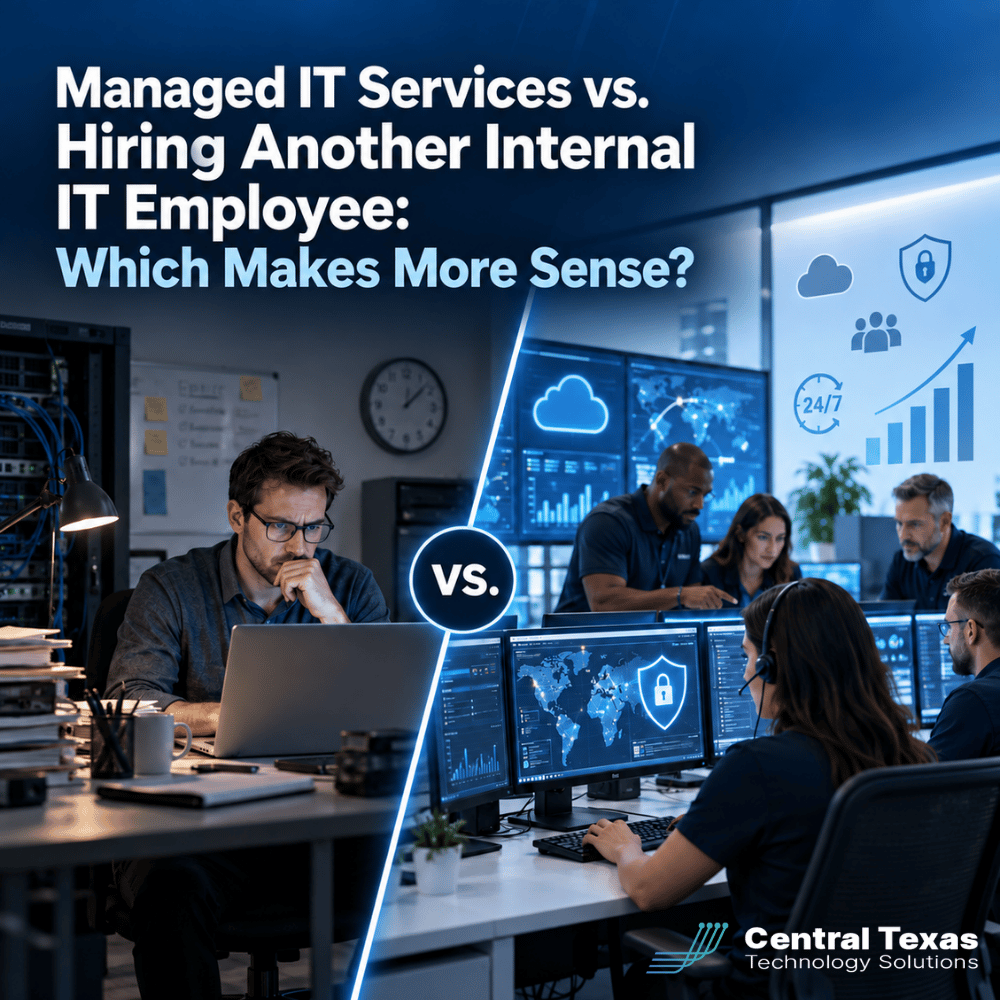
When your business is growing and your current IT resources are stretched thin, the next step may seem obvious: hire another IT employee.
Sometimes that is the right decision. But before adding another salary to the payroll, it is worth asking a bigger question.
Do you need another person, or do you need more IT capability?
For businesses in Austin, San Marcos, New Braunfels, and Bastrop, the difference matters. Managed IT services can provide broader technical expertise, cybersecurity resources, strategic planning, and coverage without relying on a single additional employee.
Here is how the two options compare.
Managed IT Services vs. Internal IT: Comparing the True Cost
Salary is only part of the cost of hiring an IT employee.
An experienced IT professional may also require benefits, payroll taxes, recruiting expenses, training, equipment, software, certifications, and ongoing professional development. Businesses also need to account for vacation, sick leave, and turnover.
With managed IT services, businesses generally pay a predictable monthly fee for access to a larger team and a broader set of capabilities.
That does not automatically mean outsourcing is cheaper in every situation. The better question is what you receive for the money.
One internal employee might be excellent at networking and Microsoft 365 but have limited cybersecurity experience. Another might know security but have little experience managing cloud infrastructure or business continuity.
A managed IT provider can spread those responsibilities across specialists instead of expecting one employee to know everything.
For a growing professional services firm or nonprofit, that difference can significantly change the value of the IT investment.
IT Coverage Is About More Than Having Someone in the Office
An internal IT employee can provide tremendous value, especially because that person understands your organization, employees, and daily operations.
The challenge is coverage.
What happens when your IT person is:
- On vacation
- Out sick
- Attending training
- Working on a major project
- Responding to several urgent problems at once
- Unavailable after normal business hours
A single employee has a limited amount of time.
A managed IT services company provides access to a team. If one technician is unavailable, another can respond. More complex issues can be escalated to someone with deeper expertise.
This becomes especially important for businesses that depend heavily on technology.
A construction company with field teams cannot afford to lose access to project systems for an entire day. A legal practice may need immediate access to case files and communications. Healthcare organizations have systems that employees depend on throughout the workday.
Reliable IT support requires both technical ability and enough capacity to respond when something goes wrong.
Managed IT Services Provide Access to More Specialized Expertise
Modern IT has become too complicated for most individual technicians to specialize in everything.
Your technology environment may include:
- Microsoft 365
- Cloud applications
- Network infrastructure
- Cybersecurity
- Backup and disaster recovery
- Mobile devices
- Remote access
- Compliance requirements
- Vendor management
- Hardware lifecycle planning
Hiring one employee does not suddenly create expertise in every one of these areas.
This is one of the strongest arguments for managed IT services. Instead of hiring a generalist and hoping that person can handle every situation, you gain access to people with different areas of expertise.
For example, a manufacturing company may need help securing operational systems while also managing Microsoft 365, backups, network infrastructure, and remote access.
The goal is not simply to have someone who can fix computers. Your business needs the right expertise when the situation requires it.
Cybersecurity Expertise Has Become a Major Consideration
Cybersecurity deserves special attention when comparing managed IT services with another internal hire.
Protecting a business now involves much more than antivirus software and a firewall.
Effective cybersecurity can require endpoint protection, identity security, email filtering, vulnerability management, multifactor authentication, security monitoring, employee training, backups, and incident response planning.
The security environment also changes constantly.
An internal IT professional may be highly capable, but staying current with every cybersecurity development while also supporting users and managing infrastructure can be difficult.
Managed IT providers can dedicate resources specifically to security.
That distinction is especially important for healthcare organizations, legal firms, manufacturers, nonprofits, construction companies, and professional services organizations that manage financial, confidential, proprietary, or regulated information.
Security cannot become the task someone gets to after everything else is finished.
It needs to be part of the IT strategy from the beginning.
IT Availability Can Affect Productivity and Business Continuity
Consider what happens when your employees cannot work because technology is unavailable.
A server problem, Microsoft 365 issue, internet outage, failed computer, security incident, or software problem can quickly turn into lost productivity.
The cost is rarely limited to IT.
Employees stop working. Customers wait. Projects fall behind. Leadership gets pulled into troubleshooting. Revenue can be affected.
Adding another internal employee may improve response capacity, but you are still increasing your team by one person.
A managed IT services provider expands the available support resources much further.
At CTTS, the goal is not simply to wait for something to fail and then fix it. A proactive approach includes monitoring systems, maintaining technology, managing security, and identifying potential problems before they create a larger disruption.
Preventing an outage is almost always better than responding to one.
Strategic IT Planning Is Different From Technical Support
One of the most overlooked differences between hiring another IT employee and working with a managed IT company is strategic planning.
IT support asks:
"How do we fix today's problem?"
Technology strategy asks:
"Where is the business going, and what technology will it need to get there?"
Growing companies need both.
Strategic IT planning may include:
- Technology budgeting
- Hardware replacement schedules
- Cybersecurity improvements
- Cloud migrations
- Software evaluations
- Business continuity planning
- Compliance preparation
- Vendor management
- Infrastructure upgrades
For example, a growing business in Austin might plan to add 25 employees over the next two years. That creates questions about licensing, devices, network capacity, cybersecurity, remote access, support, and budgeting.
Waiting until those employees arrive creates unnecessary problems.
A strategic IT partner helps leadership plan ahead so technology supports growth instead of becoming an obstacle to it.
Managed IT Services Can Scale More Easily as Your Business Grows
Hiring works in increments.
If your IT department becomes overloaded, you hire another person. When that person reaches capacity, you may eventually need another.
Managed IT services can often scale more smoothly.
As your company adds employees, locations, applications, or cybersecurity requirements, your IT resources can expand along with the organization.
That flexibility can be valuable for growing businesses in Bastrop, New Braunfels, San Marcos, Austin, and throughout Central Texas.
It can also make budgeting more predictable.
Instead of repeatedly recruiting additional IT employees as the business grows, leadership can build an IT relationship that evolves with the company.
That is particularly useful for organizations preparing for acquisitions, new offices, remote teams, compliance audits, system upgrades, or rapid hiring.
Do You Have to Choose Between Internal IT and Managed IT Services?
Not necessarily.
For many organizations, the best solution is co-managed IT.
In a co-managed arrangement, the internal IT team works alongside an outside IT provider.
Your internal staff maintains its knowledge of the organization and handles responsibilities where it provides the most value. The managed IT company provides additional resources, specialized expertise, cybersecurity capabilities, tools, and support.
Instead of replacing your IT employee, you strengthen the team around that person.
This approach can be especially effective when a capable IT manager is overwhelmed by help desk requests and routine maintenance. Outsourcing those responsibilities can give the internal employee more time to focus on projects and priorities that directly support the business.
Which IT Staffing Model Makes Sense for Your Business?
Hiring another internal IT employee can make sense when you need someone deeply embedded in daily operations and have enough ongoing work to justify the position.
Managed IT services may make more sense when you need broader coverage, access to specialists, stronger cybersecurity capabilities, predictable support, strategic technology planning, or the ability to scale quickly.
The important thing is not to make the decision based only on whether you can hire another technician.
Look at what the business actually needs.
CTTS helps Central Texas businesses evaluate their current technology environment, identify gaps, and build an IT strategy that supports where the organization is going next.
The goal is not simply more IT support. It is better technology management, stronger security, greater productivity, and fewer surprises.
Build an IT Strategy That Fits Your Business
Adding another IT employee is one option, but it is not the only way to expand your technology capabilities.
If your business needs stronger IT coverage, cybersecurity expertise, strategic planning, or room to grow, CTTS can help you determine which approach makes sense.
Schedule a consultation with CTTS to discuss your current IT environment and the support your business will need next.
Frequently Asked Questions
Are managed IT services cheaper than hiring an internal IT employee?
It depends on the business, but the comparison should include more than salary. Consider benefits, recruiting, training, tools, cybersecurity resources, coverage, and specialized expertise. Managed IT services can provide access to an entire team for a predictable monthly investment.
Can managed IT services work with an existing IT employee?
Yes. Co-managed IT allows an internal IT professional or department to work alongside a managed service provider. The outside provider can supply additional support, specialized expertise, cybersecurity services, monitoring, and strategic resources without replacing the internal team.
How do I know if my business has outgrown its current IT support?
Common warning signs include recurring downtime, slow support, unfinished projects, cybersecurity concerns, aging equipment, poor documentation, difficulty supporting remote employees, and an IT team that spends most of its time reacting to problems instead of planning ahead.
Contact CTTS today for IT support and managed services in Austin, TX. Let us handle your IT so you can focus on growing your business. Visit CTTSonline.com or call us at (512) 388-5559 to get started!
Get the answers business leaders are asking about IT services:
Cloud Backup vs Local Backup: Which Does Your Business Need?
Managed IT Services vs Hiring One IT Person: Which Is Safer for a Growing Business?
Cybersecurity Software vs Cybersecurity Strategy: What Is the Difference?
Hourly IT Support vs Monthly Managed IT Services: Which Gives You Better Control?
Microsoft 365 Basic Setup vs Managed Microsoft 365 Support: What Are You Missing?
Cybersecurity Insurance vs Cybersecurity Protection: Why Your Business May Need Both
Microsoft 365 Backup vs Microsoft’s Built-In Recovery Tools
VPN vs Zero Trust Network Access: Which Is Better for Remote Employees?
Replacing Servers vs Moving to the Cloud: Which Is Better for a Growing Business?