
When businesses compare managed IT services, one of the biggest pricing differences often comes down to cybersecurity.
Two providers may both offer help desk support, device management, Microsoft 365 administration, and network monitoring, but one quote may be significantly higher because it includes a much stronger security stack.
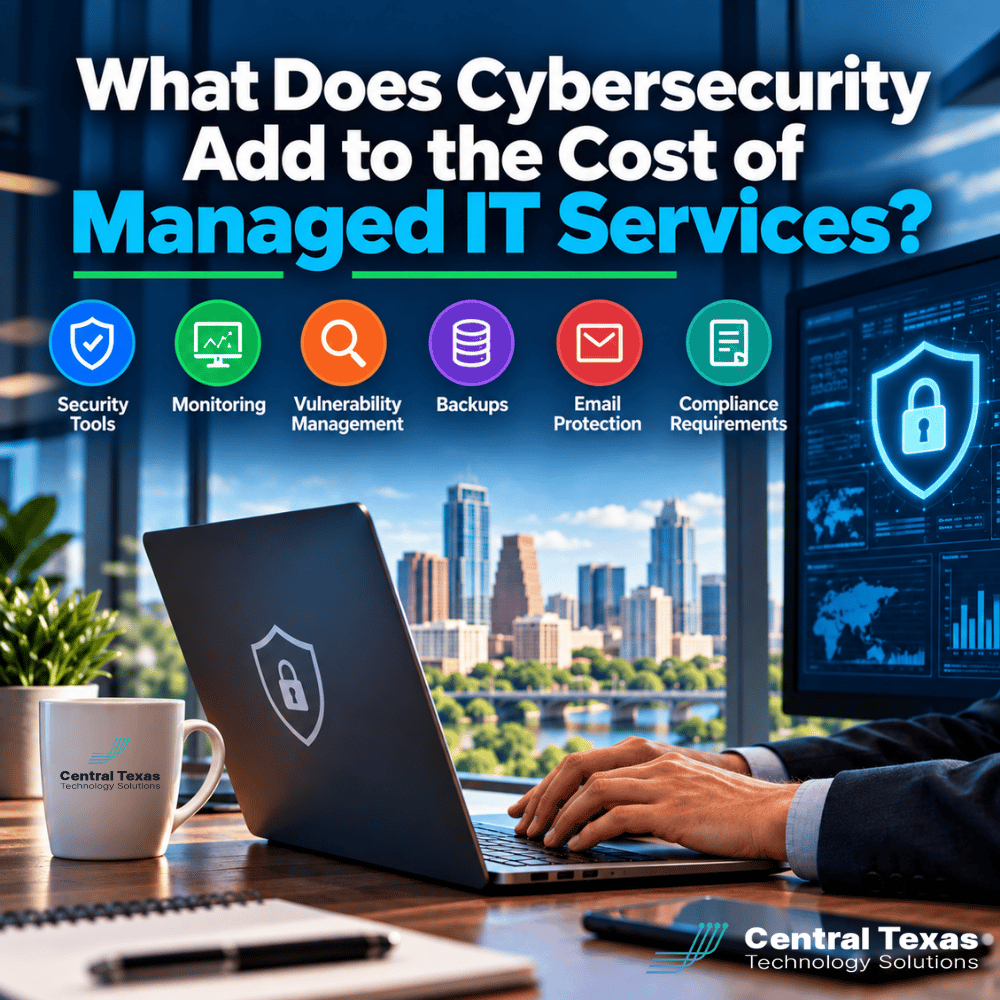
That difference is not necessarily markup. In many cases, it reflects the cost of better protection, ongoing monitoring, backup systems, vulnerability management, email security, and compliance support.
For businesses in Austin, Georgetown, and Leander, understanding these security-related costs can make it much easier to compare managed IT proposals fairly.
Why Cybersecurity Changes Managed IT Services Pricing
Traditional IT support focused heavily on keeping systems running. Cybersecurity adds another layer of responsibility.
A managed IT provider may need to protect endpoints, monitor suspicious activity, identify vulnerabilities, secure email, maintain recoverable backups, document policies, review logs, and respond to security events.
Each of those services requires software, infrastructure, expertise, and ongoing labor.
That is why managed IT services pricing can vary significantly depending on how much cybersecurity is included.
A lower-cost IT agreement may provide basic antivirus software and reactive support. A more comprehensive agreement may include several layers of protection designed to identify threats before they disrupt the business.
The question is not simply, "How much does managed IT cost?"
A better question is, "What level of risk is this IT provider taking responsibility for?"
Security Tools Can Increase the Monthly Cost of Managed IT
Modern cybersecurity usually requires multiple tools working together.
Depending on the provider and service package, these may include:
- Endpoint detection and response
- Managed antivirus protection
- Multi-factor authentication tools
- Security monitoring
- Web filtering
- Secure remote access
- Mobile device management
- Email security
- Dark web monitoring
- Security awareness training
- Identity protection
- Security logging and alerting
Licensing many of these tools is often based on the number of users, devices, mailboxes, or locations being protected.
A 15-person professional services firm may need a relatively small security footprint. A construction company with field employees, tablets, laptops, remote users, and multiple offices may require significantly more protection.
The security tools themselves are only part of the cost. Someone also has to configure them, monitor alerts, investigate suspicious activity, maintain policies, and respond when something goes wrong.
Cybersecurity Monitoring Requires Human Oversight
Security software can generate an enormous number of alerts.
The real value comes from determining which alerts matter.
For example, a monitoring platform may detect an unusual login, suspicious file activity, repeated failed authentication attempts, or communication with a known malicious website.
Someone must review that information and decide whether the activity is harmless or requires immediate action.
That monitoring adds expertise and labor to a managed IT agreement.
A proactive provider should not simply install security software and hope it works. The provider should regularly review the environment, investigate threats, adjust configurations, and respond to emerging risks.
This is especially important for healthcare organizations, legal firms, nonprofits, manufacturers, professional services companies, and construction businesses where downtime or a security incident can quickly become a major operational problem.
Vulnerability Management Adds Another Layer of Protection
Vulnerability management is different from antivirus protection.
Antivirus and endpoint security focus heavily on malicious activity. Vulnerability management looks for weaknesses that attackers could potentially exploit.
That may include:
- Missing operating system updates
- Outdated applications
- Unpatched network equipment
- Unsupported software
- Weak configurations
- Internet-facing systems with known vulnerabilities
- Devices that fall outside normal security policies
Finding vulnerabilities is only the first step.
Someone also needs to prioritize them, determine the business impact, coordinate remediation, confirm that updates were installed correctly, and verify that the vulnerability was resolved.
For businesses preparing for audits, cyber insurance renewals, customer security questionnaires, or regulatory reviews, vulnerability management can become particularly important.
That additional work can materially affect managed IT services pricing.
Backup and Disaster Recovery Can Be a Significant Cost Factor
Backups are another major component of cybersecurity.
Ransomware, accidental deletion, hardware failure, and employee mistakes can all result in data loss. A strong backup strategy gives the business a way to recover without relying on the affected systems.
Backup costs may depend on several factors:
- Number of servers
- Amount of data
- Cloud storage requirements
- Microsoft 365 backup needs
- Retention periods
- Recovery time expectations
- Geographic redundancy
- Testing requirements
A business that only needs basic file backups has different requirements from a manufacturer that cannot afford extended production downtime.
Likewise, a legal firm or healthcare organization may need longer retention periods and more documentation around how data is protected.
Backups should also be tested.
A backup that has never been verified is not much of a recovery plan.
Managed IT providers that regularly test backups, document recovery procedures, and help clients prepare for outages will usually have higher operating costs than providers offering simple storage alone.
Email Protection Adds Cost but Addresses a Major Risk
Email continues to be one of the most common ways attackers reach employees.
Phishing messages, credential theft, malicious attachments, spoofed domains, and business email compromise can bypass employees who are otherwise careful.
A strong managed IT security program may include:
- Spam filtering
- Attachment scanning
- Malicious link protection
- Impersonation detection
- Domain protection
- Email authentication
- Message encryption
- Quarantine management
- User reporting tools
These services can add per-user licensing costs to a managed IT agreement.
However, they also reduce the likelihood that one convincing email leads to stolen credentials, fraudulent payments, data exposure, or ransomware.
For organizations with remote or hybrid employees, email security becomes even more important because users may be working outside the protection of the traditional office network.
Compliance Requirements Can Change the Scope of Managed IT Services
Compliance is another reason cybersecurity pricing can vary.
Not every business is subject to the same requirements.
Healthcare organizations may need to address HIPAA-related safeguards. Legal firms may face client confidentiality requirements. Manufacturers may need to satisfy customer or supply-chain security standards. Professional services firms may handle sensitive financial or personal information.
Nonprofits may have donor data and payment information to protect, while construction companies may need to secure project information, payroll data, contracts, and remote devices used in the field.
Compliance-related managed IT work may involve:
- Security documentation
- Access control reviews
- Policy development
- Audit preparation
- Log retention
- Vulnerability reporting
- Risk assessments
- Backup documentation
- Incident response planning
- Employee security training
The more documentation and oversight required, the more time the IT provider must dedicate to maintaining the environment.
That can increase the monthly cost, but it also reduces the burden on internal staff when audits, insurance applications, or customer security requests arise.
Lower Managed IT Pricing May Mean Less Security Is Included
A lower monthly price is not automatically a better deal.
When comparing managed IT proposals, business leaders should ask what security services are actually included.
Two quotes may appear to cover similar IT services while including completely different levels of protection.
Ask questions such as:
- Is endpoint detection and response included?
- Who monitors security alerts?
- Is vulnerability management included?
- Are Microsoft 365 backups included?
- Is email security included?
- How often are backups tested?
- Is security awareness training included?
- Does the provider assist with compliance requirements?
- Is incident response included or billed separately?
CTTS approaches managed IT as a proactive partnership. The goal is not simply to fix computers when something breaks. It is to identify risks earlier, reduce downtime, strengthen security, and align technology decisions with the needs of the business.
That approach can sometimes cost more than basic IT support, but it also provides a much clearer picture of what the business is actually paying to protect.
Frequently Asked Questions About Cybersecurity and Managed IT Costs
How much does cybersecurity add to managed IT services?
There is no single amount because the cost depends on the number of users, devices, servers, locations, security tools, backup requirements, and compliance obligations. Businesses with stronger security requirements will generally pay more than organizations needing only basic IT support.
Are cybersecurity tools included in managed IT services?
Sometimes. Some providers bundle security tools into their standard managed IT package, while others charge separately for endpoint protection, backups, email security, vulnerability management, or monitoring. Businesses should ask for a detailed breakdown before comparing proposals.
Is paying more for cybersecurity worth it?
That depends on the level of risk the business is willing to accept. Stronger security can reduce the likelihood and impact of ransomware, credential theft, data loss, downtime, and compliance problems. The key is making sure the additional cost provides meaningful protection rather than simply adding more software.
Understand What Your Managed IT Quote Really Includes
Managed IT pricing should reflect more than help desk support.
Security monitoring, backups, vulnerability management, email protection, compliance support, and advanced security tools can all increase monthly costs, but they also reduce business risk.
If you are comparing managed IT services in Austin, Round Rock, Georgetown, Cedar Park, or elsewhere in Central Texas, CTTS can help you understand what level of protection your business actually needs.
Schedule a consultation with CTTS to review your current IT environment, security risks, and managed IT options.
Contact CTTS today for IT support and managed services in Austin, TX. Let us handle your IT so you can focus on growing your business. Visit CTTSonline.com or call us at (512) 388-5559 to get started!
Make your next IT decision with confidence. Start with these insights:
What Should a Growing Business Budget for IT Support Each Year?
Does Your Business Need a Full IT Department or Just Better IT Management?
How Much Should Cybersecurity Add to Your Monthly IT Budget?
Why Cheap IT Support Feels Affordable Until Something Breaks
Why Some IT Providers Charge Setup Fees and Others Do Not
How Much Does It Cost to Switch IT Providers?
What Is the Real Cost of Supporting an Employee Who Works Remotely?
Should IT Hardware Be Included in Your Monthly Managed Services Agreement?
Why Your IT Bill Changes When Your Company Adds Employees or Locations
Why Do Managed IT Providers Charge Per User, Per Device, or Both?