
The CTTS Difference
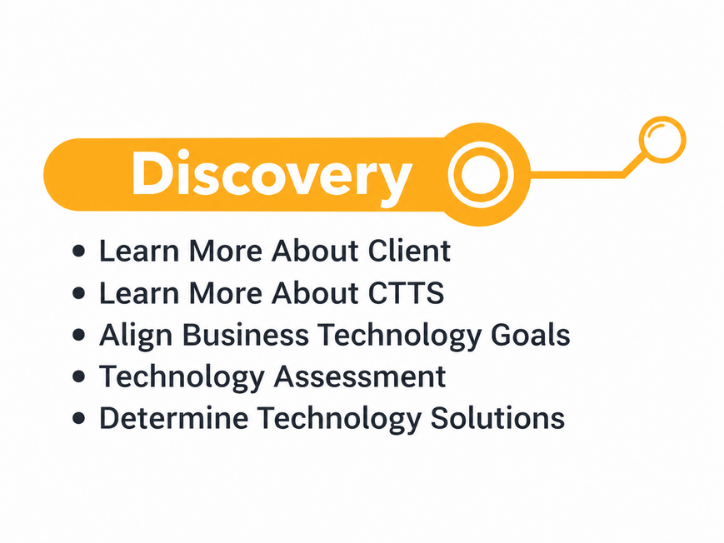

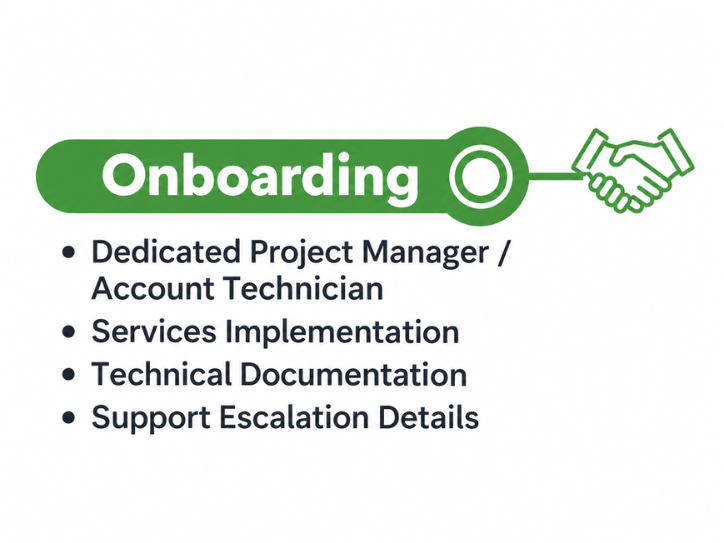
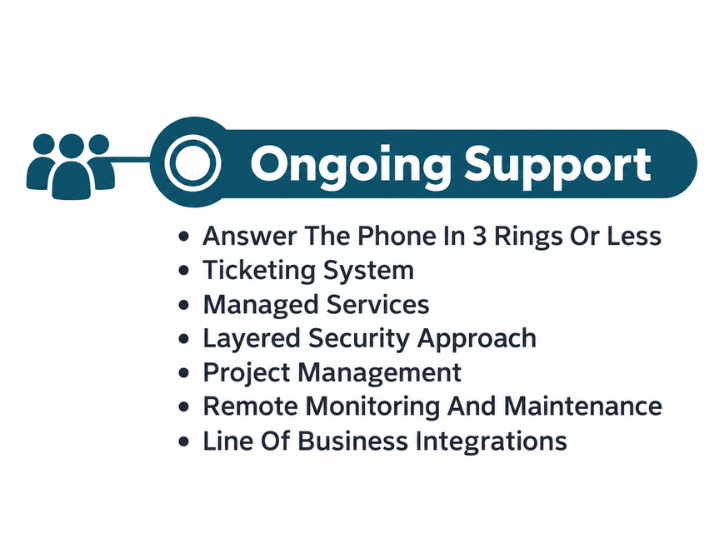
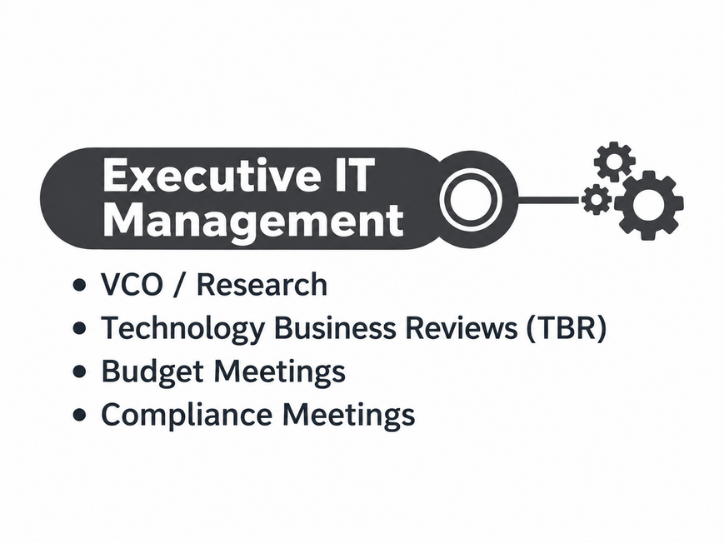
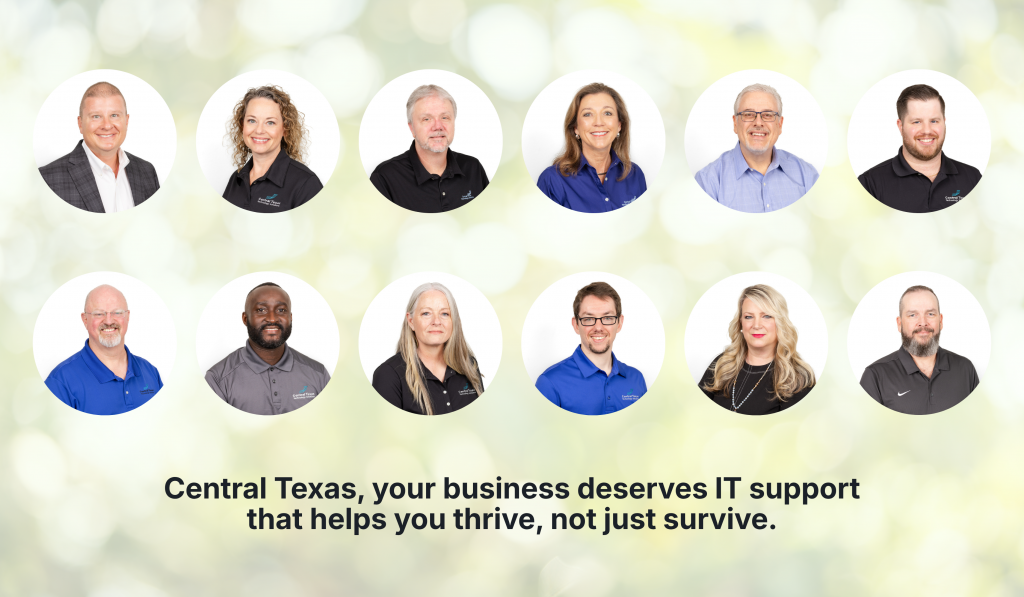
Your Dedicated Local IT Support Team
Frequently Asked Questions about Managed IT Services
Understanding IT Costs
- Why Do Managed IT Service Prices Vary So Much Between Providers in Austin?
- What Is Included in a Typical Per User IT Support Pricing Model?
- How Do IT Support Contracts Work and What Should You Expect to Sign?
- What Are the Long Term Costs of Delaying IT Upgrades?
- How Do Cybersecurity Requirements Impact Your IT Budget in 2026?
- Why IT Support Costs More When Your Business Has No Documentation
- What Should a Growing Business Budget for IT Support Each Year?
- Does Your Business Need a Full IT Department or Just Better IT Management?
- How Much Should Cybersecurity Add to Your Monthly IT Budget?
- Why Cheap IT Support Feels Affordable Until Something Breaks
- Why Some IT Providers Charge Setup Fees and Others Do Not
- How Much Does It Cost to Switch IT Providers?
- What Is the Real Cost of Supporting an Employee Who Works Remotely?
- Should IT Hardware Be Included in Your Monthly Managed Services Agreement?
- Why Your IT Bill Changes When Your Company Adds Employees or Locations
Choosing the Right IT Support Option
- Fully Managed IT vs Co Managed IT: Which Model Fits Your Business Best?
- IT Generalists vs IT Specialists: What Does Your Business Really Need?
- Should You Standardize Your Technology Stack or Stay Flexible?
- One IT Vendor vs Multiple Vendors: Which Approach Reduces Risk?
- Is It Better to Upgrade Your Current Systems or Start Fresh?
- Cloud Backup vs Local Backup: Which Does Your Business Need?
- Managed IT Services vs Hiring One IT Person: Which Is Safer for a Growing Business?
- Cybersecurity Software vs Cybersecurity Strategy: What Is the Difference?
- Hourly IT Support vs Monthly Managed IT Services: Which Gives You Better Control?
- Microsoft 365 Basic Setup vs Managed Microsoft 365 Support: What Are You Missing?
- Cybersecurity Insurance vs Cybersecurity Protection: Why Your Business May Need Both
- Microsoft 365 Backup vs Microsoft’s Built-In Recovery Tools
- VPN vs Zero Trust Network Access: Which Is Better for Remote Employees?
- Replacing Servers vs Moving to the Cloud: Which Is Better for a Growing Business?
- IT Help Desk vs Desktop Support: What Is the Difference?
How Managed IT Services Work
- What Does Proactive IT Support Actually Look Like Behind the Scenes?
- How IT Monitoring Tools Detect Problems Before Your Team Notices Them
- What Happens During a Routine IT Maintenance Cycle?
- How Backup and Disaster Recovery Plans Work in Real World Scenarios
- What Is an IT Roadmap and Why Every Growing Business Needs One
- What Happens During an IT Assessment and Why Does It Matter?
- How IT Documentation Protects Your Business From Confusion and Downtime
- What Is Vendor Management and Why Should Your IT Partner Handle It?
- How a Proactive IT Partner Plans for Business Growth
- What Happens Behind the Scenes When CTTS Monitors Your Network?
- What Happens When You Submit an IT Support Ticket?
- How Does an IT Provider Onboard a New Employee?
- What Happens When an Employee Leaves Your Company?
- How Does an IT Provider Prepare Your Business for a New Office?
- What Is a Technology Business Review and What Should It Accomplish?
Common IT Concerns
- What Happens to Your Business During a Full Day of IT Downtime?
- How Do You Know If Your Business Is One Click Away From a Cyberattack?
- What Are the Risks of Letting Employees Manage Their Own Technology?
- How Outdated Systems Quietly Hurt Productivity and Revenue
- What Could a Data Breach Actually Cost Your Business in Texas?
- How One Weak Password Can Put Your Entire Business at Risk
- What Are the Warning Signs Your Business Has Outgrown Its Current IT Support?
- What Happens When Your IT Provider Does Not Understand Your Industry?
- Why Small IT Problems Keep Coming Back and What That Really Means
- Could Your Business Keep Running If Your Main Server Failed Today?
- What Happens When Your Only IT Employee Leaves Without Warning?
- Could a Former Employee Still Have Access to Your Business Systems?
- Why Cyber Insurance Claims Get Denied After a Data Breach
- What Happens If Your Business Backup Has Never Been Tested?
- Is Your Office Wi-Fi Creating a Hidden Security Risk?
How to Evaluate an IT Provider
- How Do You Evaluate an IT Provider’s Response Time Before Signing a Contract?
- What Does a Strong IT Onboarding Process Look Like for Your Business?
- How Can You Tell If an IT Company Is Being Proactive or Just Reactive?
- What Should You Expect From Your First 90 Days With a New IT Partner?
- How Do You Measure the ROI of Managed IT Services?
- How to Compare IT Support Proposals Without Getting Lost in Technical Details
- What Should an IT Provider Ask Before Giving You a Proposal?
- How to Know If an IT Company Is a Good Fit for Your Business Culture
- What Questions Should Your Leadership Team Ask Before Switching IT Providers?
- How to Choose an IT Partner Before a Cybersecurity Insurance Renewal
- How to Verify an IT Company’s Cybersecurity Experience Before Hiring Them
- What Should You Look for in an IT Provider’s Service Level Agreement?
- How to Read Online Reviews for an IT Support Company
- Should Your IT Provider Have Experience With Your Industry?
- How to Tell Whether an IT Provider Can Support Multiple Offices
Technology, Security, and Support Questions
- How Endpoint Detection and Response Protects Your Business From Modern Threats
- What Multi Factor Authentication Really Does and Why It Matters More Than Ever
- How Secure Cloud Migrations Work Without Disrupting Your Business
- What Role AI Is Playing in Cybersecurity for Texas Businesses
- How Network Visibility Tools Help Prevent Costly IT Surprises
- Why Microsoft 365 Security Defaults Are Not Enough for Most Businesses
- How Conditional Access Helps Protect Your Business From Unauthorized Logins
- What Is Zero Trust Security and Does Your Business Really Need It?
- How Business Email Compromise Happens and How to Prevent It
- Why Endpoint Security Matters When Your Team Works From Anywhere
- What Is Microsoft Intune and Does Your Business Need It?
- What Is SASE and Why Are More Texas Businesses Using It?
- What Is DMARC and How Does It Protect Your Business Email Domain?
- What Is Vulnerability Management and How Is It Different From a Security Scan?
- What Is SIEM and Does a Small or Mid-Sized Business Really Need It?
Industry White Paper Downloads
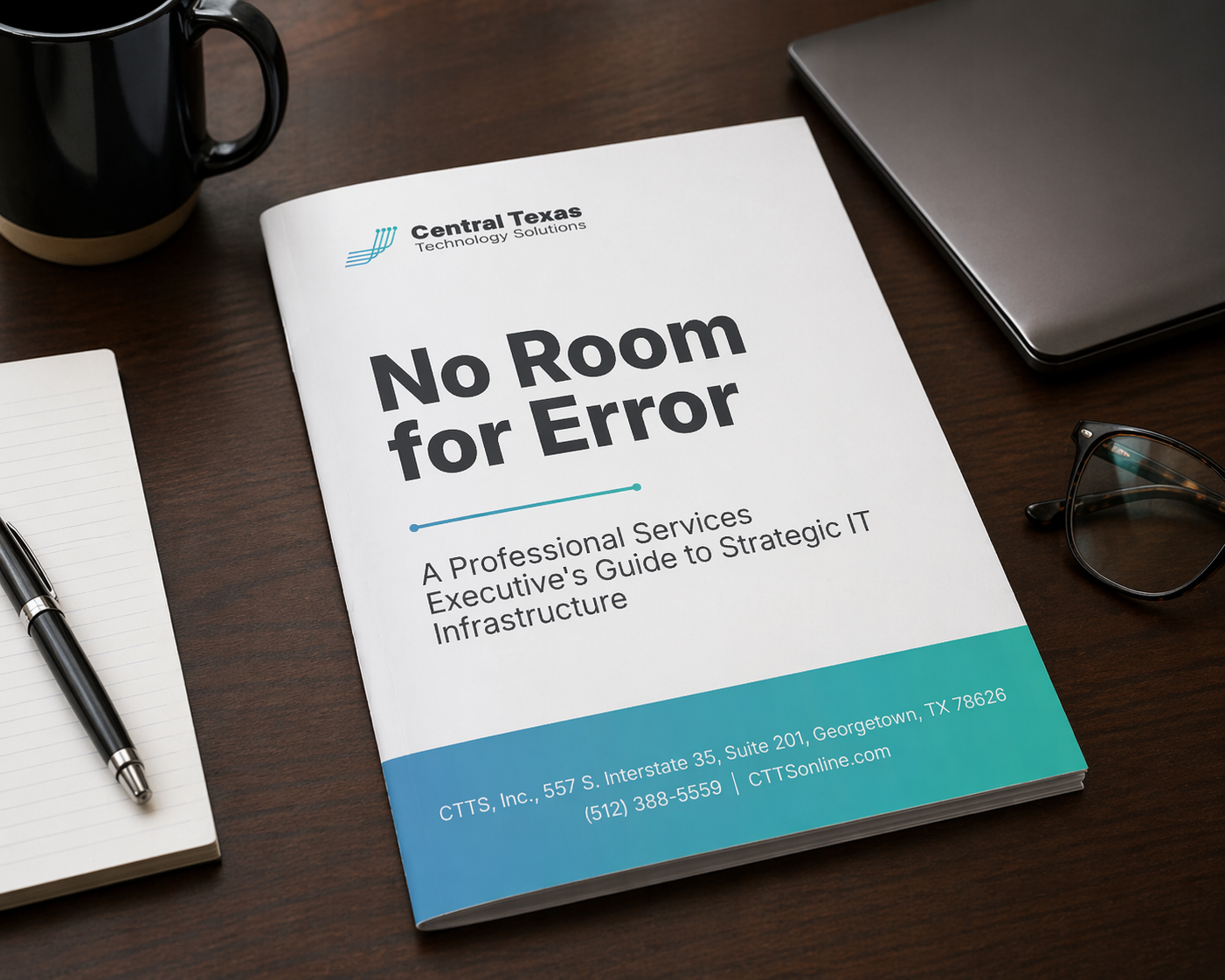
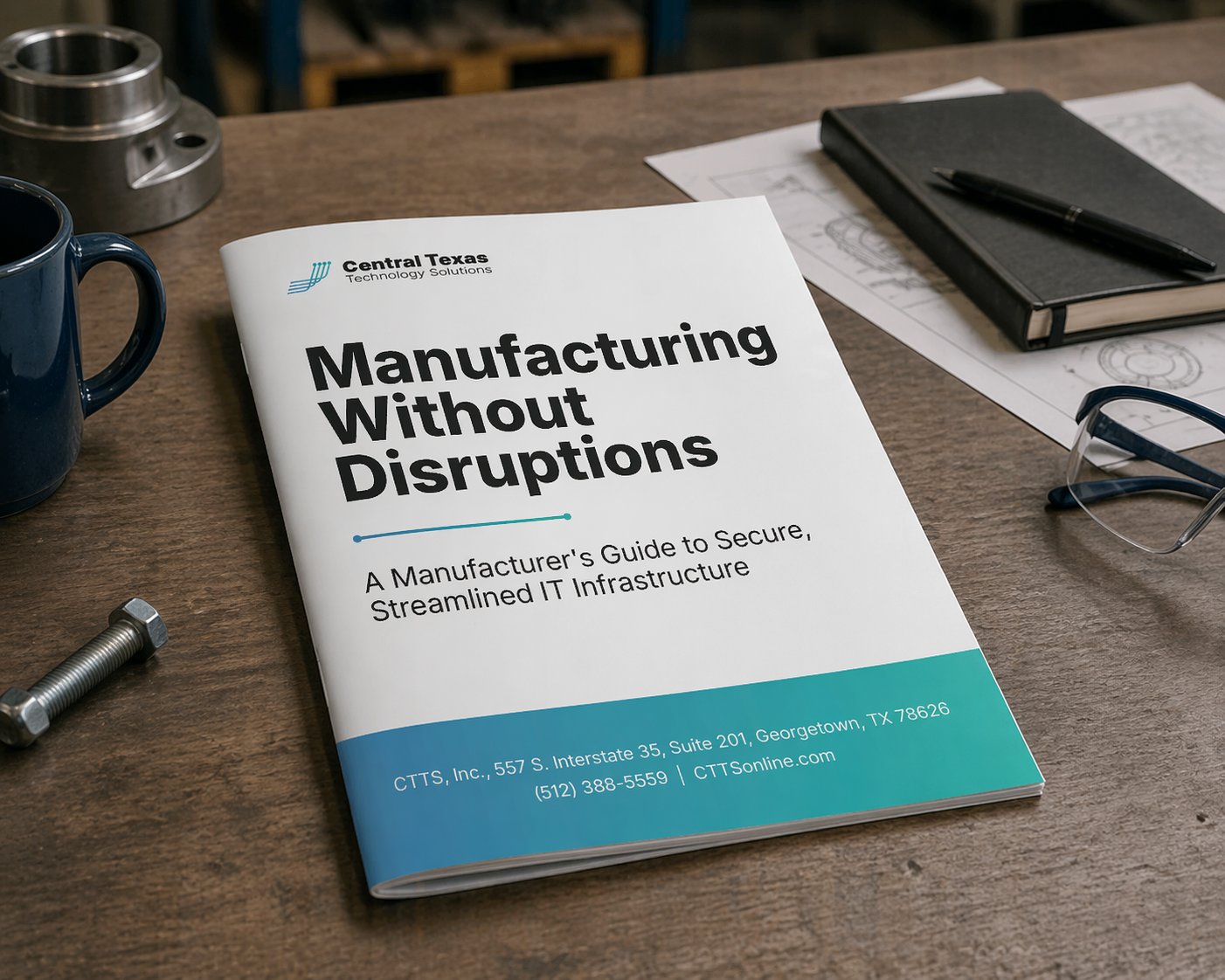
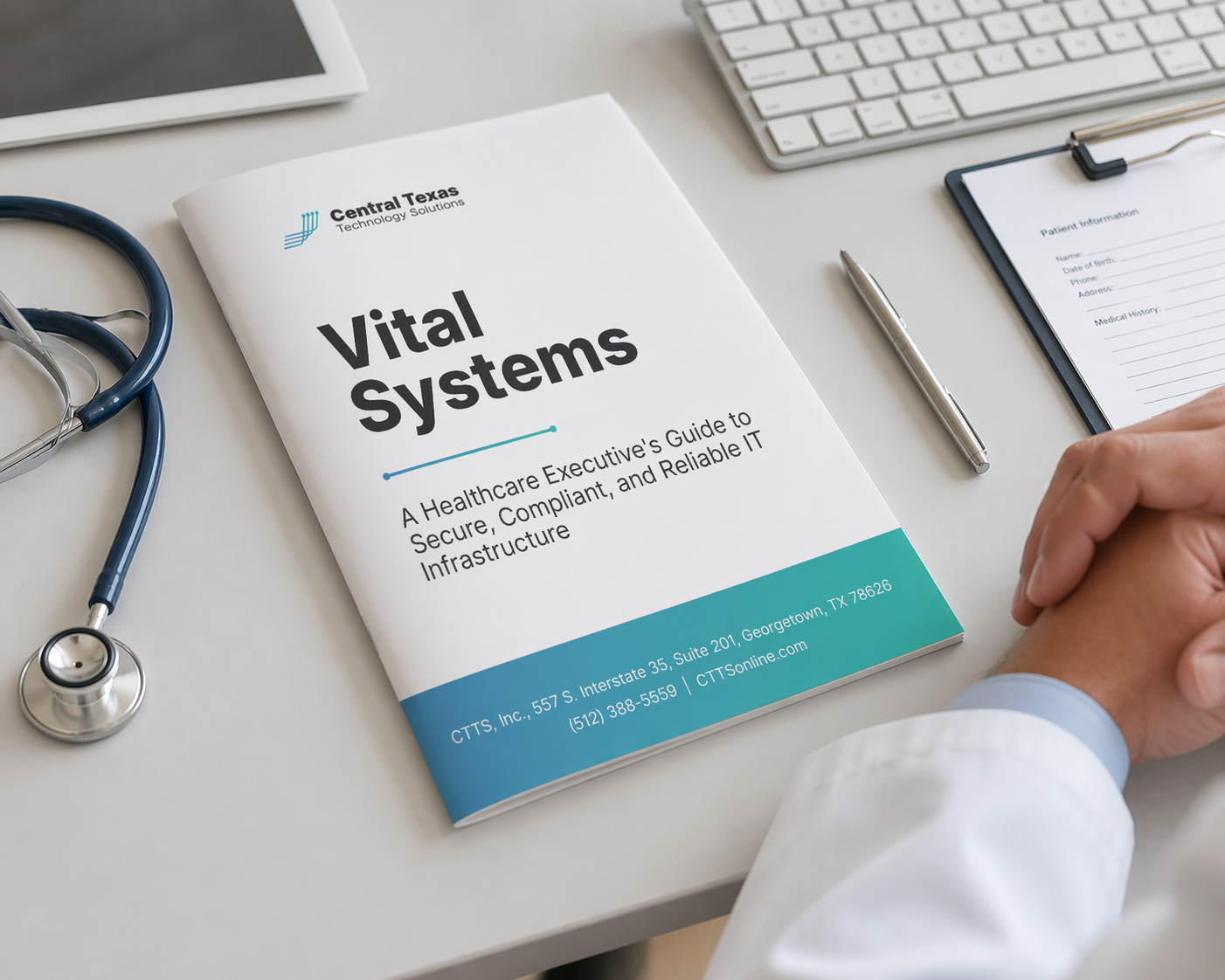
Vital Systems:
A Healthcare Executive's Guide to Secure, Compliant, and Reliable IT Infrastructure

Ready to Talk?
Three Steps to a Fully Protected Business
Step 1:
Get Your Executive IT Risk Assessment
In 30 minutes we identify your security gaps, compliance exposures, and hidden risks — no obligation.
Step 2:
Receive Your Layered Security Plan
A prioritized, plain-English security roadmap — what to fix first, what to layer in, and why.
Step 3:
We Manage Your Security — You Run Your Business
CTTS takes over your entire security stack. Threats are detected, blocked, and resolved — often before you know they happened.
What Our Clients Say
We have never felt anything less than their top priority as a customer.
Josh and his team at CTTS are always so responsive to our questions and needs. While CTTS has grown into a leading tech firm in the Central Texas area we have never felt anything less than their top priority as a customer. Josh and his team see problems and issues through to the finish, keeping us in the loop through the process. I would definitely recommend them to family, friends and business partners without hesitation.
 Lana Voth
Office Manager
Lana Voth
Office ManagerNorth Star Manual Therapy
CTTS has one of the best customer service I've experienced.
CTTS has one of the best customer service I've experienced from a vendor/contractor. The CTTS representatives are patient and take the time to communicate clearly and to carefully explain the issue(s) and solution(s) available to the customer. I've never experienced any disdain for any technical question I've asked.
 Teresa Carbajal Ravet
Director of Development & Communications
Teresa Carbajal Ravet
Director of Development & CommunicationsYWCA Greater Austin
Your Business Can't Afford to Find Out the Hard Way.
Ransomware. Phishing. Business email compromise. These attacks are hitting Central Texas businesses right now. CTTS stops them before they reach you. Get your Executive IT Risk Assessment and find out exactly where your vulnerabilities are, before an attacker does.
Trusted by Central Texas Businesses That Can't Afford a Breach

Legal

Healthcare

Non-Profit

Construction

Professional Services

Manufacturing